
Simple Markdown Editor
Note as Markdown text simply
Designed for iPhone, iPad, Mac, iPod touch
Free · In-app purchases
- Age rating4+
- CategoryUtilities
- DeveloperYUKI TANAIKE
- LanguagesEnglish+ 46 more
- Size55.2 MB
Links to the official App Store page
Download.org hosts no file of Simple Markdown Editor. The button opens its official App Store page, published by YUKI TANAIKE. Listing last checked on Nov 23, 2026.
Screenshots

About
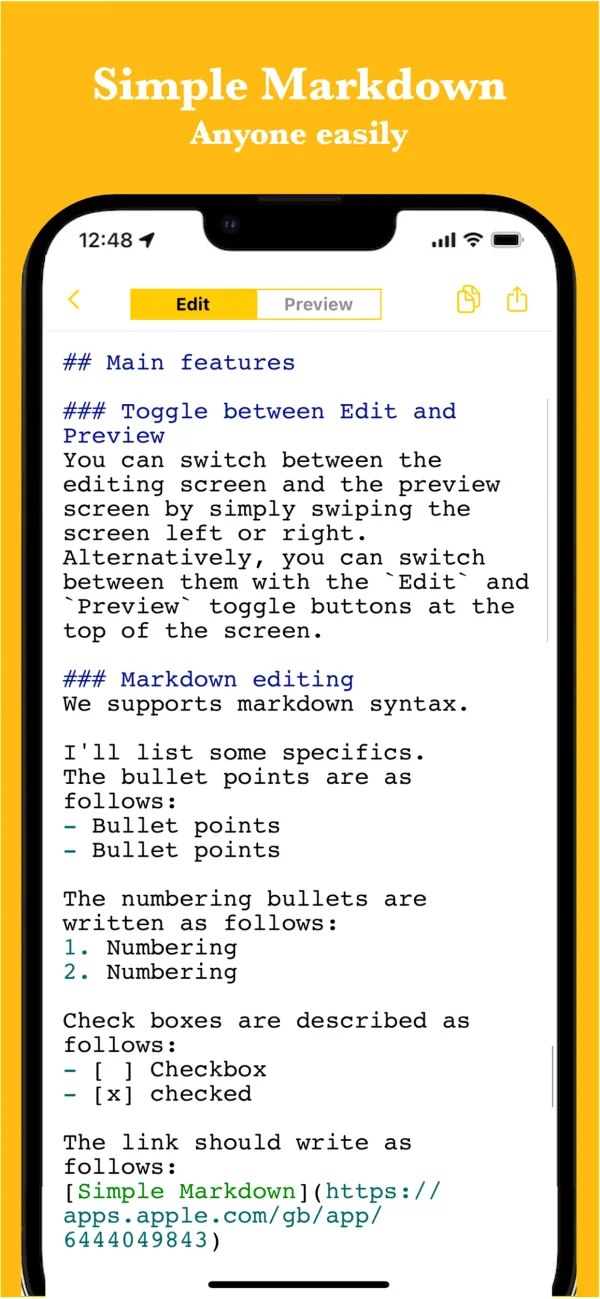
Simple Markdown Application can easily edit markdown text.
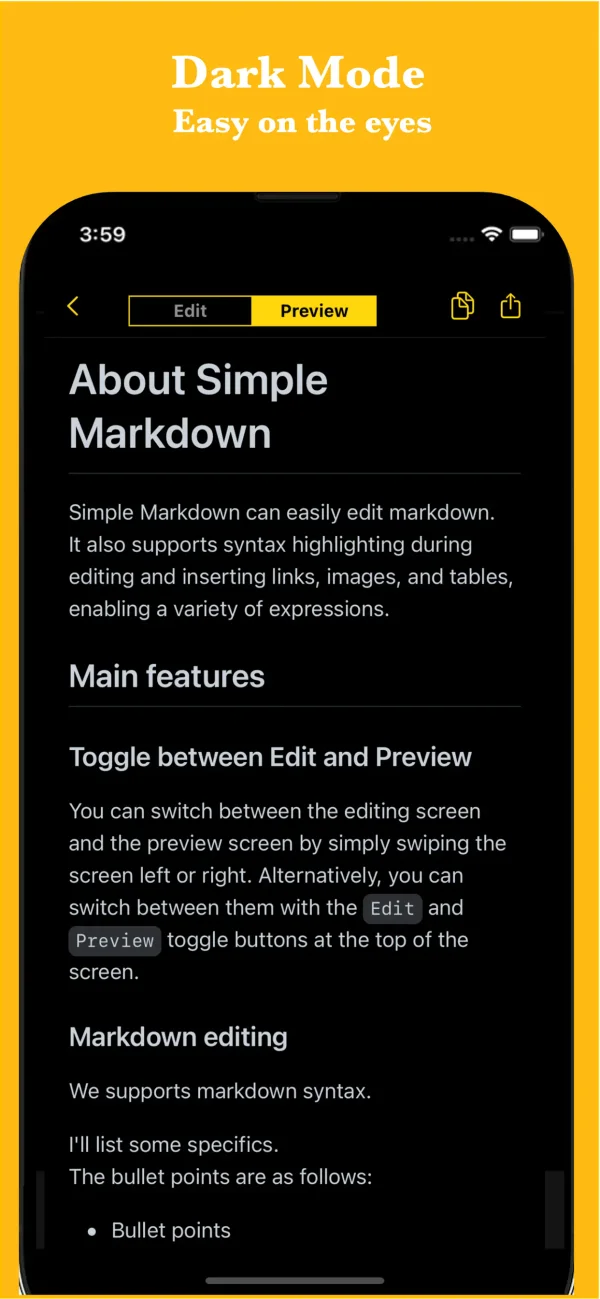
It also supports syntax highlighting during editing and inserting links, images, and tables, enabling a variety of expressions.
It is used in the following situations.
- Create meeting minutes
- Idea book
- Writing
- Simple notepad
Since it can be used for anything managed with markdown, there are reports of various usages.
If you want to take notes in markdown, please try it.
■ Features
* Intuitive operability
Ease of use is the most important thing for simple functions.
It works quickly and you can edit intuitively.
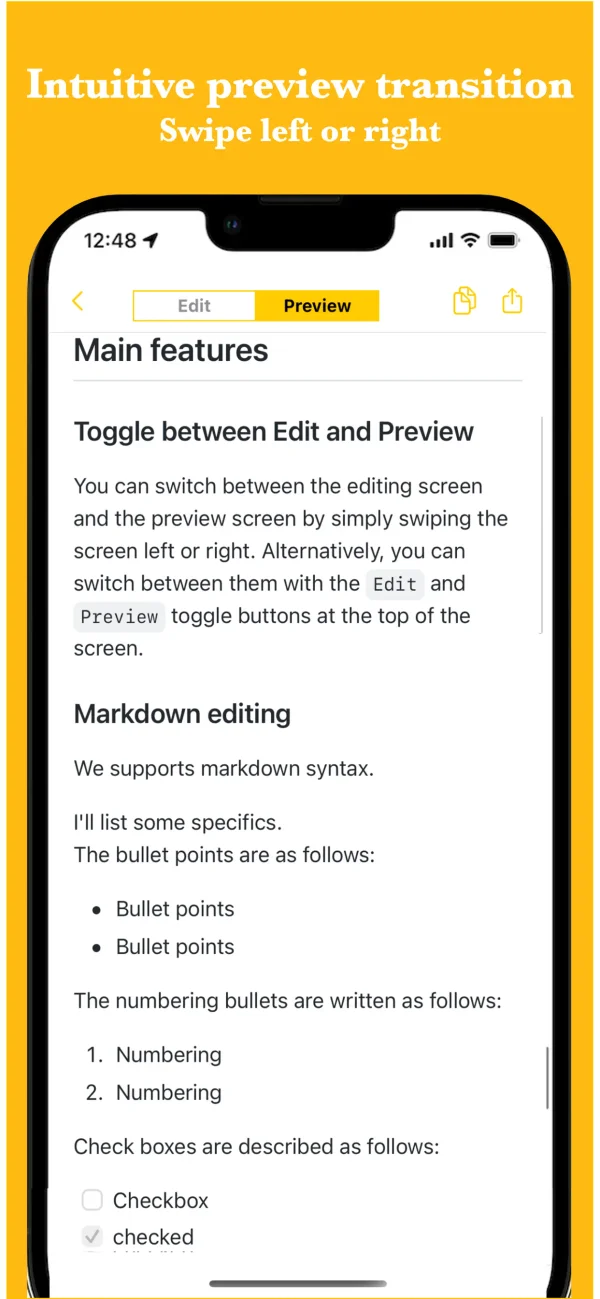
* Smooth switching to preview
Simply swipe the screen left or right to switch between the edit screen and the preview screen.
* Various expressions
It supports not only basic expressions such as bullet points and links, but also images, tables, codes, and formulas.
Therefore, it can be used in a variety of situations.
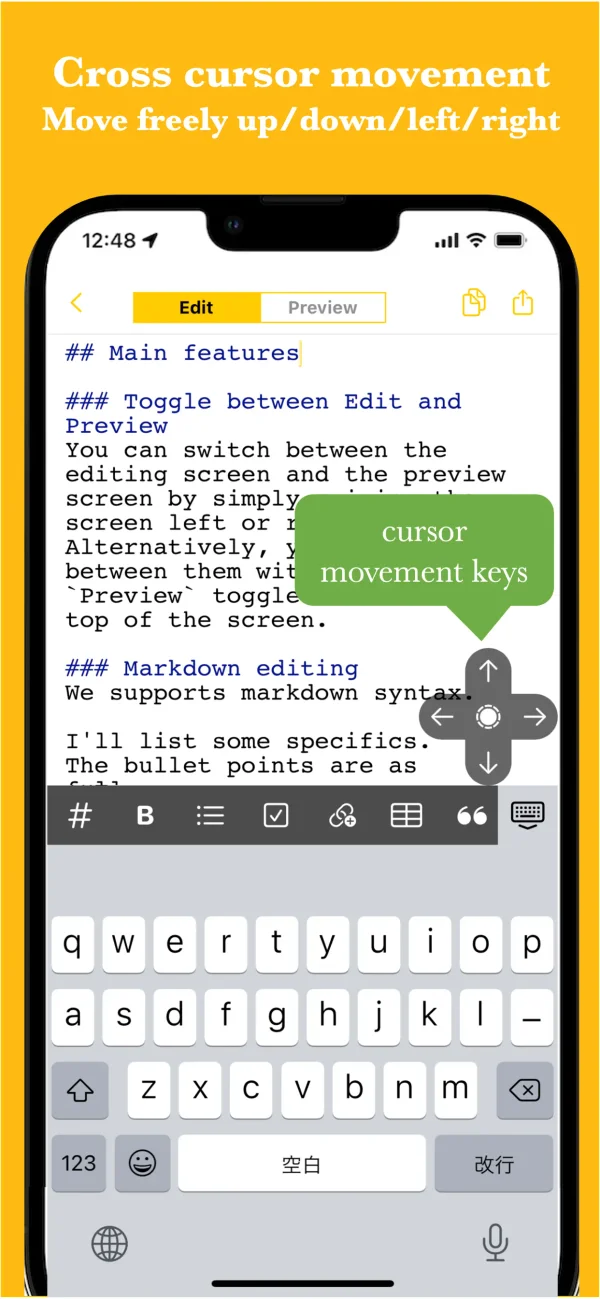
* Easy cursor movement
You can move up, down, left and right with the cross cursor button.
Easier movement makes editing smoother.
* Auto save
When you edit the text, it is saved automatically, so you don't forget to save it.
* Ready to use
You can use it immediately without registering an account.
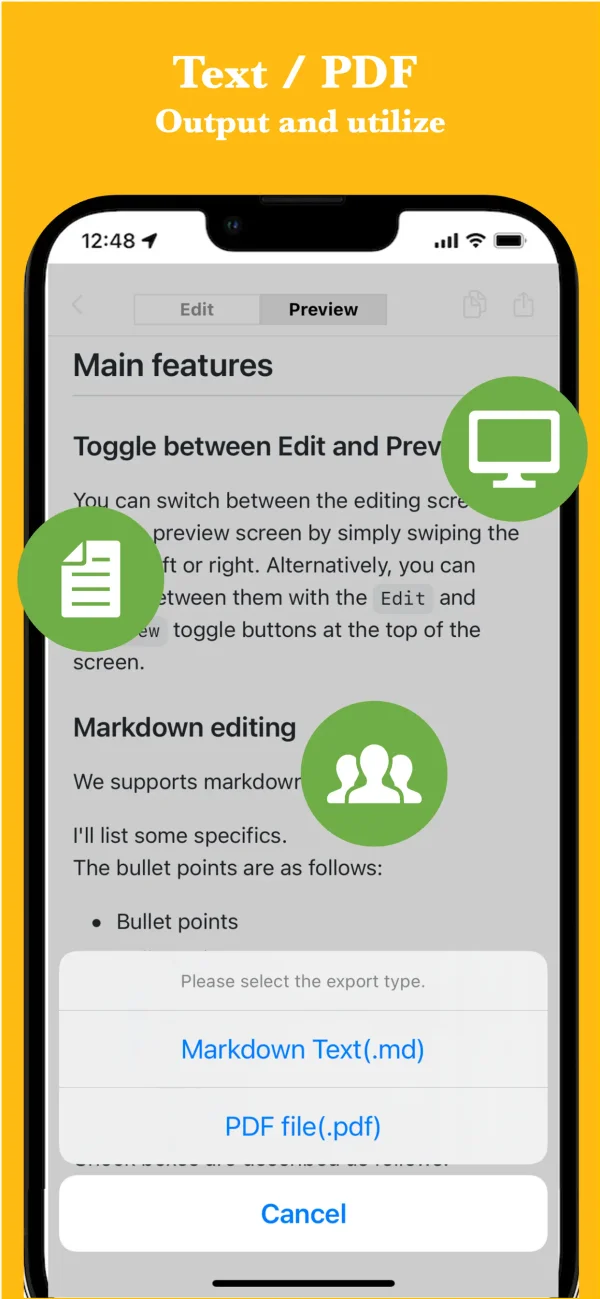
* Export and share
You can export the created data, share it, or edit it on your PC.
* Dark theme support
Since it supports a dark theme, it is also ideal for use at night.
What’s new
Version 2.1.1 · Nov 17, 2026
Added file sharing and collaborative editing, as requested by many users.
App privacy
What YUKI TANAIKE declares on the App Store about how this app handles data.
-
Data not collected
The developer does not collect any data from this app.
Privacy practices may vary, for example with the features you use or your age.
Information
- Seller
- YUKI TANAIKE
- Category
- Utilities
- Version
- 2.1.1
- Updated
- Nov 17, 2026
- Released
- Nov 17, 2022
- Size
- 55.2 MB
- Requires
- iOS 15.6 or later
- Age rating
- 4+
- Price
- Free
- In-app purchases
- Yes
- Languages
- English, Arabic, Bengali, Bulgarian, Catalan, Croatian, Czech, Danish, Dutch, Finnish, French, German + 35 more
- Copyright
- © 2022 Yuki Tanaike
You might also like
-
 Edhita: Text EditorOpen source text editing app.
-
 Only Markdownsimple, black & white
-
 MarkdownrFast & elegant Markdown Viewer
-
 MDPeak: Markdown Reading SpaceNo Ads. Built for Focus.
-
 MarkFlow:Read Markdown filesRead Markdown documents easily
-
 OrgroMobile Org Mode viewer, editor
-
 Md Preview - Markdown ViewerLaTeX Math & Code Highlight
-
 Text Workflow: Clean any TextConvert, format & automate
-
 JavaScript StudioUtilities
-
 On‑Device AI:Private WorkspacePrivate Chat, Voice & Research