
Simple Screenshot Pro
Full Page Screenshots.
Designed for iPhone, iPad, Mac, iPod touch
$1.99
- Age rating4+
- CategoryProductivity
- DeveloperCoffee & Fun LLC
- LanguagesEnglish
- Size1.2 MB
Links to the official App Store page
Download.org hosts no file of Simple Screenshot Pro. The button opens its official App Store page, published by Coffee & Fun LLC. Listing last checked on Nov 13, 2026.
Screenshots
About
Finally, a Safari extension that captures EVERYTHING on a webpage with just one click or tap.
Simple Screenshot Pro brings professional screenshot capabilities to Safari across all your Apple devices. Whether you are saving articles, capturing receipts, archiving social media posts, or documenting important information - get the whole page, not just what is visible.
Why Simple Screenshot Pro?
COMPLETE CAPTURE
Our smart scrolling technology automatically captures the entire webpage from top to bottom. No more taking multiple screenshots and trying to piece them together.
TWO PERFECT MODES
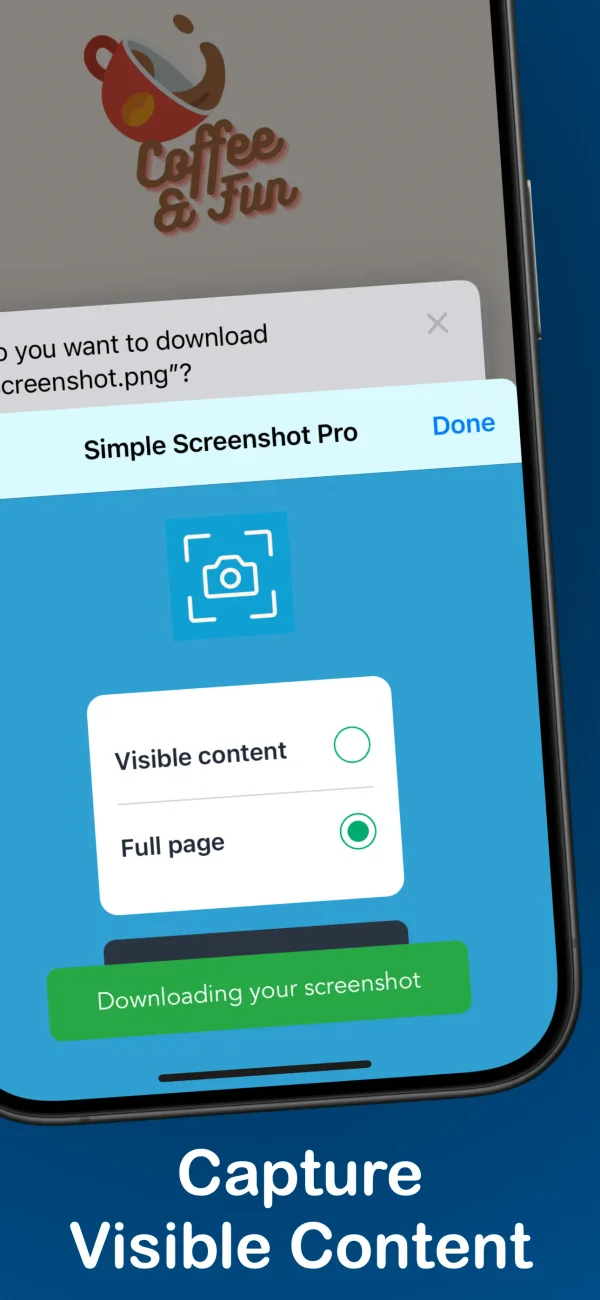
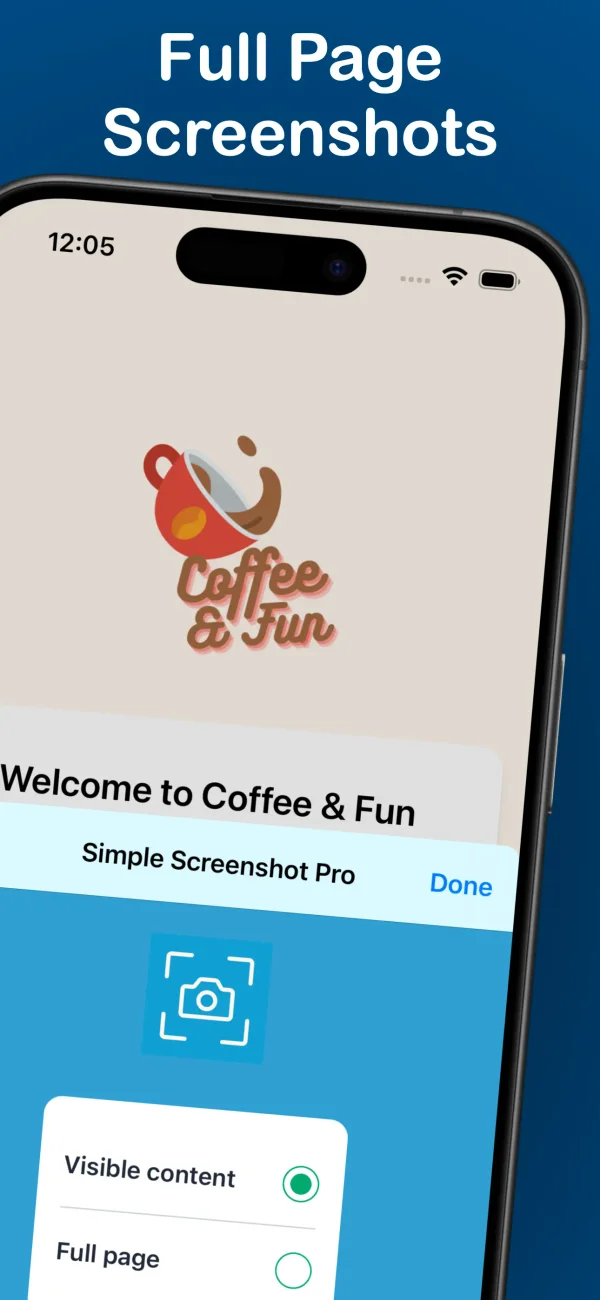
- Visible Area: Capture exactly what you see
- Full Page: Get everything, even content below the fold
SMART ORGANIZATION
Every screenshot is automatically named with the website and timestamp. Example: amazon-com_2024-08-03_14-30-45.png. Find any screenshot instantly.
WORKS EVERYWHERE
- Long articles and blog posts
- Shopping receipts and order confirmations
- Social media threads and conversations
- News articles and research papers
- Recipe pages
- Travel confirmations and tickets
- Important emails and documents
- Technical documentation
- Design inspiration
- Bug reports and issue tracking
Key Features
- One Click Capture: Simple, clean interface that just works
- Lightning Fast: Captures even long pages in seconds
- Perfect Quality: Crystal clear screenshots every time
- Private and Secure: Everything happens on your device
- No Watermarks: Your screenshots, your way
- Universal: Works on Mac, iPhone, and iPad
- Safari Integration: Seamlessly integrated into your browser
- Smart File Naming: Auto organized with site name and timestamp
- Progress Indicator: See real time capture progress on long pages
How It Works
1. Enable the extension in Safari settings
2. Click the extension icon while browsing
3. Choose Visible or Full Page
4. Click Take Screenshot
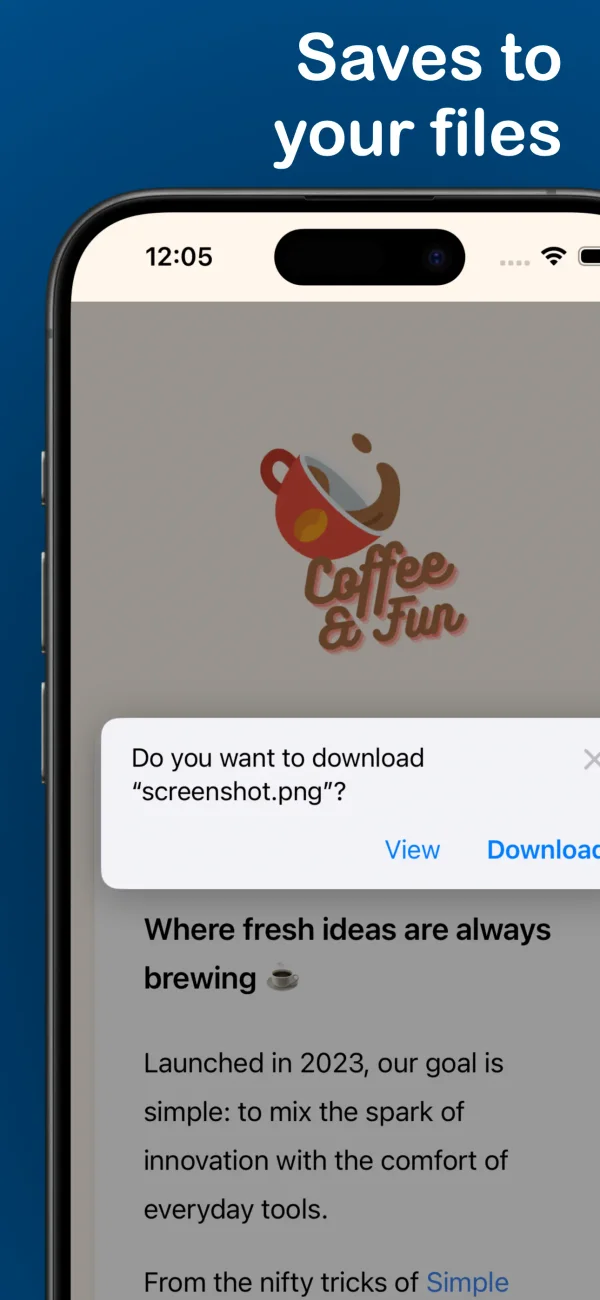
5. Your screenshot is instantly saved
No complex settings, no confusing options.
What is Included
- Full Safari extension for Mac, iPhone and iPad
- Lifetime access with one time purchase
- Free updates with new features
- No subscriptions or hidden fees
- Professional support when you need it
Privacy Commitment
Your privacy matters. Simple Screenshot Pro:
- Processes everything locally on your device
- Never uploads or stores your screenshots
- Requires no account or sign in
- Collects no personal data
Technical Excellence
- Handles dynamic content and infinite scroll
- Works with complex modern websites
- Efficient memory management
- Optimized for all screen sizes
- Compatible with the latest Safari and macOS/iOS versions
Support
We are here to help. Having issues or suggestions? Contact us directly through the app or visit our support page. We typically respond within 24 hours.
Note: After installation, you will need to enable the extension in Safari Settings, then Extensions. We will guide you through it.
What is New - Version 3.0
- Improved capture speed by 50 percent
- Added progress indicator for long pages
- Enhanced compatibility with dynamic websites
- Fixed issues with infinite scroll pages
- Optimized for latest macOS and iOS versions
Developed by Coffee and Fun LLC - Crafting Software, One Brew at a Time
What’s new
Version 3.1 · May 21, 2026
Cleaned up the UI.
Fixed issues with full page screenshots :)
App privacy
What Coffee & Fun LLC declares on the App Store about how this app handles data.
-
Data not collected
The developer does not collect any data from this app.
Privacy practices may vary, for example with the features you use or your age.
Information
- Seller
- Coffee & Fun LLC
- Category
- Productivity
- Version
- 3.1
- Updated
- May 21, 2026
- Released
- Jul 18, 2023
- Size
- 1.2 MB
- Requires
- iOS 15.0 or later
- Age rating
- 4+
- Price
- $1.99
- Languages
- English
- Copyright
- © Coffee & Fun LLC
You might also like
-
 PicCrop-WebPage ScreenshotAwesome Full Page Clipping
-
 Protector SecurityProductivity
-
 Karat GoldPurity of Gold
-
 DuoModeHábitos e rotinas em grupo
-
 Password Manager iPassSafe+Password Generator & Autofill
-
 DWG Viewer 2D - For DWG to PDFView CAD drawings (DWG & DXF)
-
 Secret StuffProductivity
-
 WebPrivatAdvanced privacy protection
-
 Quick Search Pro-For BrowserSwitch Search Engine
-
 My Daily MemoOne Line a Day Diary Calendar