
Simple Sequence Diagram AI
AI Sequence Diagram Creator
Designed for iPhone, iPad, Mac, iPod touch
Free · In-app purchases
- Age rating4+
- CategoryDeveloper Tools
- DeveloperYUKI TANAIKE
- LanguagesEnglish+ 46 more
- Size56.5 MB
Links to the official App Store page
Download.org hosts no file of Simple Sequence Diagram AI. The button opens its official App Store page, published by YUKI TANAIKE. Listing last checked on Nov 19, 2026.
Screenshots
About
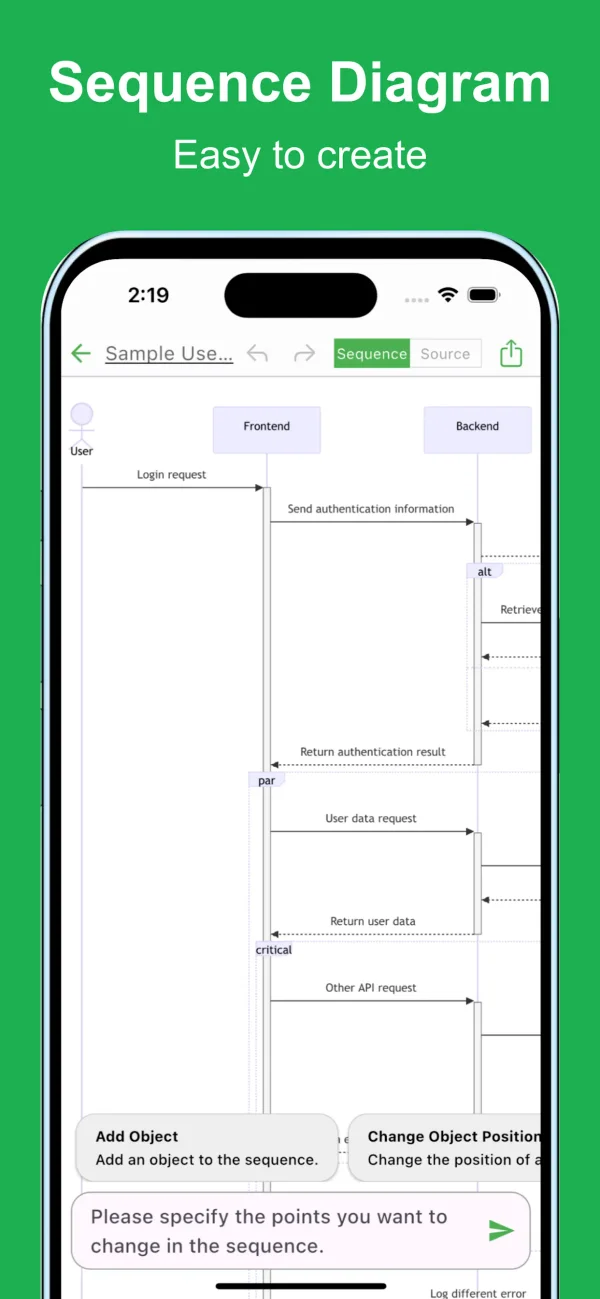
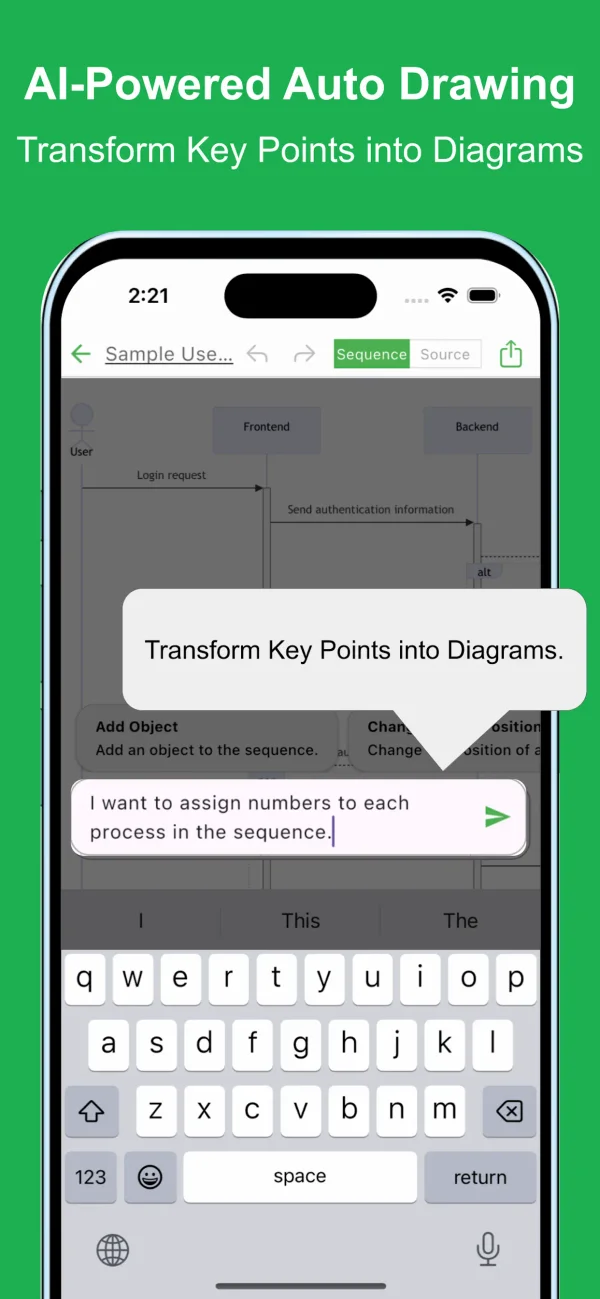
This app allows you to easily create sequence diagrams. Simply describe what you want to visualize, and the latest AI technology will automatically generate a sequence diagram for you.
Visualizing information with sequence diagrams is useful for organizing complex processes and interactions. It helps stakeholders understand how systems and processes work, making sequence diagrams valuable in a wide range of situations. However, creating them manually can take time. With this app, you can create sequence diagrams quickly and efficiently.
Even if you only provide a rough description of the sequence you want to create, the app can generate a diagram for you. You can also provide more detailed instructions and make adjustments as needed.
It can be used in various situations such as:
- Visualizing API communication flows in software development
- Managing flows from user registration and authentication to service usage
- Organizing data transmission and response processes in web services
- Managing and visualizing customer support inquiry flows
- Designing email and notification system workflows
- Visualizing interactions between microservices
- Organizing complex approval workflows in business processes
- Visualizing user interaction flows in e-commerce systems
- Visualizing the process from ordering to delivery in supply chains
Please try it whenever you need to create a sequence diagram.
[Features]
- Intuitive operation
Ease of use is important. The app runs smoothly and allows you to edit sequence diagrams intuitively.
- Ready to use
You can start using the app immediately without creating an account.
- Cloud storage support
Use cloud storage to save and edit your sequence diagram data across multiple devices.
- Export and Share
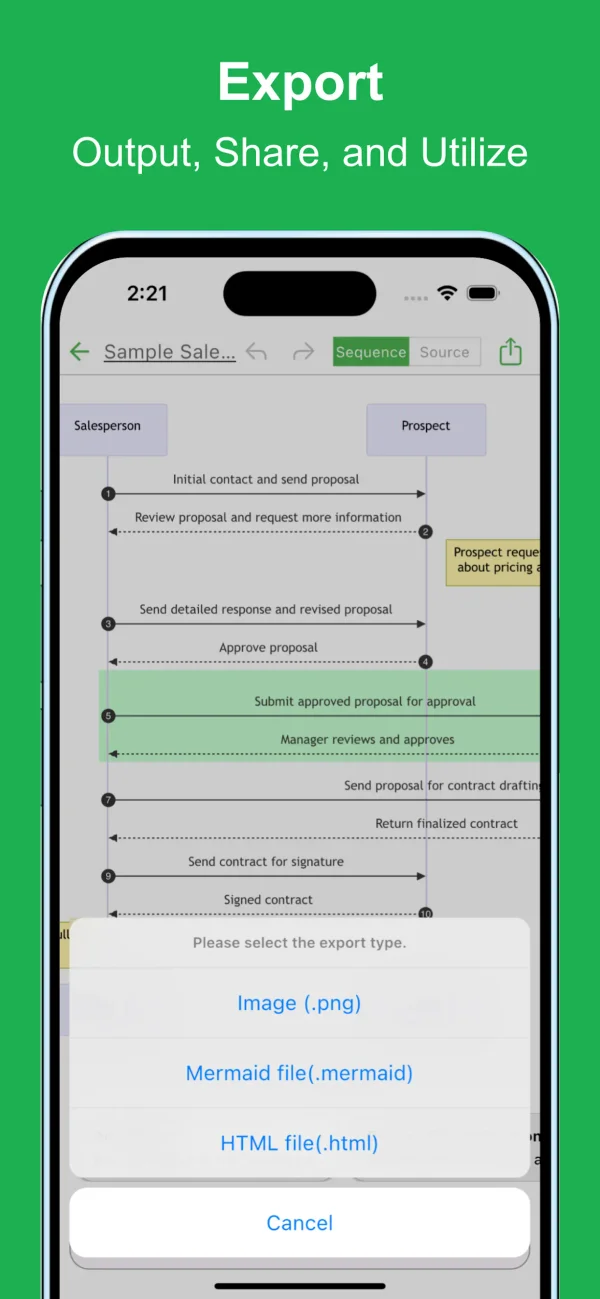
Export and share your sequence diagrams, or use the exported data in other environments.
- Import
Import exported sequence diagram files and continue editing them.
- Text-based editing
Edit your sequence diagrams directly using Mermaid notation.
- Dark theme support
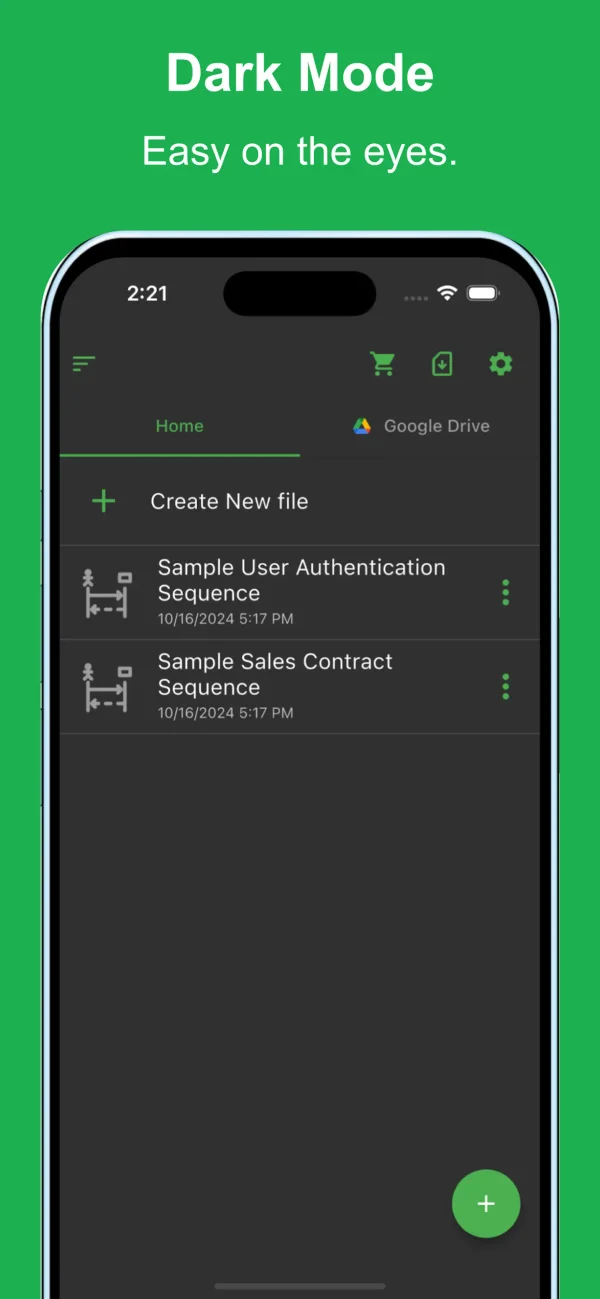
The app supports a dark theme, making it comfortable to use even in low-light environments.
What’s new
Version 2.6.1 · Nov 17, 2026
Added file sharing and collaborative editing, as requested by many users.
App privacy
What YUKI TANAIKE declares on the App Store about how this app handles data.
-
Data not collected
The developer does not collect any data from this app.
Privacy practices may vary, for example with the features you use or your age.
Information
- Seller
- YUKI TANAIKE
- Category
- Developer Tools
- Version
- 2.6.1
- Updated
- Nov 17, 2026
- Released
- Oct 17, 2024
- Size
- 56.5 MB
- Requires
- iOS 15.6 or later
- Age rating
- 4+
- Price
- Free
- In-app purchases
- Yes
- Languages
- English, Arabic, Bengali, Bulgarian, Catalan, Croatian, Czech, Danish, Dutch, Finnish, French, German + 35 more
- Copyright
- © 2022 - 2024 Yuki Tanaike
You might also like
-
 Apollon - UML Modeling EditorUML diagrams, anywhere
-
 UMLitePlant-UML
-
 MarkChart - Mermaid EditorMermaid diagrams
-
 Python IDE & Jupyter – JunoPython 3 compiler & notebooks
-
 Tester - Super IntelligenceAI Agent, Code, API, Git
-
 Carnets - JupyterA standalone Jupyter notebook
-
 Blink Shell, Build & CodeThe Pro tool for developers
-
 Code Editor - Compiler & IDEProgramming on mobile
-
 Runestone Text EditorEdit plain text and code
-
 Web InspectorDeveloper Console for Safari