
- Age rating4+
- CategoryGraphics & Design
- DeveloperManicgrin Media Ltd
- LanguagesEnglish
- Size5.3 MB
Links to the official App Store page
Download.org hosts no file of Simple Sketch. The button opens its official App Store page, published by Manicgrin Media Ltd. Listing last checked on Nov 17, 2026.
Screenshots
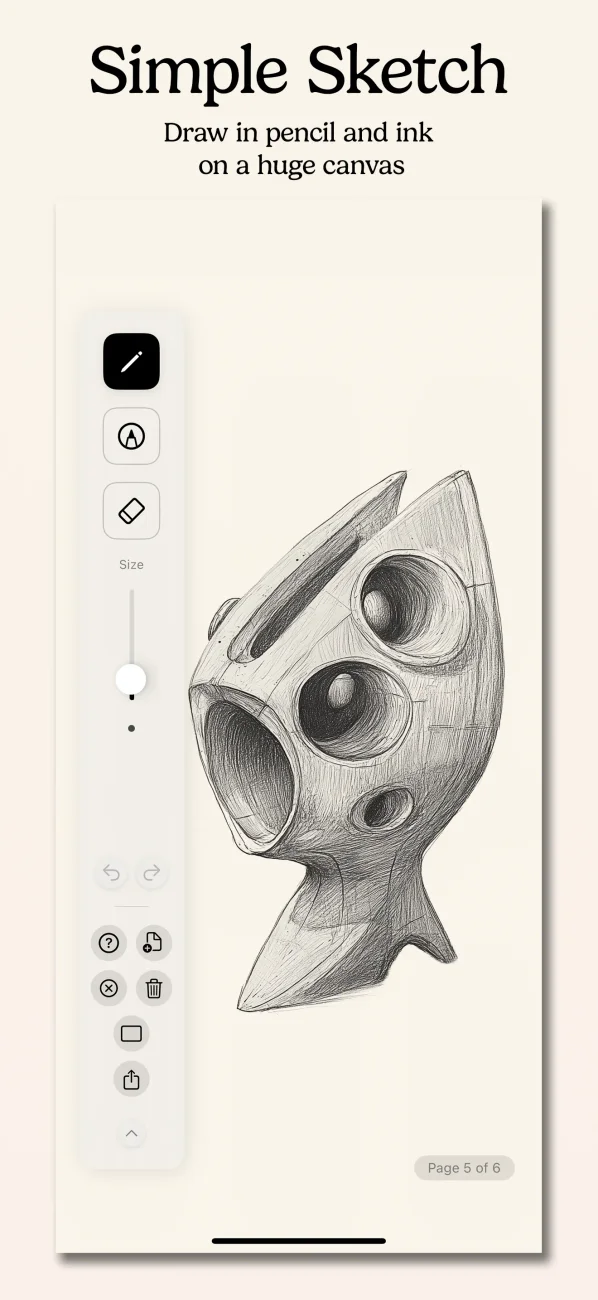
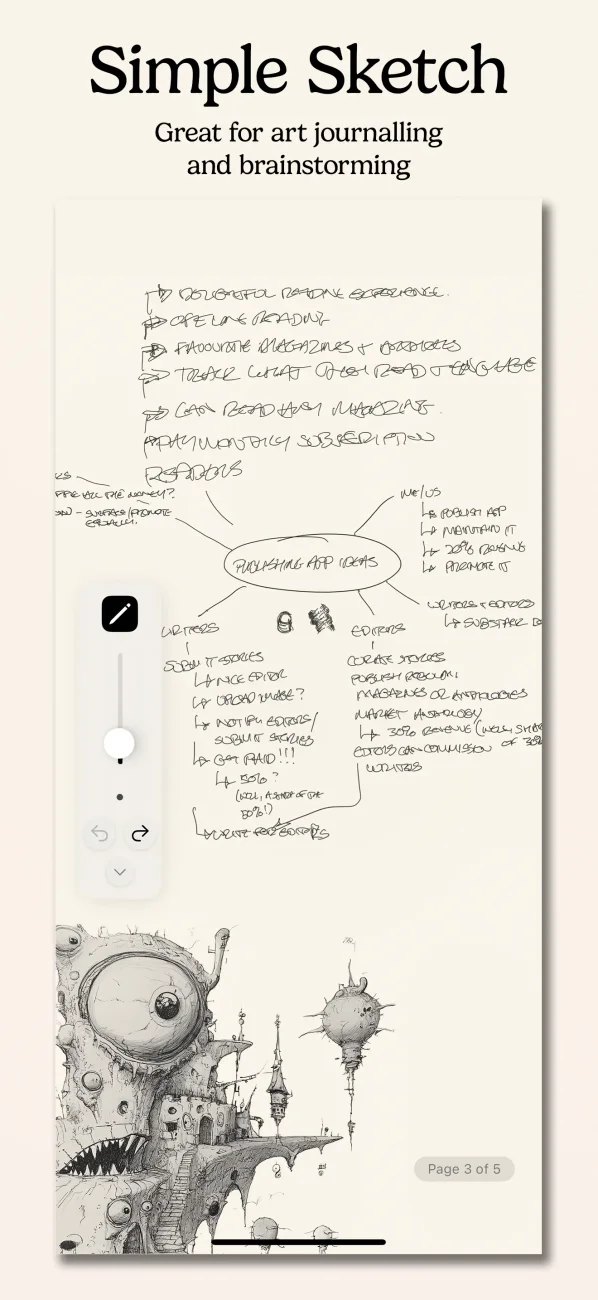
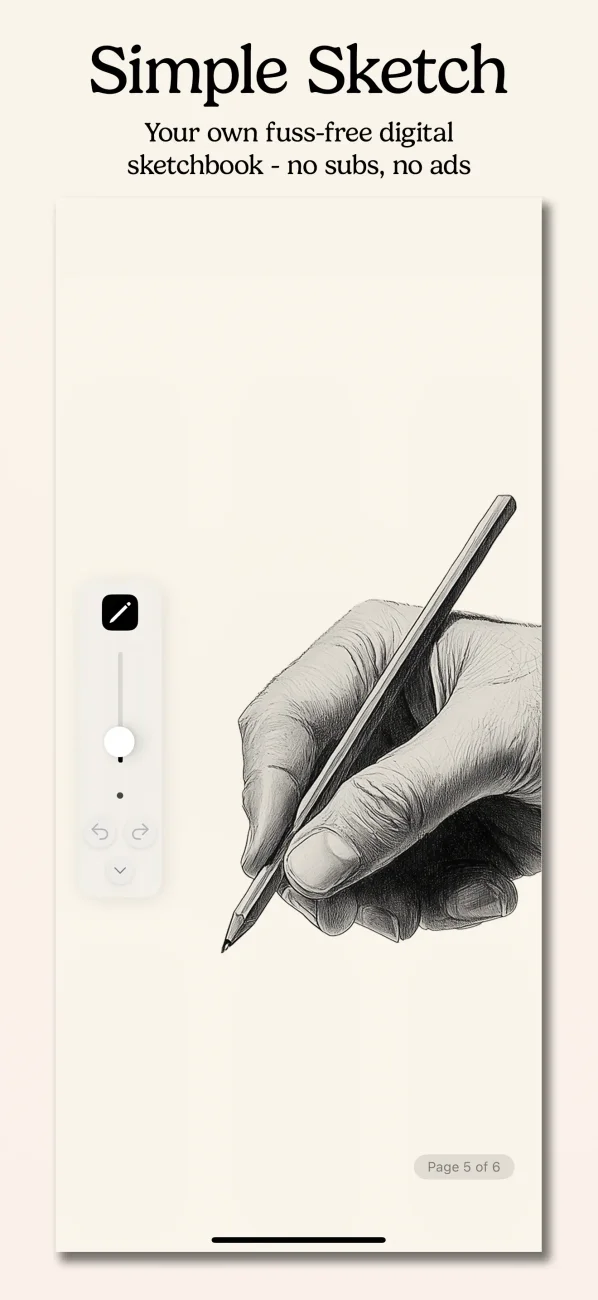
About
Transform your iPad, iPhone, or Mac into a powerful digital sketchbook with Simple Sketch, the intuitive drawing app designed for artists, designers, students, and anyone who loves to create.
Pure Drawing Experience
Simple Sketch offers a distraction-free drawing environment with a large canvas that lets your creativity flow without boundaries. Whether you're sketching quick ideas, creating detailed illustrations, brainstorming new ideas, or taking visual notes, our clean interface keeps you focused on what matters most - your art.
Professional Drawing Tools
- Pencil Tool: Range of pencil types from 6H to 6B for sketching and shading
- Pen Tool: Precise fine-liner for clean lines and detailed work
- Smart Eraser: Vector-based erasing for smooth corrections
- Adjustable Tool Sizes: From fine details to bold strokes
Precision Drawing Guides
Take your sketches to the next level with built-in drawing guides:
- Grid Guide: Perfect dots for proportional drawing
- Graph Paper: Major and minor grid lines for technical sketches
- Line Guide: Horizontal guides for writing and sketching
- Isometric Guide: 3D perspective drawing made simple
Multi-Page Sketchbook
Organize your ideas across unlimited pages with intuitive navigation. Add new pages instantly, jump between sketches with the table of contents, and never lose track of your creative process.
Intelligent Input Modes
- Apple Pencil Mode: Dedicated pencil-only input for iPad artists
- Universal Mode: Works with any input method on all devices
- Auto-detection: Optimizes for your device automatically
Effortless Organization
- Auto-save: Never lose your work again
- Unlimited Undo/Redo: Experiment fearlessly
- Page Management: Add, delete, and rearrange pages with ease
- Zoom & Pan: Infinite canvas with smooth navigation
Cross-Platform Creativity
Whether you're using an iPad with Apple Pencil for detailed artwork, an iPhone for quick sketches on the go, or a Mac for precise digital illustration, Simple Sketch adapts to your workflow seamlessly.
Perfect For:
- Artists & Illustrators: Professional-grade tools in a simple package
- Students: Note-taking with visual elements and diagrams
- Designers: Quick mockups and wireframes
- Engineers: Technical drawings with precision guides
- Anyone: Who loves to draw, doodle, or visualize ideas
Get Simple Sketch today and rediscover the joy of drawing digitally. Your next masterpiece is just a tap away.
No ads, no subscription!
What’s new
Version 1.2 · Mar 20, 2026
Bug fixes, pencil tool improvements – added a grade selector (6H, 4H, 2H, HB, 2B, 4B, 6B), improved performance & code quality, UX improvements, including:
* Zoom reset – Tapping the zoom percentage label resets to 100%.
* Pencil-only mode indicator – A small "Pencil only" badge now appears near the page indicator on iPad when that mode is active.
* Input mode persisted – The pencil-only / any-input preference is now saved and restored between sessions.
* Accessibility labels – Added VoiceOver labels to all interactive controls (tools, undo/redo, sliders, page indicator, export, minimise/expand, guide, input mode).
* Rebuilt grid system to properly zoom in and out and maintain alignment with drawings.
App privacy
What Manicgrin Media Ltd declares on the App Store about how this app handles data.
-
Data not collected
The developer does not collect any data from this app.
Privacy practices may vary, for example with the features you use or your age.
Information
- Seller
- Manicgrin Media Ltd
- Category
- Graphics & Design
- Version
- 1.2
- Updated
- Mar 20, 2026
- Released
- Jun 17, 2025
- Size
- 5.3 MB
- Requires
- iOS 17.6 or later
- Age rating
- 4+
- Price
- $3.99
- Languages
- English
- Copyright
- © Manicgrin Media Ltd.
You might also like
-
 Object Show BuildAnimate your object show
-
 qCurvingVector Editor, AI Image Trace
-
 Image Painter - Picture to ArtTransform Photo into Fine Art
-
 Unlimited AI DrawingAI Image Generator
-
 Paintrix: Digital PaintingDrawing, Sketch, Manga, Art
-
 Color identifier: Get detailsHEX, CMYK, RGB: Check contrast
-
 ArtGridGraphics & Design
-
 Drawing Plus - paint somethingStart sketch doodle any ideas
-
 Smudge: Imperfect SketchbookDraw, sketch, and doodle
-
 Comic Book StudioMake Manga, Manhwa & Webtoons