
Simple Table AI: Note with AI
Note as Table / Sheet simply
Designed for iPhone, iPad, Mac, iPod touch
Free · In-app purchases
- Age rating4+
- CategoryUtilities
- DeveloperYUKI TANAIKE
- LanguagesEnglish+ 46 more
- Size59.5 MB
Links to the official App Store page
Download.org hosts no file of Simple Table AI: Note with AI. The button opens its official App Store page, published by YUKI TANAIKE. Listing last checked on Nov 23, 2026.
Screenshots
About
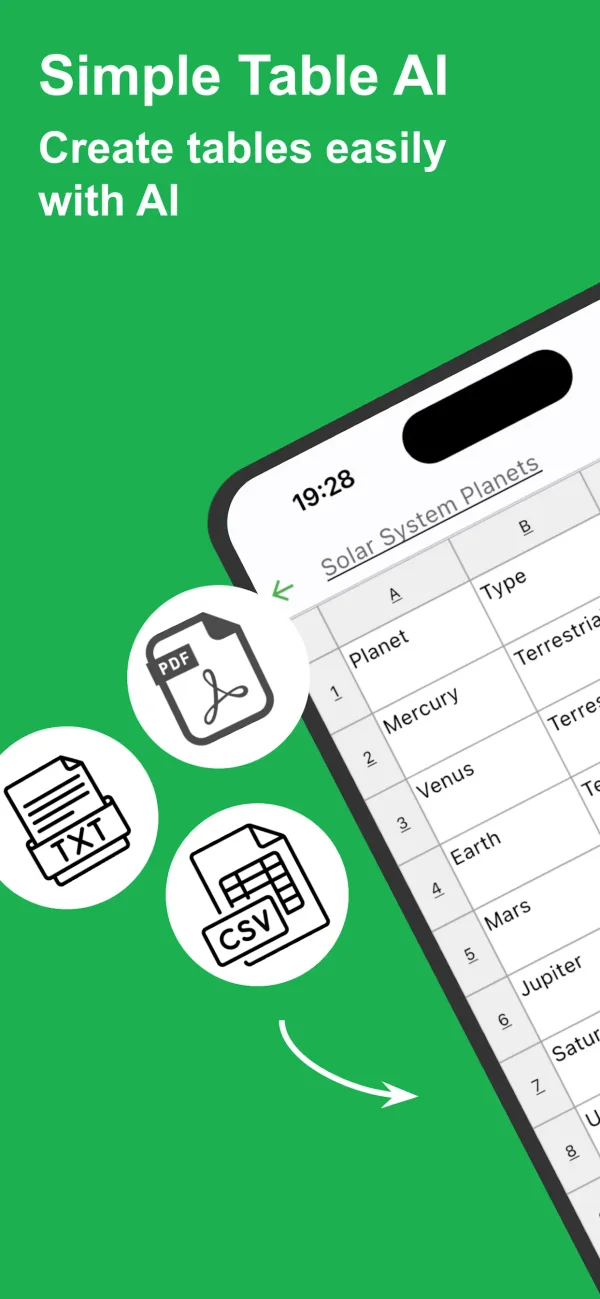
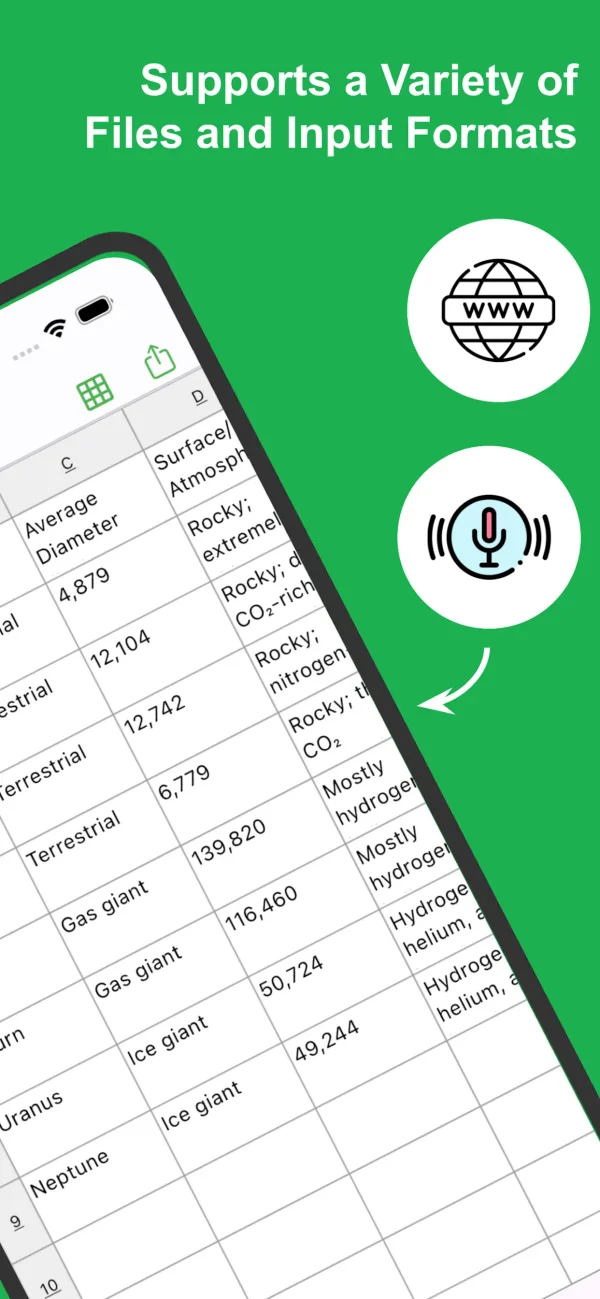
# AI Automatically Creates Tables from What You Describe
The latest AI dramatically reduces the effort of building tables.
Simply explain in natural language what you want to create, and the AI will generate a table automatically.
From notes and organization to comparison and management, you can keep every record smoothly in table form.
## Features
### Just Share the Overview
Tell us what you want to do—“I want to plan a two-day trip to Kyoto,” “I need a timetable from period 1 to 6 for Monday through Friday”—and that’s it.
The AI will automatically generate the most suitable table.
> Example: “I’d like to create a comparison table for new products.”
> The AI will extract the relevant items and arrange them in an easy-to-read table.
### Effortless Deep Dives
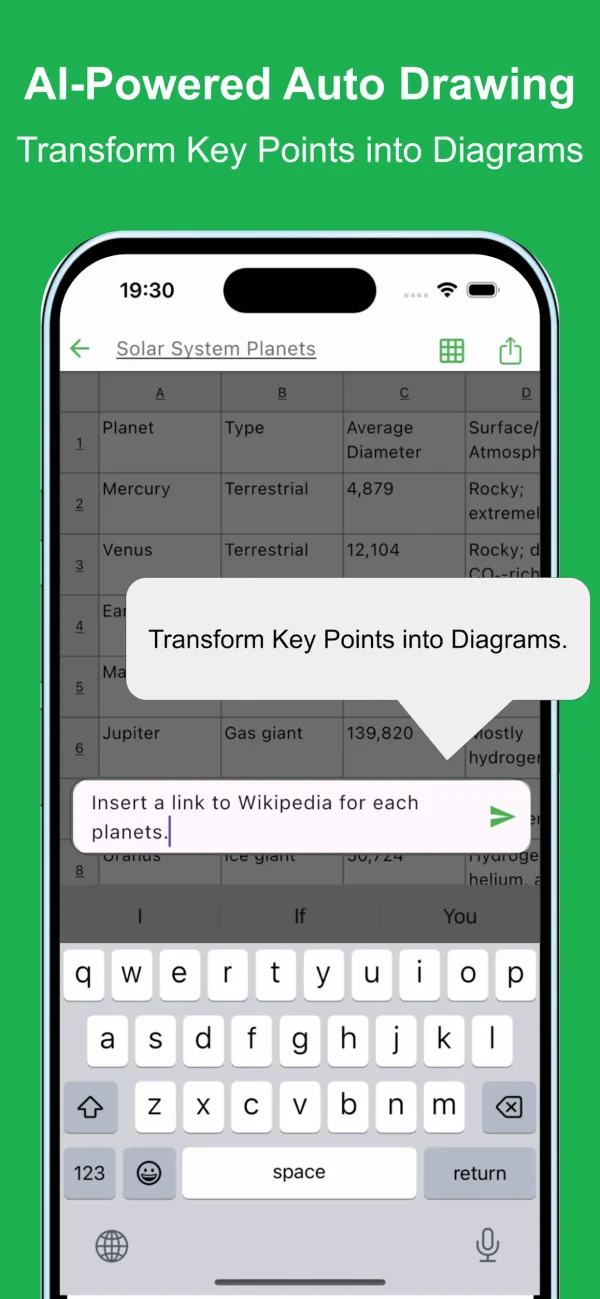
Give instructions for the specific parts you want to refine, and the AI will apply the changes in depth.
There’s no need to manually update each item one by one.
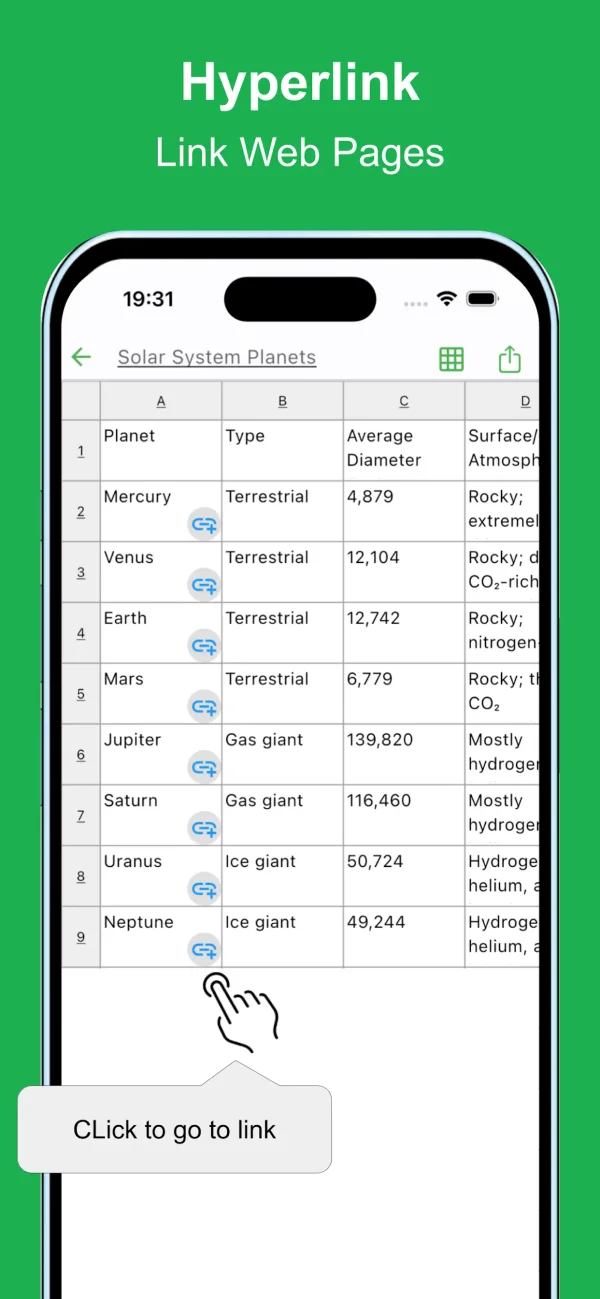
> Example: “Please insert reference links in the first column and add explanations in the second column.”
> The AI updates the first and second columns all at once.
### Detect and Fix Issues
Let the AI automatically check your content for inconsistencies and correct them.
It spots careless mistakes or contradictions and fixes them for you.
> Example: “Fix any column titles that have typos.”
> The AI detects and corrects typographical errors.
### Highlight Key Items
The AI reviews the entire table and automatically identifies what matters most.
By highlighting and clarifying crucial points, you can work more efficiently.
> Example: “In the comparison table, highlight important or distinctive items in red.”
> The AI reviews the content and highlights likely important items in red for clarity.
### Works with Manual Editing
You can freely edit any table generated by the AI afterwards.
Combine AI and manual editing to build tables that work best for you.
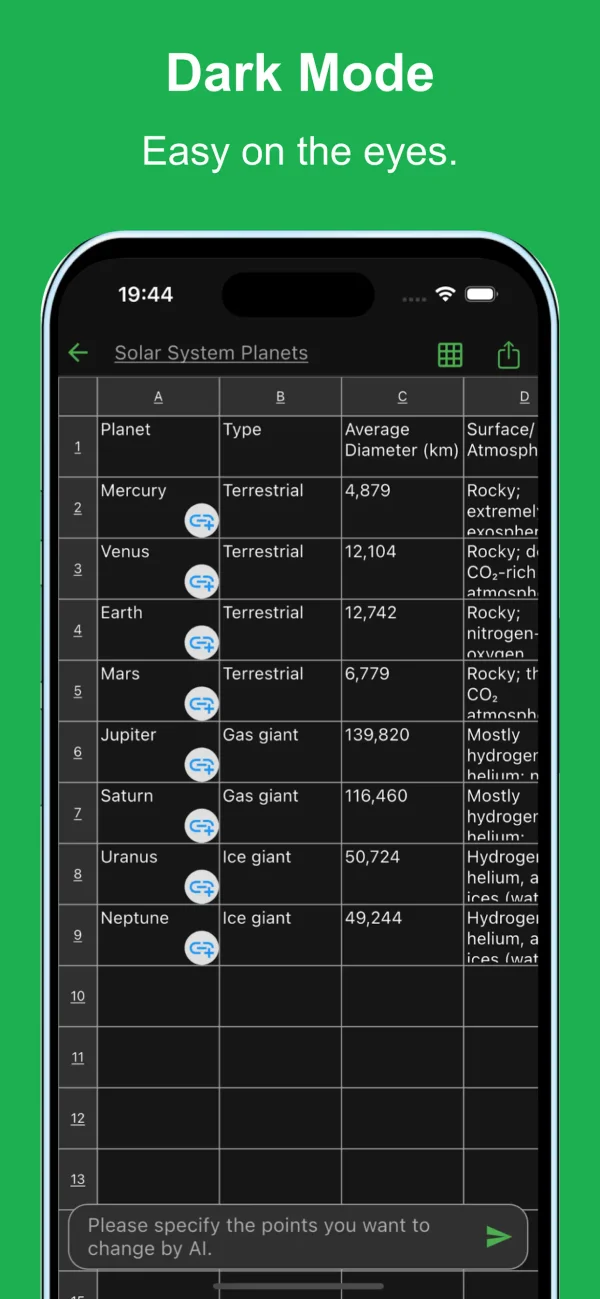
### Supports Dark Theme
Dark theme keeps everything easy to view even at night.
Use the app comfortably in any situation.
## Use Cases
- Creating comparison tables
- Organizing timetables and schedules
- Managing shifts and tasks
- Keeping customer lists and address books
- Organizing idea notes and personal memos
Let AI make “table creation” more effortless.
The AI turns your ideas into polished tables—smartly and simply.
What’s new
Version 2.6.1 · Nov 17, 2026
Added file sharing and collaborative editing, as requested by many users.
App privacy
What YUKI TANAIKE declares on the App Store about how this app handles data.
-
Data not collected
The developer does not collect any data from this app.
Privacy practices may vary, for example with the features you use or your age.
Information
- Seller
- YUKI TANAIKE
- Category
- Utilities
- Version
- 2.6.1
- Updated
- Nov 17, 2026
- Released
- Sep 23, 2025
- Size
- 59.5 MB
- Requires
- iOS 15.6 or later
- Age rating
- 4+
- Price
- Free
- In-app purchases
- Yes
- Languages
- English, Arabic, Bengali, Bulgarian, Catalan, Croatian, Czech, Danish, Dutch, Finnish, French, German + 35 more
- Copyright
- © 2022 - 2025 Yuki Tanaike
You might also like
-
 Spreadsheets - Table MemosCreate and edit tabular data
-
 Simple Spreadsheet:view & editLightweight Spreadsheet maker
-
 Notes: notepad and listsNotes: notepad and lists
-
 PDF Converter and Editor + AIConvert documents, photos, PDF
-
 AI Image Generator - Art PhotoStunning AI generated pictures
-
 Spreadsheets - Create & EditCreate & Edit Sheet XLS & XLSX
-
 Sticky Notes & Color WidgetSimple Note Checklist Reminder
-
 incyYour network, your control
-
 Fusvob VPN : Super VPN 2026Super VPN,ВПН
-
 AI Sticker Maker - Funny MemesMake Animated Stickers Packs