Simple To Do List: Tasks
Reminders to stay organized
Designed for iPhone, iPad
Free · In-app purchases
- Age rating4+
- CategoryProductivity
- DeveloperSamantha Toha
- LanguagesEnglish+ 34 more
- Size28.1 MB
Links to the official App Store page
Download.org hosts no file of Simple To Do List: Tasks. The button opens its official App Store page, published by Samantha Toha. Listing last checked on Nov 23, 2026.
Screenshots
About
A to do list for the jobs that take more than one step.
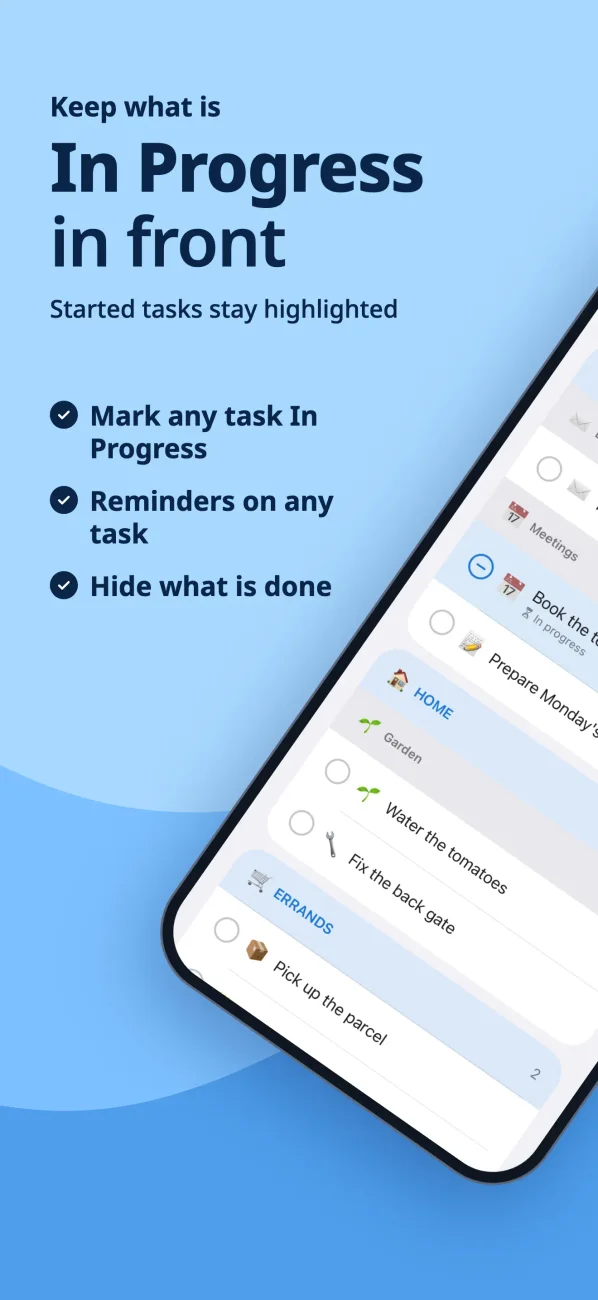
Started something but not finished? Mark it In Progress and it stays in front of you — the middle of a job is where a plain checklist loses you.
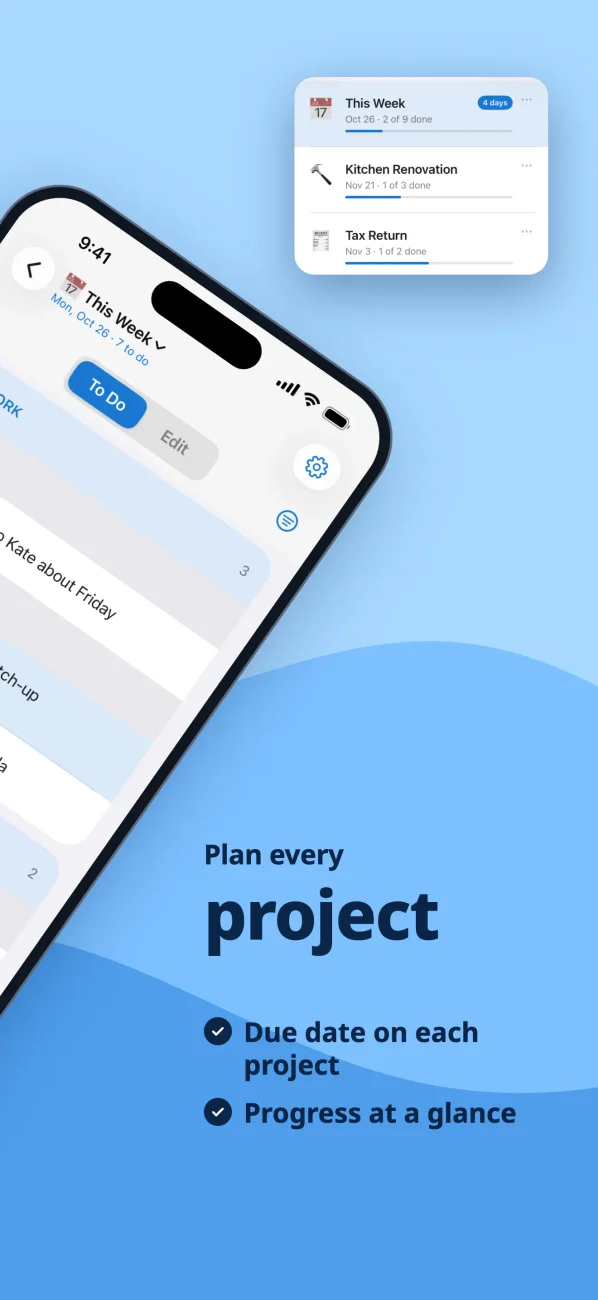
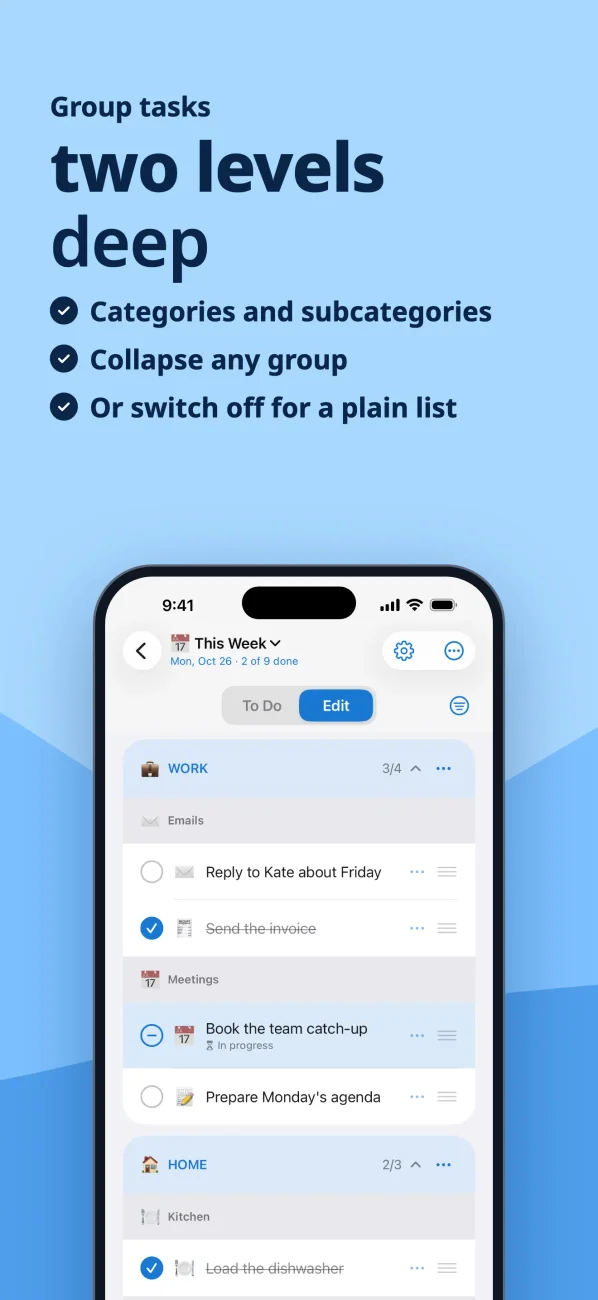
Bigger jobs get a project of their own, with a due date and reminders before it lands. Group the work into categories, and add a second level underneath where one is not enough — Moving House, with a room under each heading.
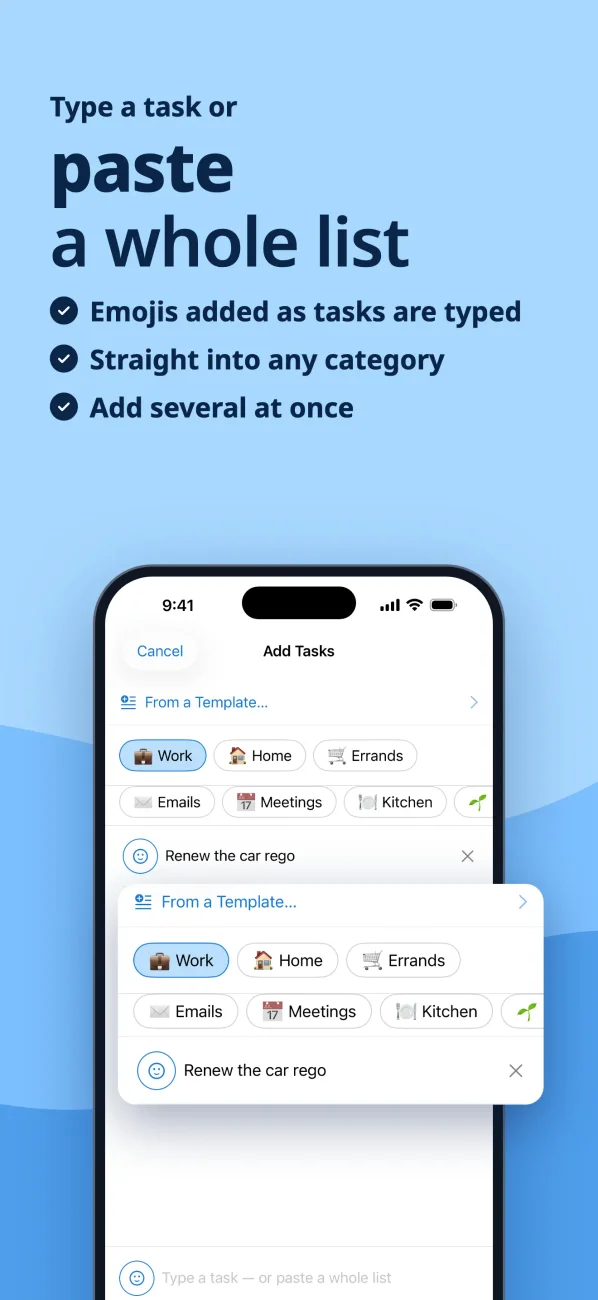
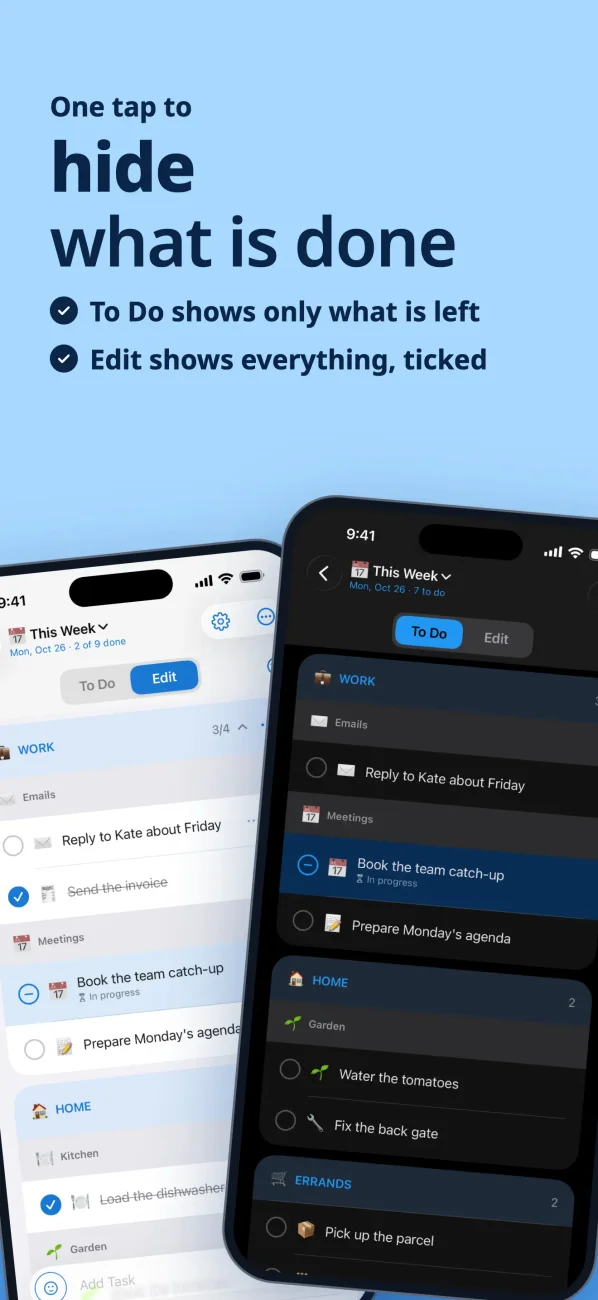
Type a task, or paste a whole list at once. Drag to prioritize. Check things off as you go, and switch to To Do to hide what is done — so you only see what is left.
INCLUDED
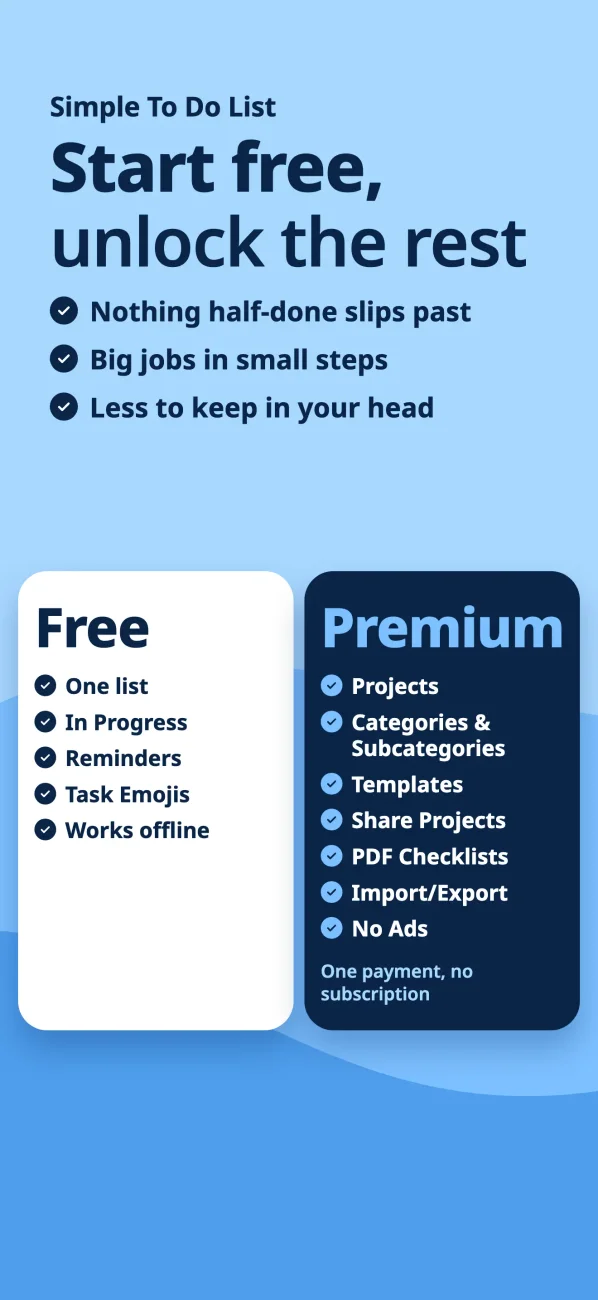
• One list, and In Progress for anything you have started
• Emojis on tasks, guessed as you type
• Reminders on any task
• Sort, search, undo
• For iPhone and iPad
• Works offline, nothing to sign up for
UNLOCK EVERYTHING — one payment, no subscription
• Projects: a separate list for every project, with a due date and reminders before it lands
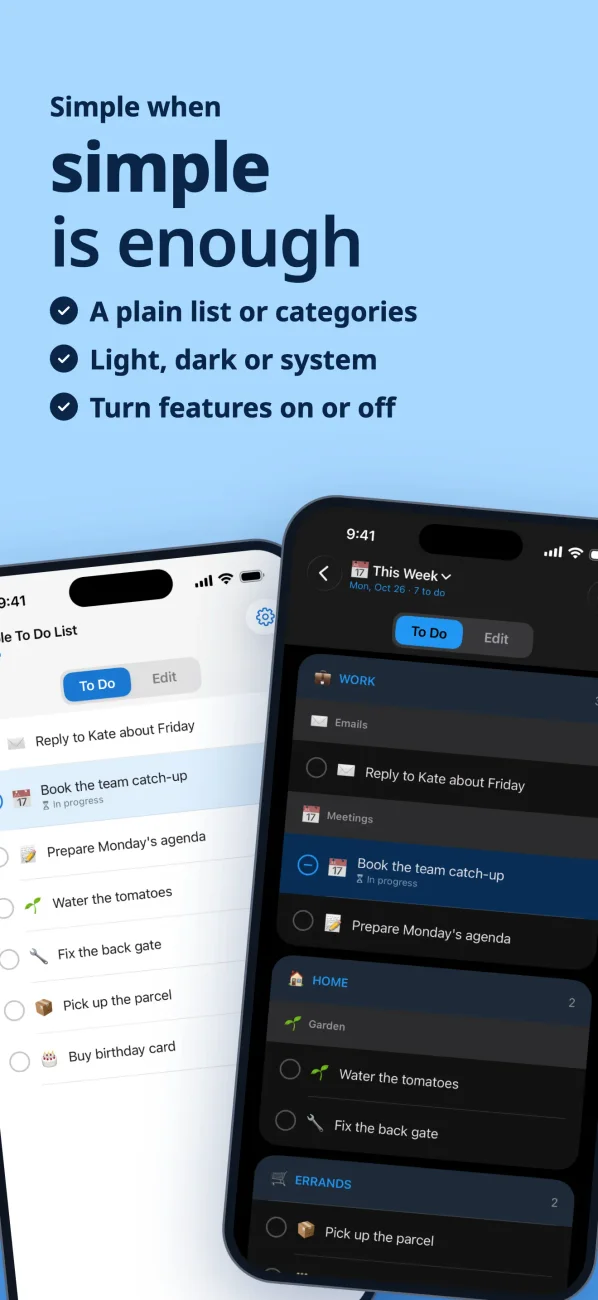
• Categories and subcategories: group tasks under your own headings, and add a second level where you want one — This Week with the days under it, or a plain list where you do not
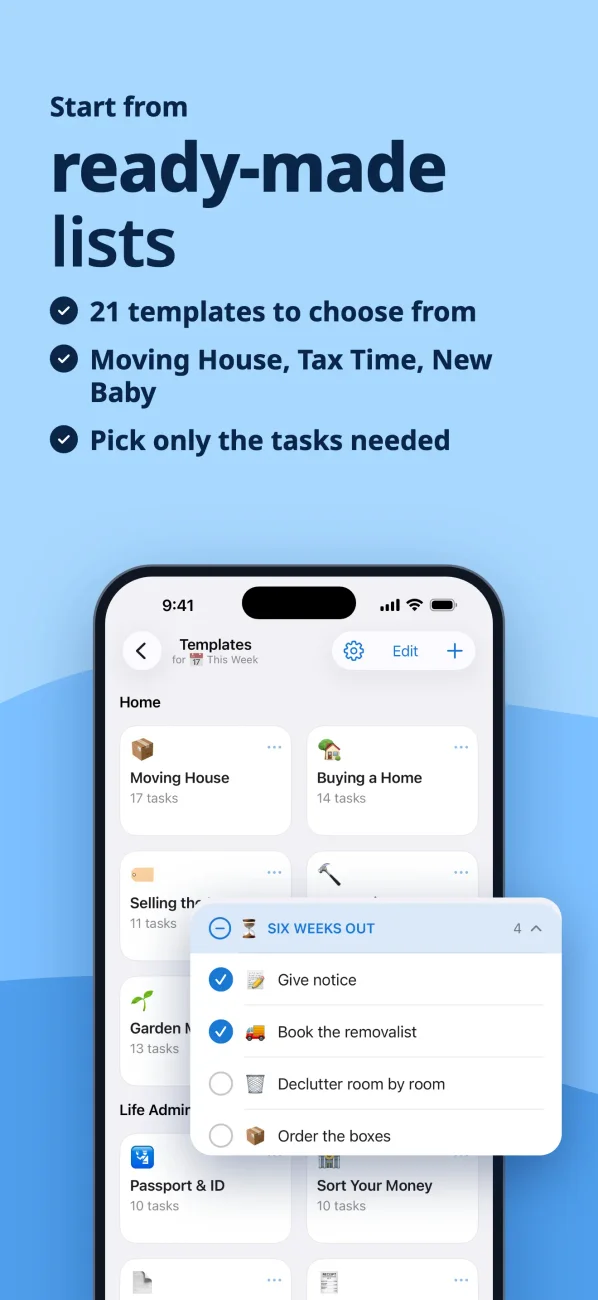
• Templates: 21 ready-made lists for the big jobs — Moving House, New Baby, Tax Time, Wedding Planning, Back to School and more — added in a tap without doubling up what you already have
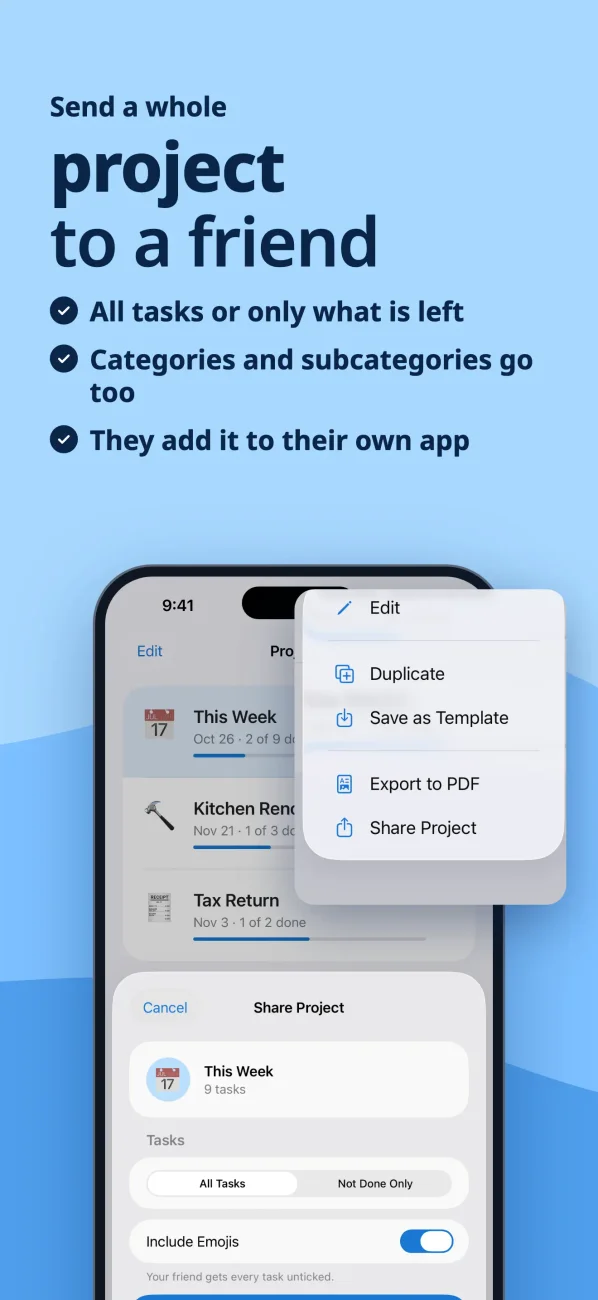
• Share a project: send it to a friend as a file, and they add it to their own app
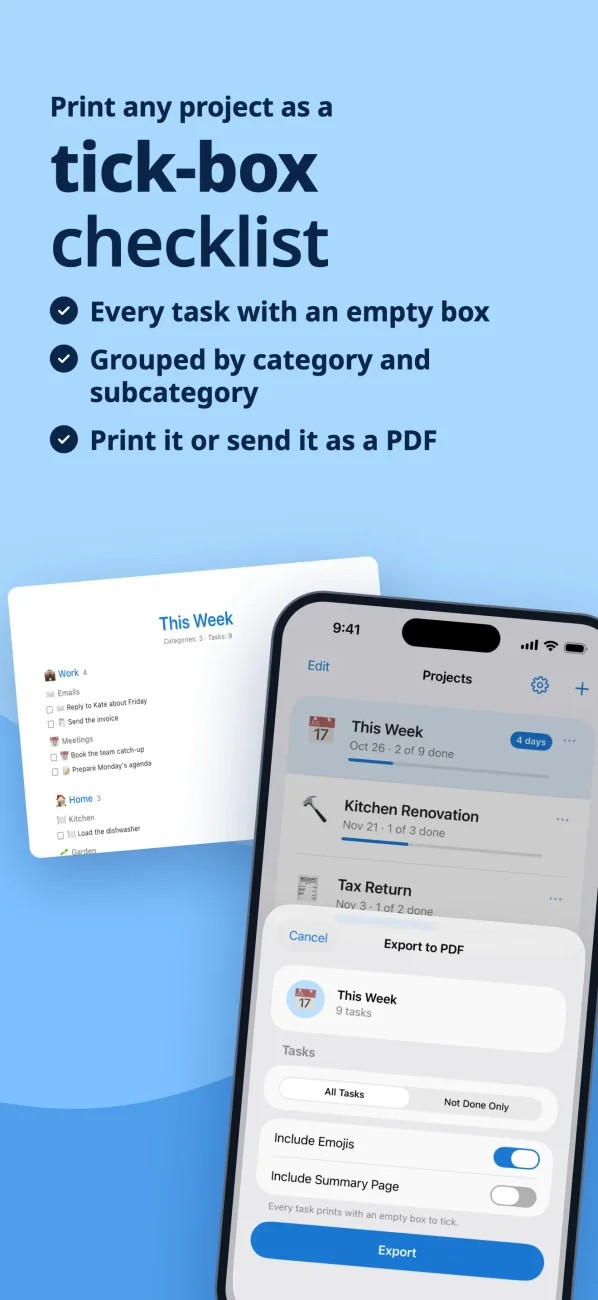
• Export to PDF: print a project as a checklist, grouped by category
• Import and export: move your lists to a new iPhone or iPad as a file
• No ads
YOUR DATA IS YOURS
Lists live on your device and, if you like, in your own iCloud so they follow you to your next iPhone or iPad. Export a copy any time, and import it on another device.
What’s new
Version 2.1 · Nov 18, 2026
Version 2.1:
• iPhone Duo – opened up, your tasks fill the inner screen with the side panel beside them, and your projects slide in from the side. Folded, the outer screen works just like your iPhone.
Plus bug fixes.
App privacy
What Samantha Toha declares on the App Store about how this app handles data.
-
Data used to track you
May be used to track you across apps and websites owned by other companies.
- Identifiers
-
Data linked to you
May be collected and linked to your identity.
- Purchases
- Location
- Identifiers
- Usage data
-
Data not linked to you
May be collected but is not linked to your identity.
- Diagnostics
Privacy practices may vary, for example with the features you use or your age.
Information
- Seller
- Samantha Toha
- Category
- Productivity
- Version
- 2.1
- Updated
- Nov 18, 2026
- Released
- Oct 14, 2026
- Size
- 28.1 MB
- Requires
- iOS 17.0 or later
- Age rating
- 4+
- Price
- Free
- In-app purchases
- Yes
- Languages
- English, Arabic, Bengali, Czech, Danish, Dutch, Finnish, French, German, Greek, Hebrew, Hindi + 23 more
- Copyright
- © 2026 Samantha Toha
You might also like
-
 LessTodo : Daily Focus3 Tasks. Less Pressure.
-
 Simple List: Sync & ShareSimple lists, shared your way
-
 Halo: Gentle Habit TrackerSmall steps, no streak guilt
-
 Beffore: Earn Screen TimeTo-do list that unlocks apps
-
 DONE: To-Do List & FocusPlan less. Finish more.
-
 Sift Tasks: Triage & RemindersEisenhower matrix and focus
-
 Make a ListProductivity
-
 Dayly: Planner & Habit TrackerDaily to-do list & routines
-
 Perspective TasksProductivity
-
 Slate To-Do: List WidgetsTick off right in the widget