
Simple Video Speed Controller
Watch at your own speed.
Designed for iPhone, iPad, Mac
In-app purchases
- Age rating4+
- CategoryUtilities
- DeveloperChase Olson
- LanguagesEnglish
- Size3.4 MB
Links to the official App Store page
Download.org hosts no file of Simple Video Speed Controller. The button opens its official App Store page, published by Chase Olson. Listing last checked on Nov 12, 2026.
Screenshots
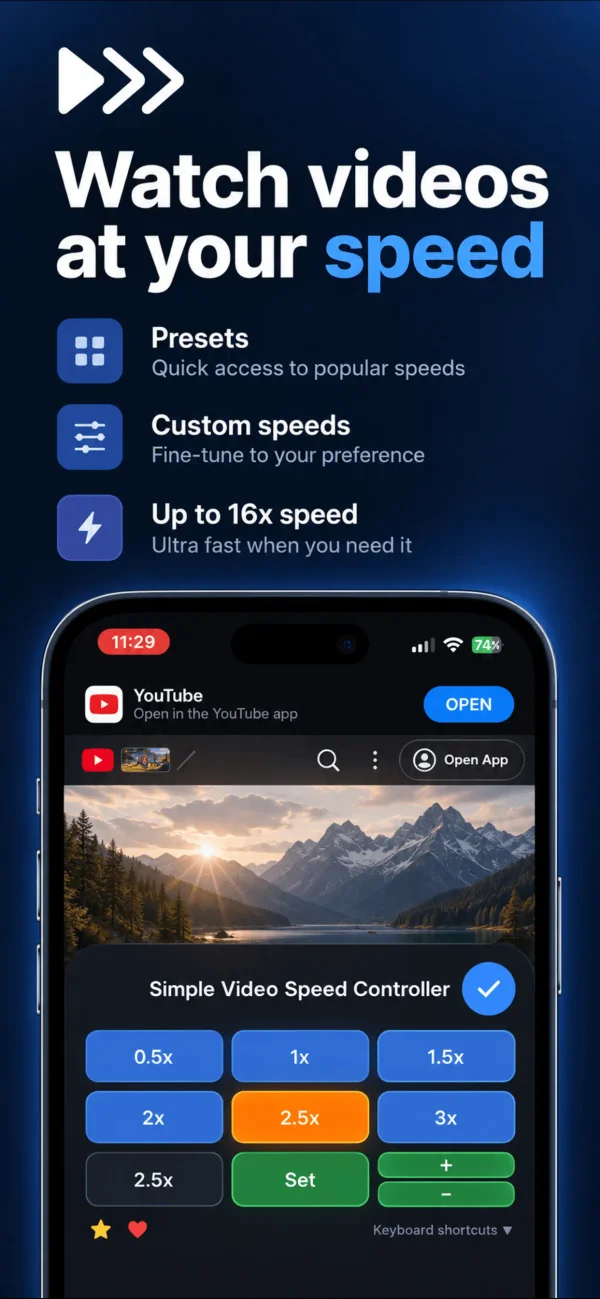
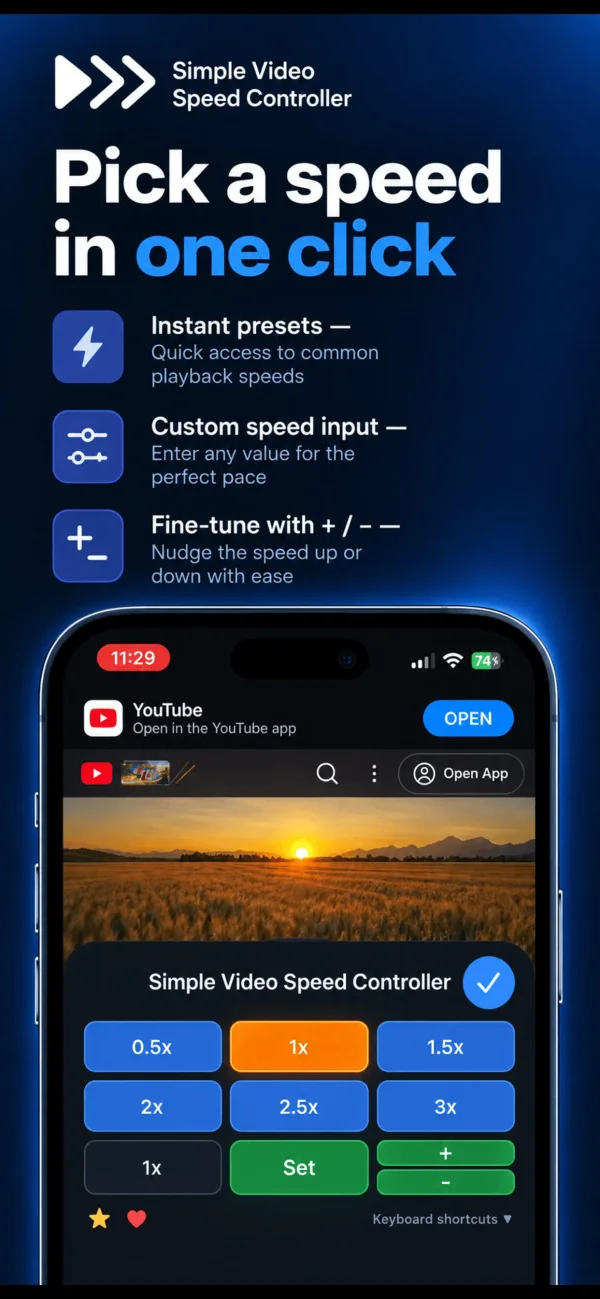


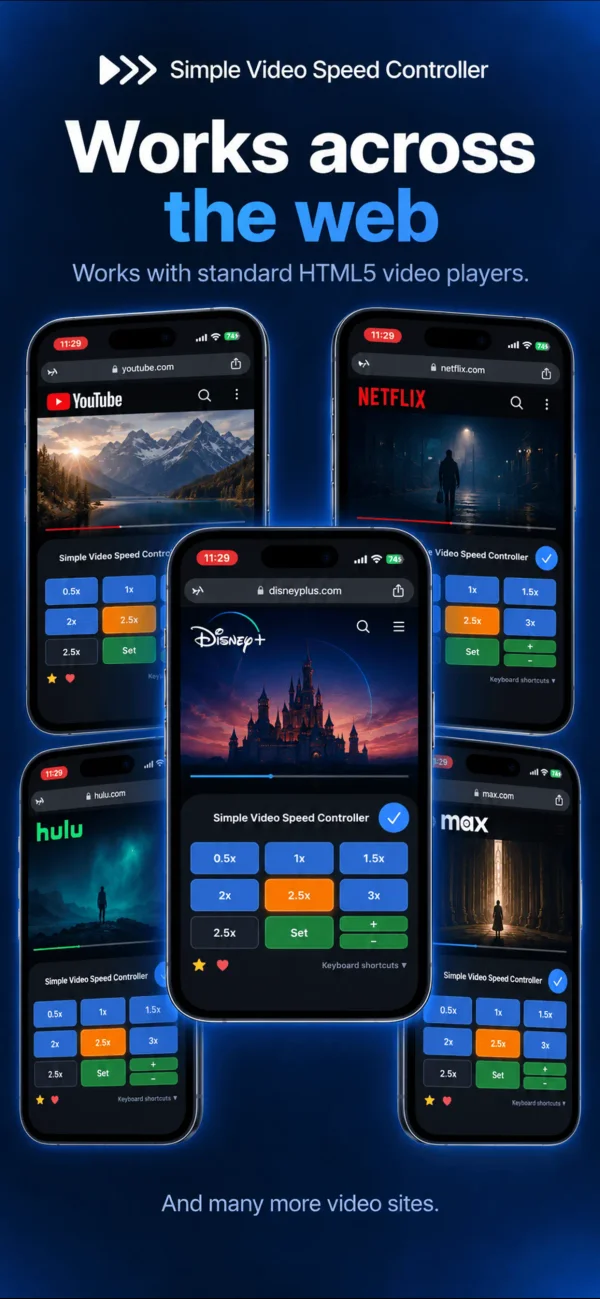
About
Adjust the video speed on any website.
Enhance your viewing experience with our open source browser extension, designed to adjust playback speeds across a wide range of streaming platforms. Whether you're looking to speed through content or slow it down for detailed viewing, the extension gives you simple, seamless control over video playback.
Be sure to reload your tabs after installing and pin the extension for easy access!
**Universal Compatibility:**
Works with major streaming platforms and video content across the web, including YouTube, Netflix, Disney, and other popular services. Whether you're watching educational content, entertainment, sports, or news videos, this extension allows you to control playback speed on any site that uses standard HTML5 video players.
**Key use cases:**
* Speed up educational videos and tutorials
* Watch entertainment content at your preferred pace
* Control playback speed on news and sports highlights
* Adjust lecture and presentation videos for better comprehension
* Maintain consistent speed settings across different video platforms
**Temporary Boost:**
Need to speed through just part of a video? Hold your Temporary Boost keyboard shortcut to instantly switch to your chosen boost speed. Release the keys to return to your previous playback speed.
Choose both your preferred Temporary Boost speed and shortcut key:
* Windows/Linux: `Ctrl + Shift + [custom key]`
* Mac: `Command + Option + [custom key]`
Set them once and use the shortcut whenever you want a quick temporary increase in playback speed.
**Keyboard Shortcuts:**
Windows/Linux:
* `Ctrl + Shift + Plus` to increase speed
* `Ctrl + Shift + Minus` to decrease speed
* `Ctrl + Shift + Backspace` to reset to 1x speed
* `Ctrl + Shift + [1-9]` to set a specific speed. Press again to add 0.5x, and press again to revert.
* `Ctrl + Shift + 0` to set the maximum speed of 16x. Press again to reset to 1x speed.
Mac:
* `Command + Option + Plus` to increase speed
* `Command + Option + Minus` to decrease speed
* `Command + Option + Delete` to reset to 1x speed
* `Command + Option + [1-9]` to set a specific speed. Press again to add 0.5x, and press again to revert.
* `Command + Option + 0` to set the maximum speed of 16x. Press again to reset to 1x speed.
**Domain-Specific Speed Memory:**
Remembers your preferred playback speed for each website.
**Clean, Intuitive Interface:**
* Quick preset buttons for common speeds (0.5x to 3x)
* Custom speed input for precise control
* Fine-tuning buttons for incremental adjustments
* Customizable Temporary Boost speed and shortcut key
See my other work at:
https://chaseos.app
**Open Source Code:**
https://github.com/Chaseos/SimpleVideoSpeedController
What’s new
Version 1.19 · Nov 8, 2026
• See your current speed on the extension icon whenever it isn't 1x
• Typed speeds now apply as soon as you leave the field
• Better playback compatibility on streaming sites
• At 1x, sites keep control of their own playback speed
• Fixed opening Safari extension settings from the app
App privacy
What Chase Olson declares on the App Store about how this app handles data.
-
Data not collected
The developer does not collect any data from this app.
Privacy practices may vary, for example with the features you use or your age.
Information
- Seller
- Chase Olson
- Category
- Utilities
- Version
- 1.19
- Updated
- Nov 8, 2026
- Released
- Nov 5, 2026
- Size
- 3.4 MB
- Requires
- iOS 16.0 or later
- Age rating
- 4+
- In-app purchases
- Yes
- Languages
- English
- Copyright
- © 2026 Chaseos Apps
You might also like
-
 Video SpeedifierControl video speed playback
-
 Video Speed for SafariVideo Speed Changer for Safari
-
 Video Compress - Save SpacePrivacy-First Compression
-
 Prime Speed ControllerA-B Loop, Speed & Seek
-
 ConnectsVPN – Fast & PrivateSecure browsing made simple.
-
 Video Compressor + Reduce SizeBatch; Target MB for One Clip
-
 Dark Mode Fix for SafariNight Themes for Websites
-
 Haokan: Desk ClockFull-Screen Clock Themes
-
 Tab Suspender for SafariFree up memory, keep tabs
-
 Video Control for SafariSpeed,A-B Loop,Auto Fullscreen