
Simple Visualise AI
Visualise Anything with AI
Designed for iPhone, iPad, Mac, iPod touch
In-app purchases
- Age rating+4
- CategoryUtilities
- DeveloperYUKI TANAIKE
- LanguagesPortuguese+ 46 more
- Size102.7 MB
Links to the official App Store page
Download.org hosts no file of Simple Visualise AI. The button opens its official App Store page, published by YUKI TANAIKE. Listing last checked on Nov 23, 2026.
Screenshots
About
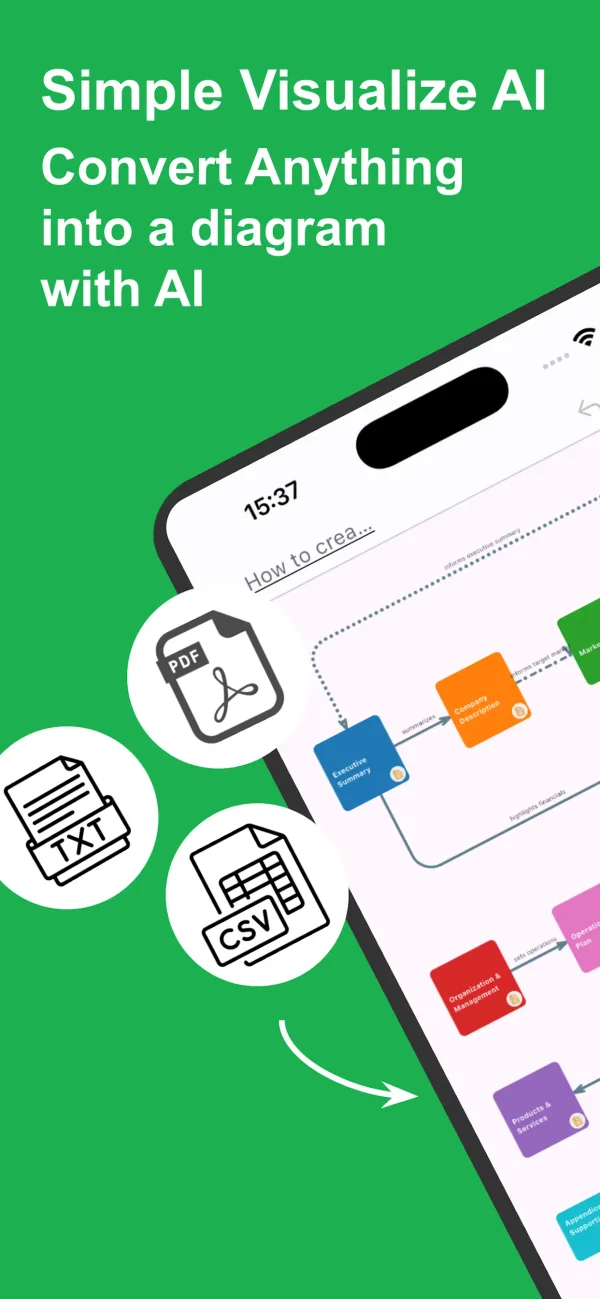
An AI-powered app that makes any content easy to visualise.
With flowcharts and relationship maps, you can organise your thoughts, remember key points, and set goals.
The AI automatically captures the essence of information and generates intuitive, concise diagrams.
Simply tell the app roughly what you want to create, and it will visualise it for you.
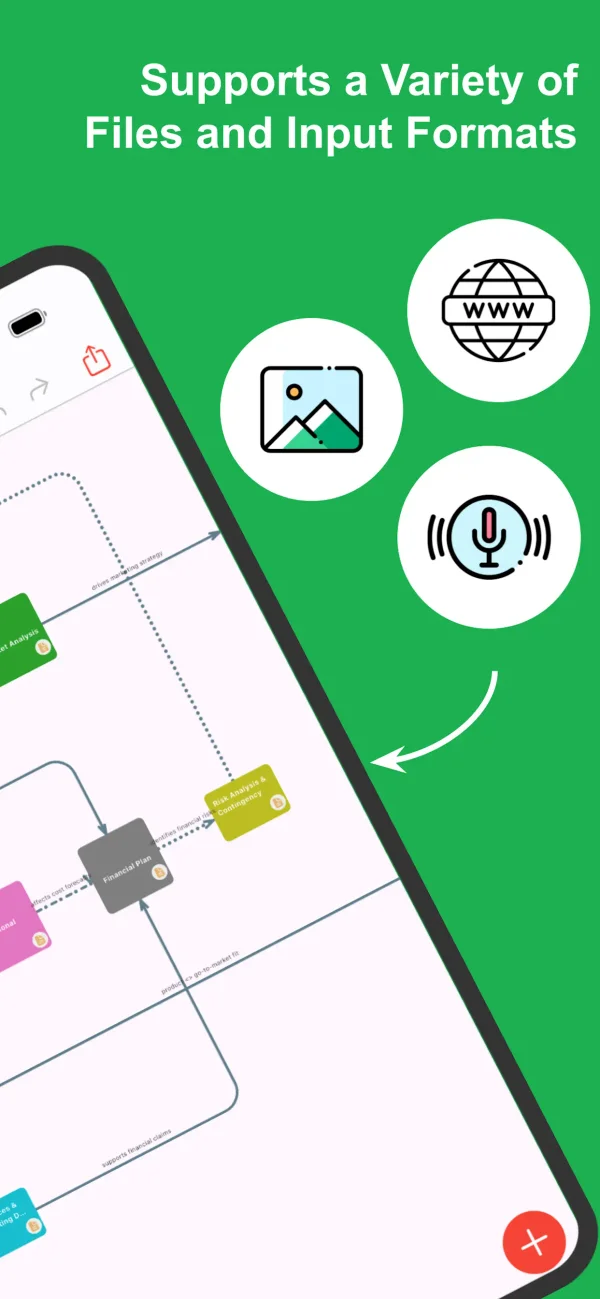
It can also generate diagrams from websites, PDFs, documents, images, or even audio.
Use it in situations like these:
- Collecting and visualising information from news and blogs: Organise collected data and highlight key points.
- Creating meeting minutes: Summarise discussions clearly and visualise key takeaways.
- Career planning and life design: Structure your goals and career paths with a long-term vision.
- Optimising and visualising business processes: Summarise each process to improve efficiency.
- Managing projects and sharing progress: Organise milestones and share updates seamlessly.
- Designing sales flows and processes: Map sales strategies and visualise strategic approaches.
- Structuring customer support workflows: Clarify key points in customer interaction and improve support quality.
- Planning and managing from concept to execution: Break down each step of a project for clarity.
- Managing new product or service launches: Organise implementation steps for effective execution.
- Visualising budgeting and fundraising: Map out financial plans and track the flow of funds.
- Simplifying approval and decision-making workflows: Summarise and unify the flow for clarity.
- Developing training programs and manuals: Organise training content to deepen understanding.
- Planning and executing marketing strategies: Lay out components and visualise the process from planning to execution.
- Visualising educational content: Organise key learning points by topic.
- Bringing ideas to life: Consolidate brainstorming results and identify next steps.
- Setting goals: Clarify objectives for individuals or teams and focus on priorities.
- Project planning: Structure each phase and create actionable execution plans at a glance.
Whenever you need to grasp information quickly and clearly, this app is the perfect tool to try.
[Features]
- AI-Driven Creation
Boost productivity by creating visualisations easily with AI assistance.
- ntuitive operability
When organising your thoughts, ease of use is most important.
It works smoothly, and editing is intuitive.
- Ready to use
No account registration required—start using it right away.
- Share with others
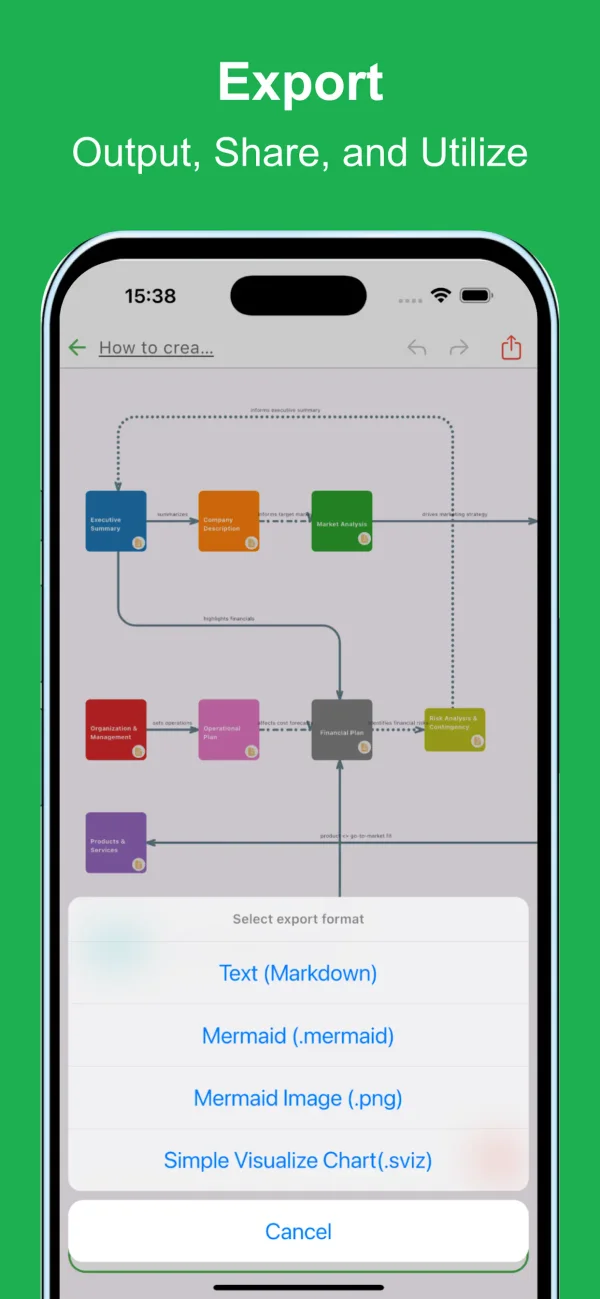
Share your visualised content with colleagues and friends.
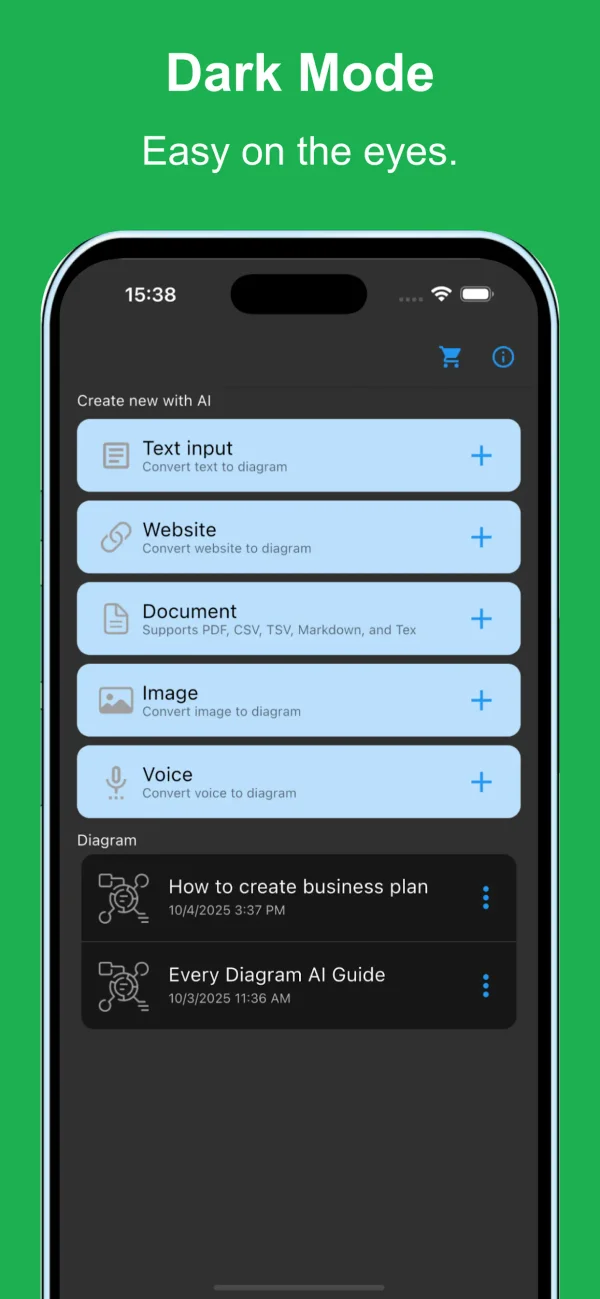
- Dark theme support
With dark mode support, it’s ideal for use at night.
What’s new
Version 2.9.1 · Nov 17, 2026
Added file sharing and collaborative editing, as requested by many users.
App privacy
What YUKI TANAIKE declares on the App Store about how this app handles data.
-
Data not collected
The developer does not collect any data from this app.
Privacy practices may vary, for example with the features you use or your age.
Information
- Seller
- YUKI TANAIKE
- Category
- Utilities
- Version
- 2.9.1
- Updated
- Nov 17, 2026
- Released
- Oct 13, 2025
- Size
- 102.7 MB
- Requires
- iOS 15.6 or later
- Age rating
- +4
- In-app purchases
- Yes
- Languages
- Portuguese, German, Bengali, Bulgarian, Kannada, Catalan, Czech, Simplified Chinese, Traditional Chinese, Korean, Croatian, Danish + 35 more
- Copyright
- © 2025 Yuki Tanaike
You might also like
-
 Volunteer Master: HoursTrackerLog Community Service & Impact
-
 EXCAiUtilities
-
 Shopping List EasyUtilities
-
 App Sitemap — FlowSnapSitemap & User Flow Builder
-
 GG AI DoodleSketches to AI Art & Videos
-
 Rastrack 360Utilities
-
 PeekMD: Markdown HTML ViewerPreview Read and Edit MD Files
-
 Gusti di PugliaUtilities
-
 Time Traveler: World ClockTurn one clock. See the world.
-
 Where Is It: Home FinderFind items by photo fast