
SimpleMind - Mind Mapping
Capture your ideas and notes
Designed for iPhone, iPad, iPod touch
Free · In-app purchases
- Age rating4+
- CategoryProductivity
- Developerxpt Software & Consulting B.V.
- LanguagesEnglish+ 14 more
- Size36.4 MB
Links to the official App Store page
Download.org hosts no file of SimpleMind - Mind Mapping. The button opens its official App Store page, published by xpt Software & Consulting B.V. Listing last checked on Nov 12, 2026.
Screenshots
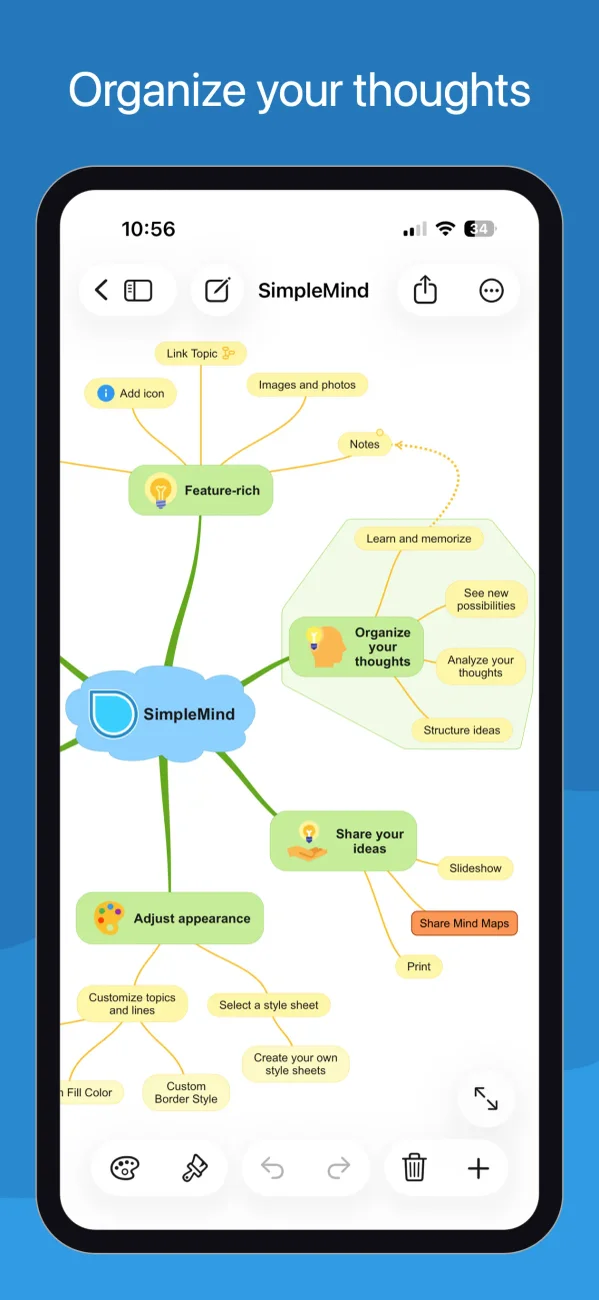
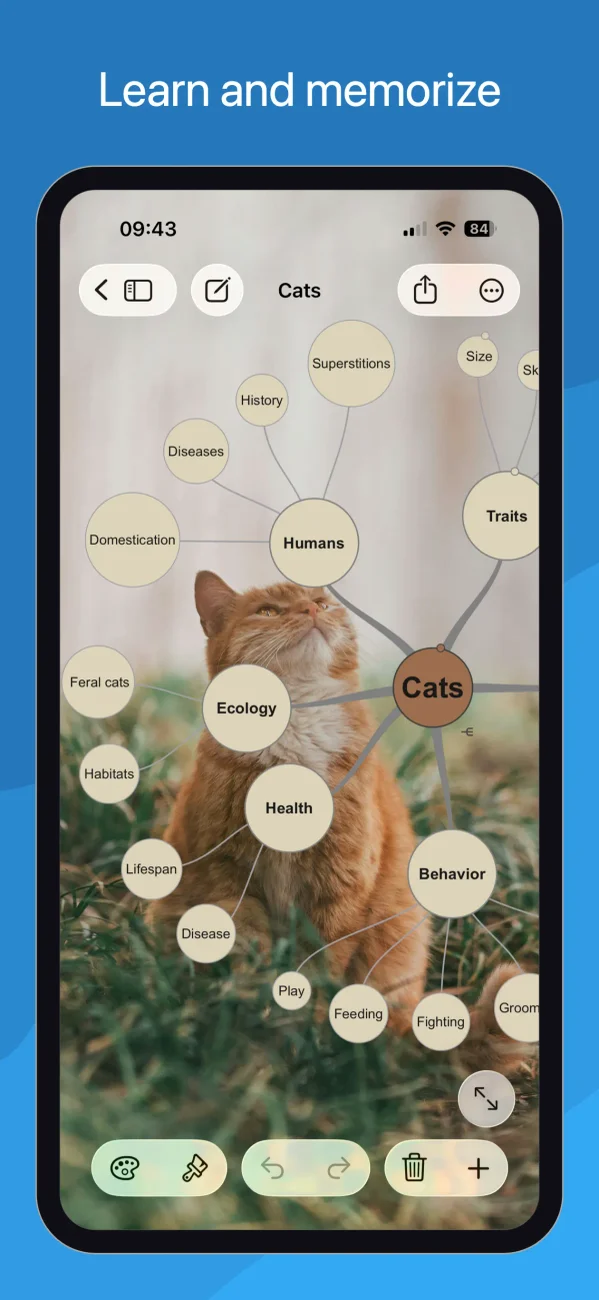
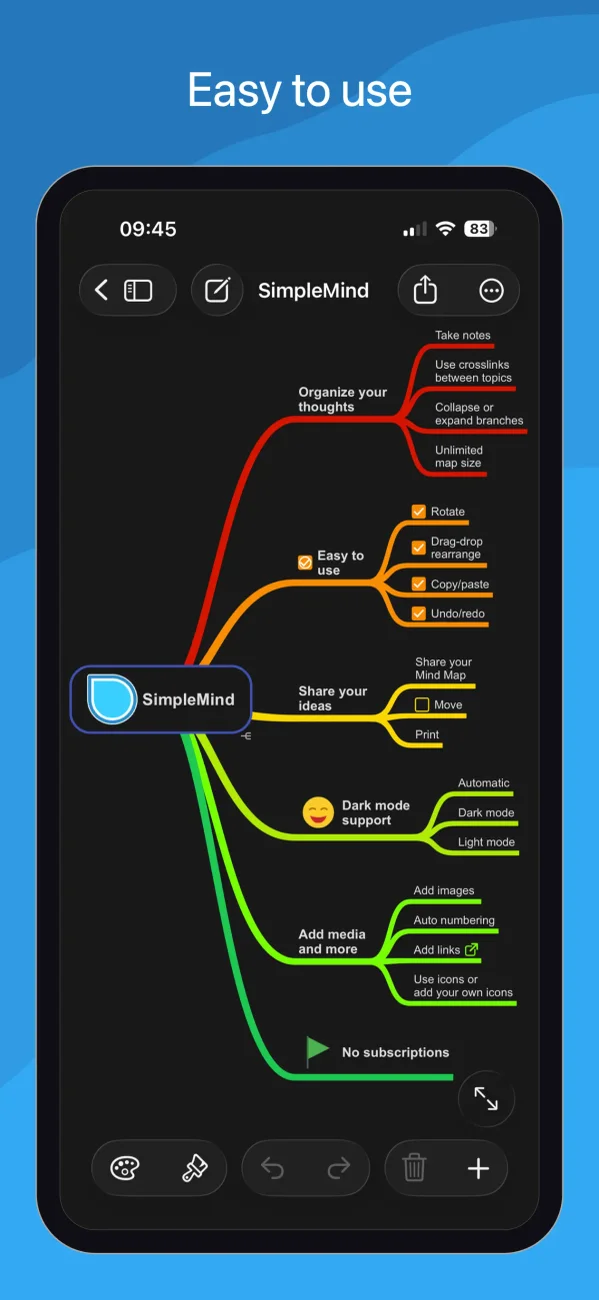
About
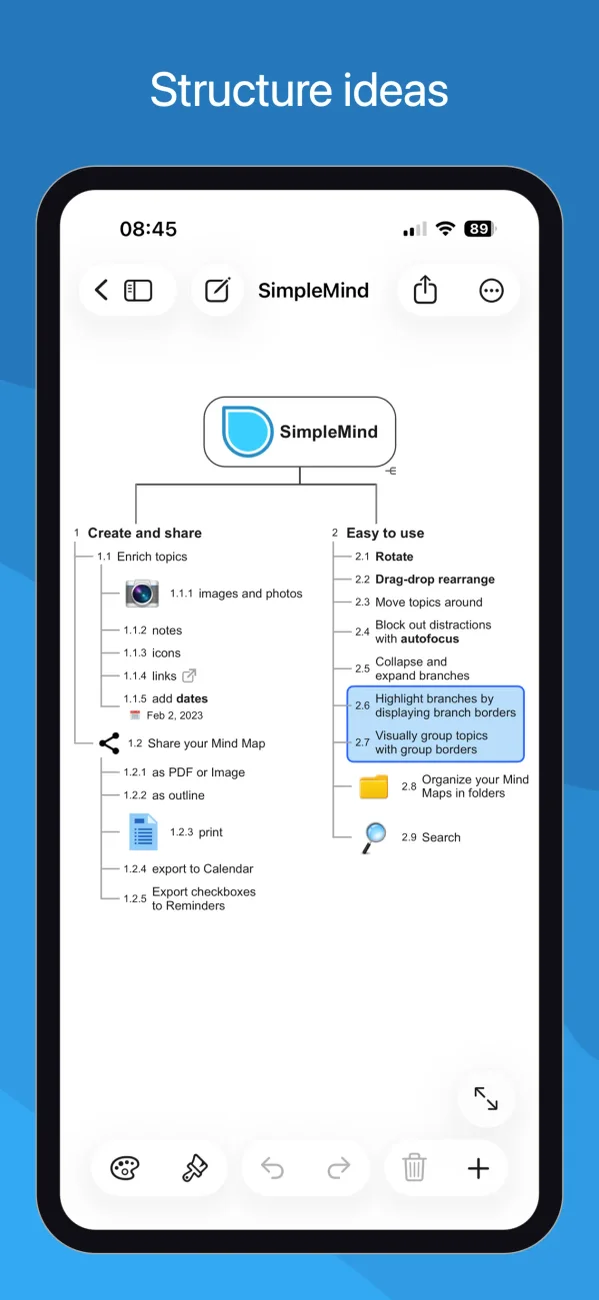
Mind mapping helps you organize your thoughts, remember information and generate new ideas. We've created a beautiful, intuitive app, so you can mind map wherever you are and whenever you want.
○ Free Functionality
Everything you need to get started with mind mapping
• Easy to use.
• Create as many Mind Maps as you want.
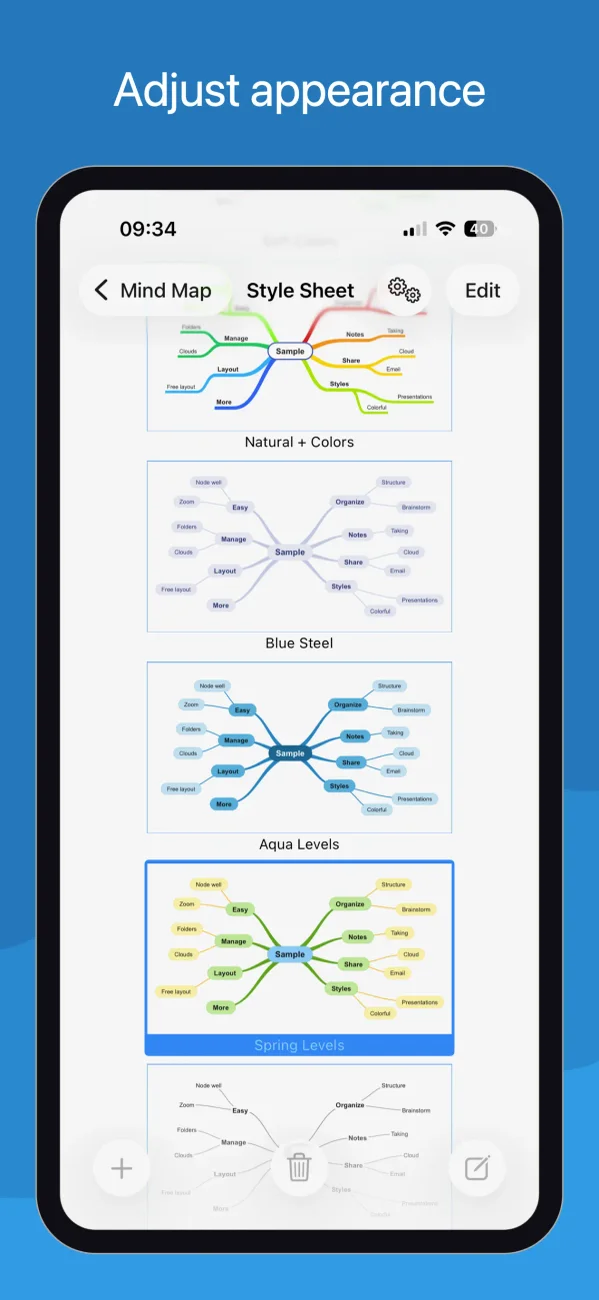
• Change the overall appearance by selecting one of the many style sheets.
• Add notes.
• Collapse and expand branches.
• Outline view.
• Brainstorm.
• Continuously fine-tuned based on customer feedback.
• Upgrade to Pro functionality is a one-time purchase, not a subscription.
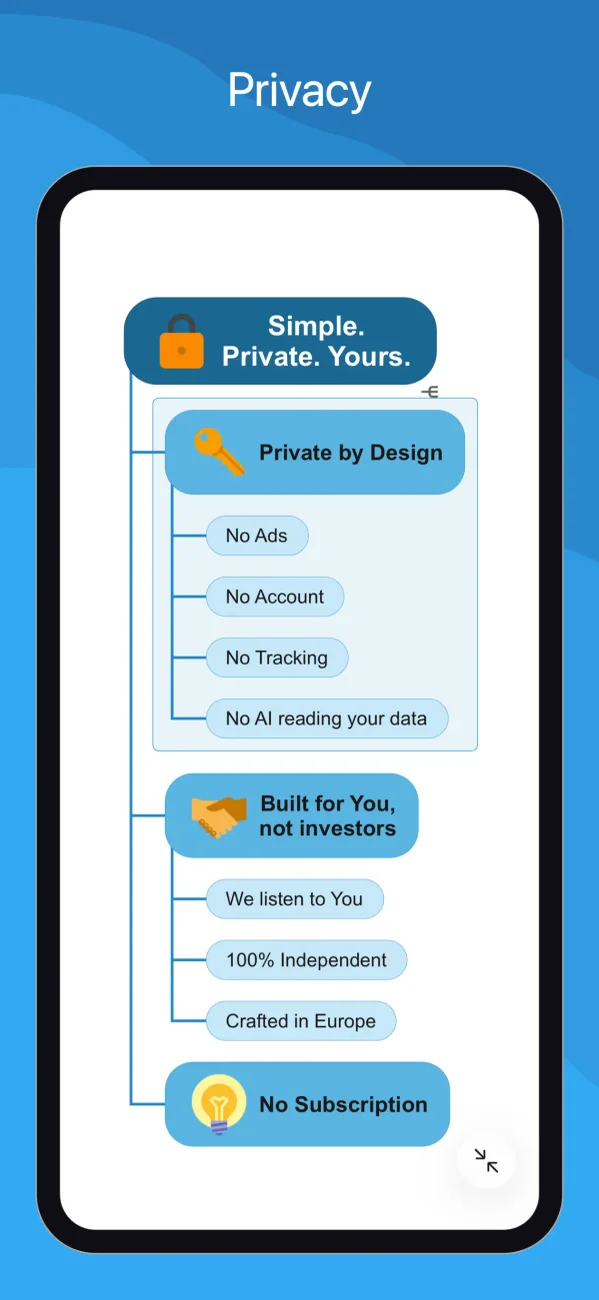
Private by Design
• No ads.
• No tracking.
• No need to sign up for an account.
• We do not have access to your Mind Maps.
○ Pro Functionality
Create
• Place topics anywhere you want in the free-form layout.
• Use various auto layouts.
• Reorganize and restructure topics.
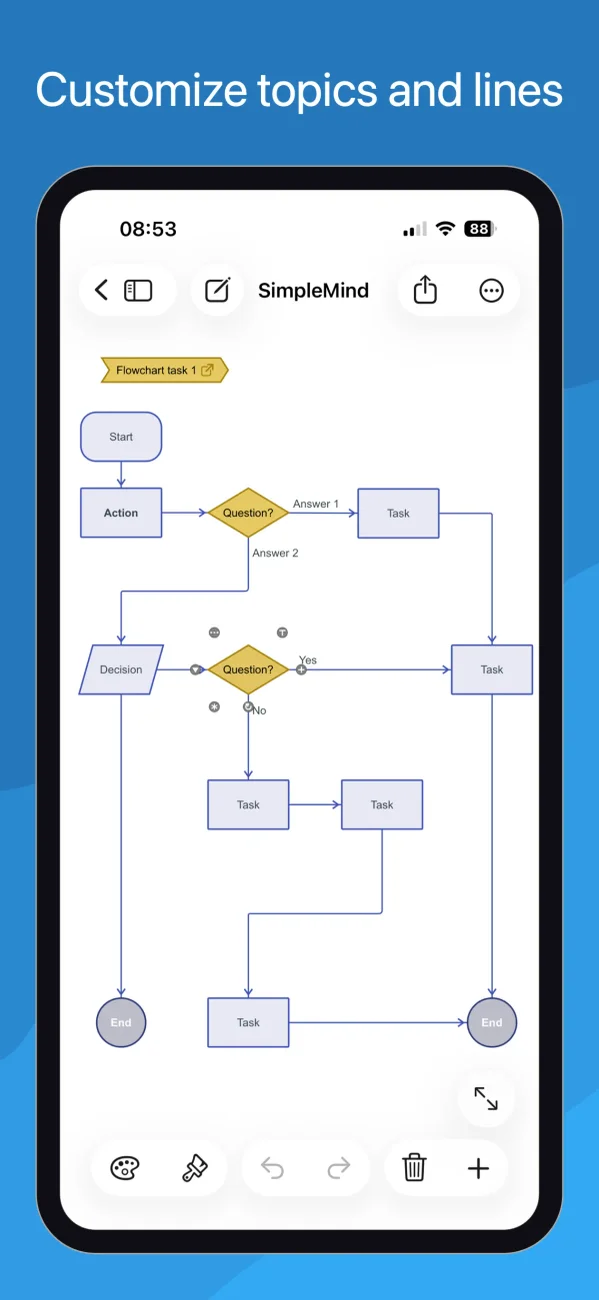
• Connect any two topics with a crosslink.
• Label relations.
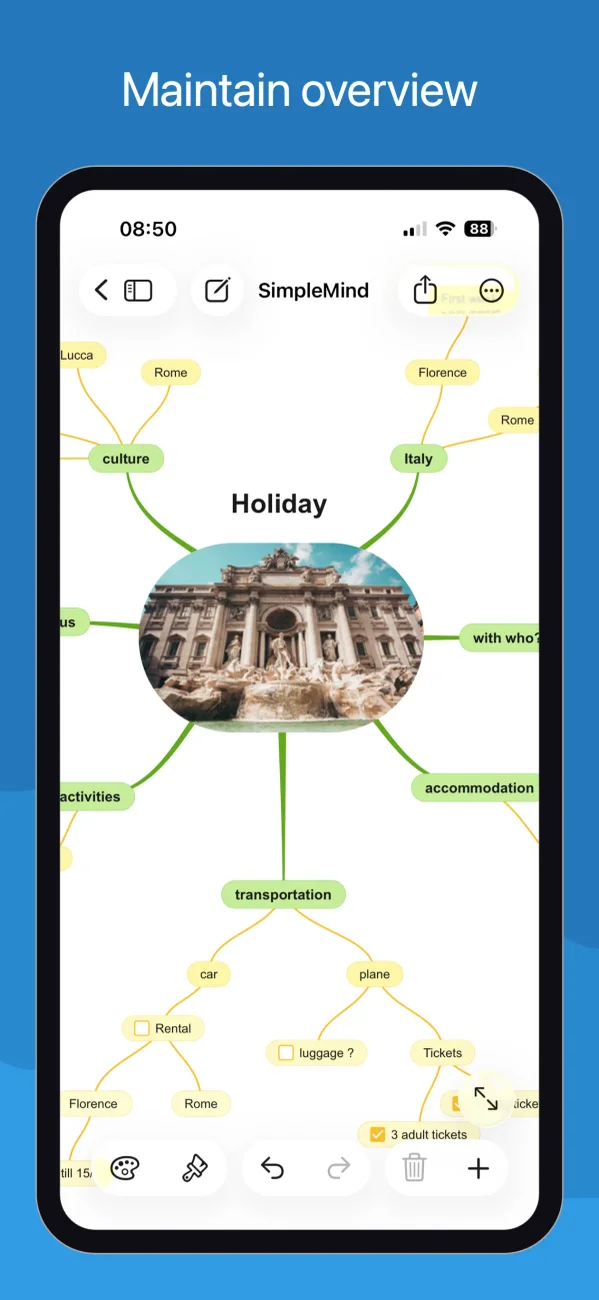
Tools to help you maintain overview
• Collapse and expand branches.
• Block out distractions with autofocus.
• Visually group topics with group borders.
• Outline view.
• Search and filter.
Enrich your Mind Map
• Images and photos.
• Notes.
• Icons.
• Link to a mind map, contact, file or webpage.
• Checkboxes.
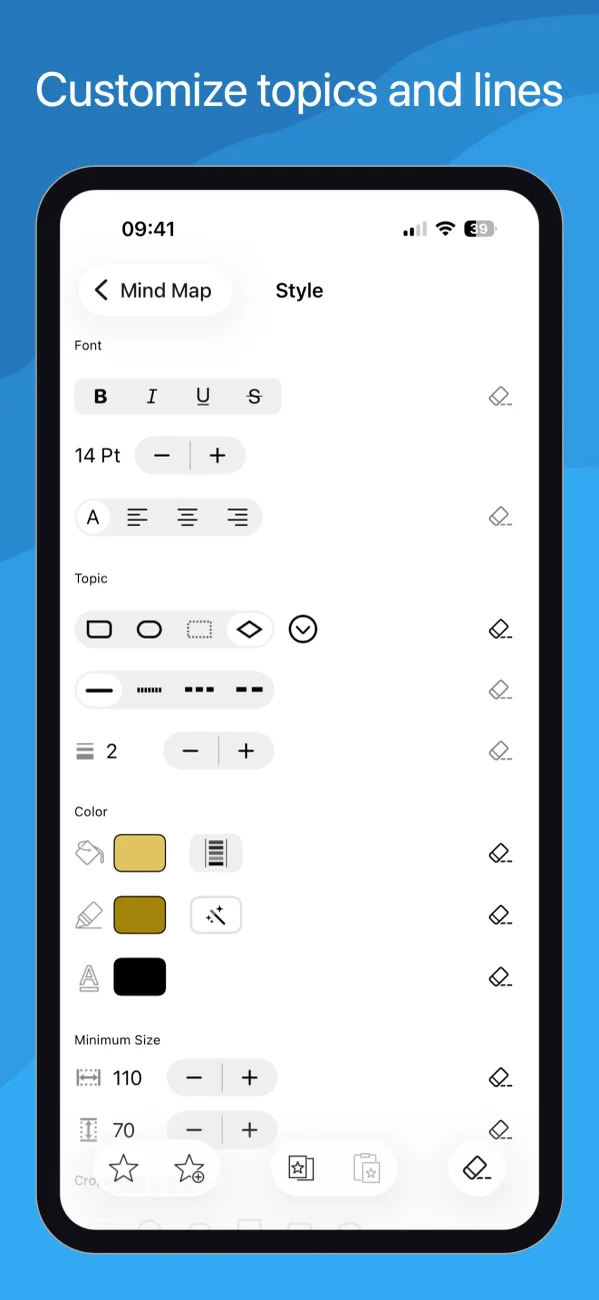
Style your mind map
• Change the overall appearance by selecting one of the many style sheets.
• Create your own style sheets.
• Style every detail, exactly how you want it.
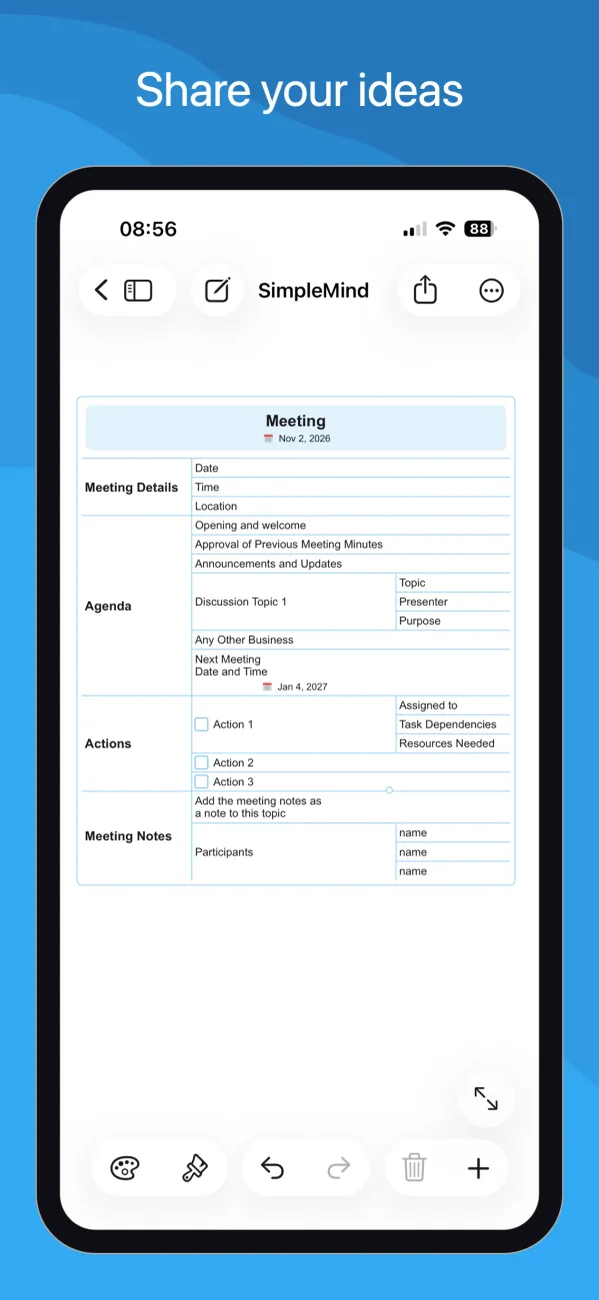
Share Mind Maps
• PDF, Image and more.
• Outline text.
• Create a slideshow to present your Mind Map (tablet only).
• Print.
• Exchange as OPML, for example with AI apps.
Safely store and sync your Mind Maps
• You control where your Mind Maps are stored.
• Sync Mind Maps across devices using iCloud, Dropbox or other clouds.
• SimpleMind is designed to open your Mind Maps across platforms.
• SimpleMind for Mac, and companion apps for other platforms, are sold separately.
What’s new
Version 2.10.2 · Oct 30, 2026
• iPad: Search integrated in the Outline view, making it easier to see Search Matches and apply and combine filters.
• “Today” date search filter.
• Use custom background images or patterns.
• Full Screen button on iPhone.
• New Super(sub)script for numbers.
• Open mind maps in read-only mode to avoid making accidental changes.
• Problems fixed.
App privacy
What xpt Software & Consulting B.V. declares on the App Store about how this app handles data.
-
Data not collected
The developer does not collect any data from this app.
Privacy practices may vary, for example with the features you use or your age.
Information
- Seller
- xpt Software & Consulting B.V.
- Category
- Productivity
- Version
- 2.10.2
- Updated
- Oct 30, 2026
- Released
- Feb 23, 2009
- Size
- 36.4 MB
- Requires
- iOS 15.0 or later
- Age rating
- 4+
- Price
- Free
- In-app purchases
- Yes
- Languages
- English, Arabic, Dutch, French, German, Italian, Japanese, Korean, Portuguese, Russian, Simplified Chinese, Spanish + 3 more
- Copyright
- © 2008-2026 SimpleMind
You might also like
-
 MindSpace - Mind MapMind mapping, Brainstorming
-
 Xmind: AI Mind Map, BrainstormNotes, Study, Plan & Outline
-
 Mind Map Maker - MindomoMind Map and Concept Map maker
-
 Flowdia DiagramsFlowchart & Diagramming
-
 Mind MappingBrainstorm with ease
-
 Mind Mapping - MindMeisterBrainstorming and note taking
-
 miMind - AI Mind Map & OutlineMind Mapping, Brainstorm Ideas
-
 MindNode: Mind Map & OutlineBrainstorm, Plan & Organize
-
 LucidchartFlowchart & Diagram Maker
-
 ThinkSpace - Mind Map & NotesWhere thinking stays yours