
Simplifi Connect
Routers & networks management
Designed for iPhone, iPod touch
Free
- Age rating4+
- CategoryUtilities
- DeveloperBrightSky LLC
- LanguagesEnglish
- Size53.3 MB
Links to the official App Store page
Download.org hosts no file of Simplifi Connect. The button opens its official App Store page, published by BrightSky LLC. Listing last checked on Nov 18, 2026.
Screenshots
About
Makes enterprise networking with the Simplifi Connect router extremely intuitive and easy.
With its simple design, QR Code Scanner, and easy-to-follow steps, the Simplifi Connect App helps you to not just understand and manage the basics of networking (set-up, checking cellular signal strength, updating firmware, changing passwords, seeing devices on the network, etc.), but it’s also the only app designed to help set up failover protection, so your business and home is protected in case an internet disruption happens. The app and all of its features are free and work remotely over the internet or a local WiFi connection to the Simplifi Connect router and can be used to manage one router or hundreds through one app.
KEY FEATURES
• Helpful interactive guide to set up your Simplifi Connect routers out of the box.
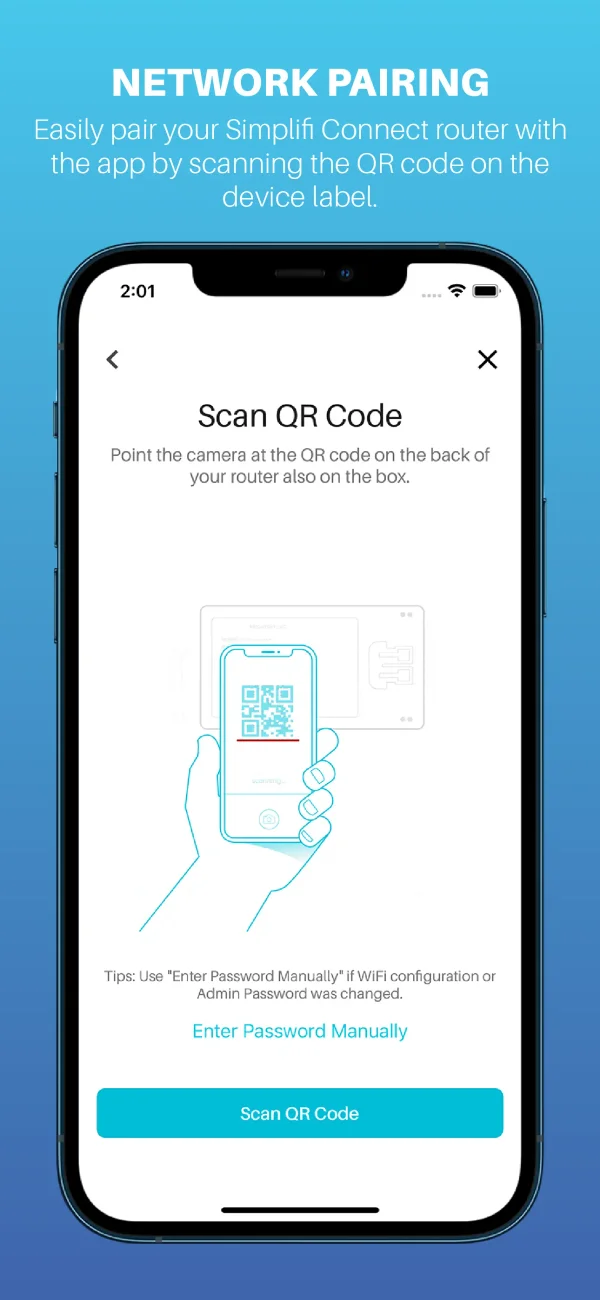
• Easily onboard your router using QR code scan.
• Create a user account with your email and remotely manage & monitor your routers 24/7 from any mobile device.
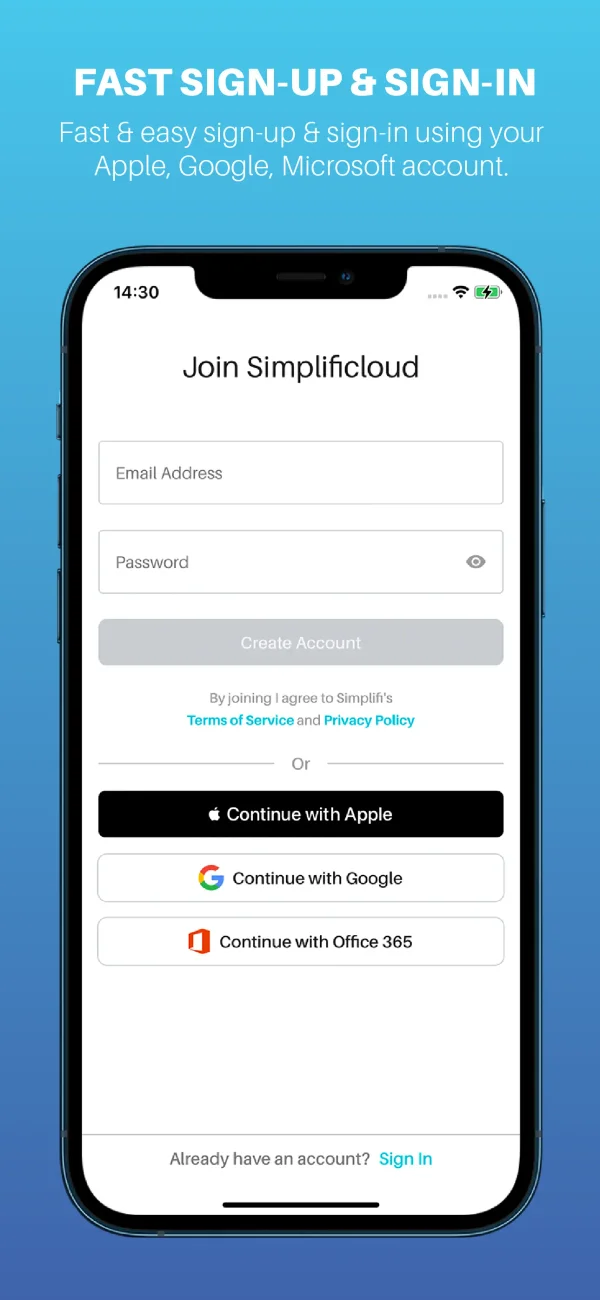
• Quick login via identity providers: Apple, Google, Microsoft.
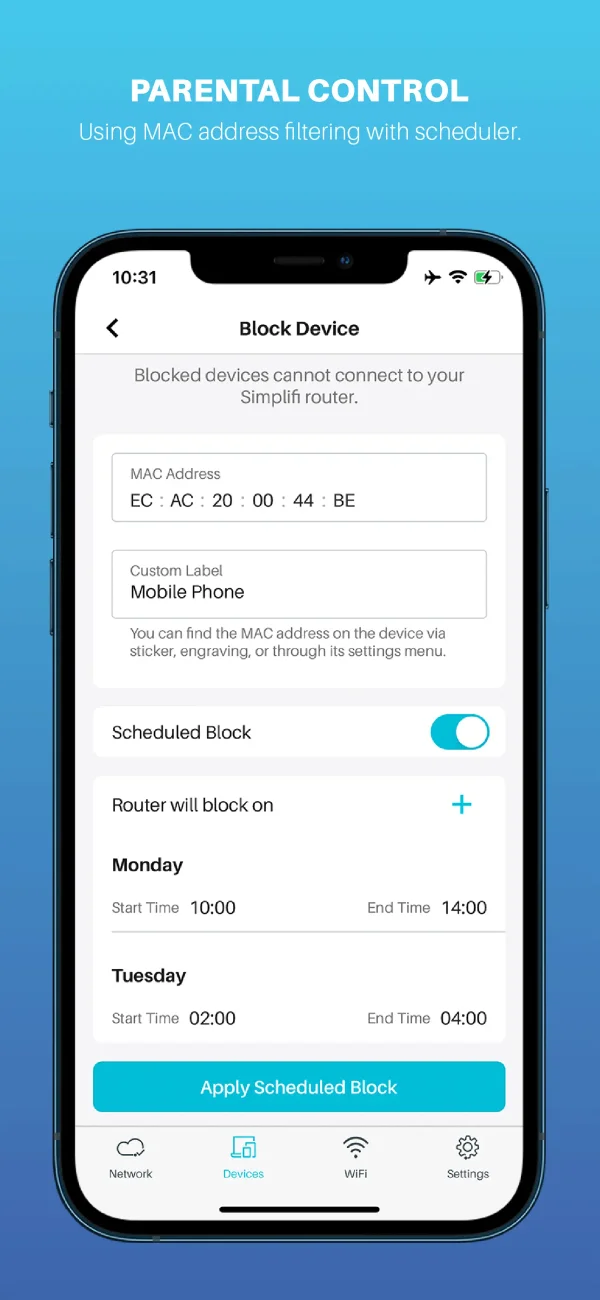
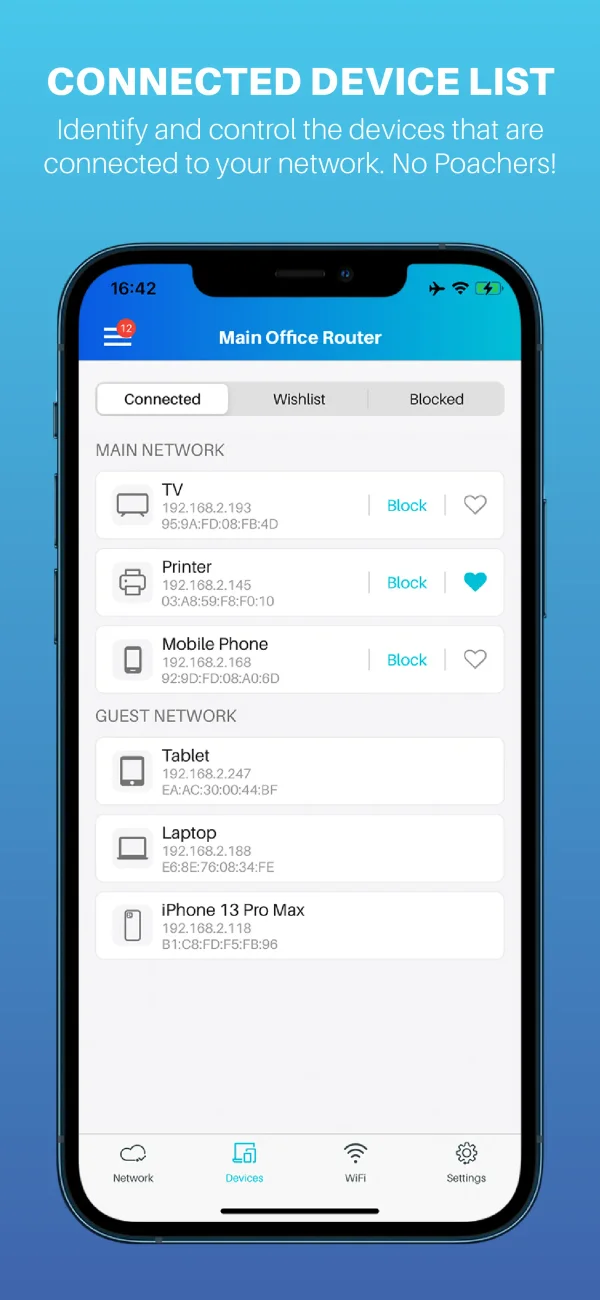
• Parental control using MAC address filtering with scheduler.
• View and monitor your router remotely:
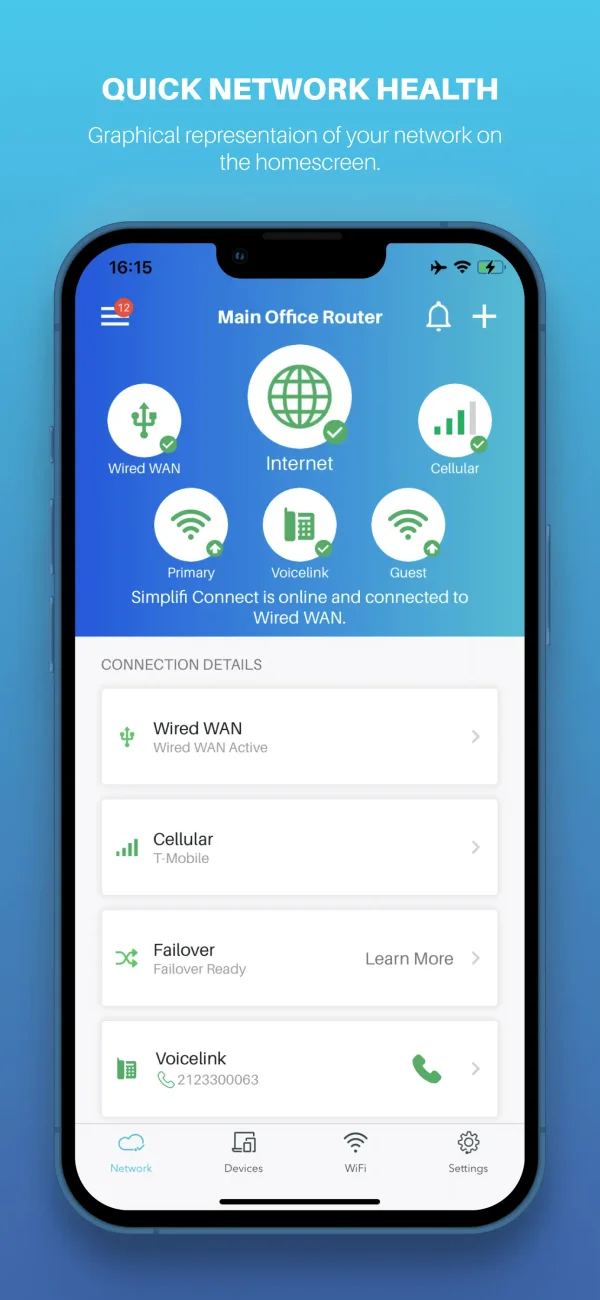
◦ Monitor Voicelink (Simplifi POTS line replacement).
◦ Graphical presentation of your network health.
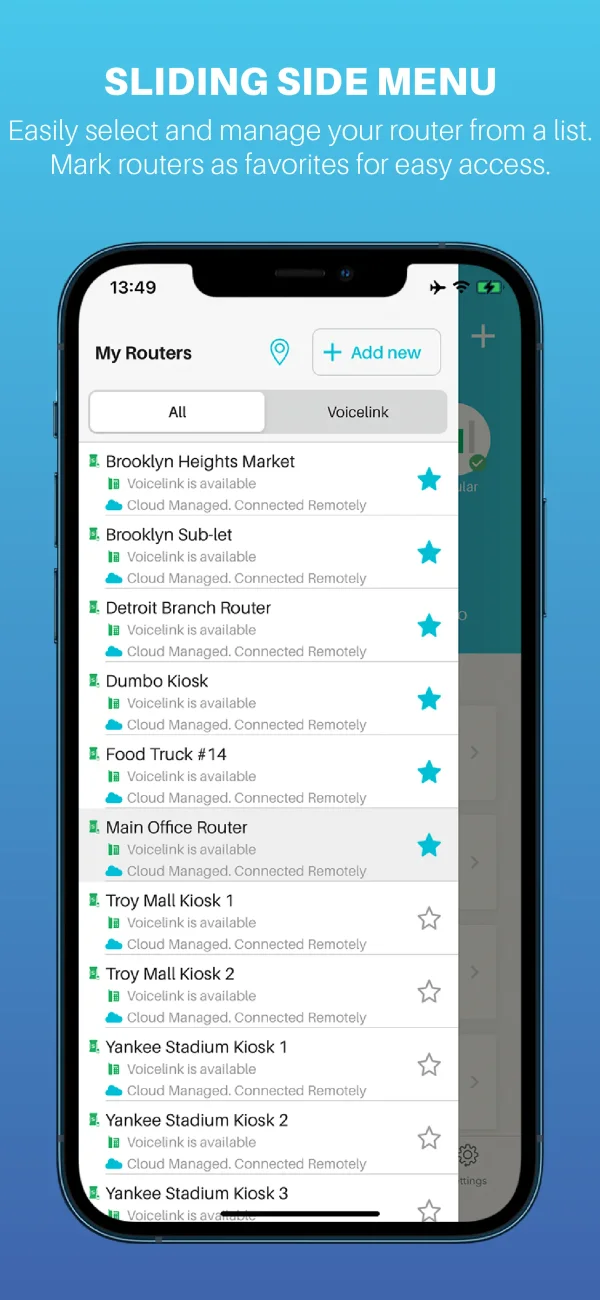
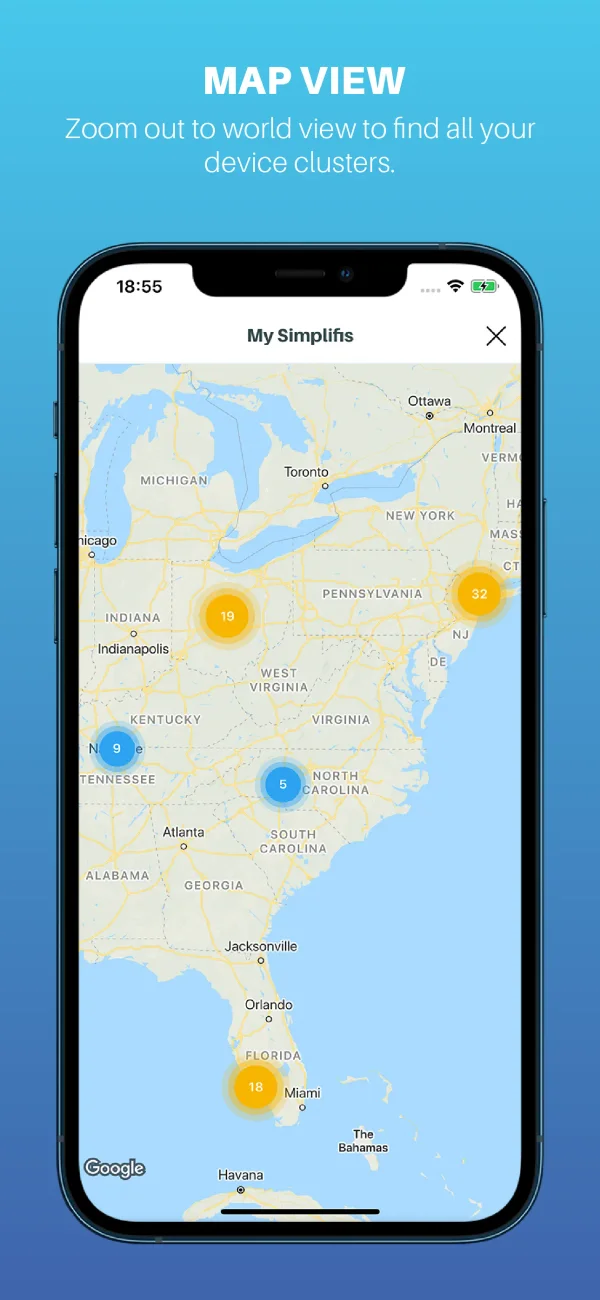
◦ Select and view a router’s status from an interactive list or map.
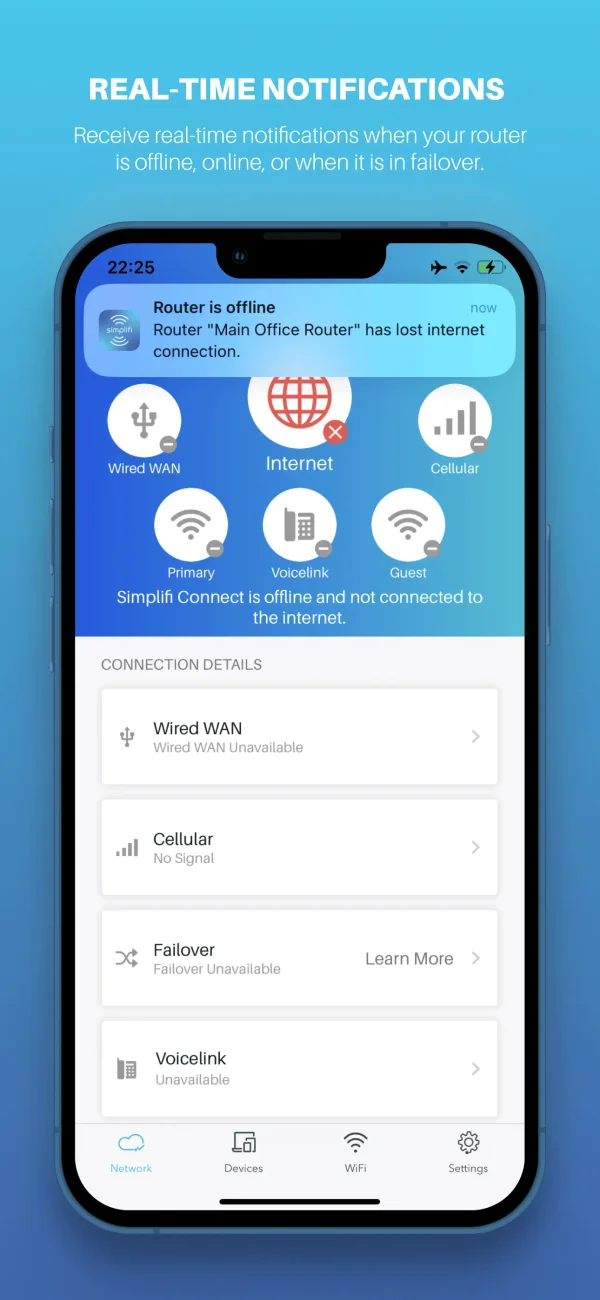
◦ In real-time, monitor your routers' failover status (armed, active, disabled).
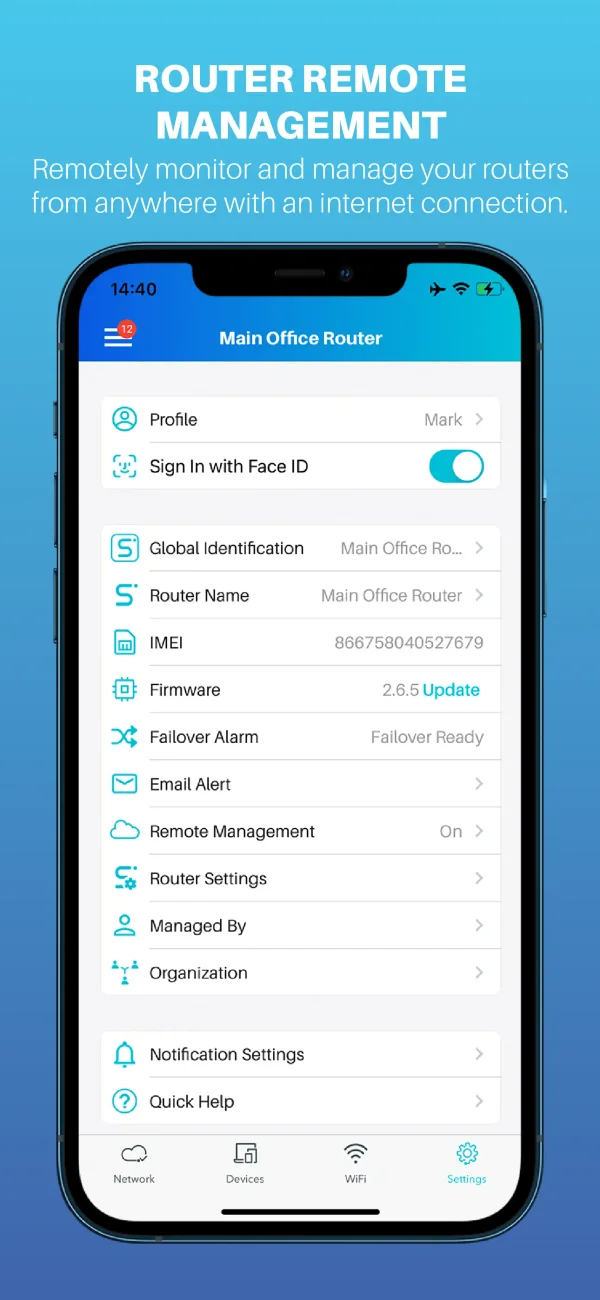
◦ Monitor essential environmental information such as cellular signal strength, carrier, connected devices, IMEI, and firmware version.
◦ Monitor critical network details including IP address, DNS configuration, uptime, and gateway address.
◦ Receive alerts on your mobile device:
◦ Network health and status changed.
◦ A new client joins the WiFi network.
◦ Network failover status changed.
◦ Manage your router remotely:
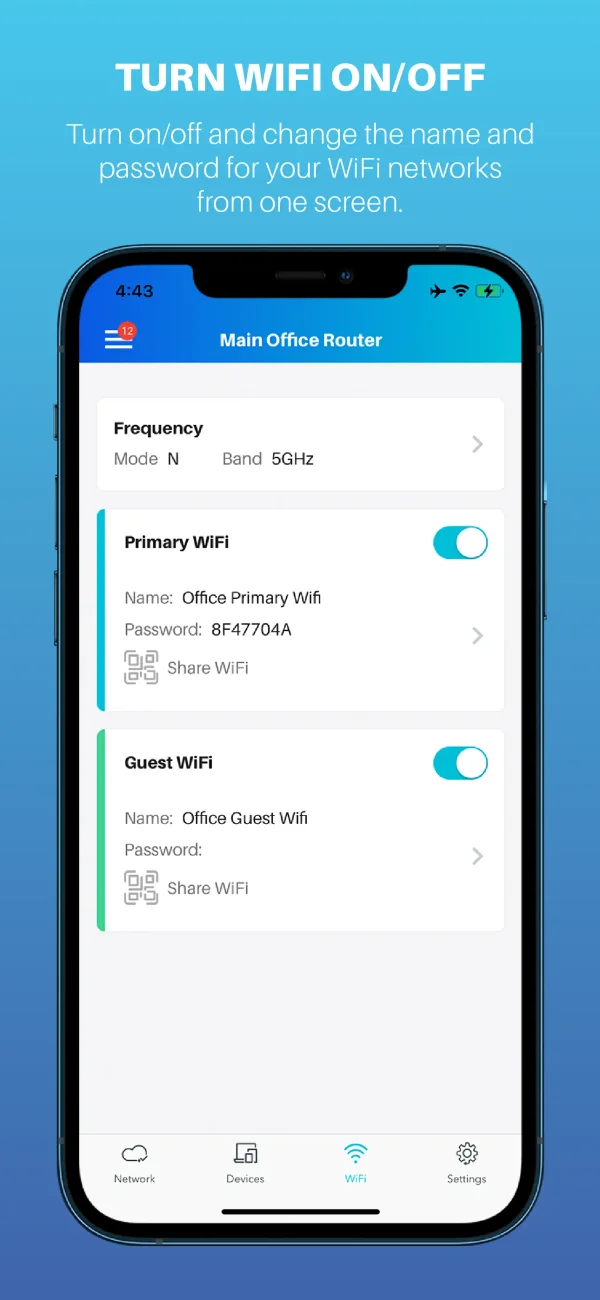
◦ Change WiFi network name, and password.
◦ Block and unblock devices and guests from accessing WiFi networks.
◦ Initiate firmware update.
◦ Reset Simplifi Connect to default settings.
◦ Schedule router reboots.
◦ Set your data usage limit for alerts.
◦ Force cellular band(s).
What’s new
Version 2.8.0 · May 20, 2024
◦ Fixed intermittent app crash that occurred after changing WiFi network settings.
◦ Bug fixes to ensure the blocked schedule is applied correctly.
◦ Minor UI enhancements.
App privacy
What BrightSky LLC declares on the App Store about how this app handles data.
-
Data linked to you
May be collected and linked to your identity.
- Contact info
- Identifiers
-
Data not linked to you
May be collected but is not linked to your identity.
- Diagnostics
Privacy practices may vary, for example with the features you use or your age.
Information
- Seller
- BRIGHTSKY LLC
- Category
- Utilities
- Version
- 2.8.0
- Updated
- May 20, 2024
- Released
- Apr 25, 2020
- Size
- 53.3 MB
- Requires
- iOS 13.0 or later
- Age rating
- 4+
- Price
- Free
- Languages
- English
- Copyright
- © Copyright Simplifi 2018-2024
You might also like
-
 Island RouterRouter, Parental Controls, VPN
-
 Network UtilityNetwork tools made easy
-
 LTE ManagerHuawei Router Monitor
-
 AXIS InstallerUtilities
-
 Aurora - Device AssistantUtilities
-
 ScanNet - Network ScannerUtilities
-
 IP Tools - Router Admin SetupNetwork Utilities
-
 iNetTools - Ping,DNS,Port ScanBest Network Diagnosis App
-
 NETGEAR MobileUtilities
-
 MikroTikRouterOS configuration tool