- Age rating4+
- CategoryProductivity
- DeveloperLuis Catacora
- LanguagesEnglish
- Size640.0 KB
Links to the official App Store page
Download.org hosts no file of Simply Scan. The button opens its official App Store page, published by Luis Catacora. Listing last checked on Nov 18, 2026.
Screenshots

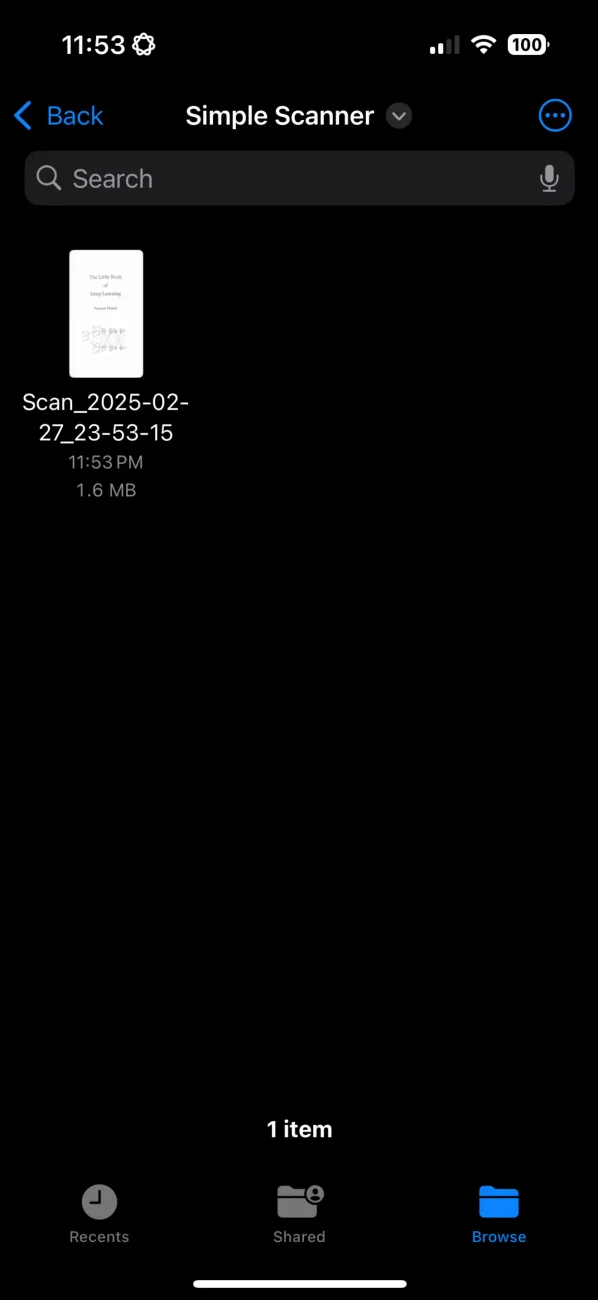
About
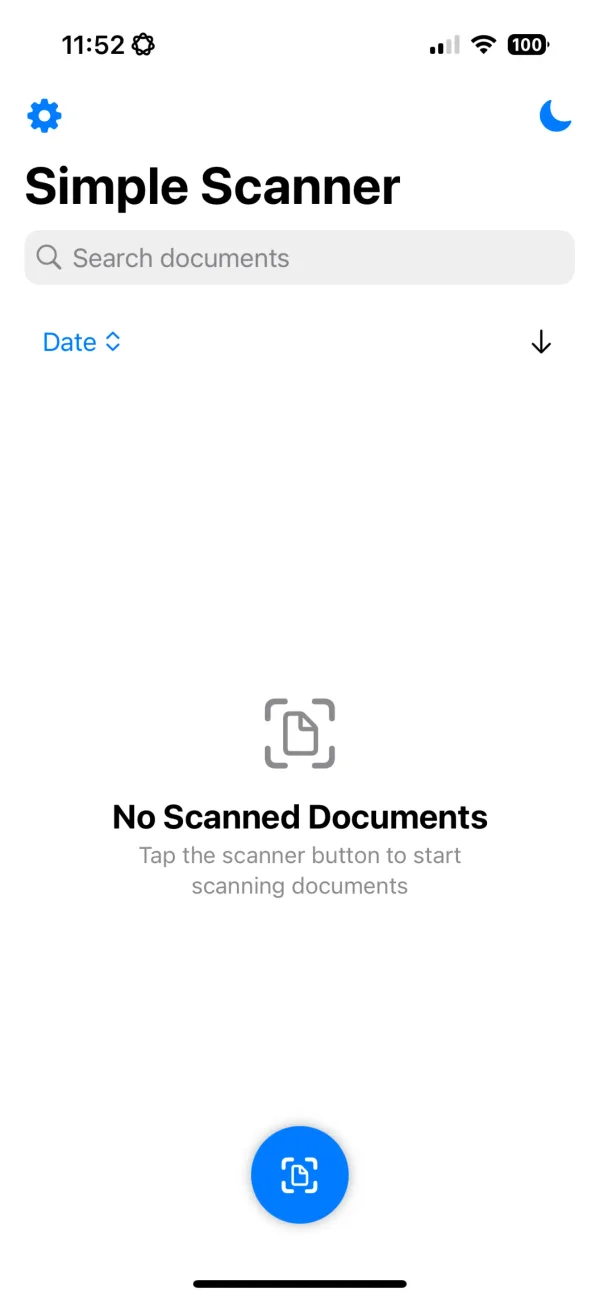
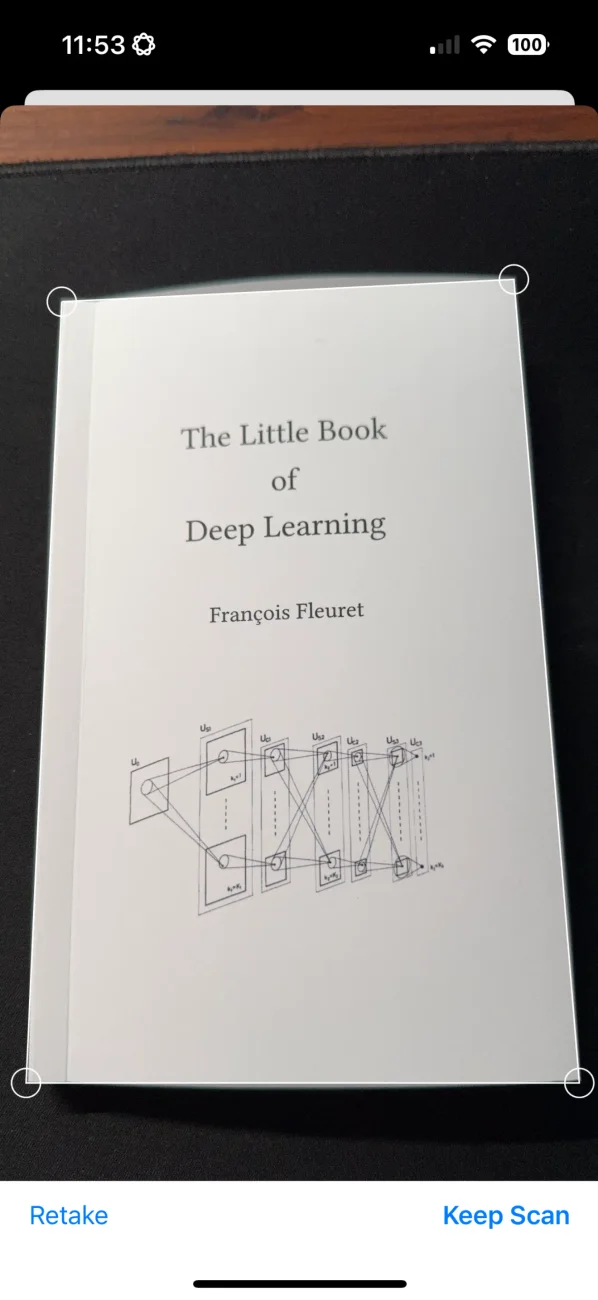
Simple Scanner transforms your iPhone into a powerful document digitizer. With just a tap, capture crystal-clear scans of any document using our intelligent edge-detection technology that automatically crops and straightens your images.
Key features:
• One-tap document scanning with smart edge detection
• Automatic cropping and alignment for professional results
• Instant PDF conversion with high-quality output
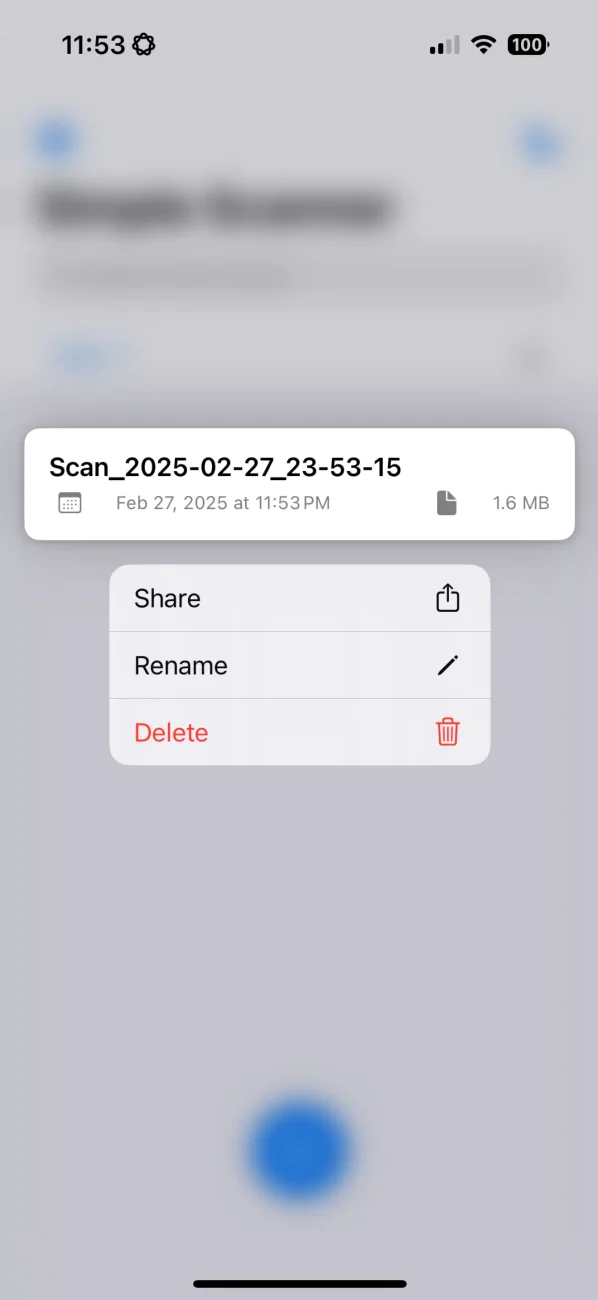
• Organized document library with sorting by date, name, or file size
• Quick preview and management of all your scanned documents
Whether for work, school, or keeping track of important paperwork, Simple Scanner delivers a streamlined, intuitive experience without unnecessary complexity. Digitize receipts, contracts, notes, IDs, and more—all stored securely on your device for easy access whenever you need them.
What’s new
Version 1.0.1 · Mar 9, 2025
Updated privacy policy
App privacy
What Luis Catacora declares on the App Store about how this app handles data.
-
Data not collected
The developer does not collect any data from this app.
Privacy practices may vary, for example with the features you use or your age.
Information
- Seller
- Luis Catacora
- Category
- Productivity
- Version
- 1.0.1
- Updated
- Mar 9, 2025
- Released
- Feb 28, 2025
- Size
- 640.0 KB
- Requires
- iOS 18.0 or later
- Age rating
- 4+
- Price
- Free
- Languages
- English
- Copyright
- © 2025 Catacolabs
You might also like
-
 ScanMe - Document scannerScan, Store, Edit Share PDF
-
 Smart-PDFPDF Scanner, OCR & PDF Tools
-
 Falcon for FreelancersProject Intelligence with AI
-
 Quick ScanPDF & OCR ScannerDocuments & Photo Scanning App
-
 Vanta: Private AI To-Do ListTalk to plan your day, offline
-
 QwizrCustom Quizzes Powered by AI
-
 Dear Time - Daily ReflectionSee how you really spend a day
-
 ScanBeeYour Pocket Scanner, Anytime!
-
 SpeechKit Smart Voice to TextVoice to Text & AI Notes
-
 Houston InsiderProductivity