
SimplyTodo: To-Do & Task List
One list, and nothing else
Designed for iPhone, iPad, Mac
In-app purchases
- Age rating4+
- CategoryProductivity
- DeveloperSinabroApps
- LanguagesEnglish+ 25 more
- Size7.7 MB
Links to the official App Store page
Download.org hosts no file of SimplyTodo: To-Do & Task List. The button opens its official App Store page, published by SinabroApps. Listing last checked on Nov 23, 2026.
Screenshots

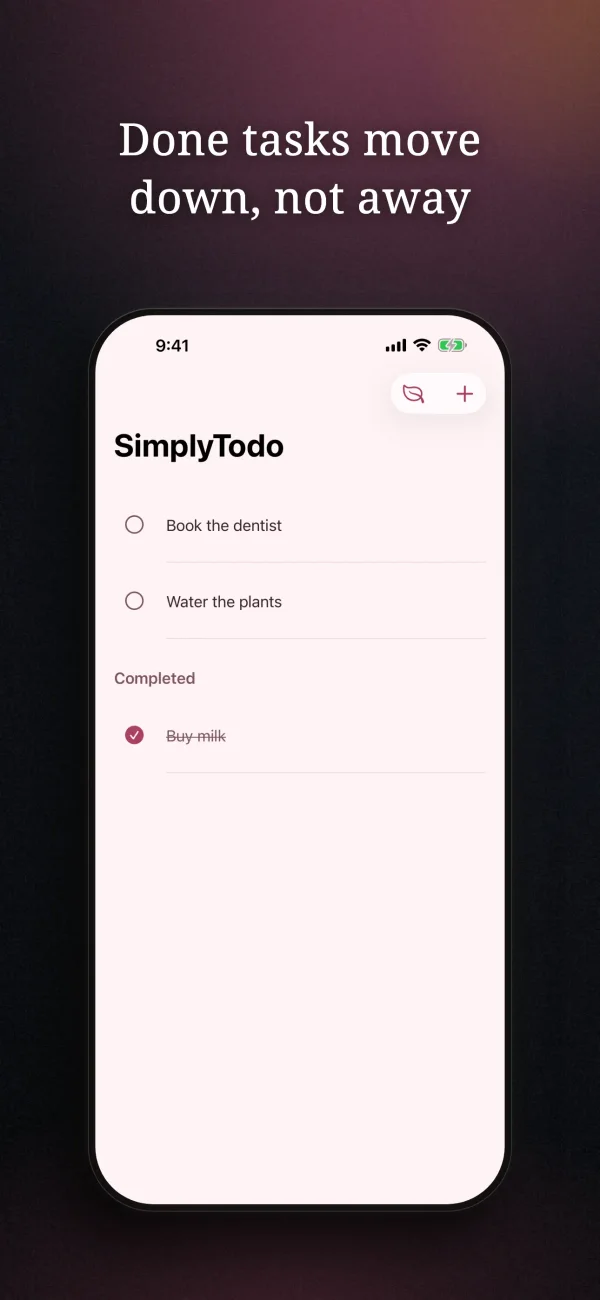
About
A to-do list should hold what you have to do, and nothing else.
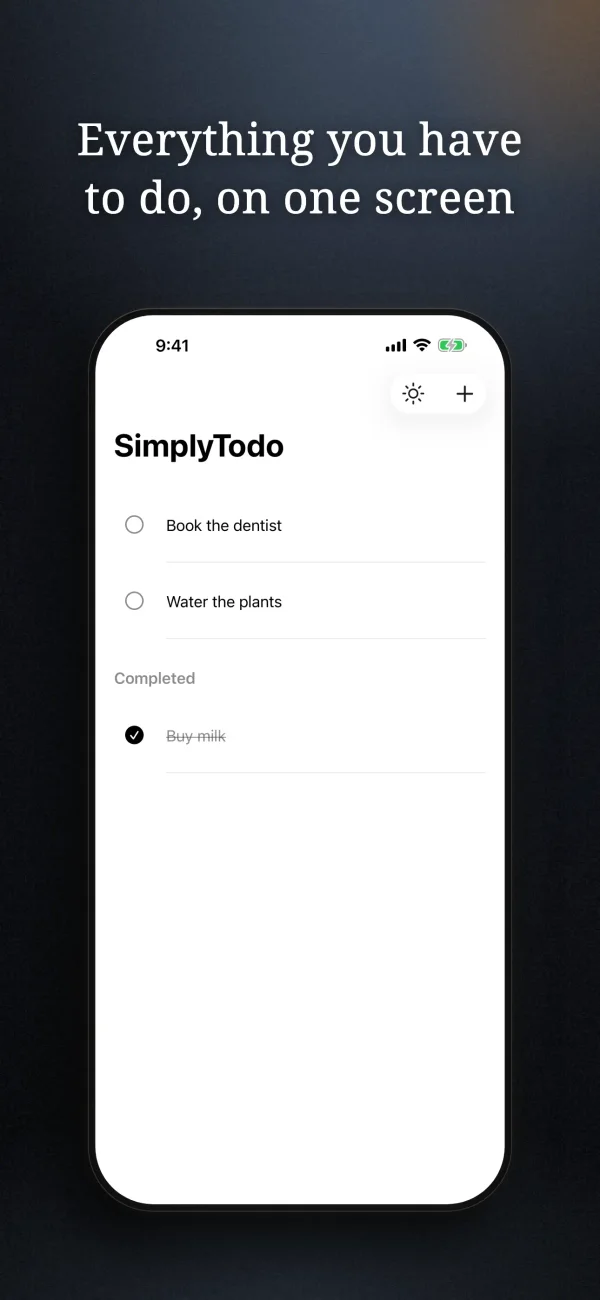
SimplyTodo is one list.
Write a task down, check it off, and get back to your day.
No projects, no tags, no due dates, no priorities, no reminders.
■ Everything on one screen
Every task you have to do is on the same list, newest first.
There is no folder to open and no view to switch to.
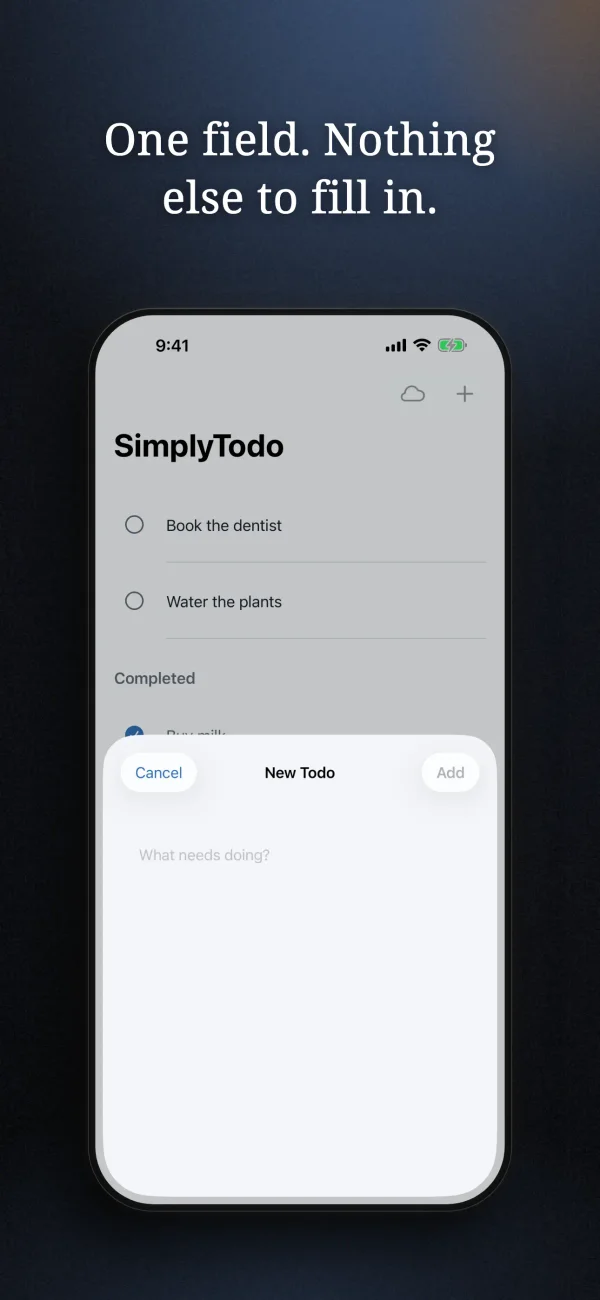
■ One field to fill in
Tap +, type what needs doing, and add it.
There is nothing else to fill in.
■ Done today, gone tomorrow
Check a task off and it moves down into Completed.
Checked the wrong one? Uncheck it any time that day.
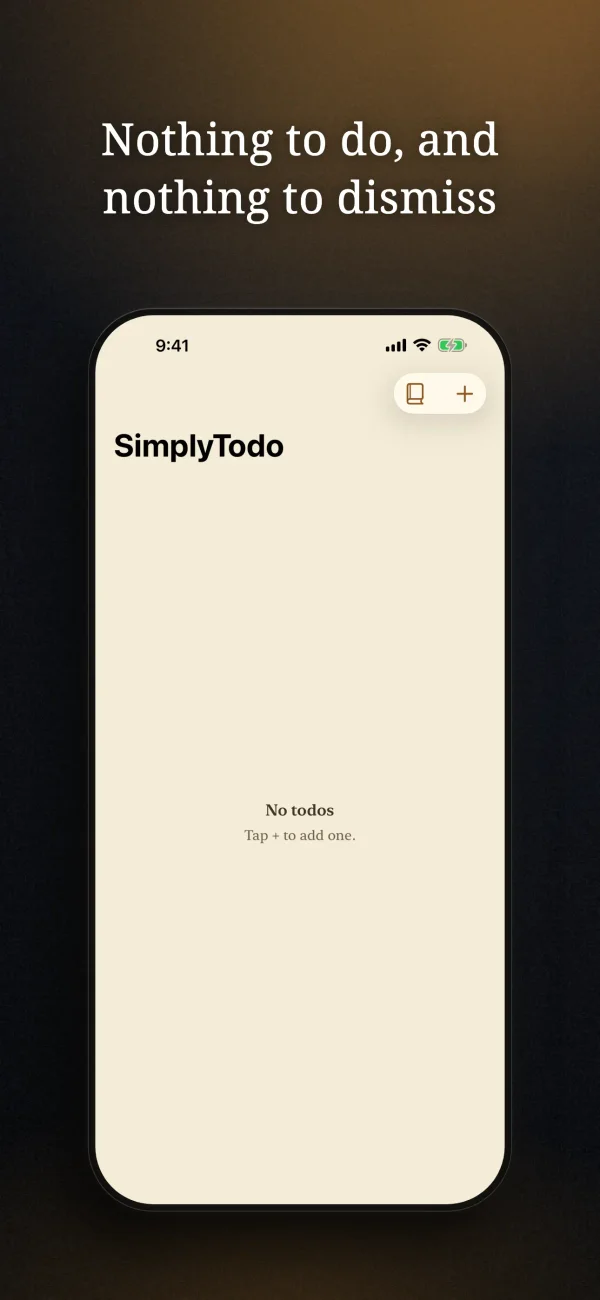
The next day, finished tasks clear away on their own.
Swipe a task to delete it.
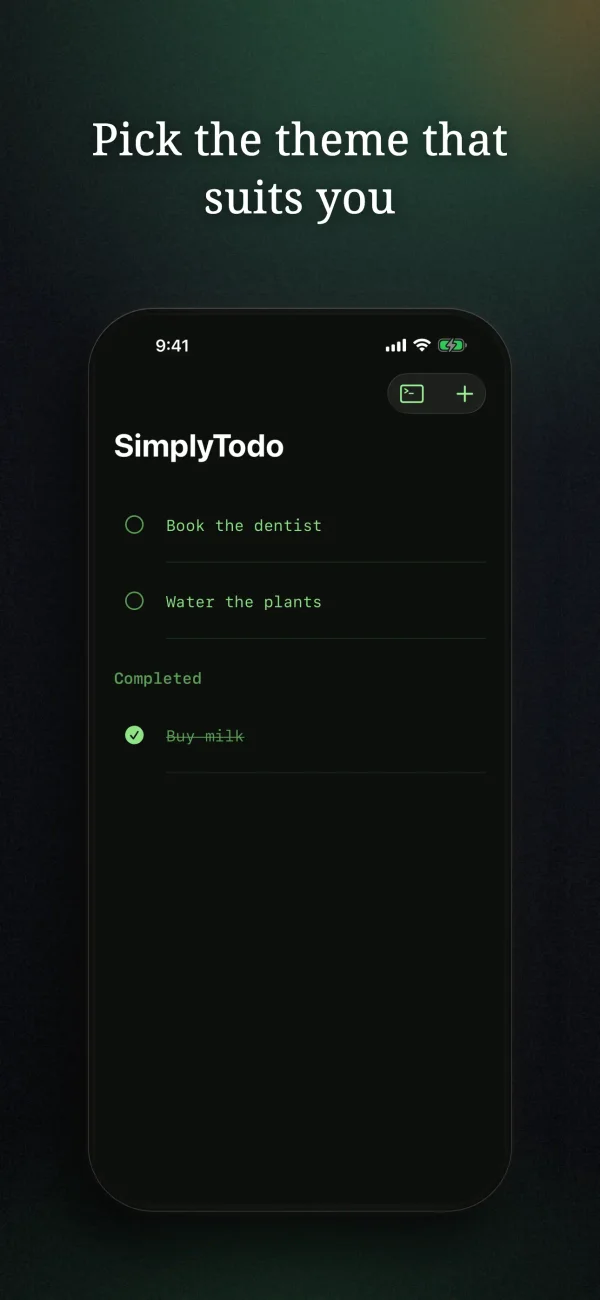
■ Themes
System, Light and Dark are free.
Five named themes recolor the whole list: Note, Terminal, Sepia, Slate and Blossom.
Each is a one-time purchase, or buy All Themes for all five and any theme added later.
Choose one and it is applied at once, so you see your own list in it before you pay.
No subscription.
■ No account
There is nothing to sign up for.
Your tasks are kept on this device.
No ads and no analytics.
SimplyTodo is in 26 languages and works with your device's text size and screen reader.
A to-do list, and nothing else.
What’s new
Version 1.2 · Nov 18, 2026
[1.2]
· On iPhone, your open todos can now stay on the Lock Screen and in the Dynamic Island. Turn on Live Activity in the Theme menu.
· Tap the circle next to a todo on the Lock Screen to complete it without opening the app.
App privacy
What SinabroApps declares on the App Store about how this app handles data.
-
Data not collected
The developer does not collect any data from this app.
Privacy practices may vary, for example with the features you use or your age.
Information
- Seller
- SinabroApps
- Category
- Productivity
- Version
- 1.2
- Updated
- Nov 18, 2026
- Released
- Sep 15, 2026
- Size
- 7.7 MB
- Requires
- iOS 17.0 or later
- Age rating
- 4+
- In-app purchases
- Yes
- Languages
- English, Czech, Danish, Dutch, Finnish, French, German, Hindi, Hungarian, Indonesian, Italian, Japanese + 14 more
- Copyright
- © 2026 SinabroApps
You might also like
-
 DONE: To-Do List & FocusPlan less. Finish more.
-
 Todio - To-Do List & TasksDaily Planner & Task Manager
-
 root - simple lists and tasksLists That Grow Like a Tree
-
 JtodoThe effortless task manager
-
 One Thing NextADHD focus for overwhelm
-
 GoalLaneGoals into daily steps
-
 Mind Lift - Memory GymA workout for your memory
-
 Mono WriterFocus writing, locked in
-
 1 Bucket ListMinimalist Life Planner
-
 WeekOSWeekly Planner – School & Uni