Simplyweds
Wedding website, RSVPs, guests
Designed for iPhone, iPad, iPod touch
Free · In-app purchases
- Age rating4+
- CategoryLifestyle
- DeveloperPinstripe Business Services LLC
- LanguagesEnglish
- Size18.9 MB
Links to the official App Store page
Download.org hosts no file of Simplyweds. The button opens its official App Store page, published by Pinstripe Business Services LLC. Listing last checked on Nov 18, 2026.
Screenshots





About
A wedding website your guests can use without an account, and a private planning workspace behind it that only you and the people you invite can see.
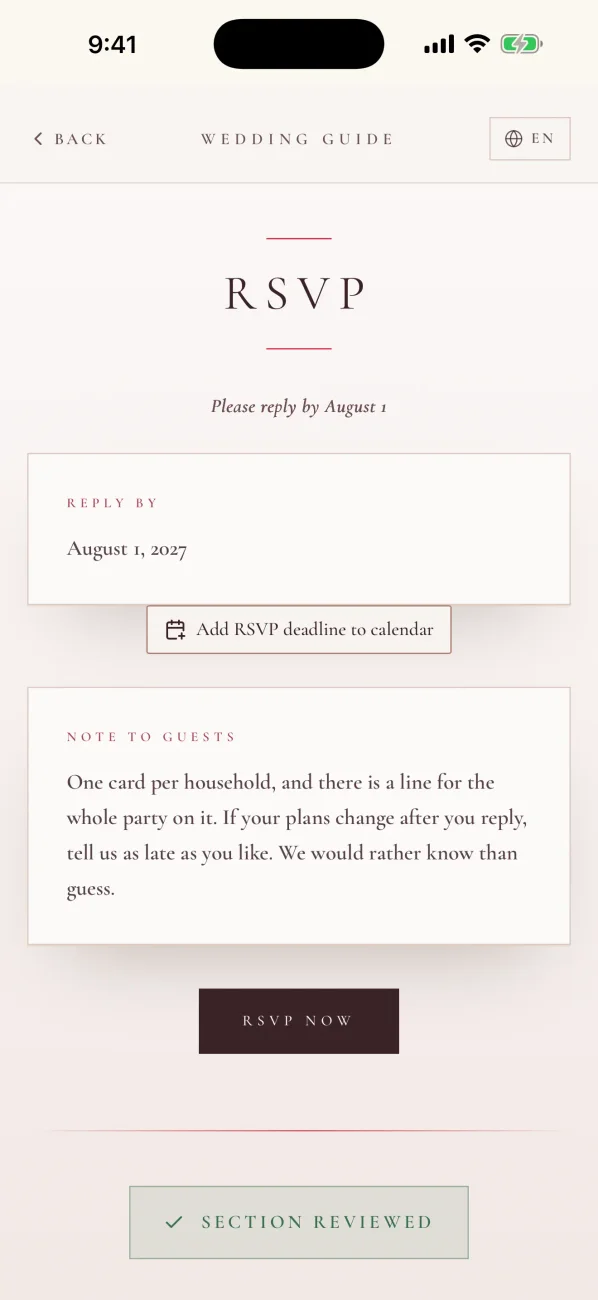
Your guests reply to your invitation without ever creating an account. No password, no sign-up, nothing to install. They open the printed QR code or type the invitation code you sent them, find their household, and answer for the people you actually invited.
This app is for the couple and whoever is planning with them. Your guests do not need it. Their half runs in a web browser on their own phone.
WHAT YOUR GUESTS GET
• A printed QR code and a printed invitation code are two separate doors into the same reply form. A guest uses whichever one they were sent.
• Guests can only answer for the seats you reserved. A household cannot add a name you did not invite.
• A household can change its mind as often as it likes. You still get exactly one answer per named guest, and never a duplicate to reconcile.
• Dietary and accessibility notes, per person.
• Shuttle seats, picked by the household from the runs you set up.
• A schedule filtered to what each guest's reply says they are invited to.
• Photo uploads that wait for your approval before they reach the gallery.
• English, Spanish, French, and German, chosen per guest, including the emails and texts about your wedding.
THE SITE YOU BUILD
Setup runs in order: the basics, the experience, your pages, the theme, your guests, a preview, and publishing.
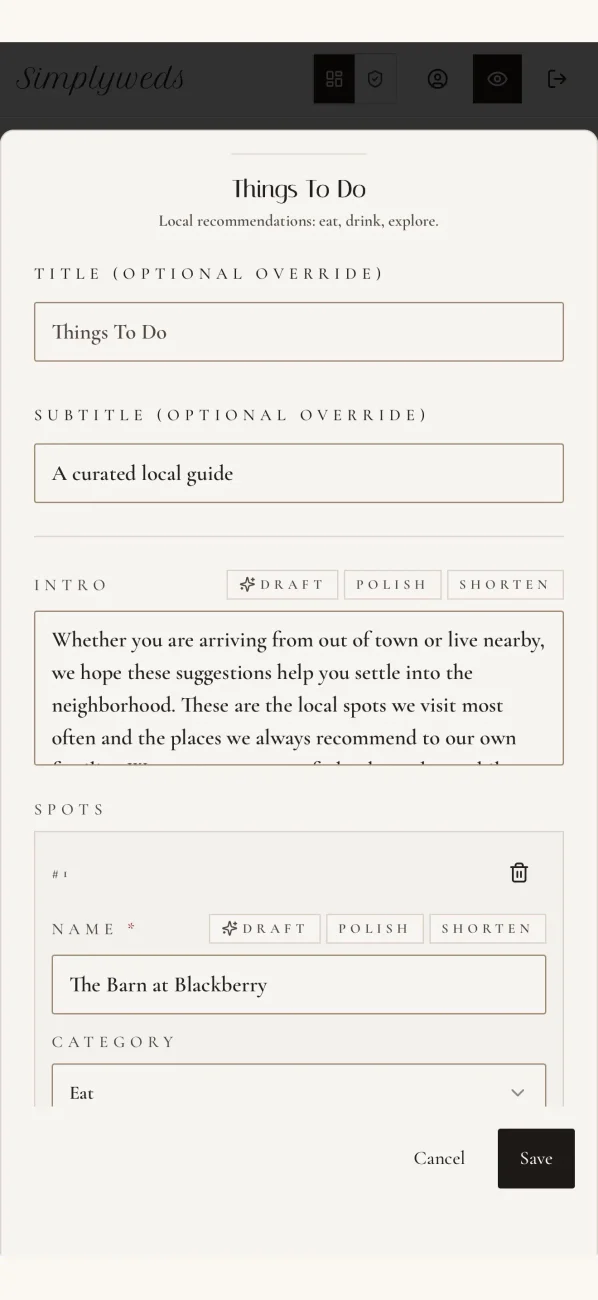
23 kinds of page, so you fill in fields instead of designing: travel, the venue, ceremony, reception, welcome party, rehearsal dinner, farewell brunch, RSVP, gifts, registry, book your stay, dress code, things to do, our story, wedding party, schedule, shuttles, kids, FAQ, updates by text, contact, share your photos, and the gallery.
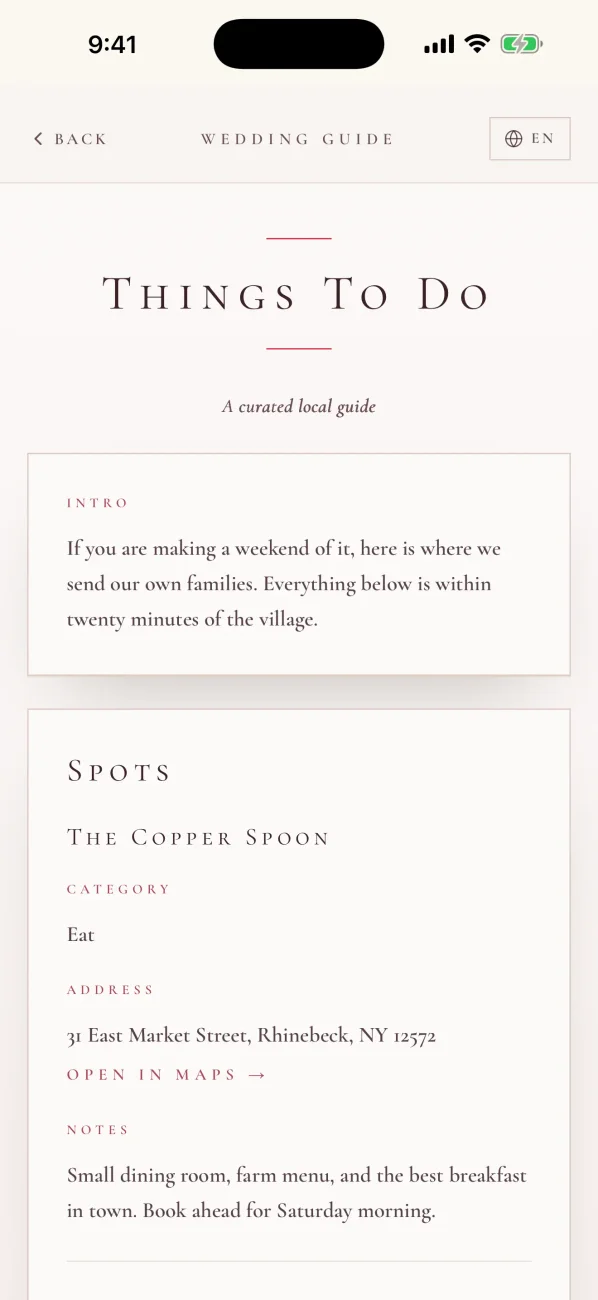
Hotel blocks carry the rate you negotiated and the day the block closes. Things to do sorts into eat, drink, see, and do. Everyone in the wedding party gets a photo, a role, and a few lines. Beside every text field are three buttons: draft, polish, or shorten what you wrote.
Pick a theme, a font, and an accent color. Until you publish, your site hands out no access at all: a draft is unreachable by any guest, by any link.
PLANNING YOUR GUESTS NEVER SEE
• Households and guests, pasted in from your spreadsheet or typed one at a time.
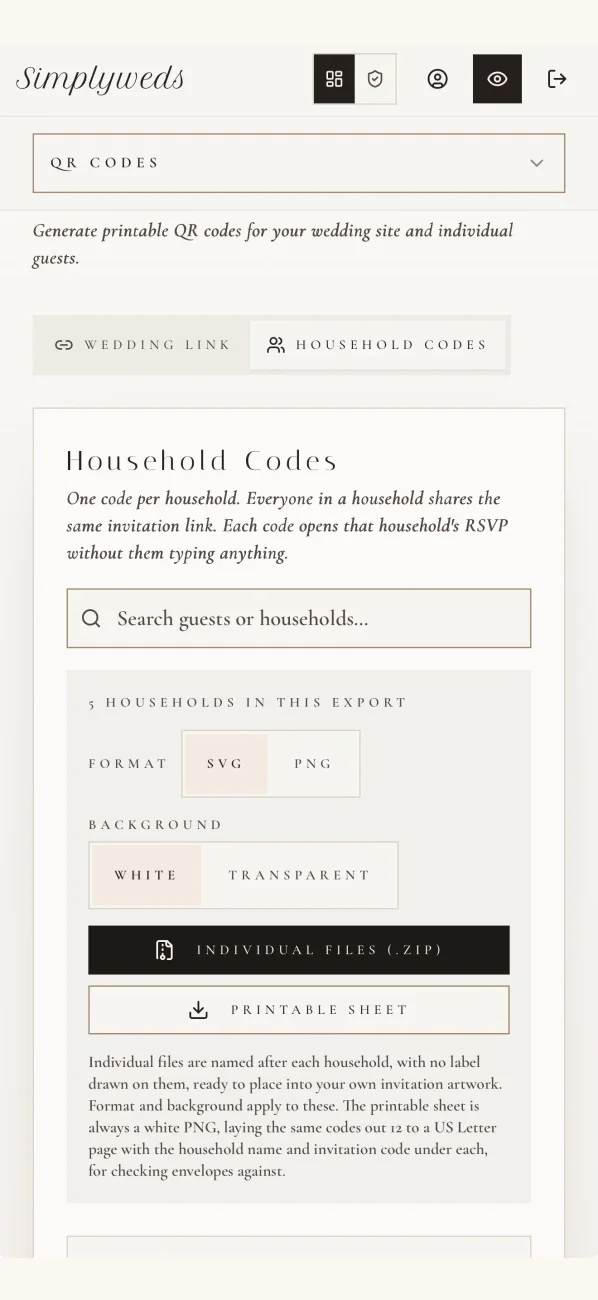
• A QR code generated for every household.
• Tasks with due dates, owners, and dependencies, and a panel that says what is overdue, due within seven days, or blocked behind something else.
• A budget with planned and actual figures, and a typical-cost range compiled by AI that shows the date it was compiled and how many sources it read.
• Announcements to your guests by email and text, plus a record of which numbers agreed to be texted and whether each message arrived.
• An overview of what changed lately, who has been editing, and which guests have opened your site.
• A wedding planner or a second admin, invited by you, editing alongside you rather than watching.
Anything you change on the site itself is there the next time a guest opens the page.
THE CONCIERGE
An assistant that reads your own guest list, budget, and schedule, drafts the messages you send vendors, and files tasks and schedule entries for you. It writes those messages; it cannot send them, because there is no send button for it to reach. It is admin-only, never guest-facing, and off until you turn it on for your wedding. Deletions ask first, and anything it changes can be undone.
IN THE APP
Sign in with Apple or with Google. Invitation, RSVP, and dashboard links open in the app instead of the browser. Add photos from your camera or your library. Push notifications for announcements, if you allow them.
Nothing here is sold to your guests. No registry marketplace, no banner, no sponsored vendor.
What’s new
Version 1.0.4 · Nov 13, 2026
You can now upgrade your wedding to The Celebration right in the app, paid through your Apple Account. Plus a cleaner look, easier sign-out, and small fixes.
App privacy
What Pinstripe Business Services LLC declares on the App Store about how this app handles data.
-
Data linked to you
May be collected and linked to your identity.
- Purchases
- Contact info
- User content
- Identifiers
- Usage data
-
Data not linked to you
May be collected but is not linked to your identity.
- Purchases
- Diagnostics
- Other data
Privacy practices may vary, for example with the features you use or your age.
Information
- Seller
- Pinstripe Business Services LLC
- Category
- Lifestyle
- Version
- 1.0.4
- Updated
- Nov 13, 2026
- Released
- Sep 22, 2026
- Size
- 18.9 MB
- Requires
- iOS 15.0 or later
- Age rating
- 4+
- Price
- Free
- In-app purchases
- Yes
- Languages
- English
- Copyright
- © 2026 Pinstripe Business Services LLC
You might also like
-
 VowcompassAI-Powered Wedding Planner
-
 Our Day WeddingWedding App with Predictions
-
 AllSet WeddingParty Updates & Planning
-
 WedventureLifestyle
-
 PerfectWeddingDayYour Wedding social platform
-
 Seatful: Wedding Seating ChartTable plans, guest list, RSVP
-
 Vow Wedding PlanningWedding roadmap and budget
-
 Simpl WeddingWedding planning, simplified
-
 Simple Wedding PlannerPlan in Peace
-
 Aisly - AI Wedding PlannerPlan Your Perfect Wedding