- Age rating4+
- CategoryUtilities
- DeveloperCloud One Ltd
- LanguagesEnglish+ 18 more
- Size68.6 MB
Links to the official App Store page
Download.org hosts no file of Simu Connect. The button opens its official App Store page, published by Cloud One Ltd. Listing last checked on Nov 8, 2026.
Screenshots
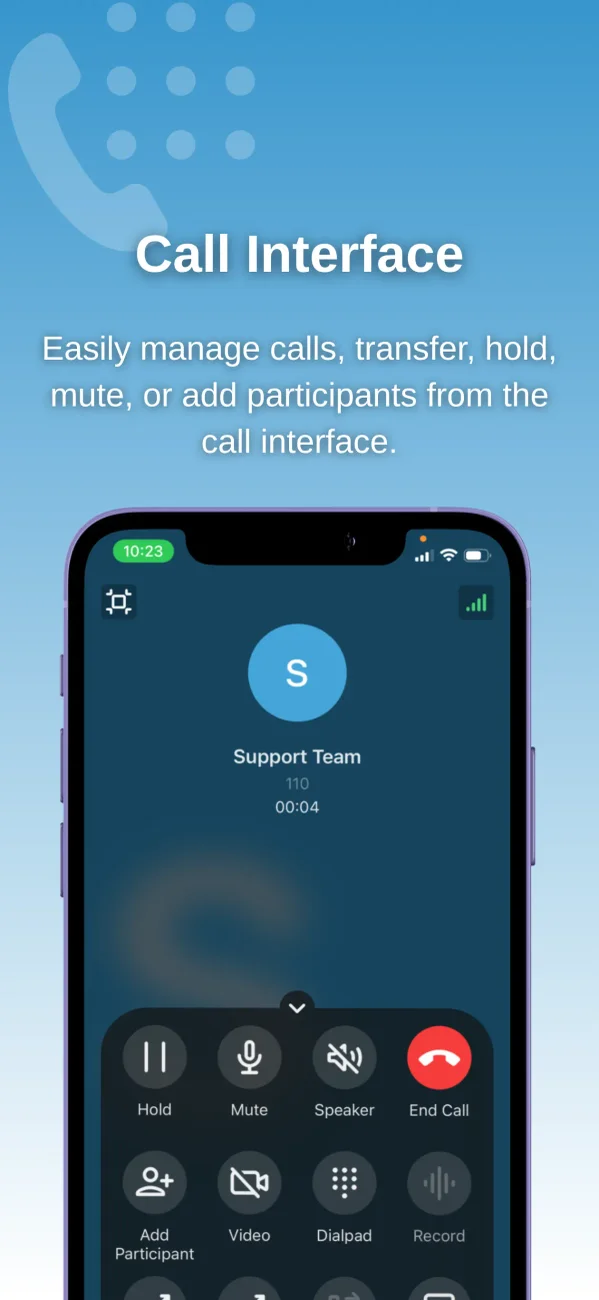
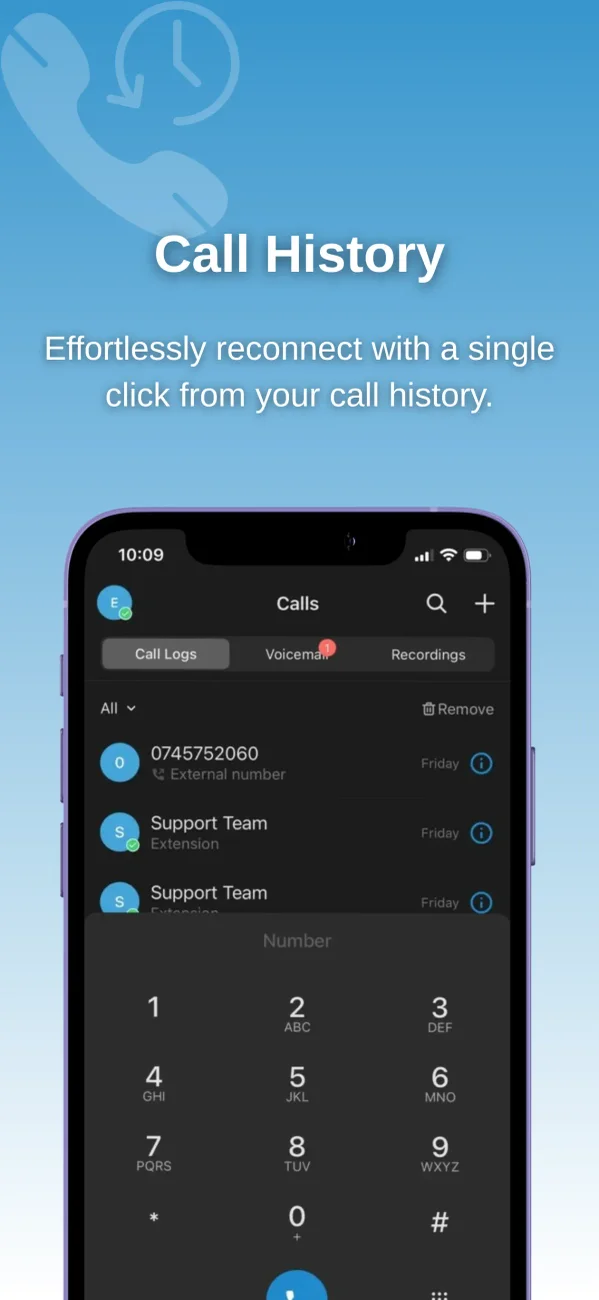
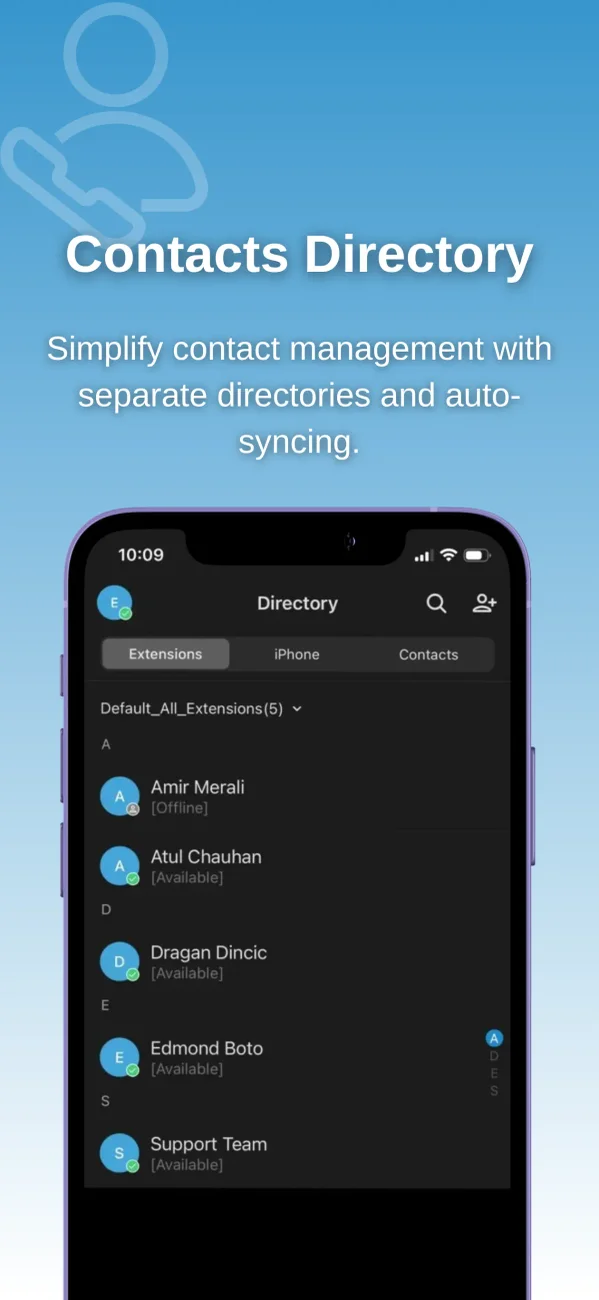

About
Cloud One Simu Connect is a mobile softphone application that turns an iOS smartphone into an office extension, integrating it with Cloud One's Business Communication Suite PBX system. This allows users to make and receive calls as if they were in the office, using the corporate phone network regardless of their physical location.
Key features and benefits
Office extension on the go: Simu Connect transforms your personal mobile device into an extension of the company's PBX system. This means your office phone number follows you, allowing you to answer business calls even when you are away from your desk.
Reduced call costs: By routing calls through the corporate phone network using Voice over IP (VoIP), Simu Connect allows businesses to cut down on mobile voice charges for employees.
Consistent in-office experience: Remote and mobile employees can access a full suite of office phone system features directly from their phones, including call forwarding, holding, muting, and conferencing.
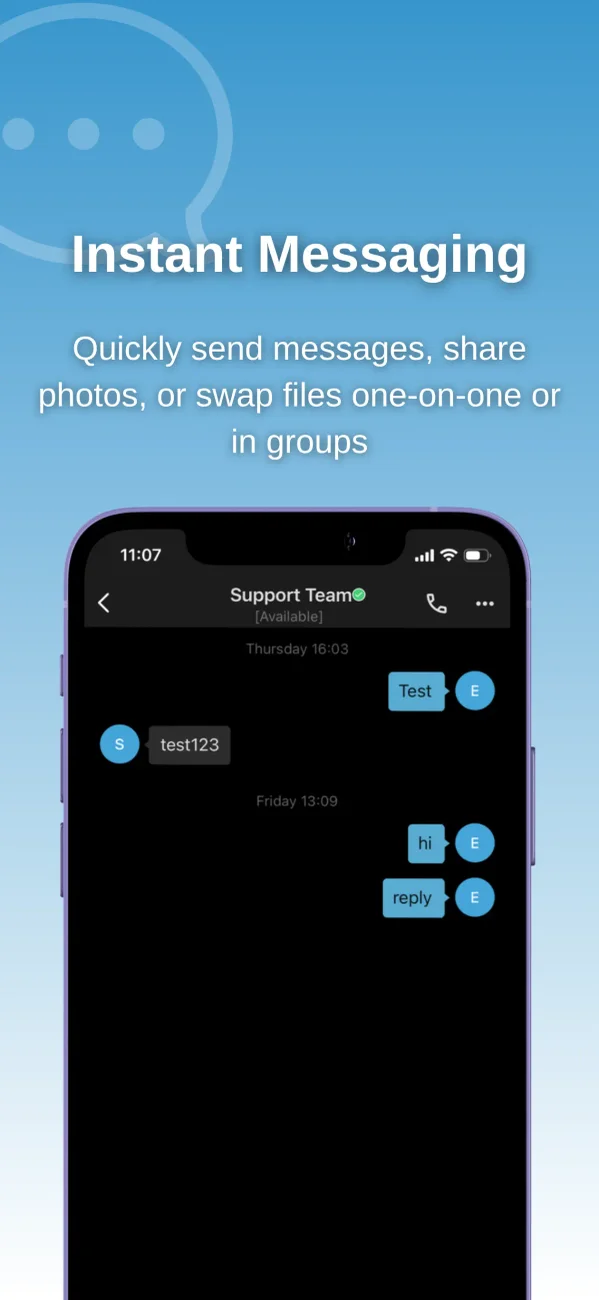
Enhanced collaboration: Simu Connect offers features beyond just calling, such as instant messaging, real-time presence status, and a centralized company directory to help colleagues communicate more effectively.
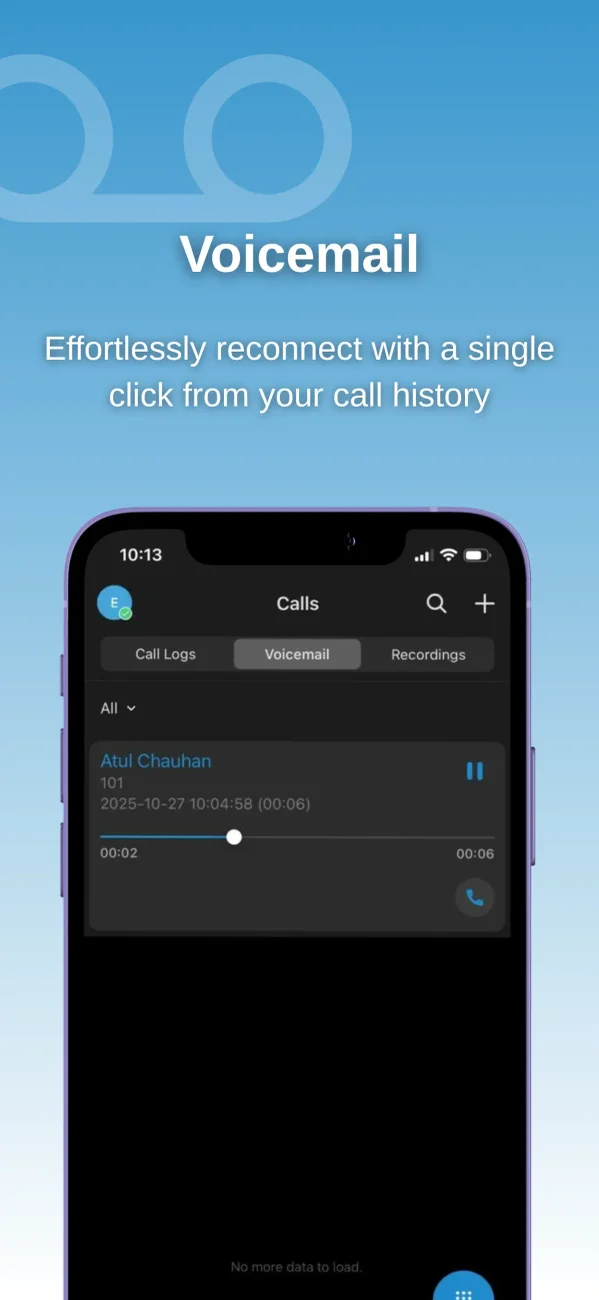
Seamless call management: The app provides intuitive call management features, including a synchronized contact list, visual voicemail, and call history. A connected desktop client can also allow you to control your desk phone with clicks from your computer.
Quick setup: To get started, an administrator provides the user with login details, often by sending a QR code or a login link via email. The user simply installs the app and scans the code to register their device.
How Simu Connect works with Cloud One Business Communication Suite PBX
To function, Simu Connect must be connected to a PBX, which centrally manages the company's phone system.
Administrator setup: The PBX administrator enables the Simu Connect feature for individual extensions. An email containing a QR code and login details is then sent to the user.
App installation: The user downloads the Simu Connect app from the Apple App Store.
Registration: By scanning the QR code, the app registers with the PBX. The app can connect via Wi-Fi or a cellular data network.
Calls over VoIP: Once registered, calls placed or received through the Simu Connect app go through the company's PBX using VoIP, instead of a standard mobile carrier.
Main Features
Call Forwarding
Call History
Call Route Selection
Call Transfer
Call Waiting
Contact Management
Corporate Directory
Do Not Disturb
Extension Status
Hold & Resume
Native Contacts Integration
One Touch Recording
Outbound Route Selection
PUSH Notification
Ring Strategy Selection
Speed Dial/Favorite
Voicemail
Specifications
iOS Requirement: iOS 11.0 or higher
Network: 3G/4G or Wi-Fi
Protocol: SIP FRC2361
Codec: iLBC/u-law/a-law/G722/G729
Network Protocol: TCP/IP/UDP, RTP/SRTP/RTCP, HTTP/HTTPS
DTMF: Inband, RFC4733 (RFC2833), Info
Important:
This application is integrated with Cloud One Business Communication Suite PBXs; your administrator must provide you with identity information for you to start using
What’s new
Version 9.5.34 · Aug 31, 2026
Bug fix
Optimised for network anomaly notifications
App privacy
What Cloud One Ltd declares on the App Store about how this app handles data.
-
Data not collected
The developer does not collect any data from this app.
Privacy practices may vary, for example with the features you use or your age.
Information
- Seller
- Cloud One Ltd
- Category
- Utilities
- Version
- 9.5.34
- Updated
- Aug 31, 2026
- Released
- Oct 29, 2025
- Size
- 68.6 MB
- Requires
- iOS 15 or later
- Age rating
- 4+
- Languages
- English, Catalan, Czech, Dutch, French, German, Greek, Hungarian, Italian, Japanese, Polish, Portuguese + 7 more
- Copyright
- © 2026 Cloud One Ltd