
- Age rating4+
- CategoryEducation
- DeveloperHudson Simulation Service, Llc
- LanguagesEnglish
- Size123.0 MB
Links to the official App Store page
Download.org hosts no file of SIMVS. The button opens its official App Store page, published by Hudson Simulation Service, Llc. Listing last checked on Nov 23, 2026.
Screenshots
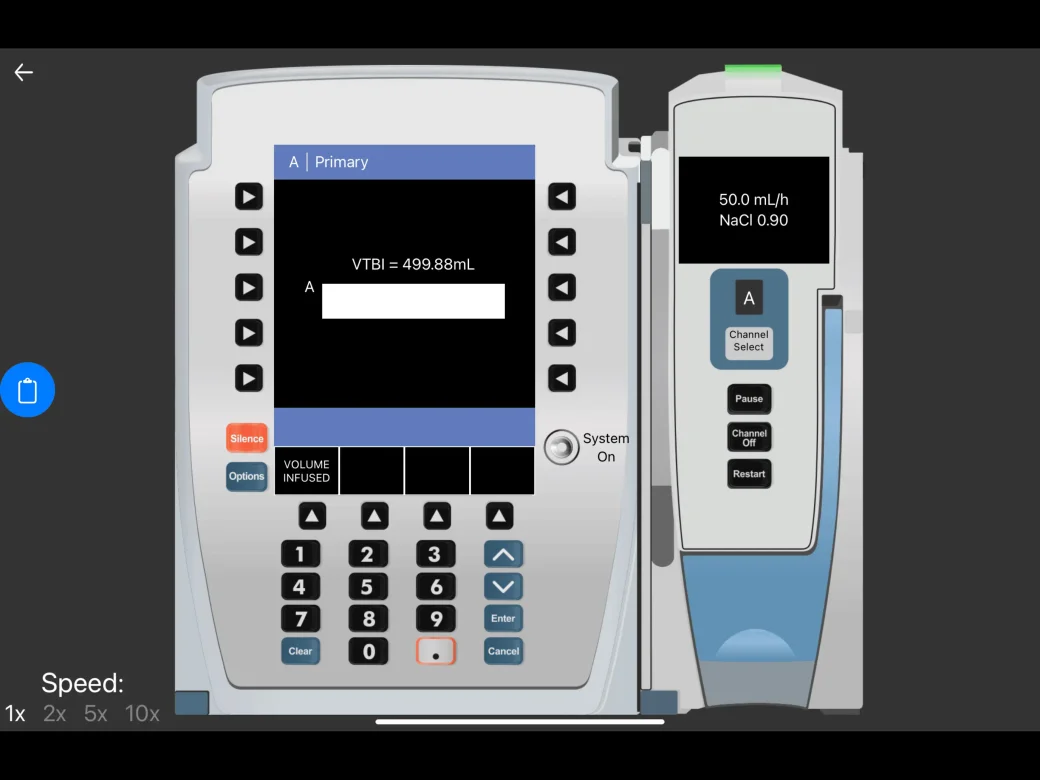
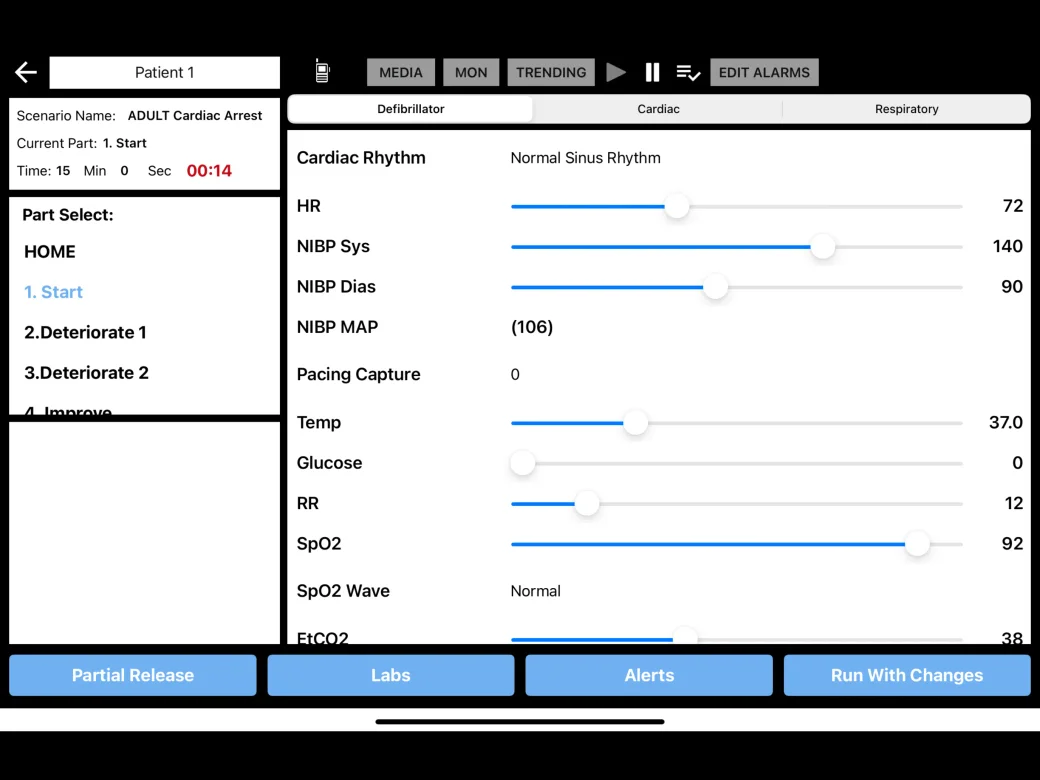
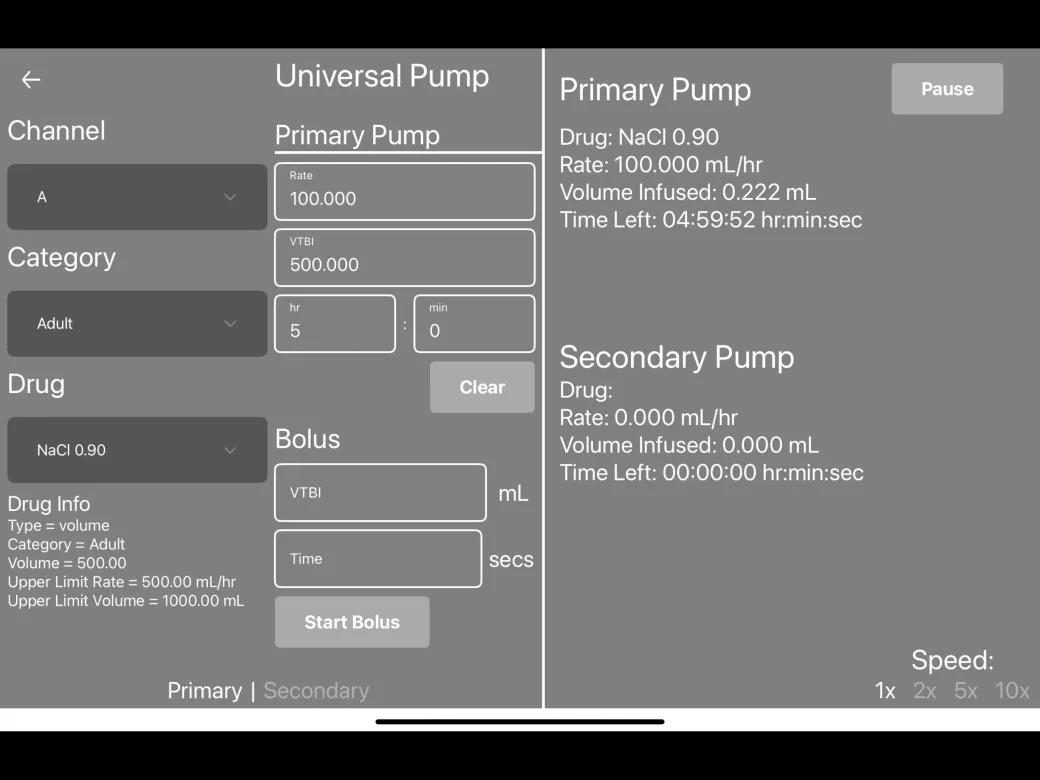
About
SimVS offers the largest range of tablet based healthcare simulation devices for assessment, Treatment and communication training. These devices are for educational purposes only and have no therapeutic applications.
What’s new
Version 2.3 · Nov 19, 2026
NEW
• Electronic Health Record (EHR): a new EHR monitor that lets students review and chart patient records during a scenario.
• Veterinary simulation: a veterinary patient monitor with species-appropriate waveforms, plus vet scenario editing and content sync (requires a vet license).
• Door Alarm: a new corridor-light monitor for students that follows the Nurse Call Station alarm flow. Instructors can choose it as a device type.
• Part transitions: instructors can now move vitals gradually from one part to the next over time, with progress shown as it runs. Transitions can be resumed, and heart
rate, temperature, and glucose stay live throughout.
• Live monitor preview: while editing a scenario, tap Monitor to see the hospital monitor or ventilator running the part you're editing, including unsaved changes.
• Patient connection awareness: see how many student devices are online for each patient, get a warning before running a part for a patient with no devices, and get
alerted when a patient's last device disconnects.
• SimVS Portal drug library: instructors and students can sync the drug library from the SimVS Portal. The local drug library works exactly as before.
• Dark mode: the app now follows your device's Light or Dark setting. Simulated device screens keep their real-world appearance.
IMPROVED
• A new waveform engine powers the Hospital, Zoll, LIFEPAK 15, Telemetry, and Nurse Call Station monitors for more realistic, consistent waveforms.
• Pacing: Pacing Capture defaults to 30 mA consistently, uncaptured pacer spikes now march at the set rate in Demand mode, Zoll pacer output steps by 10 mA, and dismissing
the LIFEPAK 15 speed dial no longer turns pacing off.
• Clearer connection messages: when a network blocks SimVS, the app names the blocked server and port, offers a connection check you can share with IT, and lets returning
users keep teaching from a cached session.
• Infusion pumps: Infusomat supports three-digit bolus volumes and follows Cases behavior, pump errors match the other SimVS apps and go only to the selected student, and
Sigma bolus handling is improved.
• Instructor pause and resume now apply to the selected patient only.
• The log and Device Management now label entries by patient.
FIXED
• The instructor's Server Mode connection no longer gets stuck.
• SpO2 and ABP waveforms no longer revert to None when a scenario is saved.
• Temperature now updates in Trending.
• OB waveform speed no longer resets when the part changes.
• Plum pump settings and VFib now sync correctly to students on other platforms.
• The scenario editor now shows blank fields as blank, and heart rate presets apply correctly.
• Other stability and display fixes.
App privacy
What Hudson Simulation Service, Llc declares on the App Store about how this app handles data.
-
Data not collected
The developer does not collect any data from this app.
Privacy practices may vary, for example with the features you use or your age.
Information
- Seller
- Hudson Simulation Service, Llc
- Category
- Education
- Version
- 2.3
- Updated
- Nov 19, 2026
- Released
- Apr 20, 2025
- Size
- 123.0 MB
- Requires
- iOS 17 or later
- Age rating
- 4+
- Price
- Free
- Languages
- English
- Copyright
- © Copyright HSS, LLC 2026
You might also like
-
 Respiratory TMC Exam PrepNBRC CRT RRT Clinical Practice
-
 EMR Classroom SimulatorEMR Practice for Classrooms
-
 AccuKioskEducation
-
 Nursing Exam Prep: NCLEX TEASNCLEX RN Mastery Prep 2025
-
 qubeXA by SKILLQUBESimulates ZOLL X Advanced
-
 AHA ESLSVirtual Simulation
-
 Pharmacy OSCE SimulatorClinical Communication Prep
-
 3DMedSim Advanced Life SupportEducation
-
 qubeR by SKILLQUBESimulates ZOLL R-Series
-
 Manikin Simulators: ClinicalEnhance Clinical Skills