
- Age rating4+
- CategoryProductivity
- DeveloperYao Wei Wang
- LanguagesEnglish
- Size1.0 MB
Links to the official App Store page
Download.org hosts no file of Sinweek. The button opens its official App Store page, published by Yao Wei Wang. Listing last checked on Nov 18, 2026.
Screenshots
About
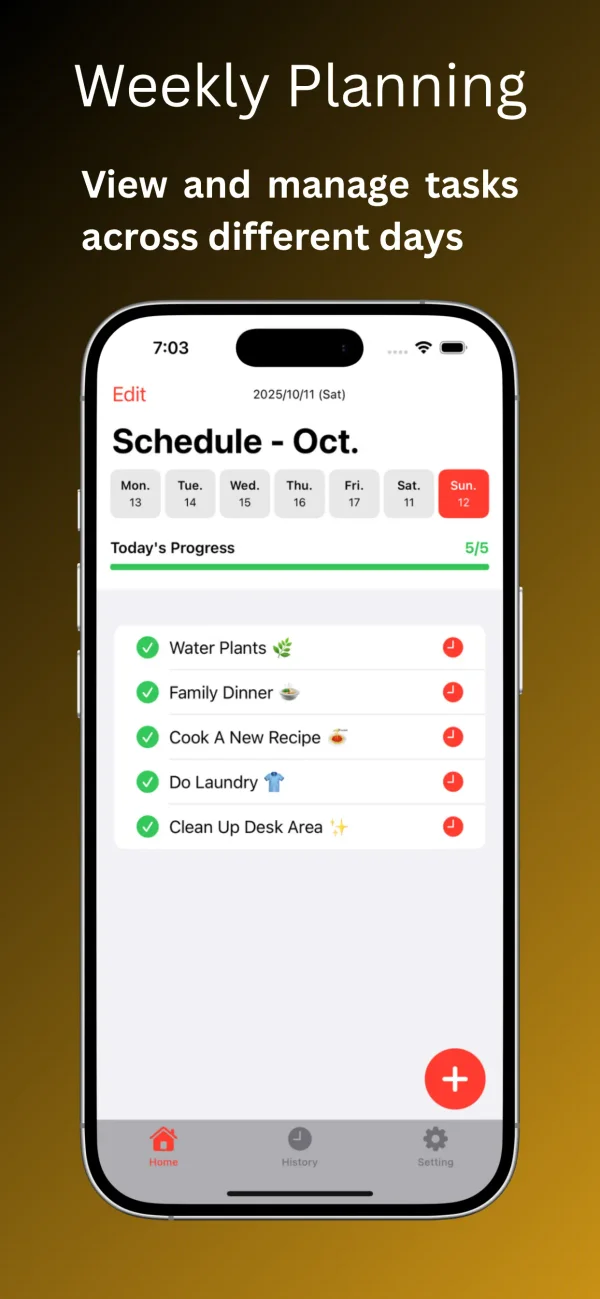
Sinweek is a weekly task planner built to help you focus on what’s right in front of you.
Instead of planning months ahead, Sinweek keeps your attention on this week — so you can take steady steps toward your goals. Plan clearly, act confidently, and make real progress.
Features:
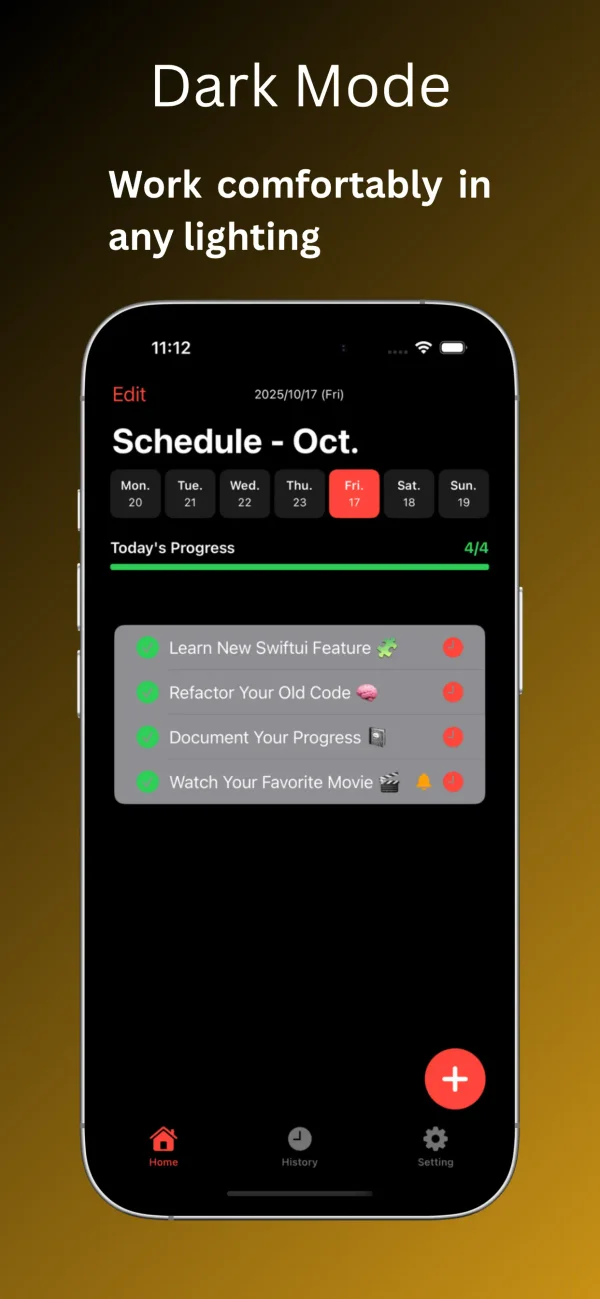
1. Task Management — Create, organize, and prioritize your weekly tasks.
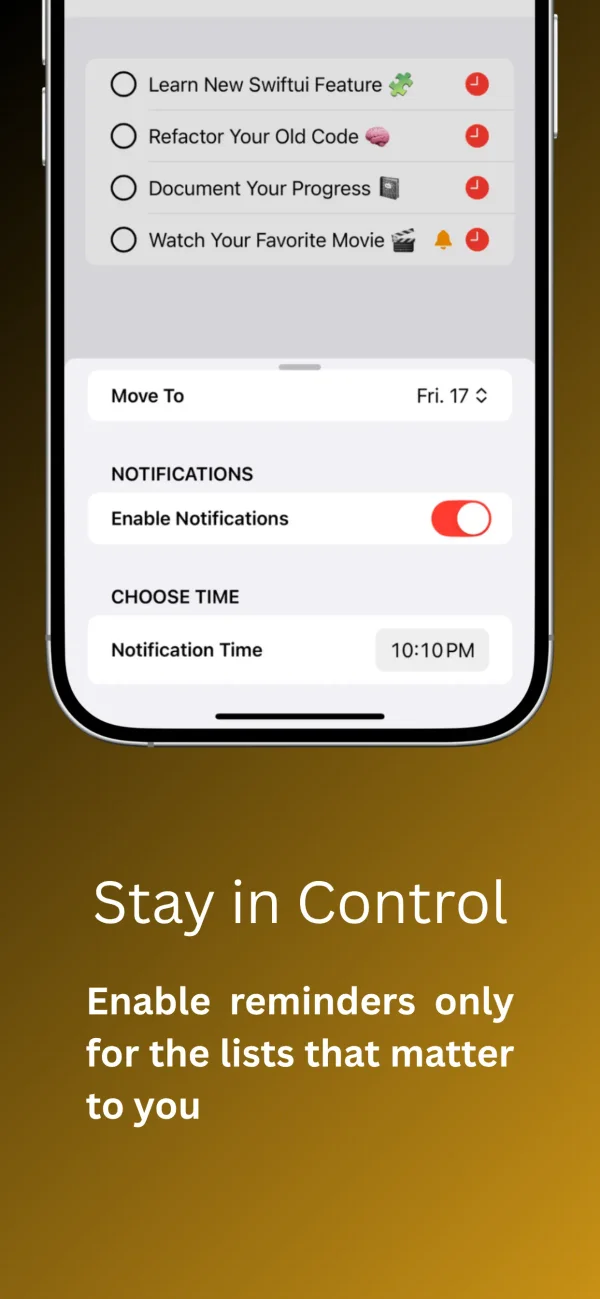
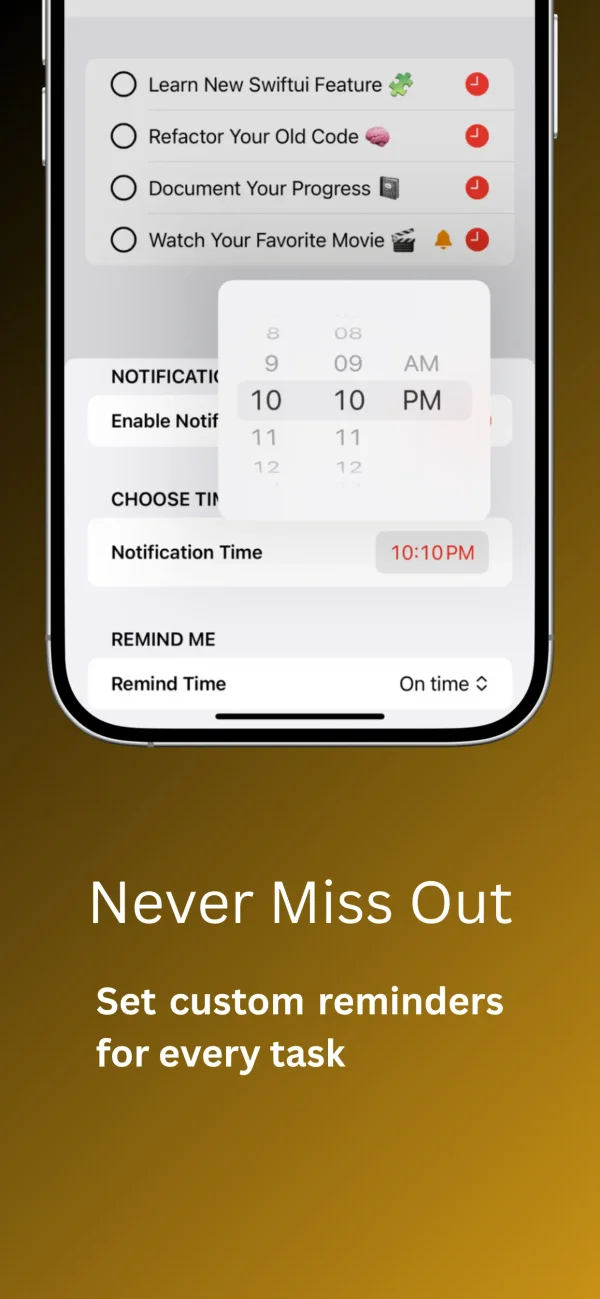
2. Schedule & Remind — Set times for what matters most.
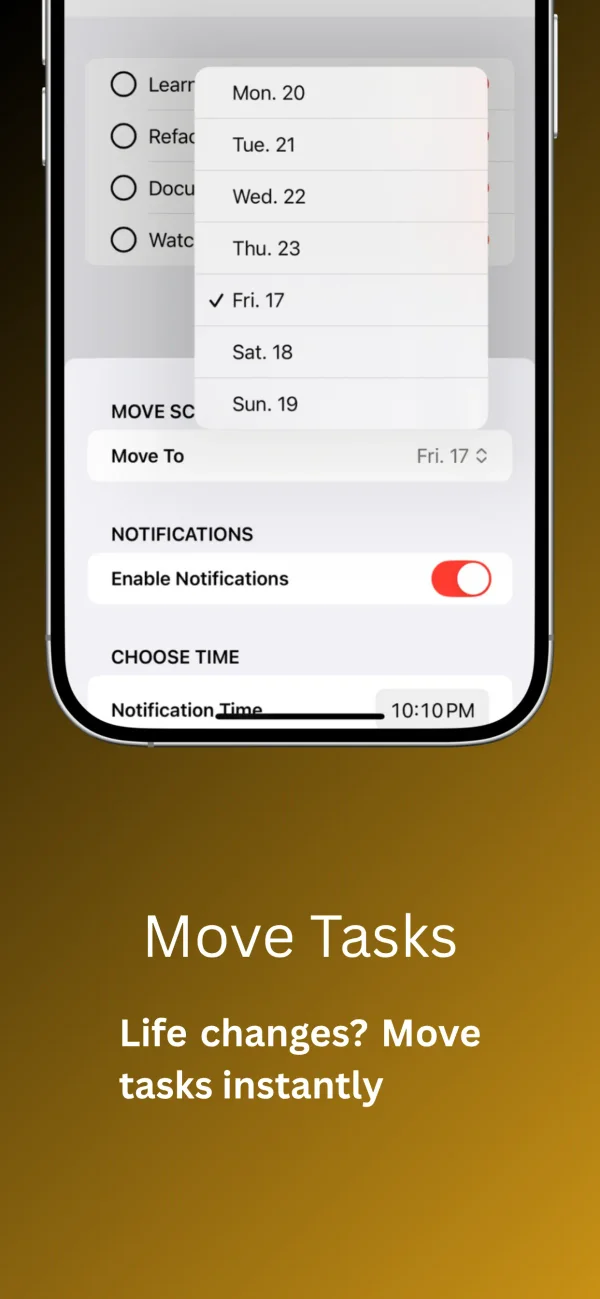
3. Reschedule Anytime — Easily move tasks to another day within the week.
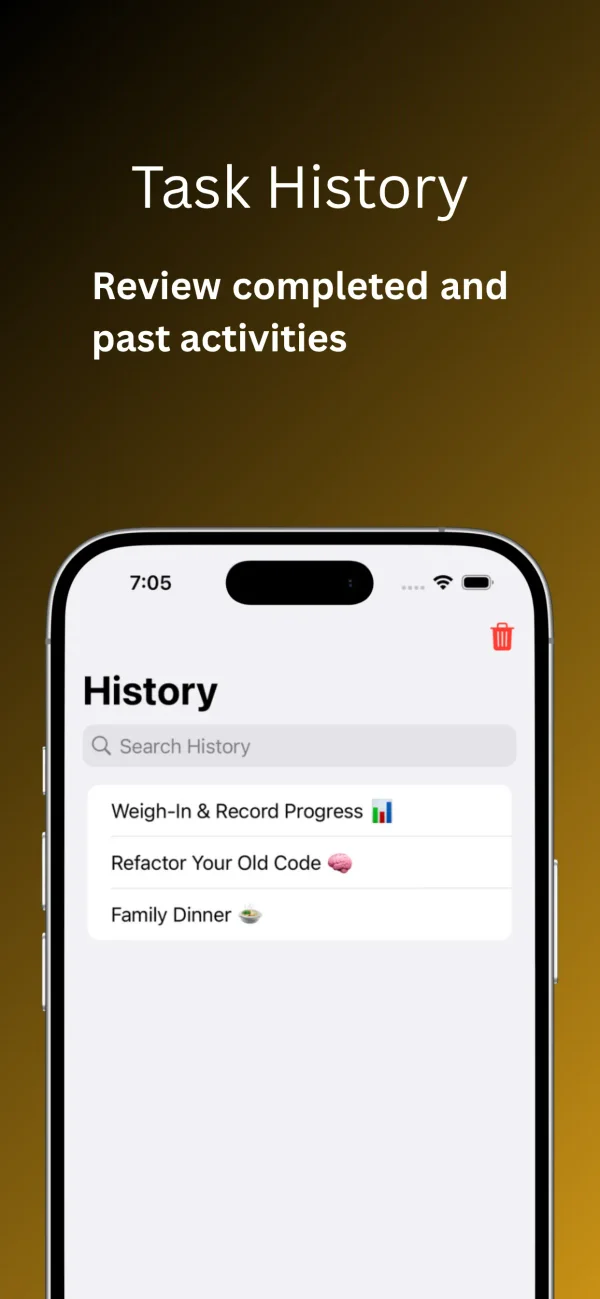
4. Activity Log — Review all completed tasks, see what’s been deleted, and even restore them when needed.
5. Dark Theme — Stay comfortable, day or night.
What’s new
Version 1.1.1 · Oct 25, 2025
Schedule items are now displayed exactly as entered, preserving your preferred capitalization
App privacy
What Yao Wei Wang declares on the App Store about how this app handles data.
-
Data not collected
The developer does not collect any data from this app.
Privacy practices may vary, for example with the features you use or your age.
Information
- Seller
- Yao Wei Wang
- Category
- Productivity
- Version
- 1.1.1
- Updated
- Oct 25, 2025
- Released
- Oct 14, 2025
- Size
- 1.0 MB
- Requires
- iOS 18.0 or later
- Age rating
- 4+
- Languages
- English
- Copyright
- © App Wesley Wang
You might also like
-
 Basyo MemoProductivity
-
 訊光科技系統 EEP訊光科技系統
-
 Class Planner: Calendar, TasksOptimized for college students
-
 Reazy: Research Paper ReaderSTEM Research Paper Reader
-
 不揪?- 儲存、分享課表Productivity
-
 Transcribe, Speech To TextAudio To Text Converter
-
 Payroll CalendarWork shifts and payroll
-
 Kanban - DoneitAI task manager, to do app
-
 A4打印纸模板-手账素材A4纸,计划日常表Productivity