- Age rating4+
- CategoryUtilities
- DeveloperSite Compass Pty Ltd
- LanguagesEnglish
- Size30.1 MB
Links to the official App Store page
Download.org hosts no file of Site Compass. The button opens its official App Store page, published by Site Compass Pty Ltd. Listing last checked on Nov 15, 2026.
Screenshots



About
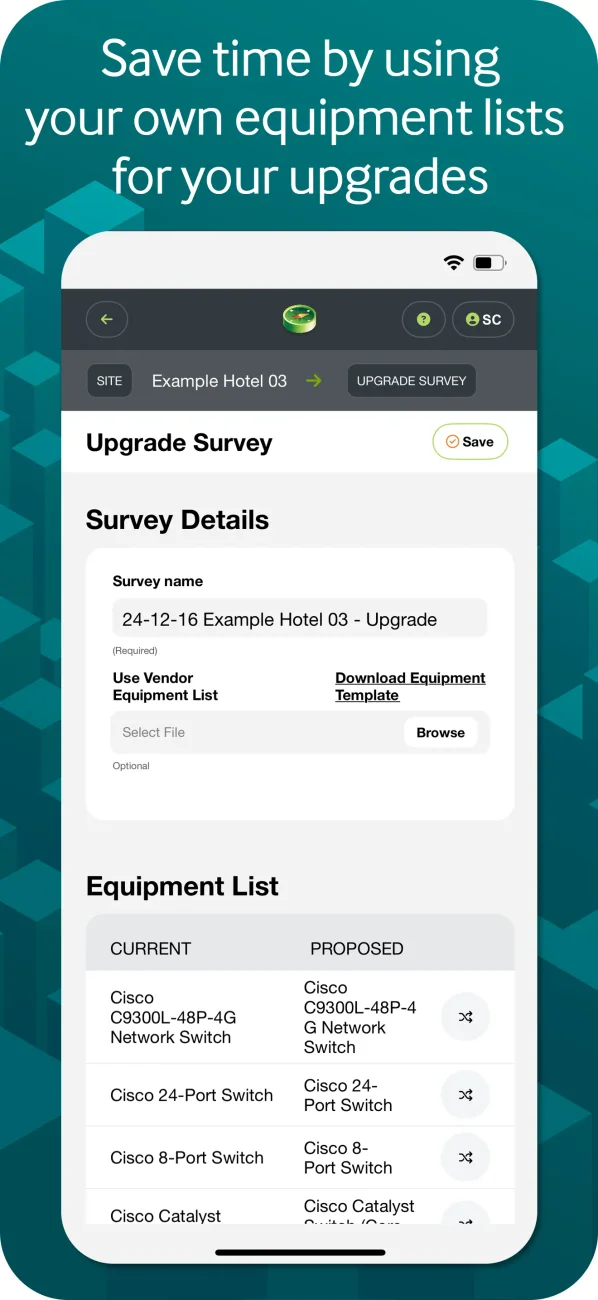
SiteCompass Mobile is the field companion for network and building infrastructure surveys. Built for surveyors and integrators who work on-site — often deep inside buildings with no signal — it captures accurate, structured survey data offline and syncs it to the SiteCompass Portal when you're back online.
This is a purpose-built field tool. Capture everything on the ground; do your design, proposals, and reporting in the SiteCompass Portal on the web.
Work completely offline Every survey lives in a local database on your device. Create, edit, and photograph as you walk the site — with no connection required. Nothing is lost, and nothing waits on signal.
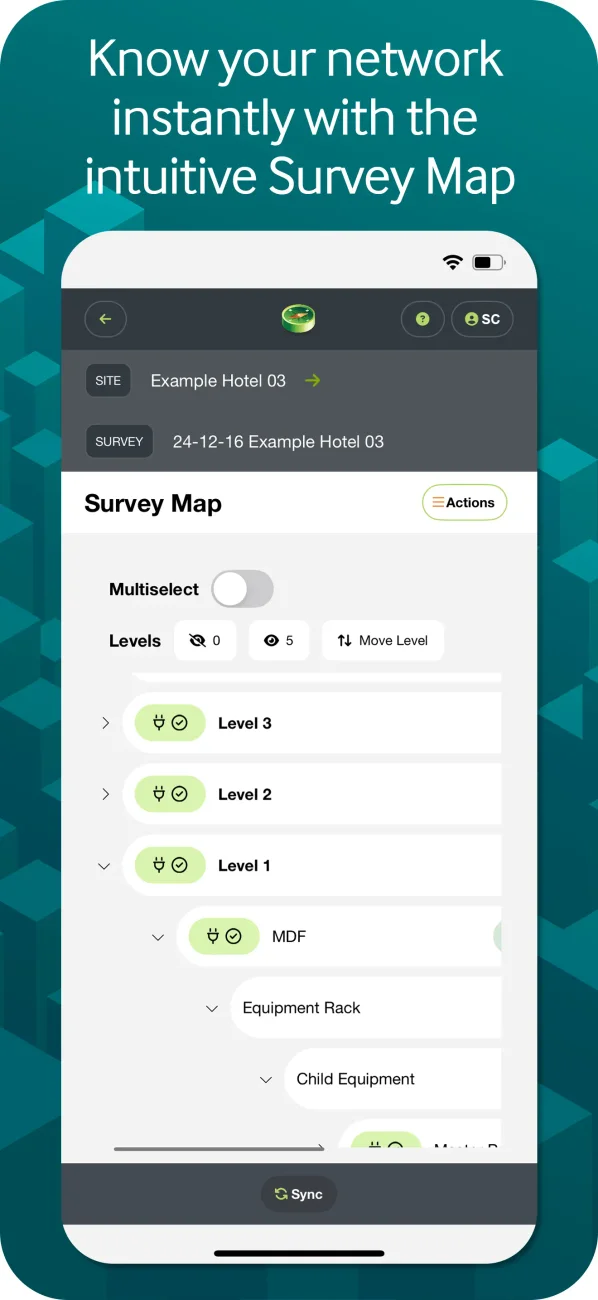
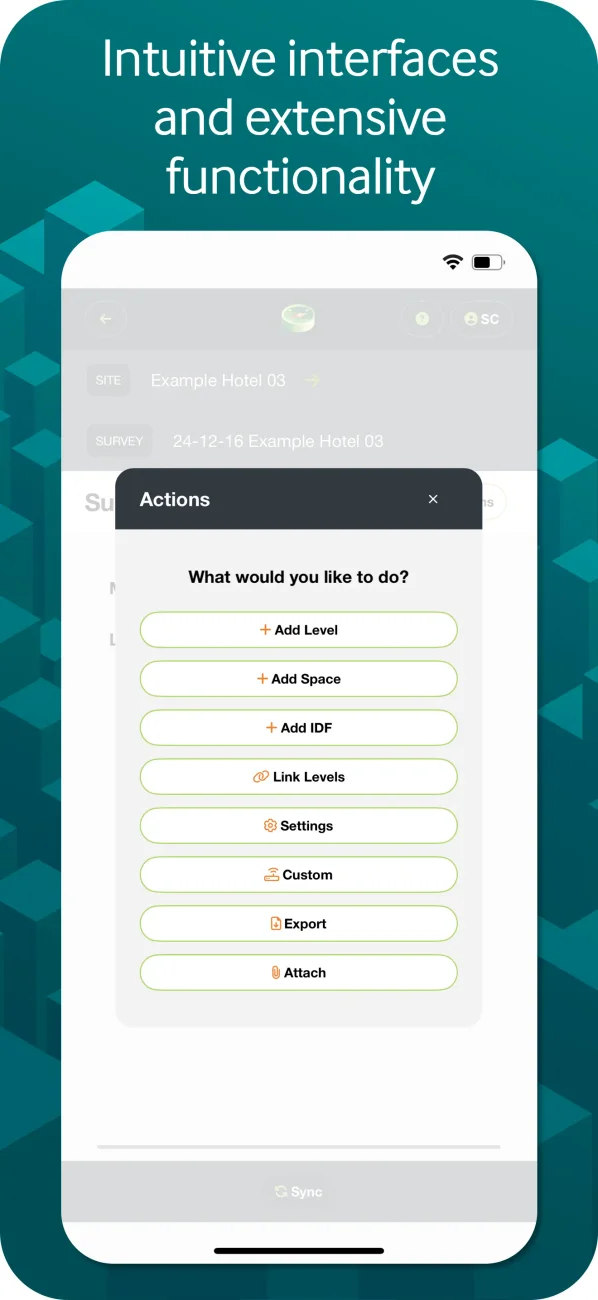
Capture the full picture Record a complete infrastructure hierarchy — Sites, Surveys, Buildings, Levels, Spaces, and Hardware devices — with structured fields for site type, cabling backbone, space types (MDF, IDF, offices, guest rooms, and more), and detailed hardware attributes including make, model, serial, asset tag, rack position, and power.
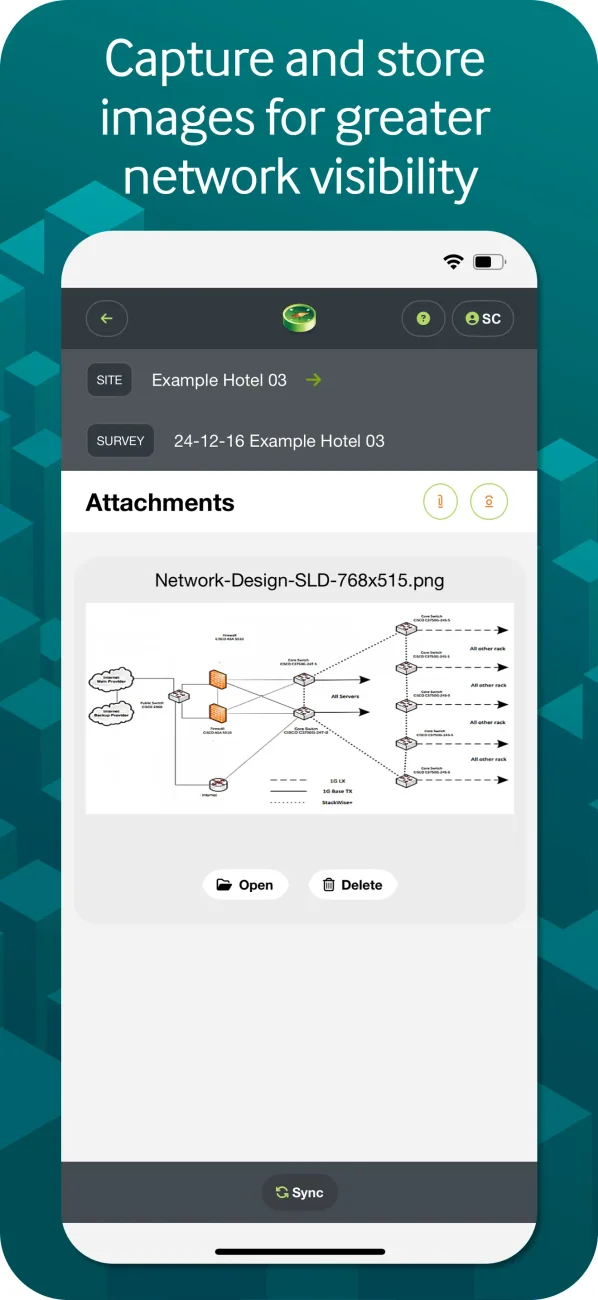
Photos and attachments Attach photos and files to devices, spaces, and levels so your survey tells the whole story.
Hardware and network connections Log devices from a searchable hardware catalog and map how they connect to one another.
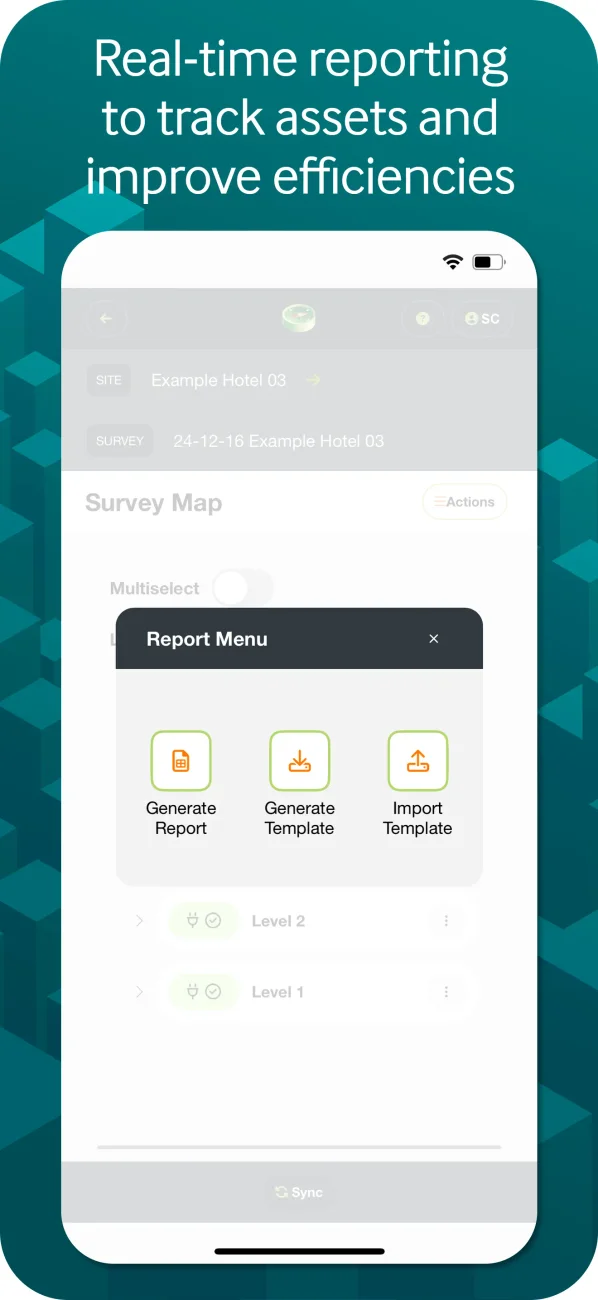
Download, capture, send Pull existing surveys from the Portal to work on them in the field, then send completed surveys back to the Portal in a single tap.
Always know where you stand A clear offline indicator, pending-change badge, and one-tap sync keep you in control of what's saved locally and what's uploaded. A manual offline mode lets you conserve data when you choose.
Secure and multi-user ready Sign in with SiteCompass single sign-on. Multiple team members can use the same device, each with their own private, isolated survey data and device-bound security.
SiteCompass Mobile requires a SiteCompass account.
What’s new
Version 5.2.10016 · Jul 22, 2026
Added new error logging capabilities to better diagnose issues reported by users
App privacy
What Site Compass Pty Ltd declares on the App Store about how this app handles data.
-
Data linked to you
May be collected and linked to your identity.
- Contact info
- Diagnostics
-
Data not linked to you
May be collected but is not linked to your identity.
- User content
Privacy practices may vary, for example with the features you use or your age.
Information
- Seller
- Site Compass Pty Ltd
- Category
- Utilities
- Version
- 5.2.10016
- Updated
- Jul 22, 2026
- Released
- May 23, 2024
- Size
- 30.1 MB
- Requires
- iOS 15.1 or later
- Age rating
- 4+
- Price
- Free
- Languages
- English
- Copyright
- © Site Compass Pty Ltd
You might also like
-
 Cloak - Private BrowserAd blocker & private browsing
-
 Survey Compass: Angle & GPSBearing, Elevation & Height
-
 Sino EVSE HomeUtilities
-
 Battery Phone Guard + WidgetFull Charge Sound Notification
-
 Stylish Text Generator AppBold, Repeat, Cursive, Emoji
-
 Bubble Level & CompassMeasure Angle, Tilt & Slope
-
 GPS Altitude CompassAltitude Compass Positioning
-
 Manglish Malayalam KeyboardEnglish to malayalam, manglish
-
 Barometric Pressure OfflineAltitude & Barometer Tracker
-
 Time Calc - Time CalculatorTime Calculator hours minutes