
- Age rating4+
- CategoryBusiness
- DeveloperObvious Ridge Route LLC
- LanguagesEnglish
- Size76.4 MB
Links to the official App Store page
Download.org hosts no file of Site Specs. The button opens its official App Store page, published by Obvious Ridge Route LLC. Listing last checked on Nov 13, 2026.
Screenshots




About
Site Specs is the best enterprise construction & property management app.
- Complete any custom company form or document from a mobile device
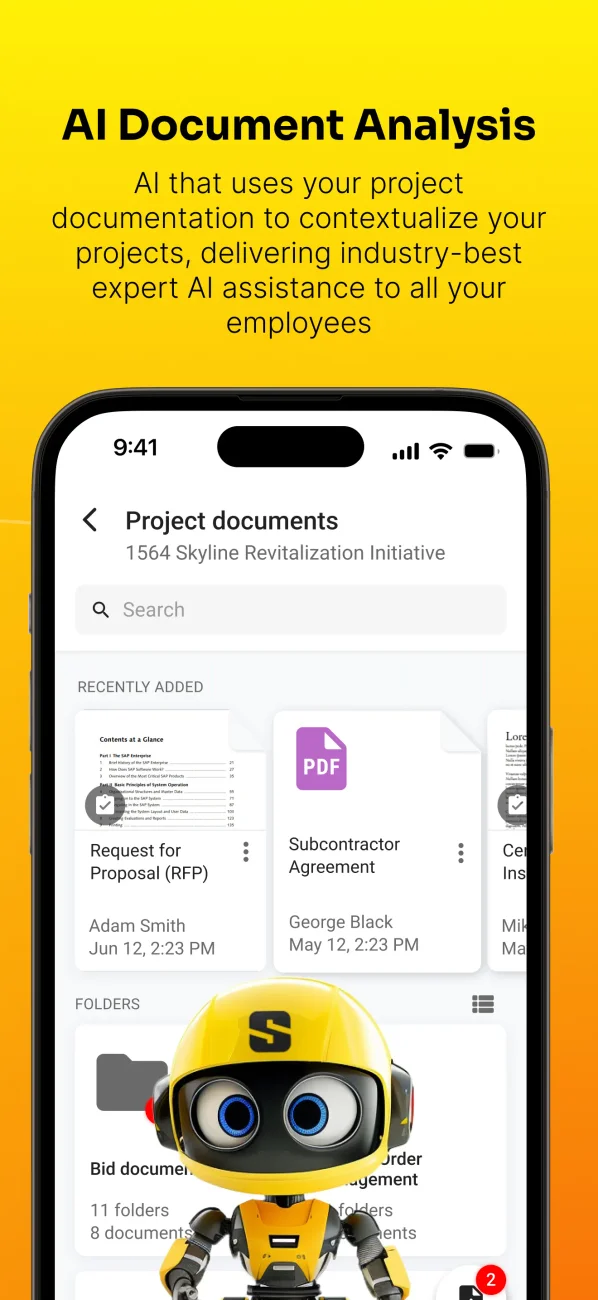
- Manage all project documents using our cloud project file/folder module
- Wirelessly upload and file company forms/photos to a secure server
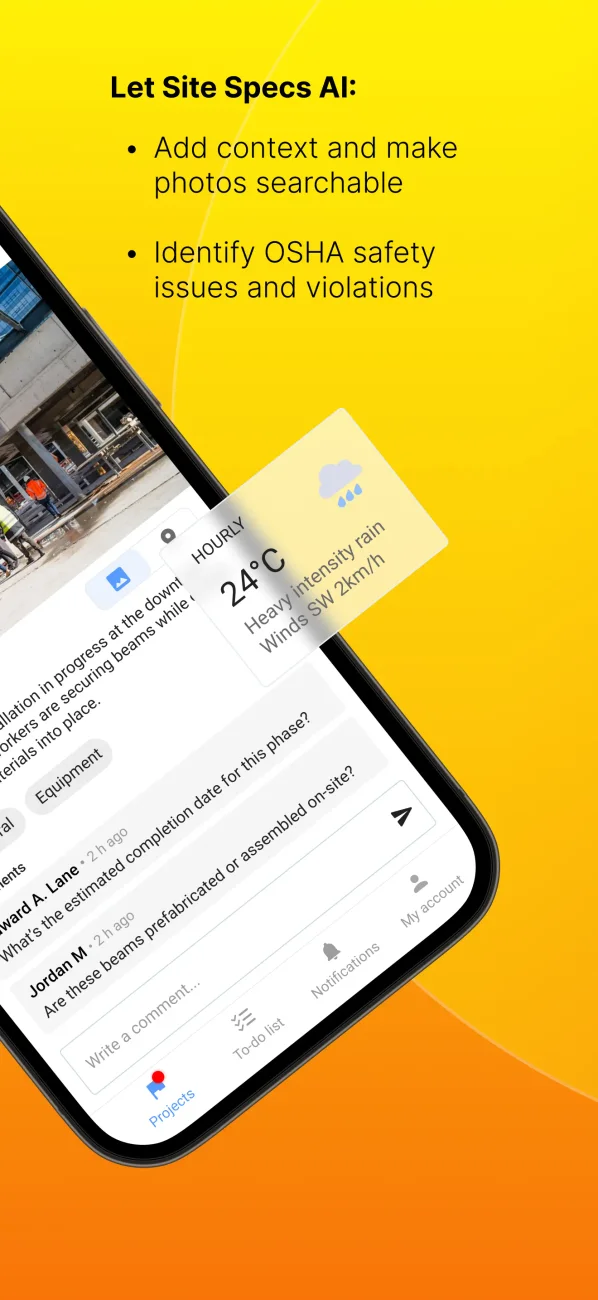
- Most meta data per photo enabling instant retrieval
- Best communication app for your remote job sites
- Optimized team communication with notifications
- Commenting enables immediate conflict resolution
- Automatically generates PDF reports for sharing and filing locally
- Collaborate with people from various companies on the same project
- All photos taken in Site Specs are automatically geo-tagged and cataloged behind the scenes
- Machine learning algorithm auto-tags what's in photos
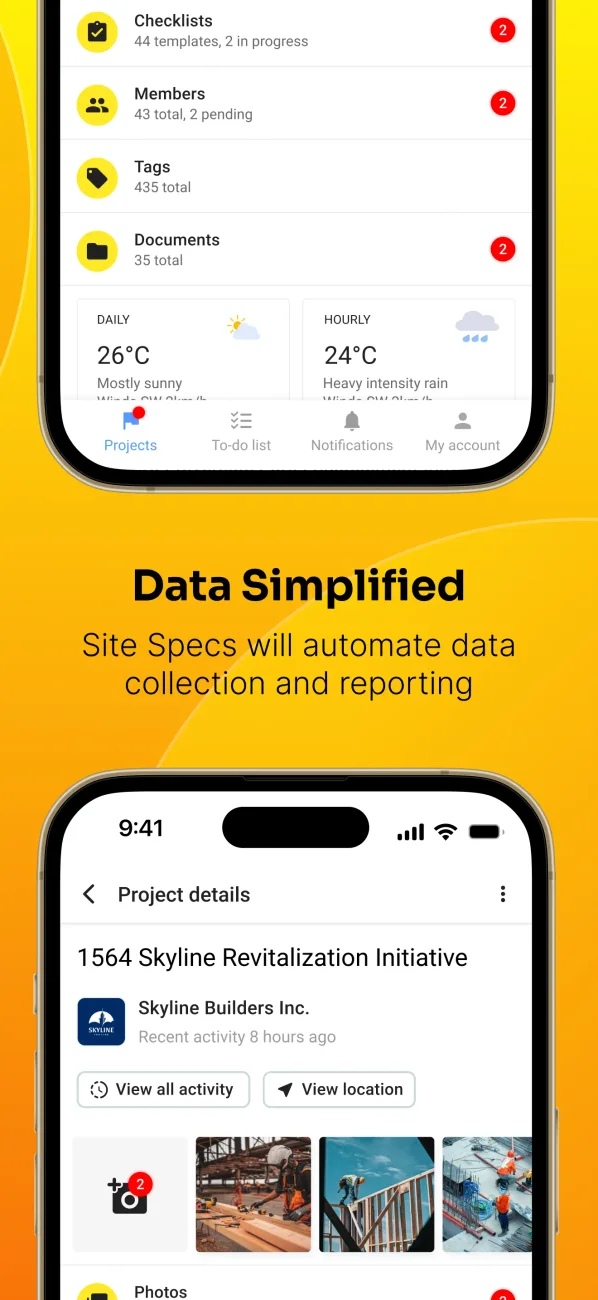
- Weather automatically recorded in daily reports
- Help prevent and fight claims with added documentation and search capabilities
- Digitised contract management
- Digitised invoice processing
- Cost tracking
- Change management
Simply create an account and start completing checklists and uploading photos immediately. Invite people to collaborate with and keep updated. You can invite team members from other companies. Simply add a project, take a picture and easily add a description and/or comment. Then upload the photos and/or checklists to SiteSpecs.io where our machine learning algorithm automatically maps and tags objects/text in your photos as well as records weather hourly. You can view, sort, filter, edit, download and share all your forms/photos with your team members. Site Specs' camera tags meta data to each photo to optimize your documentation.
Your project team will be notified of any new uploads and can monitor the live feed of whats happening on-site. Commenting provides immediate conflict resolution as it allows project management to communicate and address issues with photos. This tool is the simplest most effective way to keep your project management, safety, and quality control personnel on the same page.
You can then filter all of your completed forms/photos by any of these criteria to create daily progress/status reports. Push notifications keep everyone up to date with site conditions, safety, quality control, and security. Commenting improves job site communication and makes photo retrieval effortless and immediate. Site Specs is ideal for construction, contracting, property management, franchise management, maintenance, inspections, and before/after/progress photo documenting!
checklists, forms, inspection, camera, photo, picture, comment, description, location, monitor, project, site, address, job site, company, business, facility, property, contracting, construction, real estate, maintenance, franchise, security, safety, quality control, construction management, CM, project management, engineering, audit, inspection, facilities, properties, property management, development, job site documentation, safety audits, qc inspections, monitor and inspect job site progress
What’s new
Version 4.4.3 · Nov 11, 2026
Projects
- Added ability to edit project information directly from the mobile app, replacing the Rename Project option with Edit Project
- Updated Project Team section to match the functionality and information available in the web version
- Improved project loading, caching, and real-time data synchronization
- Made Project Status selection required when creating a new project
Checklists
- Fixed issue where answers disappeared during checklist completion
- Corrected automatic scrolling when expanding or collapsing groups and hiding or showing answered questions
- Updated permissions so company-shared checklist templates are visible without project permissions
Activities
- Added real-time activity updates
Permissions
- Added View permission for Project Activities
App privacy
What Obvious Ridge Route LLC declares on the App Store about how this app handles data.
-
Data linked to you
May be collected and linked to your identity.
- Location
- Contact info
- Contacts
- User content
- Diagnostics
Privacy practices may vary, for example with the features you use or your age.
Information
- Seller
- Obvious Ridge Route LLC
- Category
- Business
- Version
- 4.4.3
- Updated
- Nov 11, 2026
- Released
- Nov 9, 2015
- Size
- 76.4 MB
- Requires
- iOS 15.0 or later
- Age rating
- 4+
- Price
- Free
- Languages
- English
- Copyright
- © 2015 Site Data Resources LLC
You might also like
-
 Site Audit List & ReportsPunch, Inspection & PDF Maker
-
 Lydul: Punch List Audit ReportSnag Lists & PDF Issue Tracker
-
 Site Diary - ConstructionConstruction Daily Report
-
 SiteNote: Project NotesProject Notes, Photos, Tasks
-
 Construction Manager AppConstruction tools in one app
-
 MyOzingaBusiness
-
 SKYSITE Projects: ConstructionProject Management Software
-
 Construction Daily Log AppDaily Reports and Timecards
-
 RelayCam: Job Photo AppCamera, Jobsite, Photo App
-
 ez-inspectPhoto Inspection Manager