
SKC SmartWave
Control SKC Air Sample Pumps
Designed for iPhone, iPad, iPod touch
Free
- Age rating4+
- CategoryReference
- DeveloperSKC Inc.,
- Size36.4 MB
Links to the official App Store page
Download.org hosts no file of SKC SmartWave. The button opens its official App Store page, published by SKC Inc.,. Listing last checked on Nov 18, 2026.
Screenshots


About
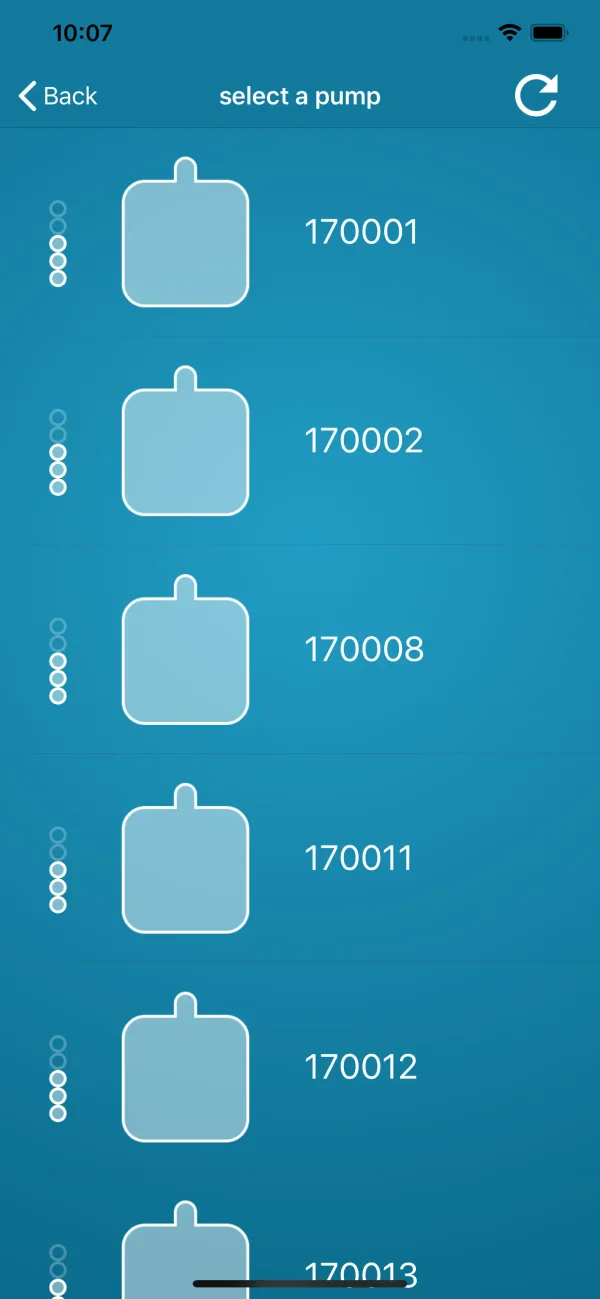
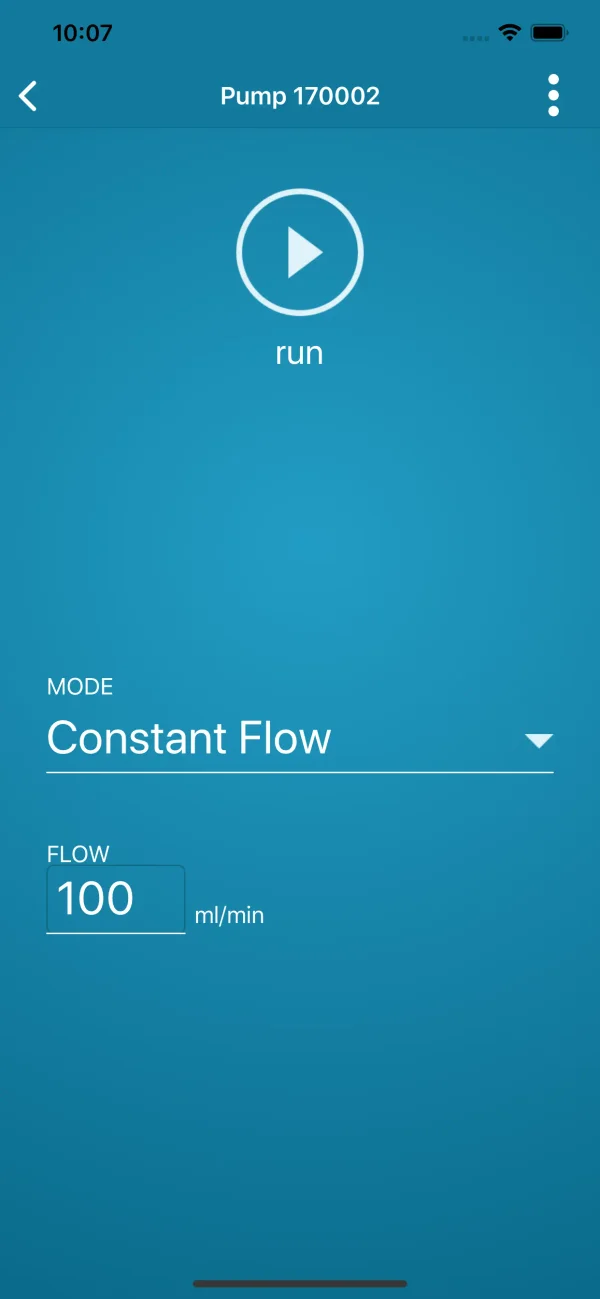
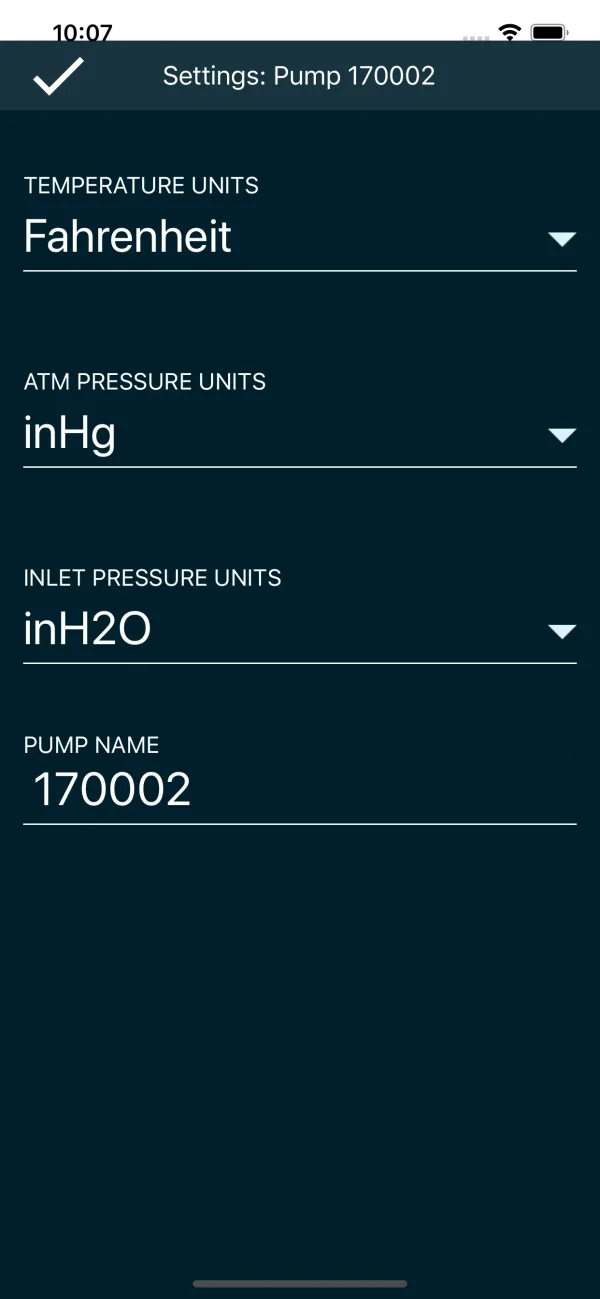
Check SKC Pump status or change sampling parameters with the SKC SmartWave App! Through Bluetooth®, detect one or more SKC Pumps listed in order of signal strength, monitor each detected pump’s run time, flow rate/pressure, fault indication, inlet pressure, and atmospheric temperature and pressure simply by touching the desired pump icon. SKC SmartWave allows you to select constant flow or constant pressure mode, set flow rate or pressure, and start/stop/pause/resume a pump run. Select temperature and atmospheric pressure display units and even name detected pumps. Use the SKC SmartWave App with the SKC Pump Secure Lock feature enabled to prevent unauthorized access to each detected pump.
What’s new
Version v1.2.9 · Jun 2, 2025
Improved device connections
App privacy
What SKC Inc., declares on the App Store about how this app handles data.
-
Data not collected
The developer does not collect any data from this app.
Privacy practices may vary, for example with the features you use or your age.
Information
- Seller
- SKC Inc.,
- Category
- Reference
- Version
- v1.2.9
- Updated
- Jun 2, 2025
- Released
- Mar 14, 2019
- Size
- 36.4 MB
- Requires
- iOS 10.3 or later
- Age rating
- 4+
- Price
- Free
- Copyright
- © SKC Inc.
You might also like
-
 ASP-CSP Quiz Gameby Bowen EHS
-
 Miner Safety & HealthReference
-
 CSP ASP Exam PrepCSP ASP Safety Professional
-
 ASSP Safety 2025Safety Conference + Expo
-
 CAMEO ChemicalsReference
-
 SDS MobileReference
-
 HazMat - ERG 2024 GuidebookEmergency Response Guidebook
-
 Pocket Prep Professional 2027Pass PMP, PHR, CAPM, CSP, SHRM
-
 ERG for iOSOfficial USDOT ERG
-
 First Aid: American Red CrossExpert advice in your hands