- Age rating4+
- CategoryGraphics & Design
- DeveloperElliott Lafayette-Morgan
- LanguagesEnglish
- Size1.4 MB
Links to the official App Store page
Download.org hosts no file of Sketchy. The button opens its official App Store page, published by Elliott Lafayette-Morgan. Listing last checked on Nov 13, 2026.
Screenshots


About
Welcome to Sketchy: The lightweight but powerful drawing app.
Create, Express, and Save Your Art with Ease!
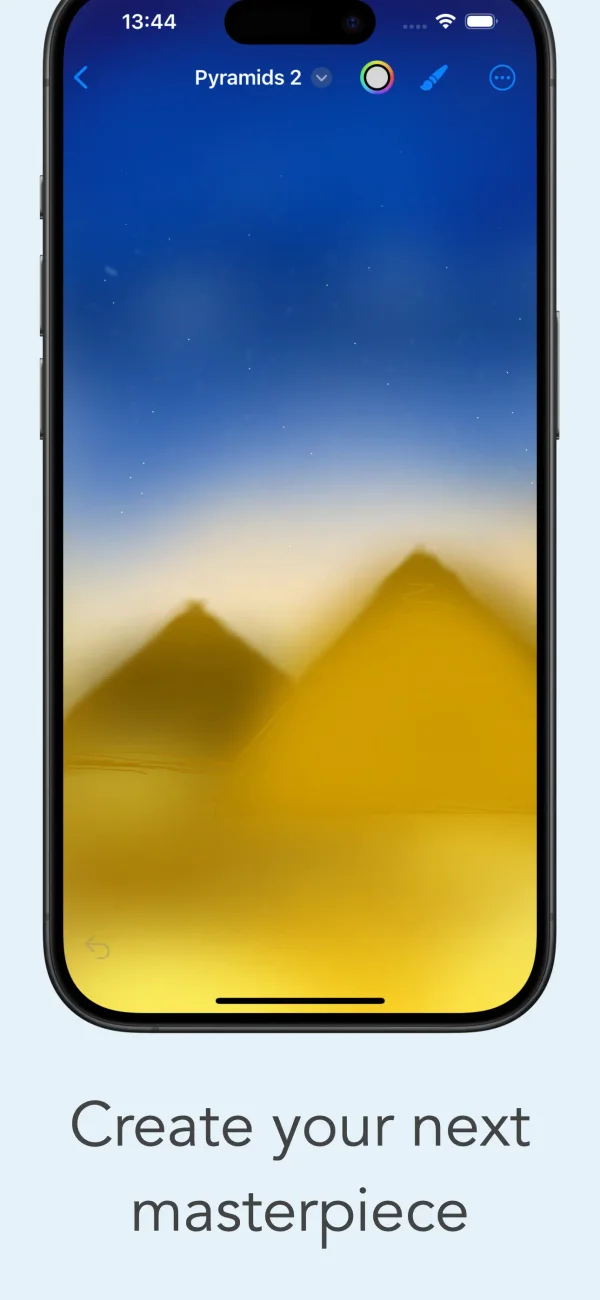
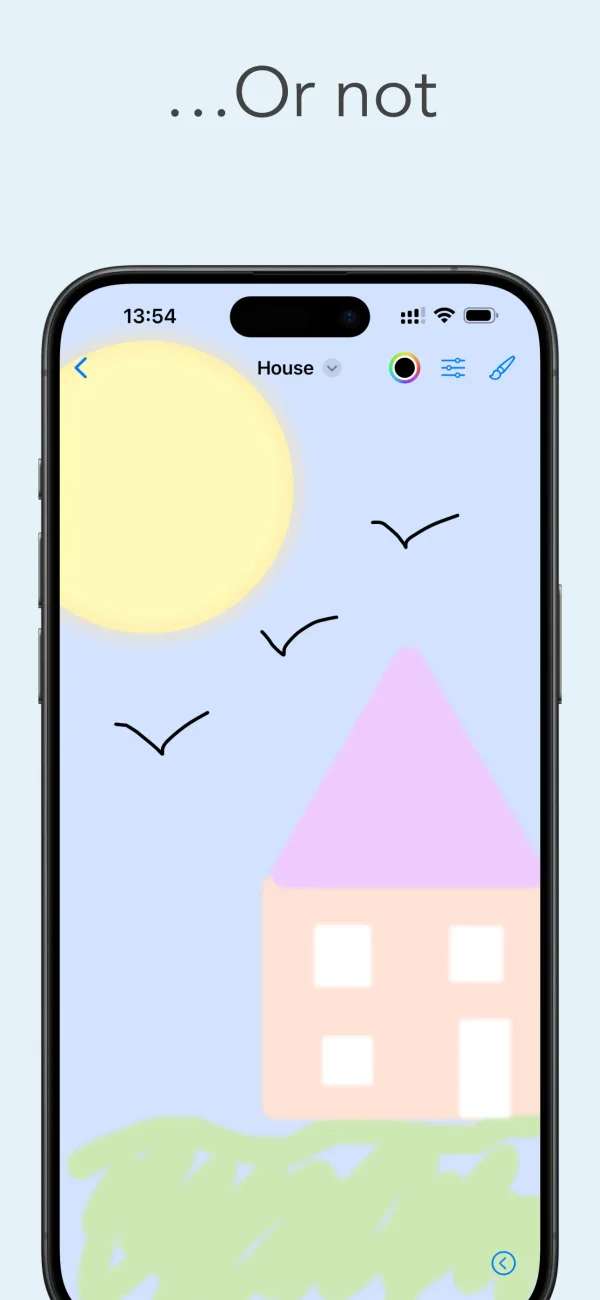
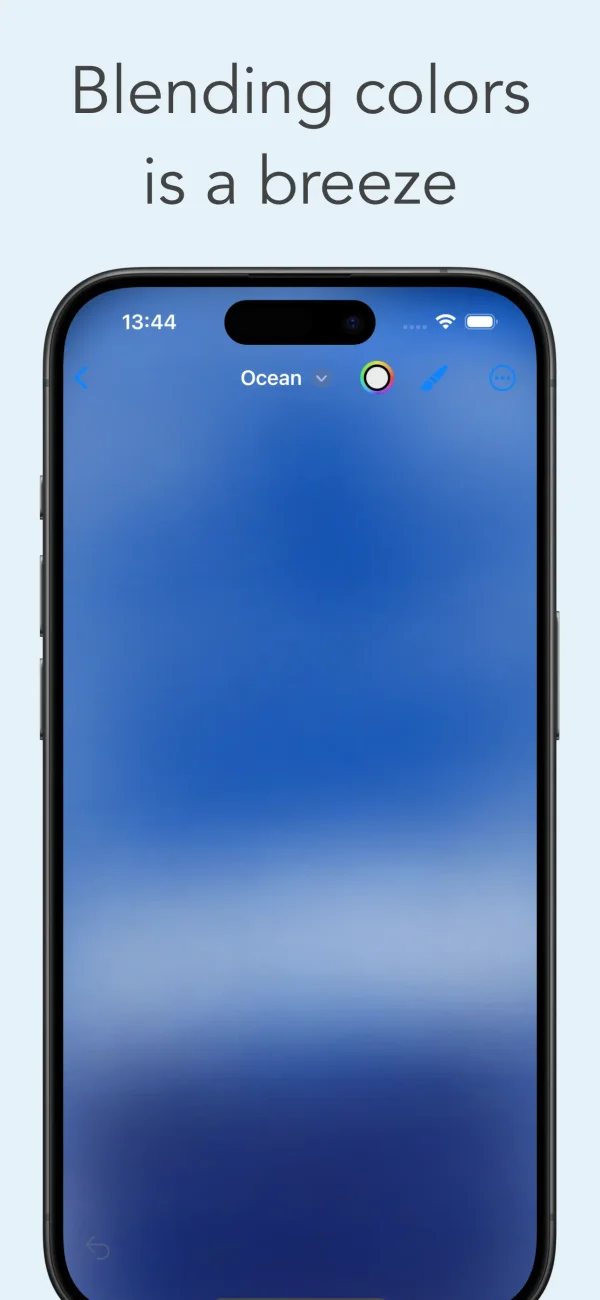
Unleash your creativity with our simple small little drawing app designed for artists of all levels. Whether you're sketching a quick idea or crafting a masterpiece, our intuitive interface makes it easy to focus on what matters most—your art!
Key Features:
• Variety of Brushes: Choose from an array of brush styles to suit every creative need. From fine lines to broad strokes, find the perfect brush for every detail.
• Preset Shapes: Quickly add predefined shapes to your artwork, giving you more creative possibilities.
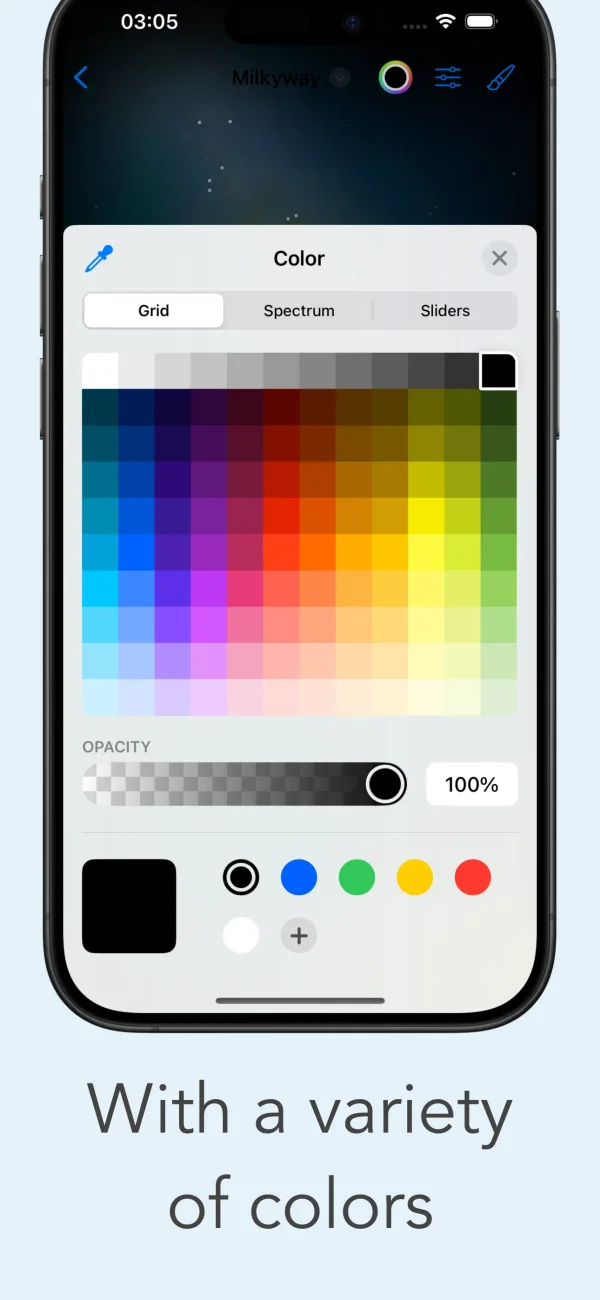
• Unlimited Colors: Explore a full spectrum of colors to bring your vision to life, with easy customization.
• Haptic Feedback: Feel every stroke as you draw, thanks to the immersive haptic feedback.
• Undo & Redo: Made a mistake or want to refine your work? Effortlessly undo or redo your last action with a simple tap.
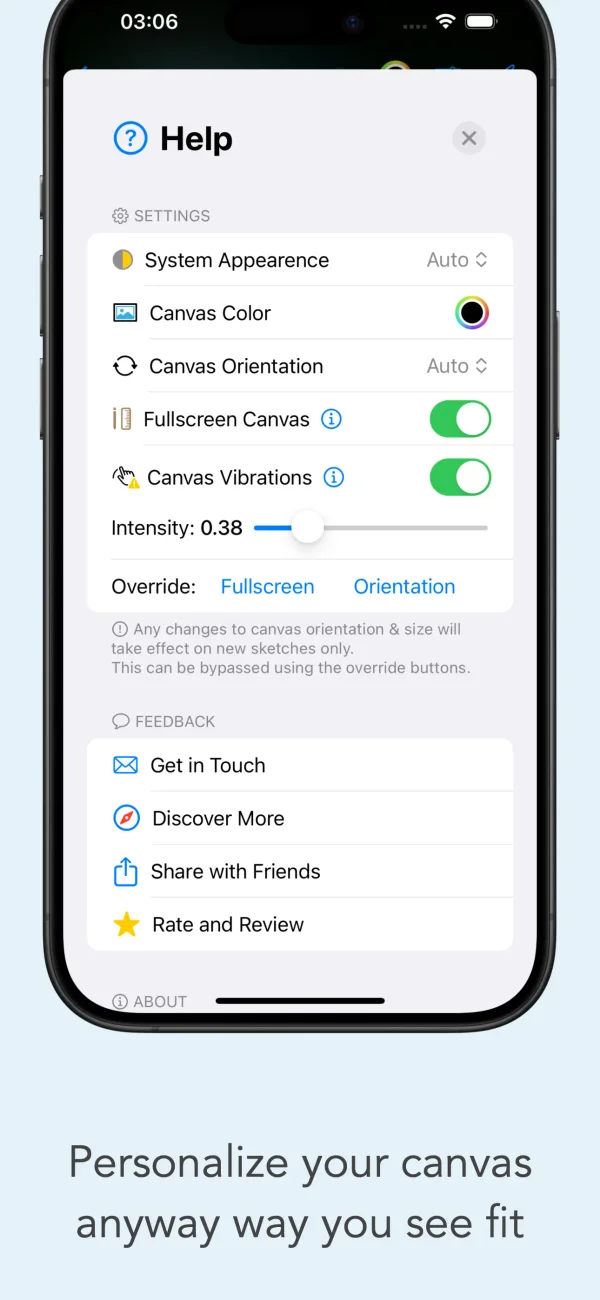
• Dark & Light Modes: Seamlessly switch between dark and light modes to match your environment or preference.
• Custom Canvas Colors: Manually adjust your canvas color to set the perfect background for your art.
• Landscape & Portrait Mode: Switch seamlessly between landscape and portrait orientations to suit your drawing style.
• Fullscreen Painting: Immerse yourself in your art with fullscreen painting, making the most of your device's display.
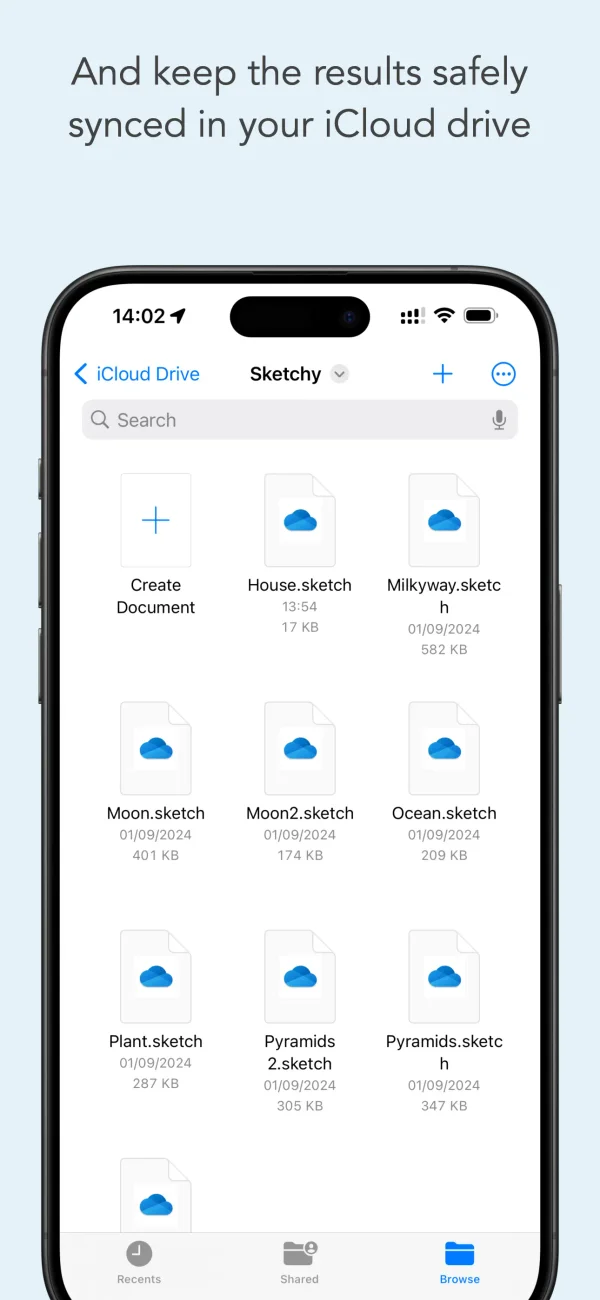
• Save to iCloud: Never lose your creations! Save your drawings directly to your iCloud folder, making them accessible across all your devices.
• Simple Interface: Designed for ease of use, our minimalist interface allows you to focus on drawing without distractions.
Whether you're doodling, sketching, or painting, Sketchy is your perfect companion. Download now and start creating anytime, anywhere!
Download today and let your imagination run wild!
What’s new
Version 2.0 · Sep 8, 2024
Huge version 2 update includes:
• New file system to keep track of canvas settings, makes sharing photos less device dependant.
• New onboarding screen
• New brushes and shapes.
• New tool preferences.
• New collapsable undo and redo buttons.
• Light mode and Dark mode added.
• Canvas Color options added.
• Canvas Orientation added.
• Ability to draw over the entire screen.. or not.
• Canvas vibrations to simulate feeling of paper.
• Support for version 1 files included
• Lots of under the hood improvement's.
App privacy
What Elliott Lafayette-Morgan declares on the App Store about how this app handles data.
-
Data not collected
The developer does not collect any data from this app.
Privacy practices may vary, for example with the features you use or your age.
Information
- Seller
- Elliott Lafayette-Morgan
- Category
- Graphics & Design
- Version
- 2.0
- Updated
- Sep 8, 2024
- Released
- Sep 1, 2024
- Size
- 1.4 MB
- Requires
- iOS 17.5 or later
- Age rating
- 4+
- Price
- Free
- Languages
- English
- Copyright
- © 2024 Plus1XP
You might also like
-
 SketchrDrawing & Annotation
-
 Lineova: Drawing & PaintingSketch, Vector Art & Animate
-
 FORMA: Draw, Paint & SketchArt, Animation & Illustration
-
 Kreyon: Draw, Paint & ComicsSketch, Illustrate, Make Manga
-
 Drawing App StudioDrawing Apps
-
 Blend Gradient Wallpaper MakerCustom Lock Screen Backgrounds
-
 Cloudo: AR Sketch & Trace DrawEasy Drawing Lessons Paint Art
-
 DIY Craft Studio - SVG FilesMonograms, Sticker & Cut Files
-
 PicolorLab – Photo ColorsDominant Color Analyzer
-
 App Icon MakerDesign Creator Developer Tool