
- Age rating17+
- CategoryNews
- DeveloperLucas Young
- LanguagesEnglish
- Size12.0 MB
Links to the official App Store page
Download.org hosts no file of Skim Reader. The button opens its official App Store page, published by Lucas Young. Listing last checked on Nov 17, 2026.
Screenshots

About
Skim Reader: Read Smarter, Not Longer
In a world of infinite scroll and endless content, your time is the ultimate currency. Skim Reader is the RSS reader that respects it.
The Problem With Modern Reading
You subscribe to 30 feeds. You have 200 unread articles. You have 10 minutes. What do you do? Skip everything? Skim headlines and miss the insights buried in paragraph seven? Feel guilty about the growing unread count?
There's a better way.
One Slider. Infinite Control.
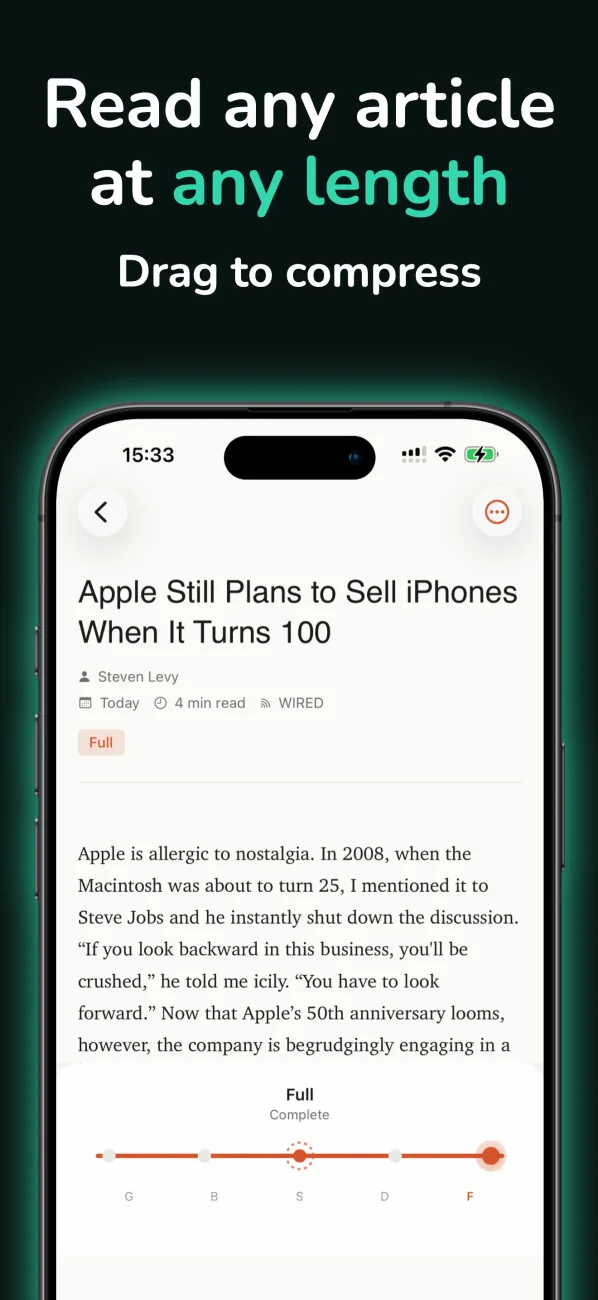
Skim Reader introduces something no RSS reader has done before: a compression slider that transforms any article to match exactly how much time you have.
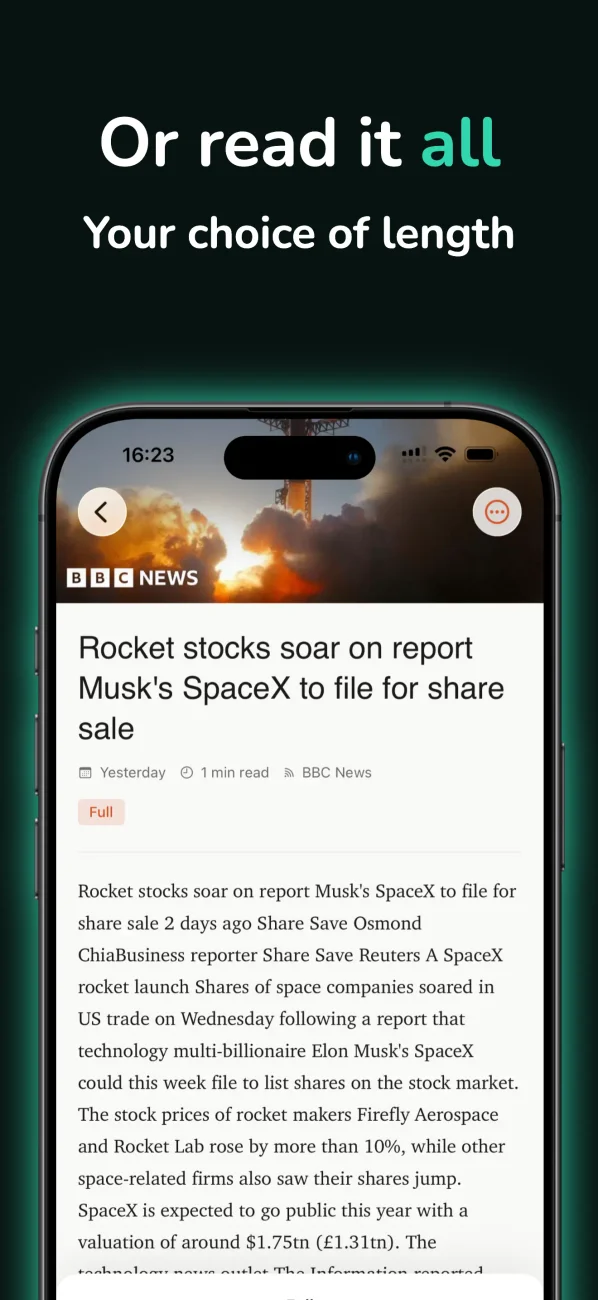
Drag left for a two-sentence summary. Drag right for the full article. Stop anywhere in between. It's that simple.
- Glance: The headline in 10 seconds
- Brief: Key points in 30 seconds
- Summary: Main ideas in 2 minutes
- Digest: Detailed overview in 5 minutes
- Full: The complete article
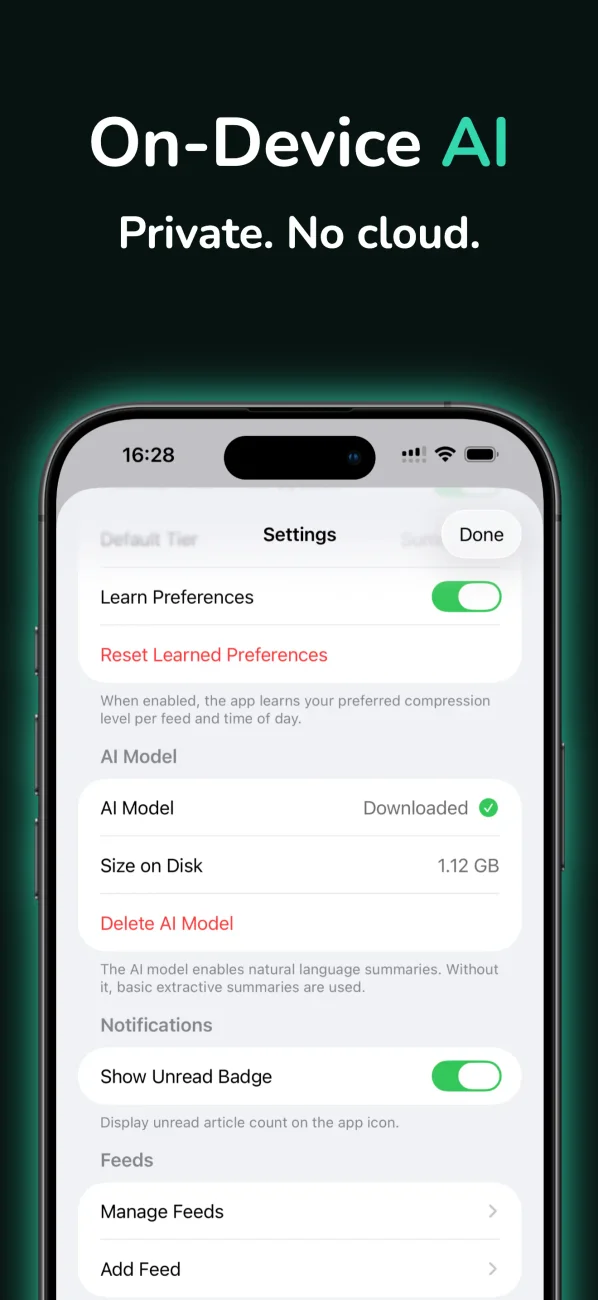
Every position is generated by on-device AI. No cloud. No subscriptions. No data leaving your phone.
AI That Lives on Your Device
Skim Reader runs a state-of-the-art language model entirely on your iPhone or iPad. Your articles stay private.
The first time you open the app, you'll download a ~1GB AI model. After that, everything runs locally. Your reading habits are yours alone.
It Learns How You Read
Notice how you always want the full article from The New York Times but just the brief from tech blogs? Skim Reader notices too.
The app quietly learns your preferences - by feed, by time of day, by habit. Open an article at 7am during your commute? It remembers you prefer Brief. Saturday morning deep-dive? It knows you want Full.
You can disable this entirely in settings. But once you experience an app that just knows, you won't want to.
Beautiful Typography, Zero Compromise
Reading apps should be beautiful. Skim Reader uses carefully chosen typefaces optimised for extended reading:
- New York for headlines - editorial elegance
- Charter for body text - designed for screens
- Your choice of fonts and sizes
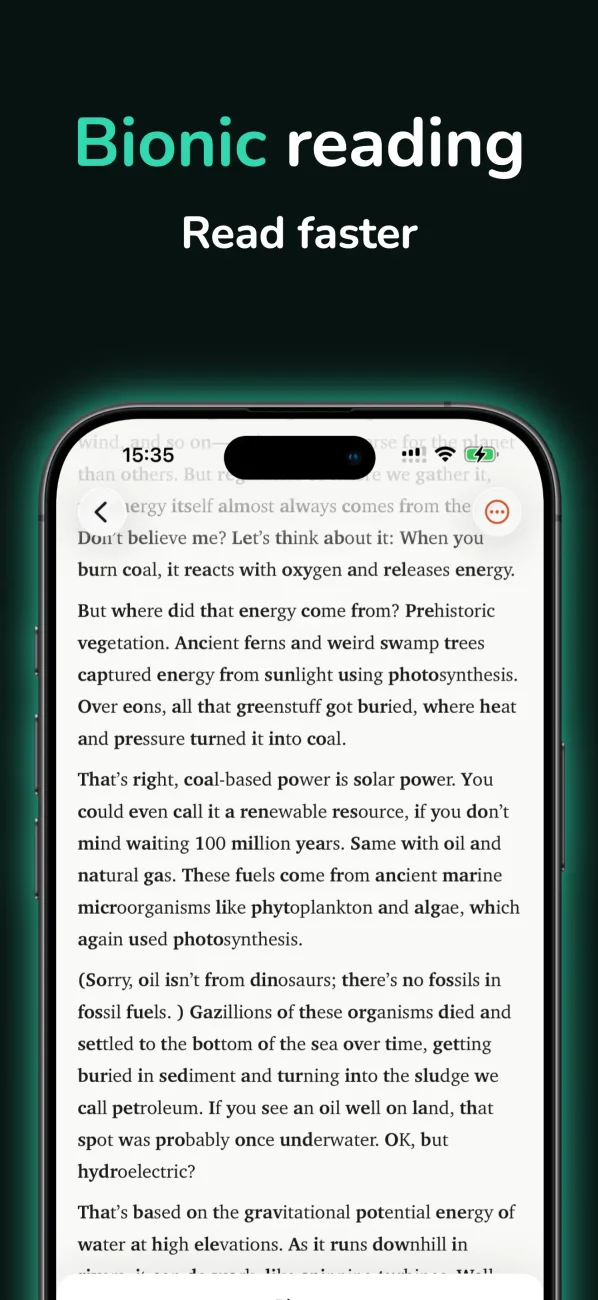
- Bionic Reading mode for faster scanning
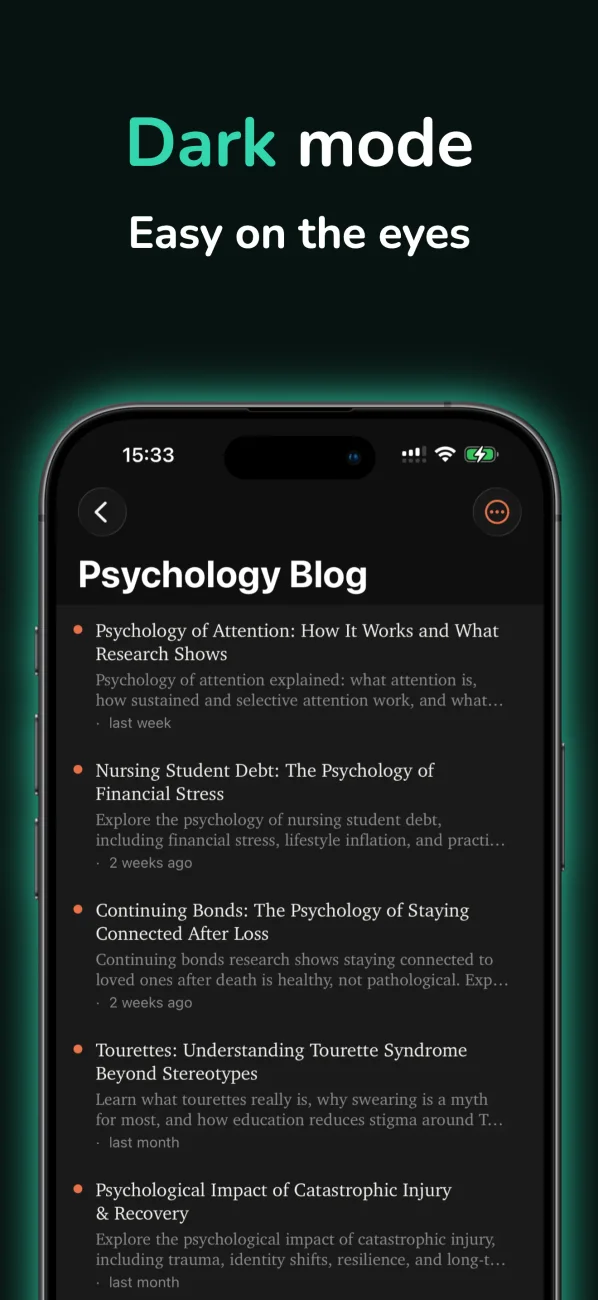
- Light and dark themes that don't strain your eyes
Features That Matter
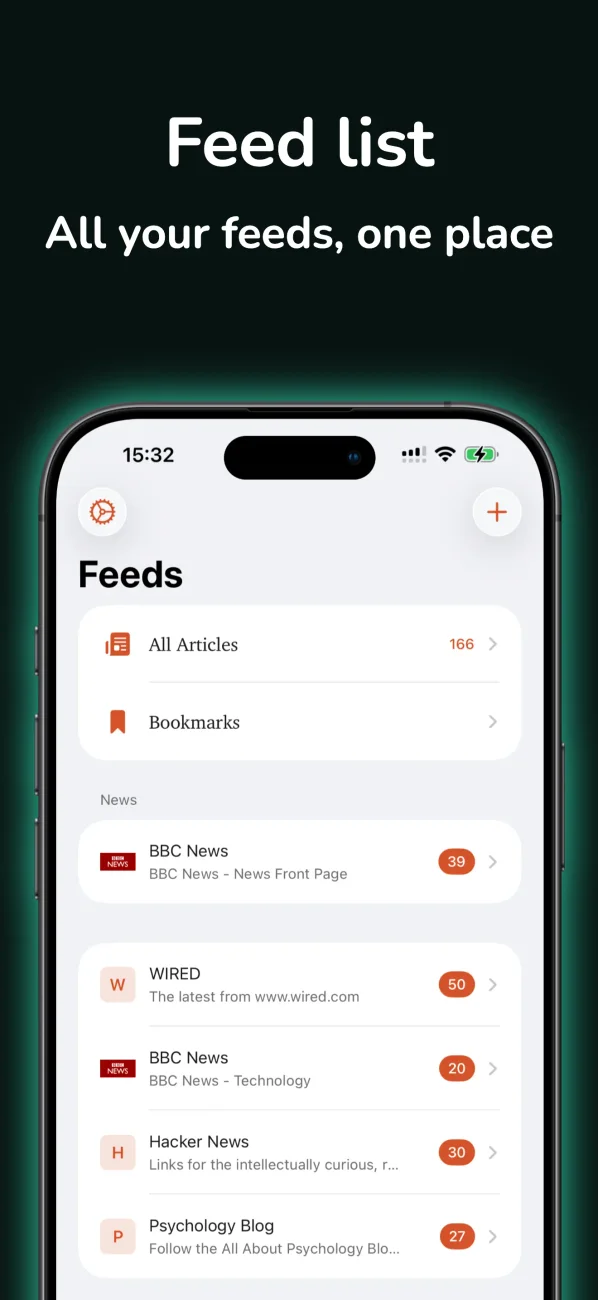
- Add any RSS or Atom feed - paste a URL and it finds the feed
- Full article extraction - even when feeds only provide snippets
- Swipe gestures - mark read, bookmark, delete
- All Articles view - see everything in one stream
- Bookmarks - save articles for later
- Pull to refresh - stay current
- Open in browser - when you need the original
- Haptic feedback - feel the slider snap into position
No Subscriptions. No Ads. No Tracking.
Skim Reader is free. No monthly fees. No "premium tiers." No advertisements. No analytics watching what you read.
Who Is This For?
- Professionals who need to stay informed but don't have time to read everything
- Researchers managing dozens of sources
- News enthusiasts who want depth without the time commitment
- Anyone tired of the "mark all as read" guilt spiral
- People who believe reading should be a choice, not an obligation
The TL;DR for a Doomscrolling World
I built Skim Reader because I was drowning in content. Every day, more articles. Every day, less time. I wanted a reader that adapted to me, not the other way around.
Now I read more than ever - because I can finally read at the right depth for every article. Some get 10 seconds. Some get 10 minutes. Every one gets exactly what it deserves.
Your time is valuable. Read accordingly.
What’s new
Version 1.1 · Mar 27, 2026
What's New in v1.1
- Articles now load instantly at full length while summaries generate in the background
- Improved summary quality with better paragraph formatting
- Full articles now preserve original paragraph structure and tappable links
- iPad support with split-view navigation and optimized reading layout
- Slider dots now show generating, ready, and active states at a glance
- Fixed pasted URLs failing on certain sites
- General stability and performance improvements
App privacy
What Lucas Young declares on the App Store about how this app handles data.
-
Data not collected
The developer does not collect any data from this app.
Privacy practices may vary, for example with the features you use or your age.
Information
- Seller
- Lucas Young
- Category
- News
- Version
- 1.1
- Updated
- Mar 27, 2026
- Released
- Jan 29, 2026
- Size
- 12.0 MB
- Requires
- iOS 26.0 or later
- Age rating
- 17+
- Price
- Free
- Languages
- English
- Copyright
- © 2026 Lucas Young
You might also like
-
 Reevo: Newsletters & RSSDaily AI Summary
-
 Muni - RSS ReaderSimply your feed
-
 SumaroAI News. Simplified.
-
 Pulse RSSRSS & Atom Reader with AI
-
 Civetta: PodcastsOffline player, synced queue
-
 Signal NewsSee how stories connect
-
 Auslese – Your RSS-BriefingLess flood, more overview
-
 Brifing: News and InsightsWorld News, Summarized Daily
-
 Kite RSS - Pure RSS ReaderYour Minimalist News Workspace
-
 The Reading Room – RSS ReaderIndie blogs as a social feed