
Skip Search
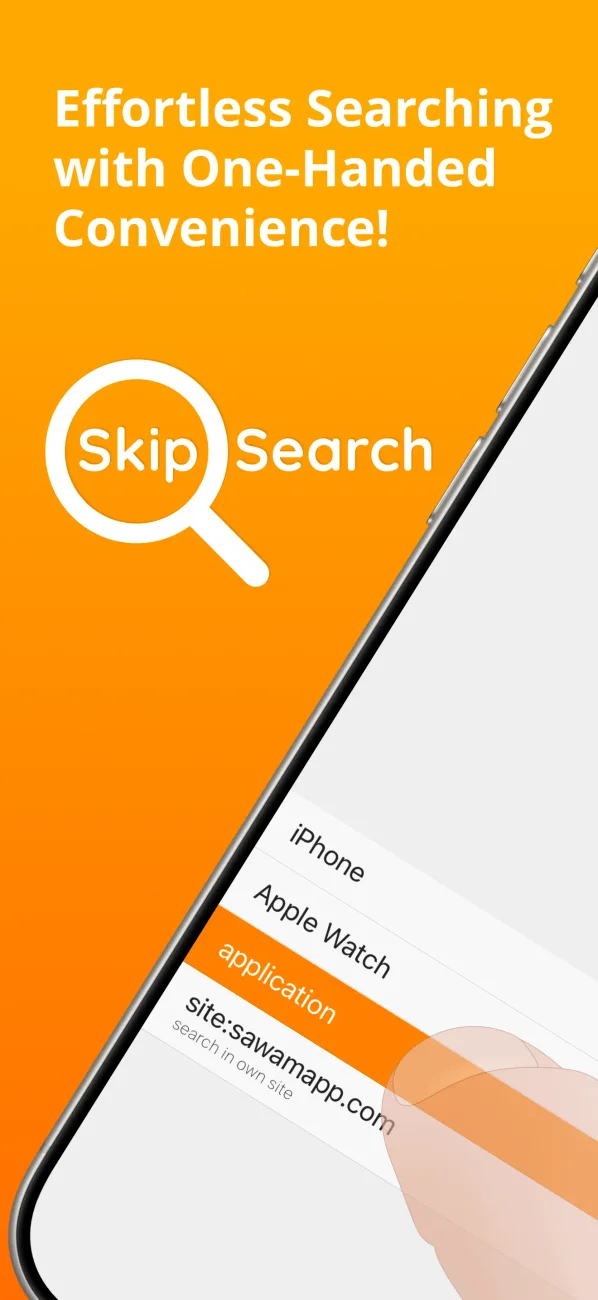
search with one-hand operation
Designed for iPhone, iPad, iPod touch
Free · In-app purchases
- Age rating17+
- CategoryProductivity
- DeveloperKazuhiro Sawamura
- LanguagesEnglish+ 1 more
- Size6.7 MB
Links to the official App Store page
Download.org hosts no file of Skip Search. The button opens its official App Store page, published by Kazuhiro Sawamura. Listing last checked on Nov 17, 2026.
Screenshots



About
SkipSearch is a one-handed, easy-to-use search app.
App Features:
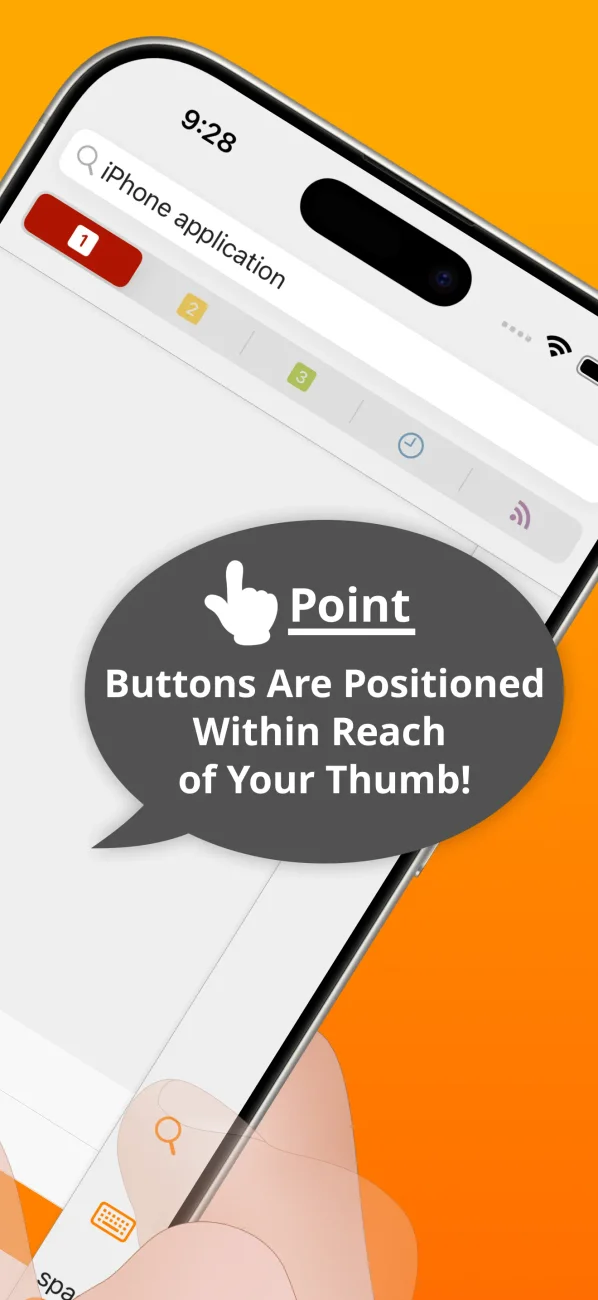
Buttons placed within reach of the thumb -
Frequently used buttons such as the search execution button and keyboard open/close button are placed within reach of the thumb.
Layout can be changed for left hand -
The placement of the buttons can be changed to within reach of the left thumb.
Register frequently used search words as buttons -
Do you find yourself using the same words over and over again when searching the Web?
With Skip Search, you can register frequently used search terms as buttons and type them into the search window with a single tap. and enter them in the search window with a single tap.
Record usage history of search words -
The history of words used in a search is displayed as a button, and can be entered again in the search window with a single tap.
Obtaining RSS Feeds -
You can obtain fast-rising words and other information from RSS feeds and display them as buttons.
Built-in Browser -
You can browse results more quickly than launching a separate browser application.
You can also record browsing history and register bookmarks.
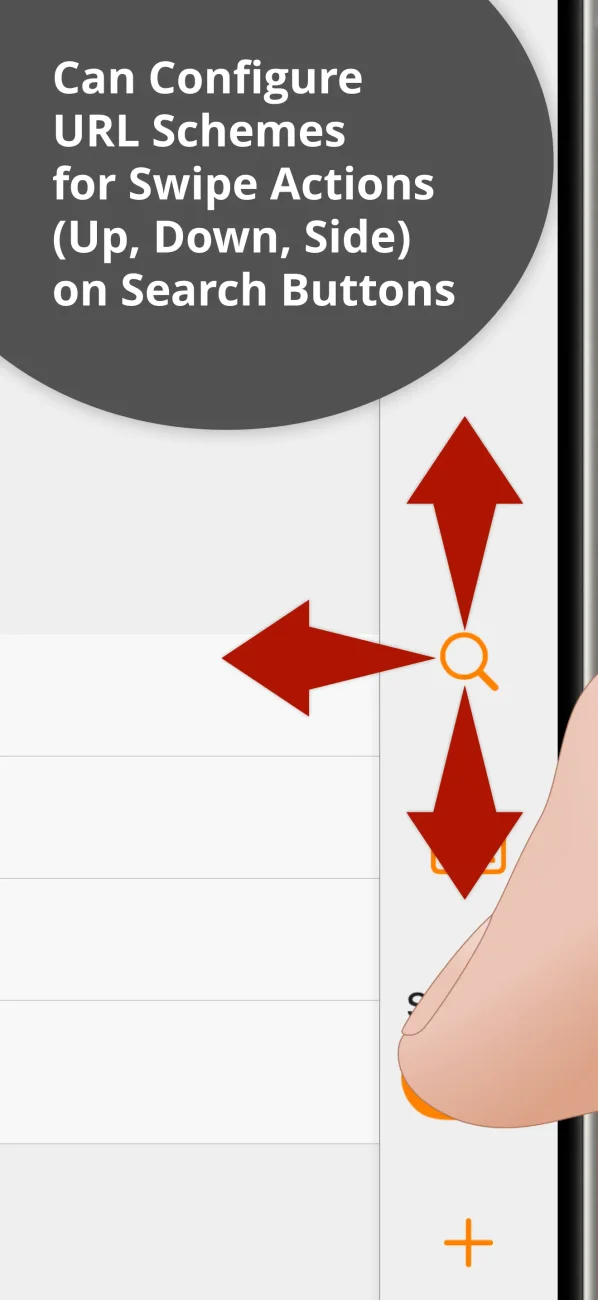
URL scheme assignment -
The search execution button can be assigned different URL schemes for tap (default), up-swipe, side-swipe, and down-swipe, allowing not only search, but also integration with your favorite apps.
Search by clipboard text -
Text in the clipboard can be used for searching from the menu that appears by long-pressing the icon on the home screen.
What’s new
Version 4.08 · Oct 29, 2025
Thank you for using SkipSearch.
What's new in this update:
Bug fix.
App privacy
What Kazuhiro Sawamura declares on the App Store about how this app handles data.
-
Data used to track you
May be used to track you across apps and websites owned by other companies.
- Location
- Identifiers
- Usage data
- Diagnostics
-
Data linked to you
May be collected and linked to your identity.
- Location
- Identifiers
- Usage data
- Diagnostics
-
Data not linked to you
May be collected but is not linked to your identity.
- Diagnostics
Privacy practices may vary, for example with the features you use or your age.
Information
- Seller
- Kazuhiro Sawamura
- Category
- Productivity
- Version
- 4.08
- Updated
- Oct 29, 2025
- Released
- Mar 23, 2013
- Size
- 6.7 MB
- Requires
- iOS 15.6 or later
- Age rating
- 17+
- Price
- Free
- In-app purchases
- Yes
- Languages
- English, Japanese
- Copyright
- © SawamApp
You might also like
-
 DMS BrowserProductivity
-
 DSearch:ADHD Focus Search ToolDirect App Search Tool
-
 Dual Browser MultiTask: DuallySplit View, Multi Window
-
 Next Search AppProductivity
-
 Engines To SearchAi & Search Engines Compare It
-
 Direct SearchSearch with no distraction
-
 QueryDialSearch Faster with Shortcuts
-
 SurfBreezeSmart, Save and Secure
-
 Kernels: Private Search EngineSave Text, Web Pages, Images
-
 Wright - Search AppFor everyone who searches