
- Age rating4+
- CategoryEntertainment
- DeveloperArthur de Rijke
- LanguagesEnglish+ 7 more
- Size194.0 MB
Links to the official App Store page
Download.org hosts no file of Sleepcast!. The button opens its official App Store page, published by Arthur de Rijke. Listing last checked on Nov 20, 2026.
Screenshots


About
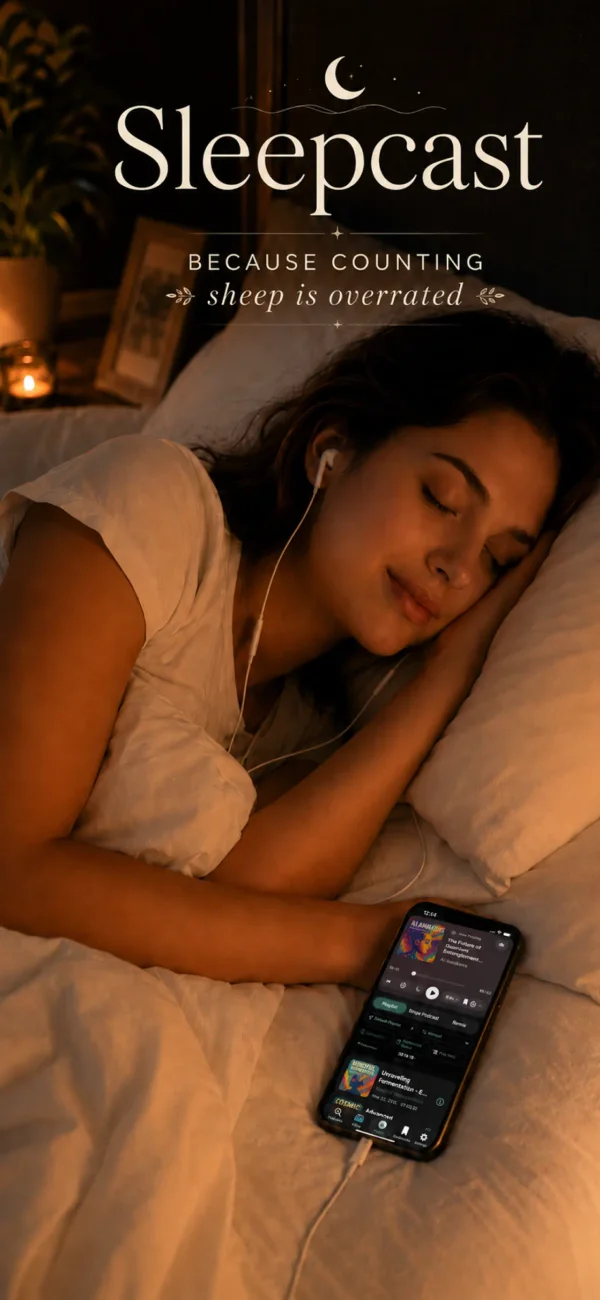
Fall asleep to your favorite podcasts without managing timers, rewinding episodes, or losing the best moments.
Sleepcast is built around a simple idea: your podcast player should adapt to your sleep, not the other way around. With an intelligent sleep timer, motion-based extensions, smart night recaps, custom playlists, transcript search, AI summaries, and one-tap bookmarking with audio clips and transcripts, it creates a seamless listening experience from drifting off to waking up.
Just press play, relax, and let Sleepcast handle the rest.
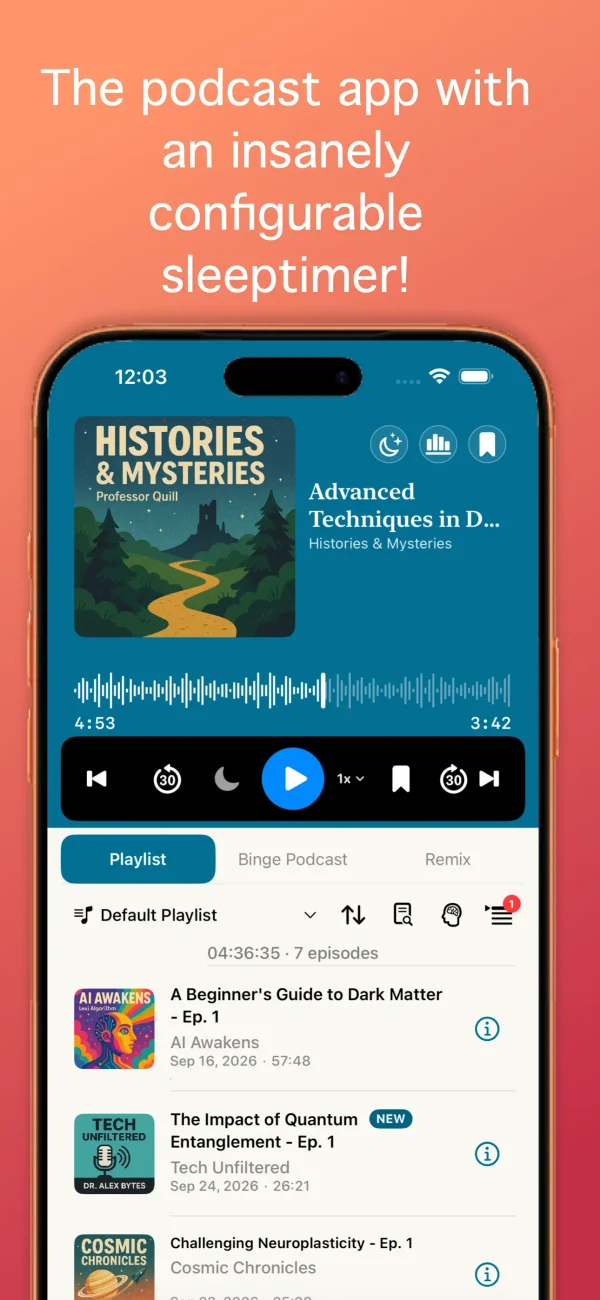
Drift off to your favorite shows without worry, thanks to an exceptionally advanced Sleep Timer:
- Flexible Sleep Timer: Set it by duration or stop automatically at the end of the current episode.
- Smart Sleep Check: A gentle beep and motion detection can sense if you're still awake, extending the timer so listening isn’t interrupted too early.
- Scheduled Listening: Activate the sleep timer only during specific hours with Time Window, perfect for your nightly routine.
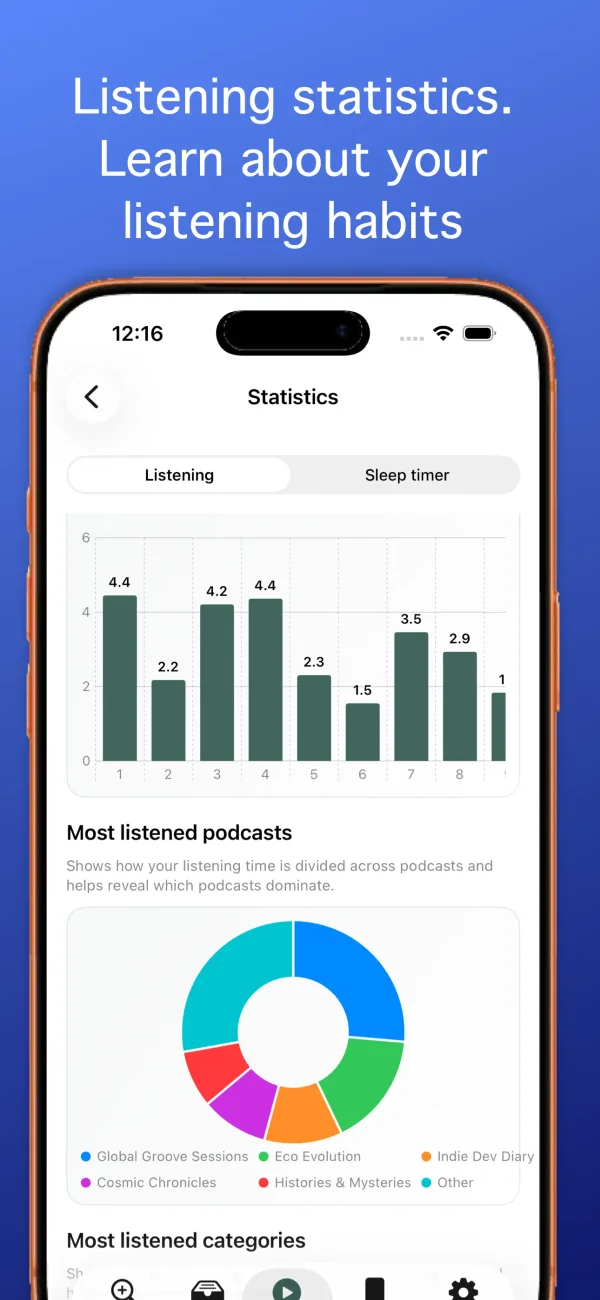
- Sleep Timer Statistics: Review a detailed history of your sleep timer sessions.
- Continuous Play: Keep the timer going across multiple episodes with auto-restart.
- Volume Fade-Out: Audio gently fades out during the final seconds for a smooth transition.
Bookmarking and Fragment Sharing
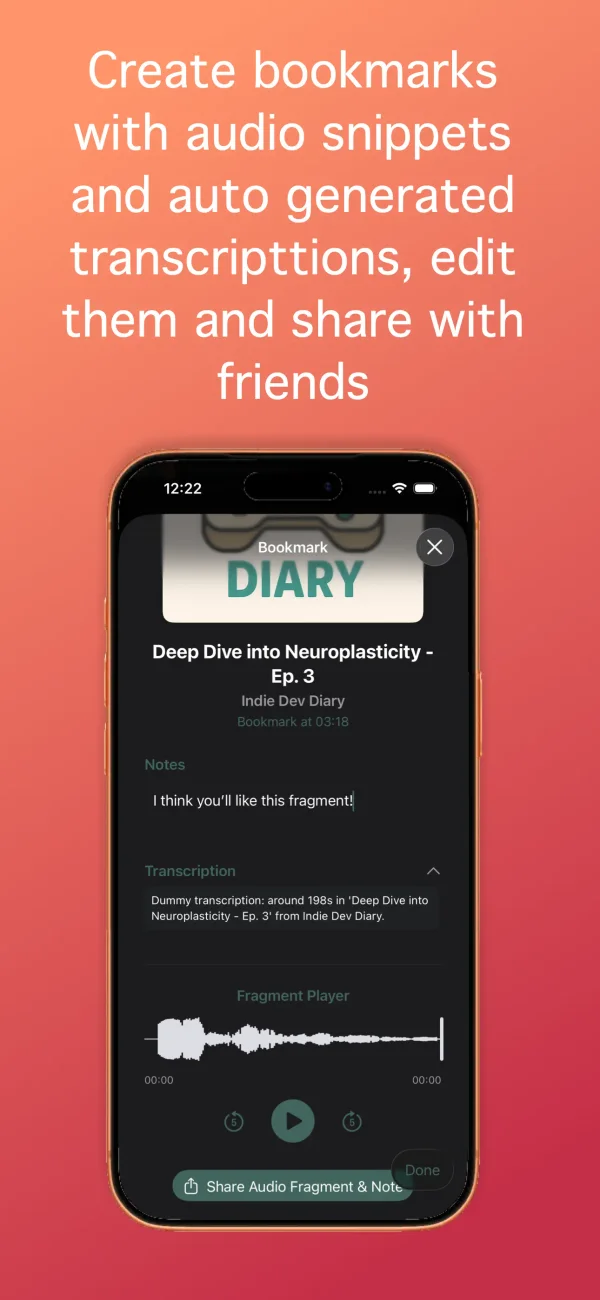
- Effortless Bookmarking: Save your spot instantly with one tap or a quick volume-button gesture.
- Precision Fragment Editor: Trim captured audio clips with a visual waveform editor and share the exact moment you intended.
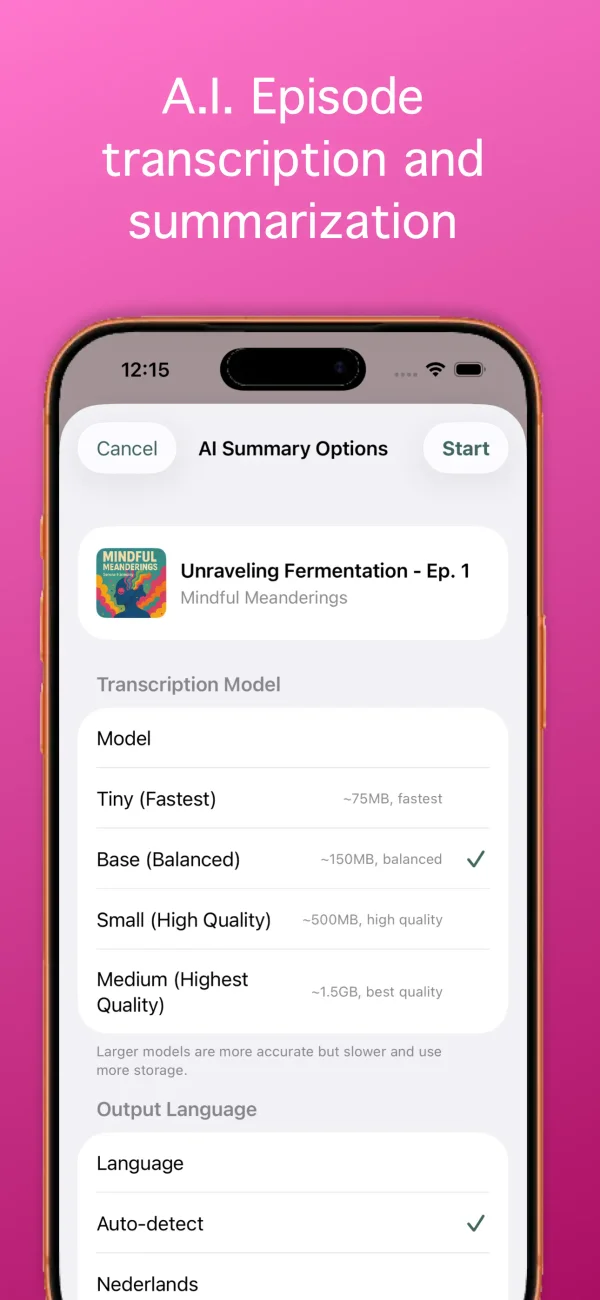
- AI Transcription: Audio fragments can be transcribed automatically.
- Search & Highlight: Search bookmark transcripts and quickly find the moment you saved.
- Add Notes & Share: Attach notes and share the audio fragment, transcript, and your thoughts.
A Full-Featured Podcast Experience
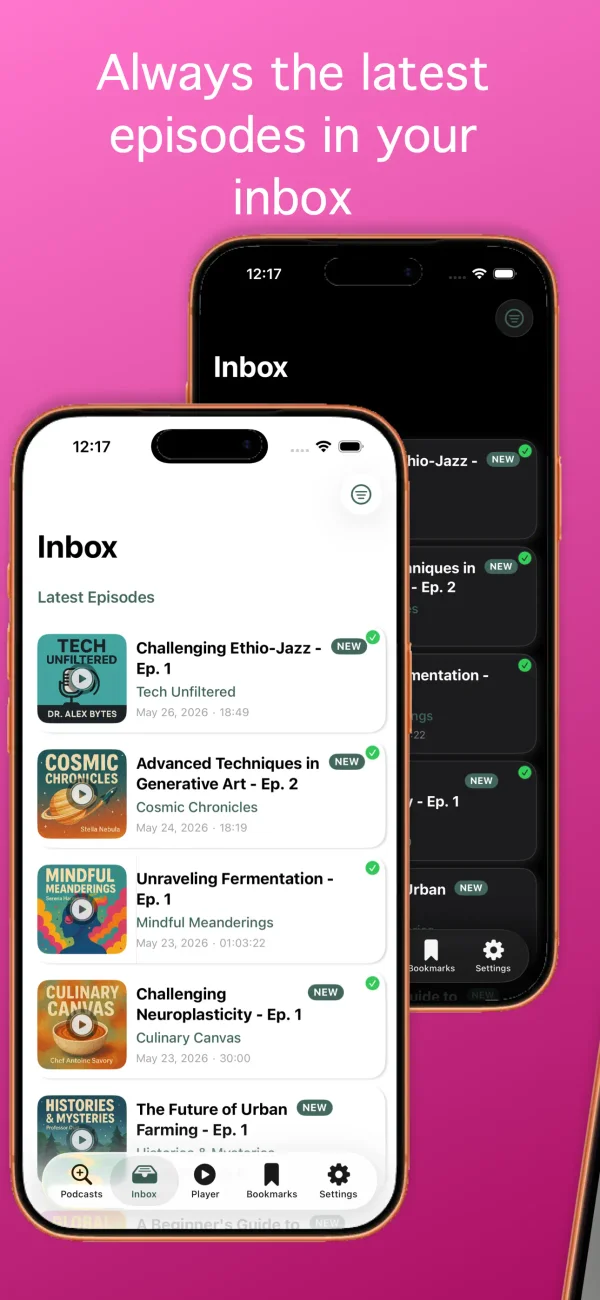
- Personal Inbox: See the newest episodes from all subscriptions, with customizable episode limits per podcast.
- Immersive Playback: Enjoy a clean, dynamic player that adapts its colors to the podcast artwork.
- Custom Playlists: Create, manage, sort, batch-add, and clear your own episode playlists.
- Versatile Queue Management: Switch easily between Playlist Mode, custom playlists, Binge Mode, and Remix.
- Discover New Favorites: Explore top podcasts and episodes by country and genre, or search for exactly what you want.
- Offline Listening: Download episodes for playback anywhere, with Wi-Fi-only options and simple storage management.
- OPML Import/Export: Bring subscriptions from other apps or back up your library.
- Multi-Language Support: Fully localized in English, Dutch, German, French, Japanese, Simplified Chinese, and Spanish.
Experimental Features
- Sudden Loud Sound Suppression: Real-time audio analysis detects volume spikes and smooths them out.
- Speed-Sensitive Volume: Automatically adjusts playback volume based on your movement speed.
- AI Summaries: Generate searchable podcast summaries and transcripts, with improved cancellation support.
Simple Mode — a new way to use SleepCast
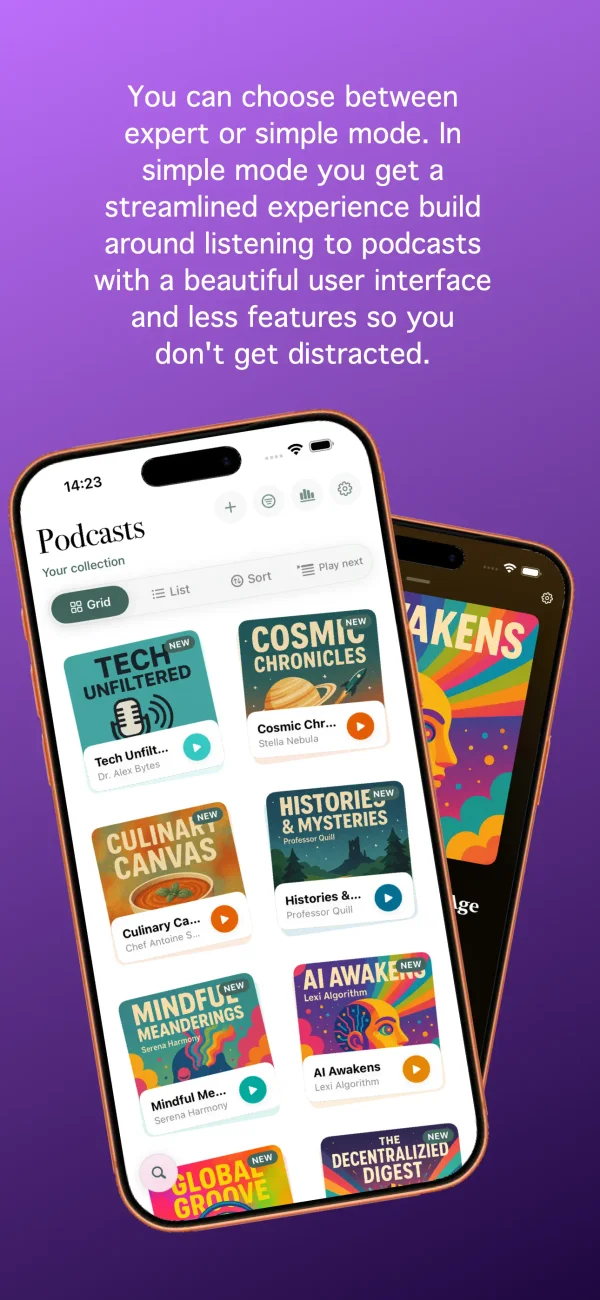
SleepCast 3.5 introduces Simple mode, a streamlined experience built around falling asleep to podcasts with a smart sleep timer.
Simple vs Expert — Choose your experience in Settings → Experience Mode. New users start in Simple mode; existing users stay on Expert.
- Podcast grid — Your subscribed shows appear as a clean grid of cover art with tilted artwork, accent shadows, and flippable tiles that reveal episode info and controls.
- Grid or list layout — Switch between grid and list views, with sorting by title, latest episode, rating, subscription date, and more.
- Fullscreen player — A dedicated player with a collapsible sleep timer panel; full timer options remain in Settings.
- Downloads — Pick episodes to download per podcast, or let Simple mode keep the latest episode ready automatically.
CarPlay Support
Control Sleepcast directly from your car with a clear interface for your queue, subscriptions, and playback controls.
What’s new
Version 4.0.2 · Nov 11, 2026
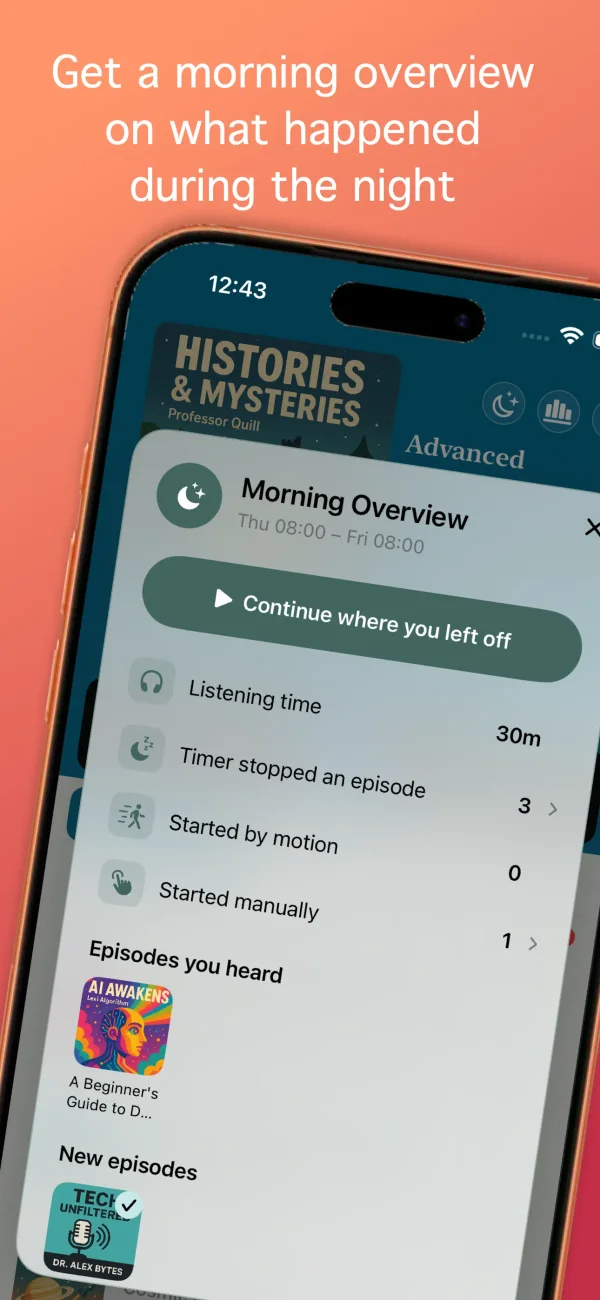
This update improves the Morning Overview, library search, and playback performance
App privacy
What Arthur de Rijke declares on the App Store about how this app handles data.
-
Data not collected
The developer does not collect any data from this app.
Privacy practices may vary, for example with the features you use or your age.
Information
- Seller
- Arthur de Rijke
- Category
- Entertainment
- Version
- 4.0.2
- Updated
- Nov 11, 2026
- Released
- May 28, 2025
- Size
- 194.0 MB
- Requires
- iOS 17.6 or later
- Age rating
- 4+
- Price
- $7.99
- Languages
- English, Dutch, French, German, Italian, Japanese, Simplified Chinese, Spanish
- Copyright
- © Arthur de Rijke (2026)
You might also like
-
 PROker: Poker trackerTrack poker results and hands
-
 Smarter IPTV X Pro: M3U PlayerLive TV, EPG, Xtream & TV Cast
-
 Wrist Hero - Watch GamesGun Simulator Shooting Game
-
 TVIN - Live Sports IPTV Playerlet M3U Live TV IN your pocket
-
 Reverse Audio: Sing VoicesBackwards Singing & Effects
-
 Logic TV Remote / All TVControl All Smart Televisions
-
 Coloring Book - Kids & AdultsEndless colors, endless joy!
-
 iComicsA DRM-free comic book reader
-
 Would You Rather This or That?Dirty Adult Party Games
-
 TV Show Tracker – CouchTimesEpisodes, Movies & Watchlist