SlideAI: AI Presentation Maker
AI Slides & PPT Deck Generator
Designed for iPhone, iPad
Free · In-app purchases
- Age rating4+
- CategoryProductivity
- DeveloperSense G.K.
- LanguagesEnglish+ 31 more
- Size21.4 MB
Links to the official App Store page
Download.org hosts no file of SlideAI: AI Presentation Maker. The button opens its official App Store page, published by Sense G.K. Listing last checked on Nov 28, 2026.
Screenshots
About
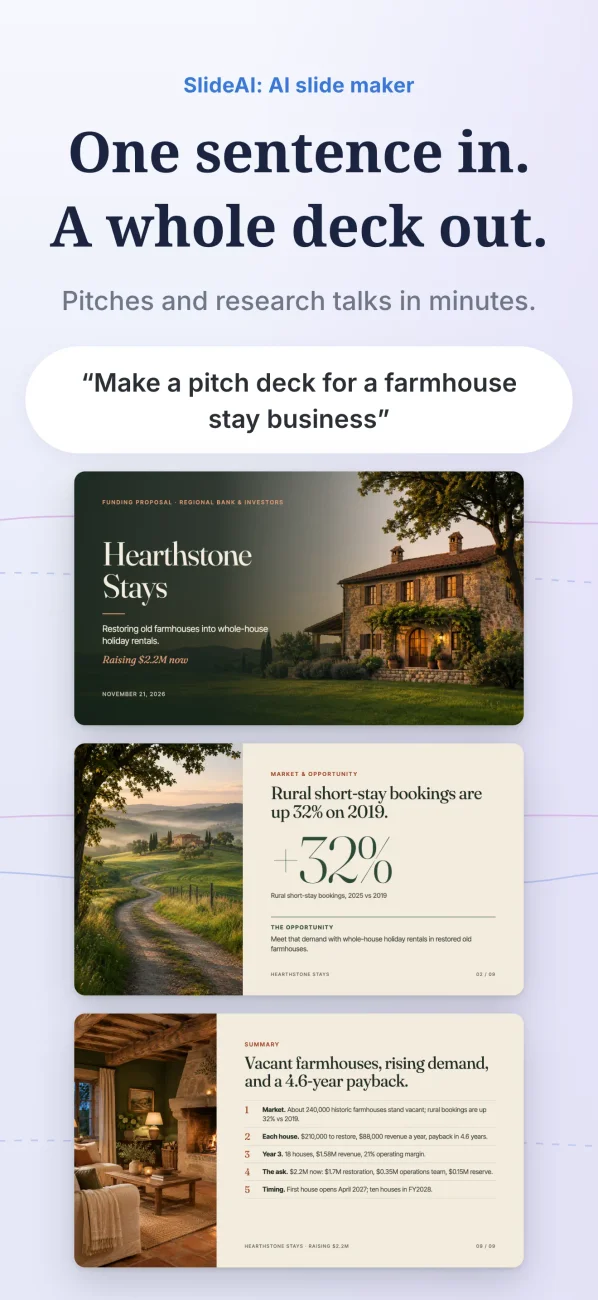
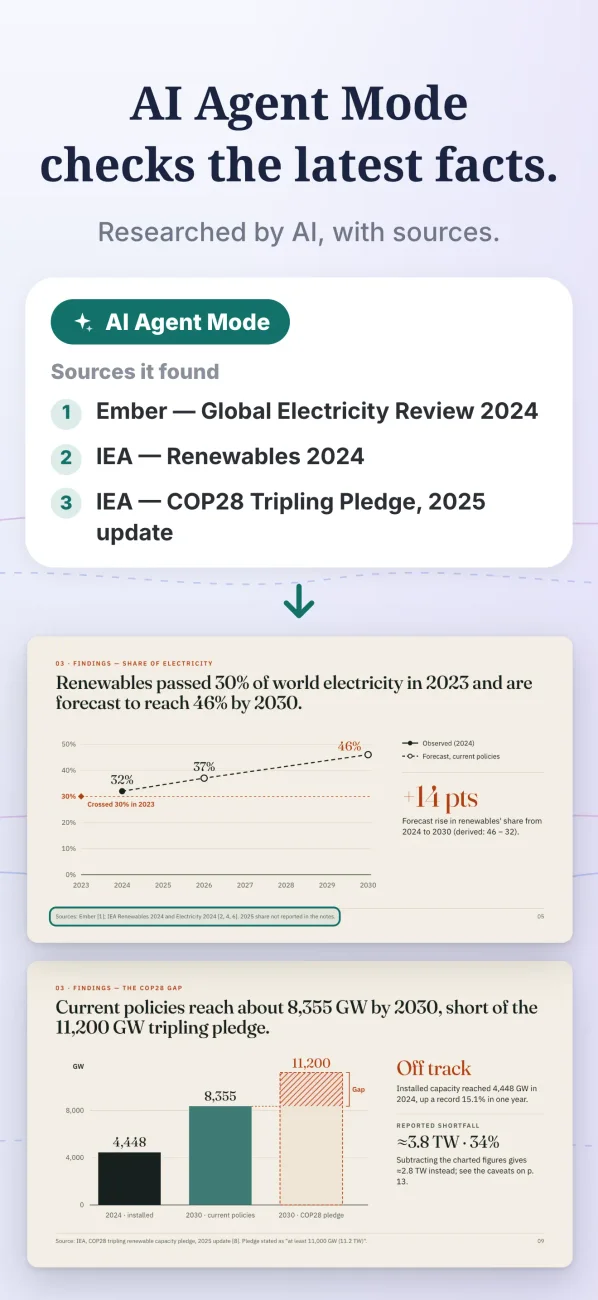
【One line of text, or a pasted document. AI designs the whole deck from scratch.】
SlideAI Pro turns text into presentations (PDF / PowerPoint).
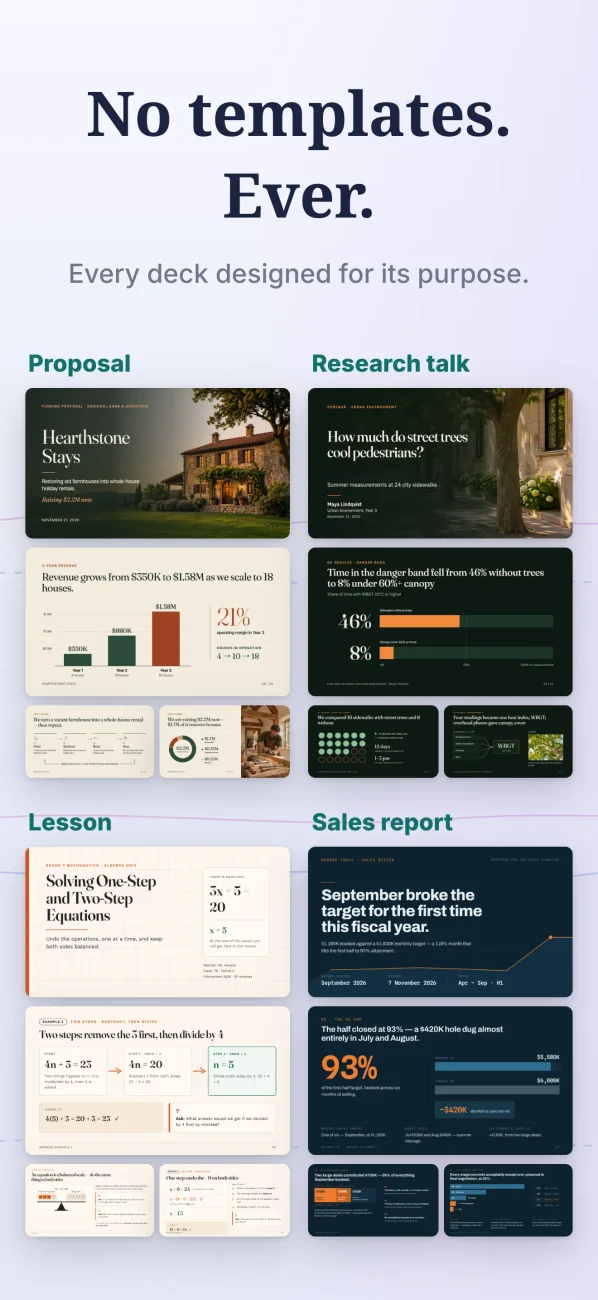
v15 rebuilds the generation engine from the ground up. Instead of filling templates, a designer-grade AI designs every deck individually: typography, colors, composition and diagrams that fit your topic.
■ Type it, or paste it
• One line (e.g. "The largest planets of the Solar System, 9th grade") → a complete deck, structure included
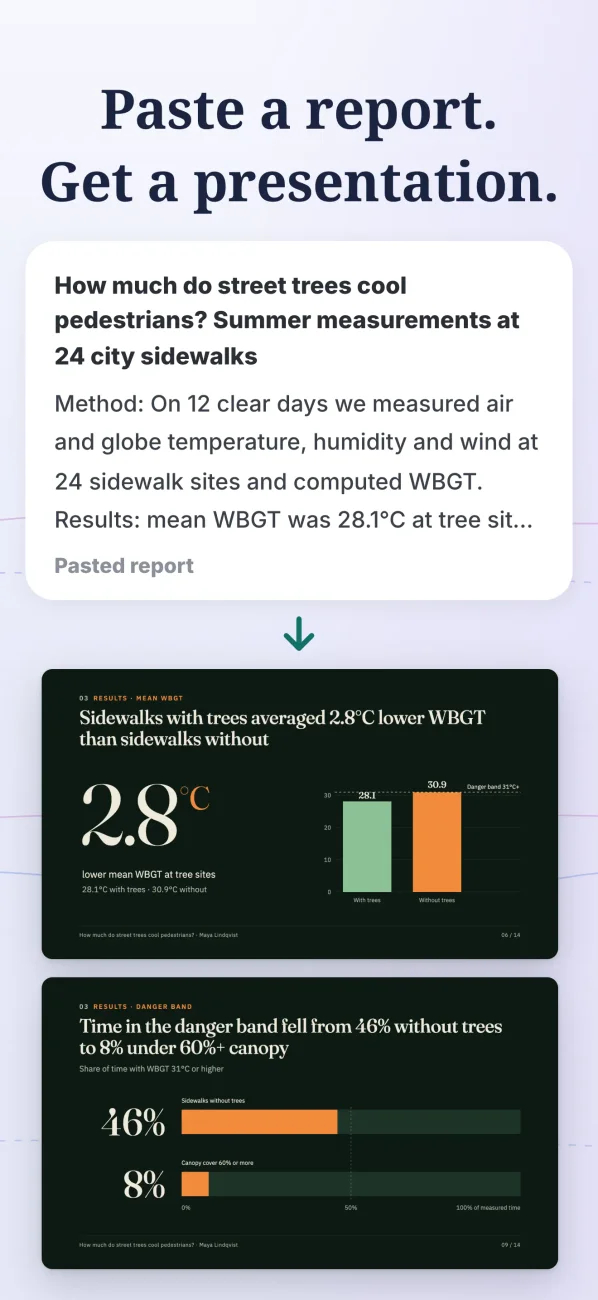
• Paste a report, article or meeting notes → formatted faithfully, every fact kept
• No settings, no toggles. Pasted text is detected automatically
■ Diagrams that explain, not decorate
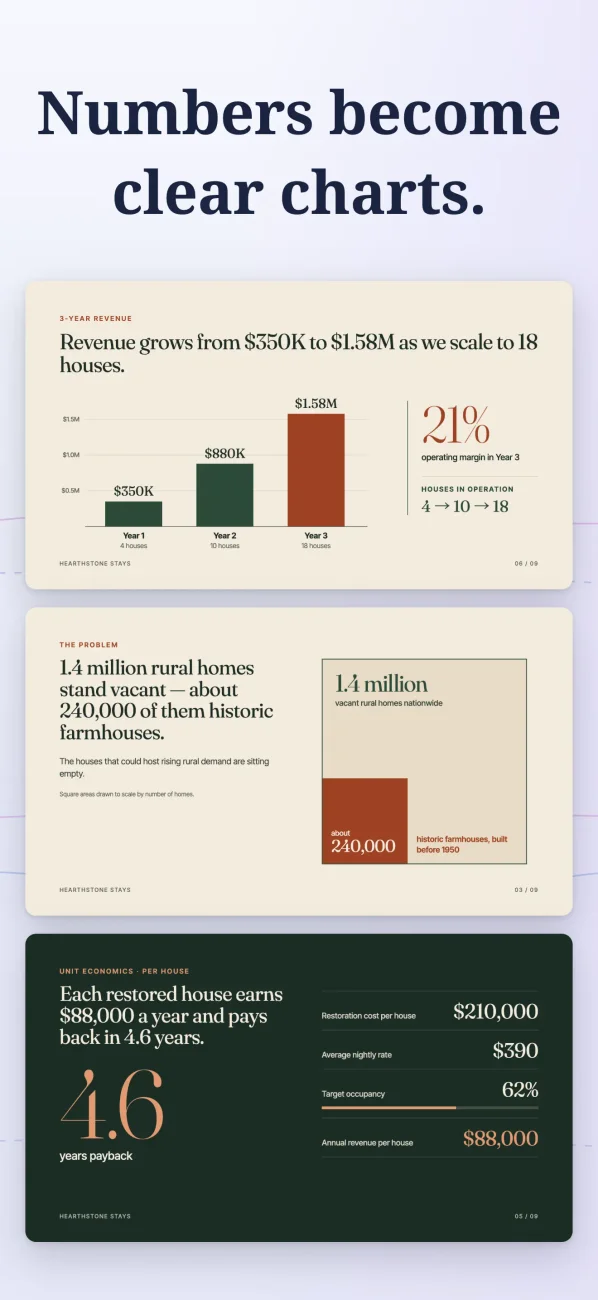
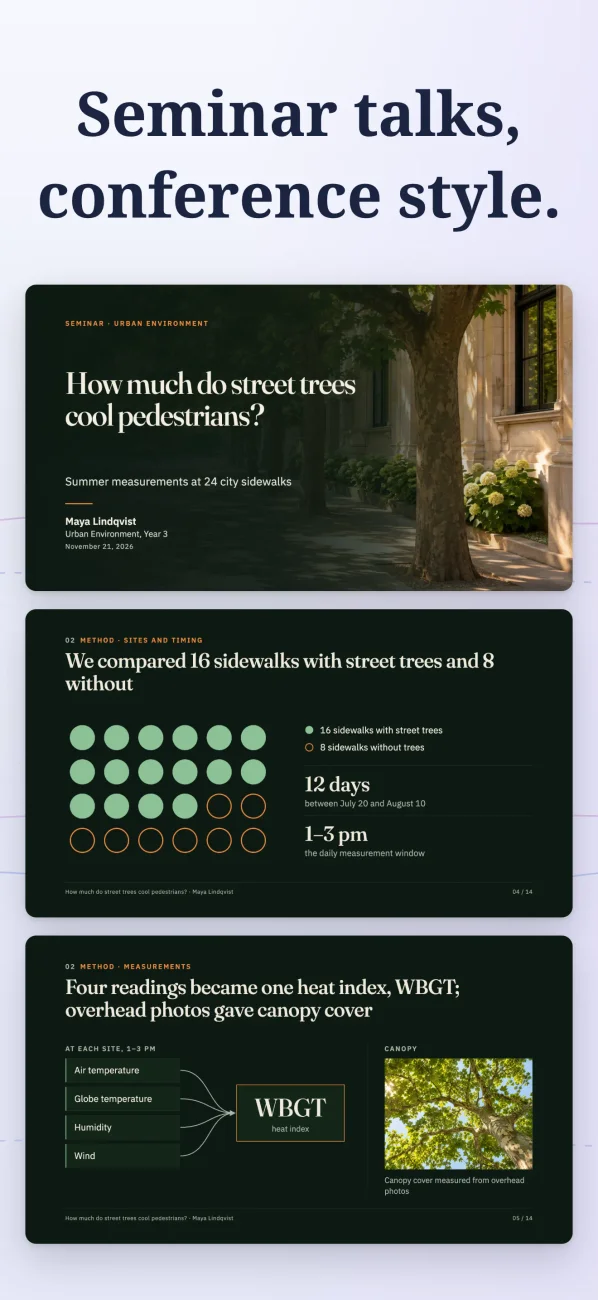
• Comparisons side by side, processes as arrows, timelines on an axis, numbers big. One message per slide
• Photos generated to match each slide
• No recycled layouts or colors: every deck looks different
■ Editable PowerPoint, same look
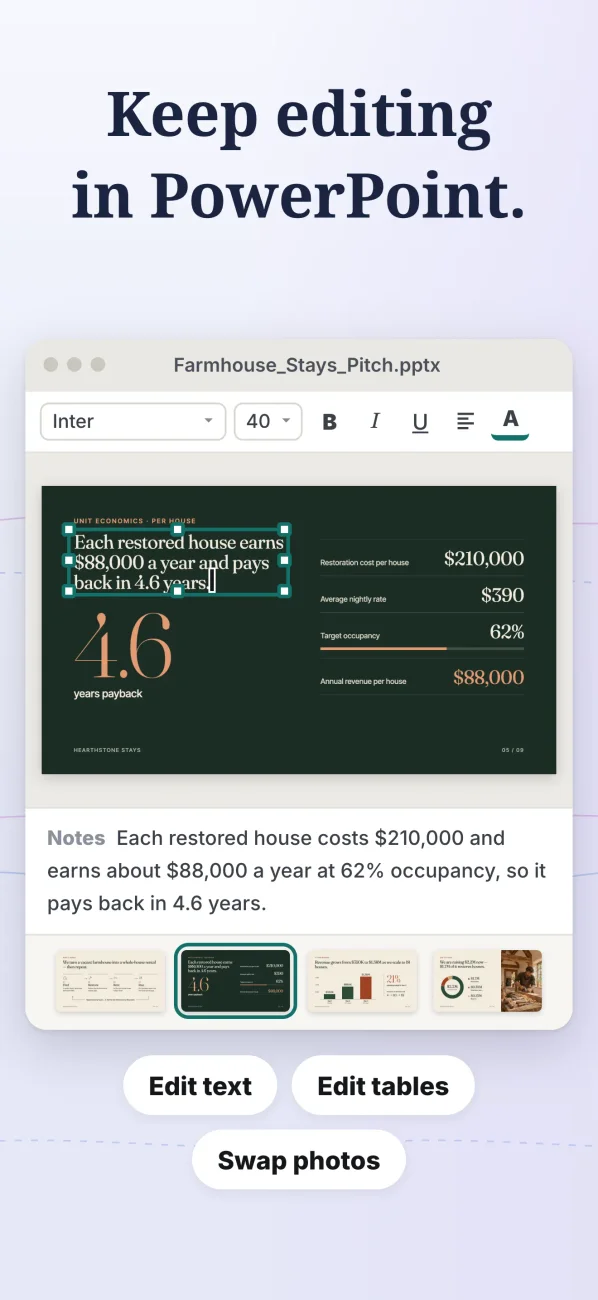
• "Export PPTX" keeps the design exactly as you see it
• Text, tables and photos are exported as editable layers, ready for your own touches
• View and share PDFs right in the app
■ Fix it in words, or by hand
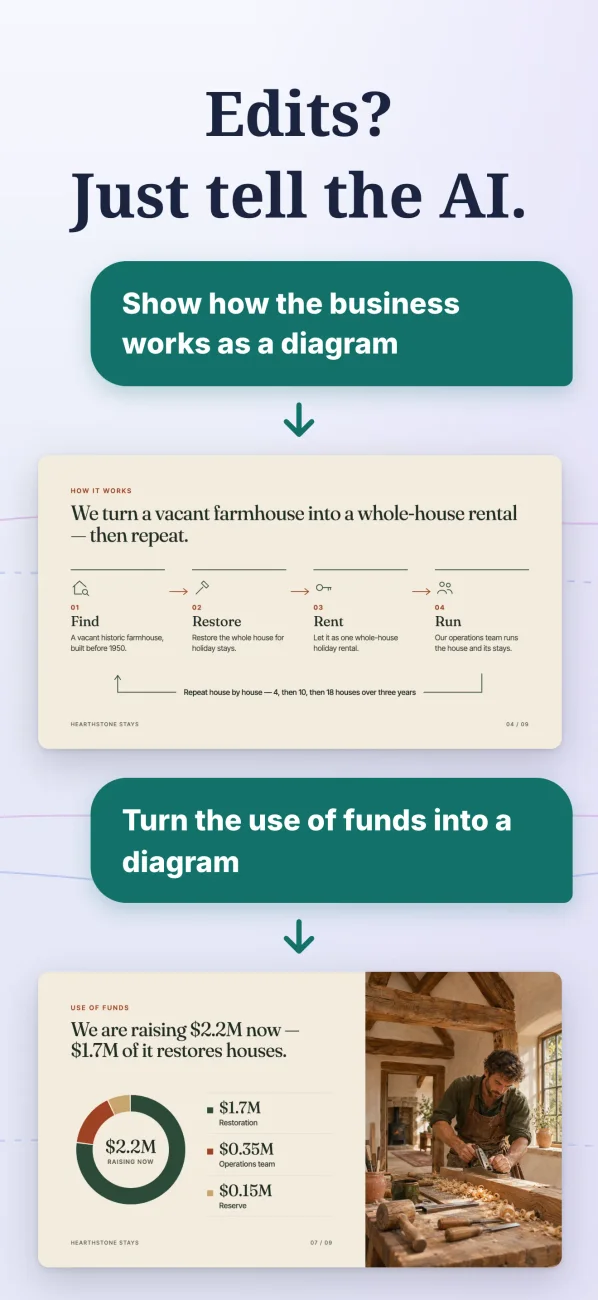
• "Edit with AI": say what to change, like "Make the timeline one slide and add 2019"
• "Direct Edit": replace wording and images yourself
■ Takes a few minutes. Worth it
Building a deck takes a few minutes. Close the app if you like; the finished deck lands in History.
■ 34 languages
The app speaks 34 languages. Decks are generated in your device language, or in the language of the text you pasted.
■ Made for
• Lessons, teaching materials and class presentations (students, teachers, researchers)
• Proposals, pitches and internal reports
• Turning an article or your notes into something you can present
No more staring at a blank slide. Write one line, and the deck is done.
Privacy Policy
https://tau1717.wixsite.com/gaku/slideaipro-privacy
Terms of Use
https://www.apple.com/legal/internet-services/itunes/dev/stdeula/
What’s new
Version 22.0.0 · Nov 26, 2026
We've dramatically cut the wait for your decks. And the quality of your decks has gone up.
App privacy
What Sense G.K. declares on the App Store about how this app handles data.
-
Data not collected
The developer does not collect any data from this app.
Privacy practices may vary, for example with the features you use or your age.
Information
- Seller
- Sense G.K.
- Category
- Productivity
- Version
- 22.0.0
- Updated
- Nov 26, 2026
- Released
- Jan 9, 2025
- Size
- 21.4 MB
- Requires
- iOS 17.2 or later
- Age rating
- 4+
- Price
- Free
- In-app purchases
- Yes
- Languages
- English, Arabic, Croatian, Czech, Danish, Dutch, Finnish, French, German, Greek, Hebrew, Hindi + 20 more
- Copyright
- © Yu Adachi
You might also like
-
 AI Presentation Maker: AISlideAI Slide Maker & Deck Creator
-
 Smallppt: AI SlidesAI PowerPoint, PDF & Summarize
-
 AIFastPPT - Slides MakerAI presentation pitch creator
-
 Otis Presentation MakerSlides & Pitch Deck Builder
-
 Slides: AI Presentation MakerPPT & Pitch Deck Generator
-
 AI Slides : PPT Deck BuilderPowerpoint Presentation Maker
-
 SlideLab: AI PresentationSlide Maker, Pitch Deck & PDF
-
 SlidesPilot: AI PPT MakerAI Presentation Generator
-
 AI PPT Maker - Presentation+Create & Edit AI Slides Fast
-
 Slidery AI: Slides MakerAI Presentation Maker, Creator