
Slides Maker : AI Presentation
#1 Slides AI : Presentation
Designed for iPhone, iPad, iPod touch
Free · In-app purchases
- Age rating4+
- CategoryEducation
- DeveloperLing Hwe Ming
- LanguagesEnglish
- Size58.5 MB
Links to the official App Store page
Download.org hosts no file of Slides Maker : AI Presentation. The button opens its official App Store page, published by Ling Hwe Ming. Listing last checked on Nov 18, 2026.
Screenshots
About
AI Slides Studio – AI Presentation Maker & Smart Deck Designer
Create stunning, professional-grade slide decks in minutes—not hours.
AI Slides Studio helps you write, design, and organize presentations with AI-generated slide outlines, smart layouts, beautiful templates, and a clean glass-style editing experience.
Whether you’re pitching, teaching, reporting, or building a business deck, AI Slides Studio gives you everything you need to produce polished slides instantly.
Why you’ll love it
Instant AI-powered slide creation
Turn any topic into a complete, structured presentation in seconds.
AI generates slide titles, bullet points, and flow—so you start from a solid foundation.
Professional templates
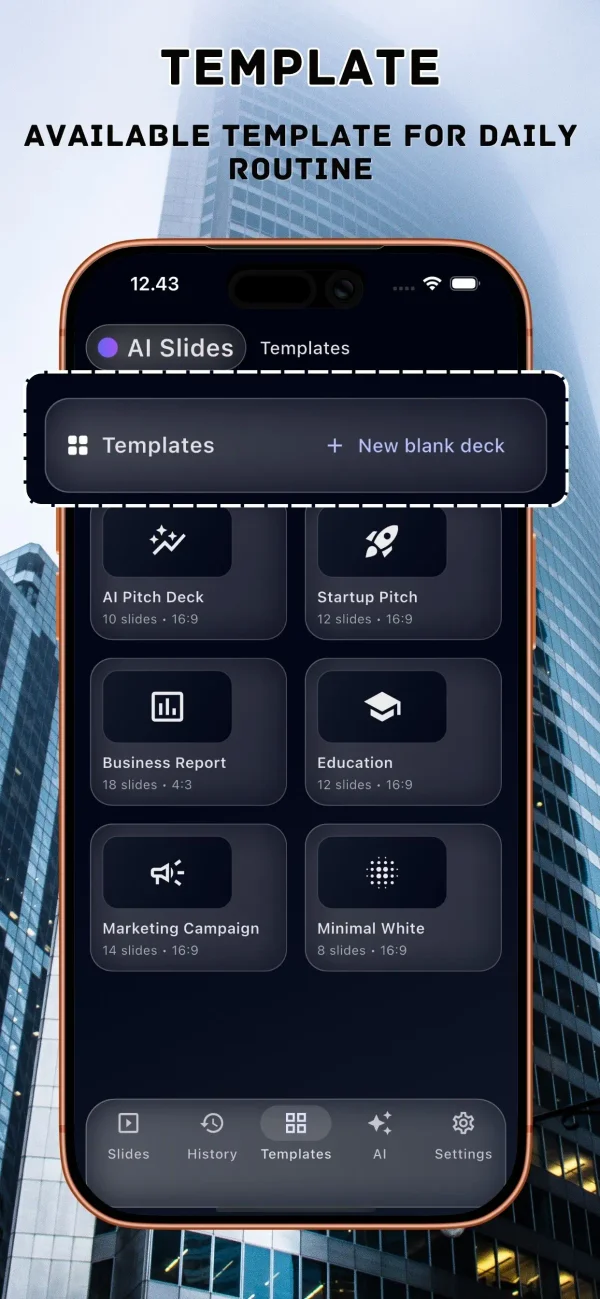
Choose from curated templates such as:
• AI Pitch Deck
• Startup Pitch
• Business Report
• Education Layout
• Marketing Campaign
• Minimal White
Or start with a clean blank deck.
Smart editing workflow
Each slide can be edited effortlessly:
• Change title & bullet points
• Add or replace images
• Apply design styles
• Rearrange slides
• Use autosave for peace of mind
Elegant glass-style UI
The entire app uses a premium glass-liquid interface with soft motion, smooth transitions, and a modern presentation-studio feel.
Your deck, your rules
Mix AI-generated content with your own edits. Import images, refine structure, and create custom slide designs that match your voice and goals.
What it does
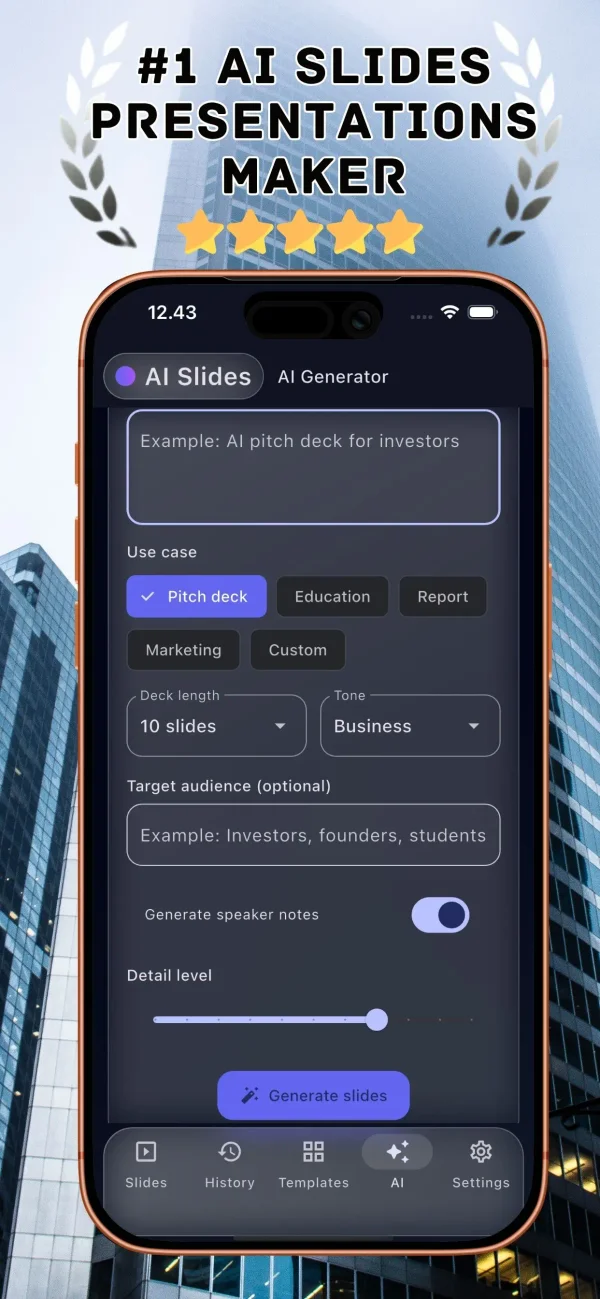
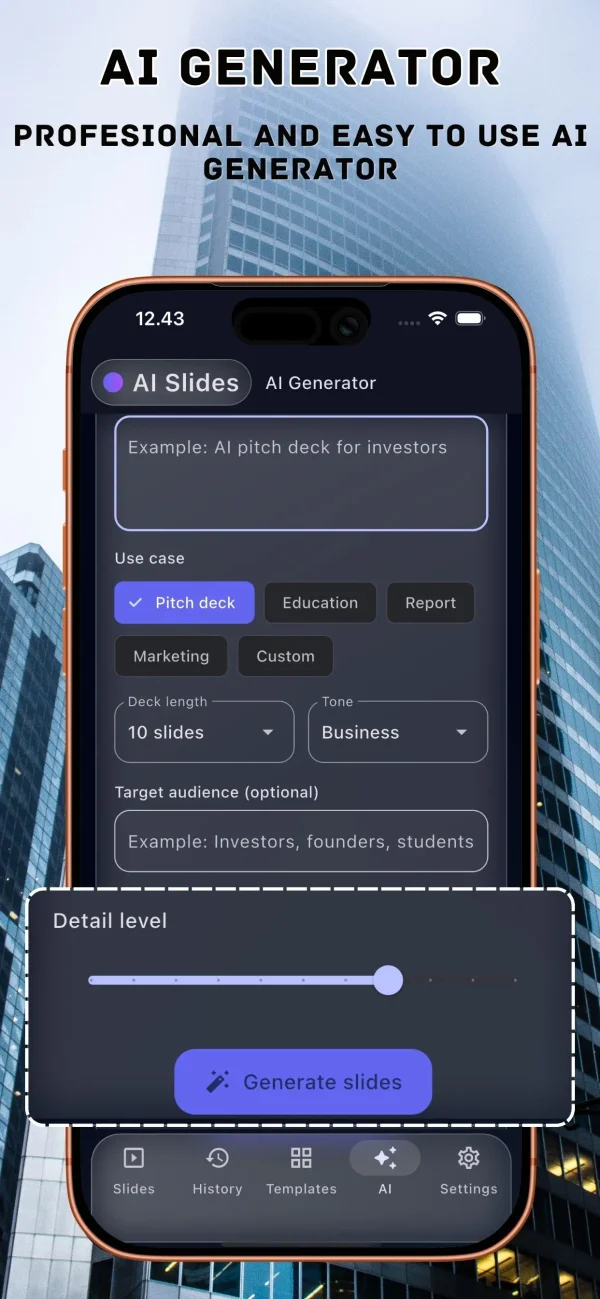
AI Slide Generator
Give the app a topic and optional audience or tone:
• Pitch Deck
• Education
• Marketing
• Reports
• Custom decks
AI instantly creates a structured outline with as many slides as you want.
Template Selector
Start from templates crafted for:
• Business & startups
• Teachers & classrooms
• Analysts & reporting
• Marketers & content creators
• Minimal aesthetics
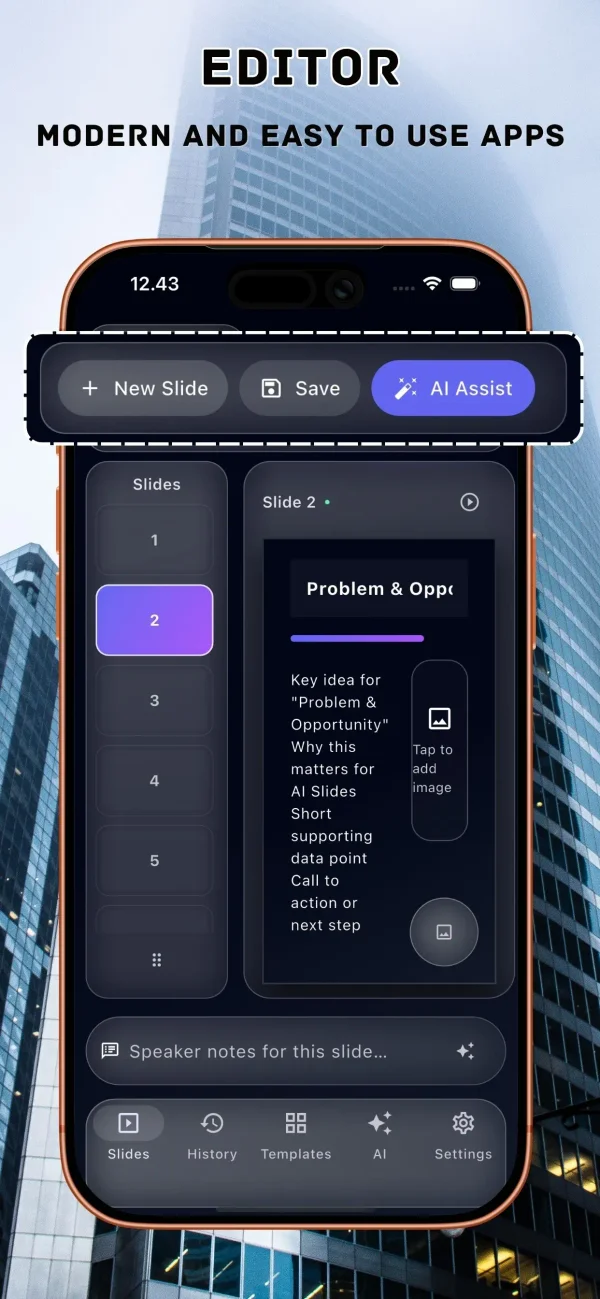
Slide Editor
A clean workspace featuring:
• Topic & bullet editor
• Image upload
• Slide navigator
• Toolbar with Insert, Clean, View, Review, and AI Assist
• Horizontal scroll toolbar with smooth animation
Autosave & Draft Recovery
Your deck is automatically saved as you work—never lose progress again.
History
Every project is stored locally:
• Reopen previous decks
• View slide previews
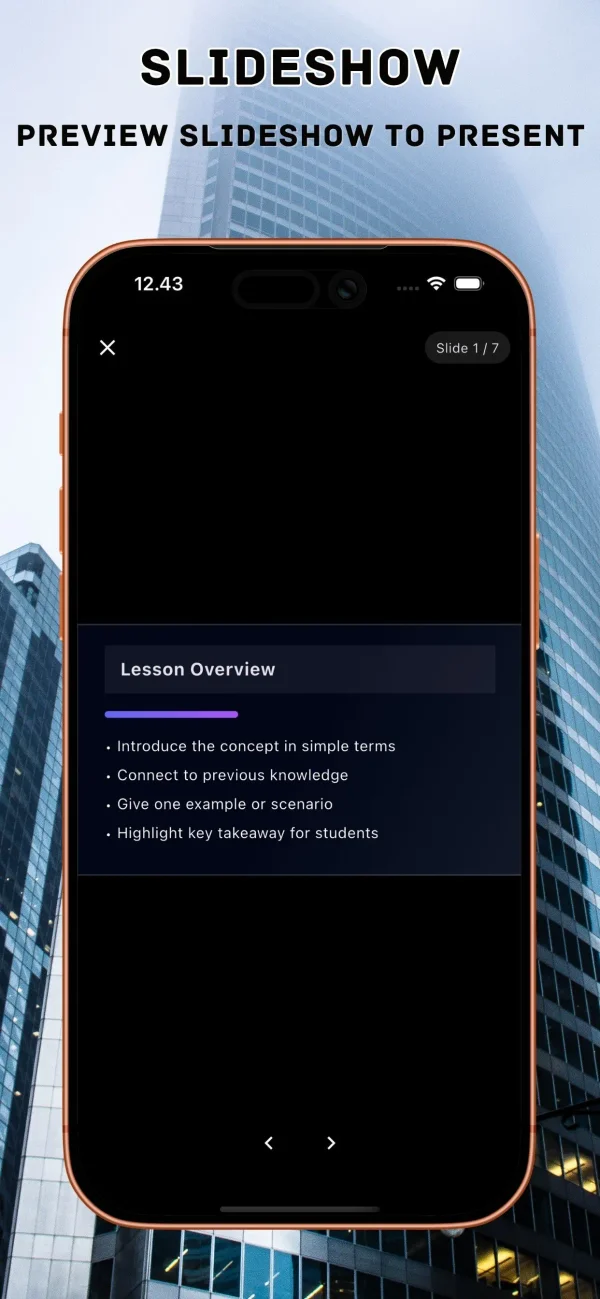
• Full-screen deck preview
• Rename or delete decks
• Share or duplicate projects
Export & Share
Export your deck to:
• PDF (print-ready & presentation-ready)
• Share sheet for collaboration or external editing
Features
AI-generated slide outlines
Curated & customizable templates
Glass-style professional interface
Slide-by-slide editing
Add images & custom assets
Autosave & draft recovery
Project History with rename, delete, and reopen
PDF export & sharing
Offline-friendly local storage
Smooth animations & transitions
Dark editor mode
How it works
1. Enter your topic (optional: audience, tone, details).
2. Choose slide count & style.
3. Generate an instant outline with AI.
4. Edit any slide: text, bullets, images, layout.
5. Save, export, or continue refining your deck.
Pricing
Weekly: $5
Monthly: $15
Yearly: $35 (best value)
Extra token for generate just $1.99 for 5 token.
Free users can explore templates and edit manually.
AI generation & premium features require Premium or credits (if available).
Pro perks
• Unlimited AI deck generation (fair-use limits)
• All premium templates
• Faster, priority AI processing
• Advanced slide editing tools
• Access to new styles & pro layouts
• Ongoing updates and seasonal templates
Transparency
• AI results are creative & structural suggestions—not guaranteed factual content.
• Your decks are stored locally—delete them anytime.
• No online tracking of your content.
• No camera, LiDAR, or AR scanning required.
Privacy Policy: https://ultrazoom.site/privacy.html
Terms of Use: https://ultrazoom.site/terms.html
What’s new
Version 1.2 · Mar 3, 2026
Performance apps optimize
App privacy
What Ling Hwe Ming declares on the App Store about how this app handles data.
-
Data not collected
The developer does not collect any data from this app.
Privacy practices may vary, for example with the features you use or your age.
Information
- Seller
- Ling Hwe Ming
- Category
- Education
- Version
- 1.2
- Updated
- Mar 3, 2026
- Released
- Nov 20, 2025
- Size
- 58.5 MB
- Requires
- iOS 13.0 or later
- Age rating
- 4+
- Price
- Free
- In-app purchases
- Yes
- Languages
- English
- Copyright
- © Ming
You might also like
-
 PPT Smart Slider InteractivePresentation Use AI Assistance
-
 SnapWise AI - Learn LanguagesSnap, Learn & Build Vocabulary
-
 LeafSense AI: Plant IdentifierSmart Plant Identifier AI
-
 PPT AI - AI Presentation MakerCreate Editable Slides with AI
-
 English Ossetian TranslatorEnglish To Ossetian Translator
-
 MathPathAI: Math PracticeAI SAT & AP Training
-
 SmartRRSmartRR
-
 Ai Tutor Pro - Study & LearnEducation
-
 Learn To Write-Books & ScriptsProfessional Writing Courses
-
 CloudLabs Ketone SynthesisEducation