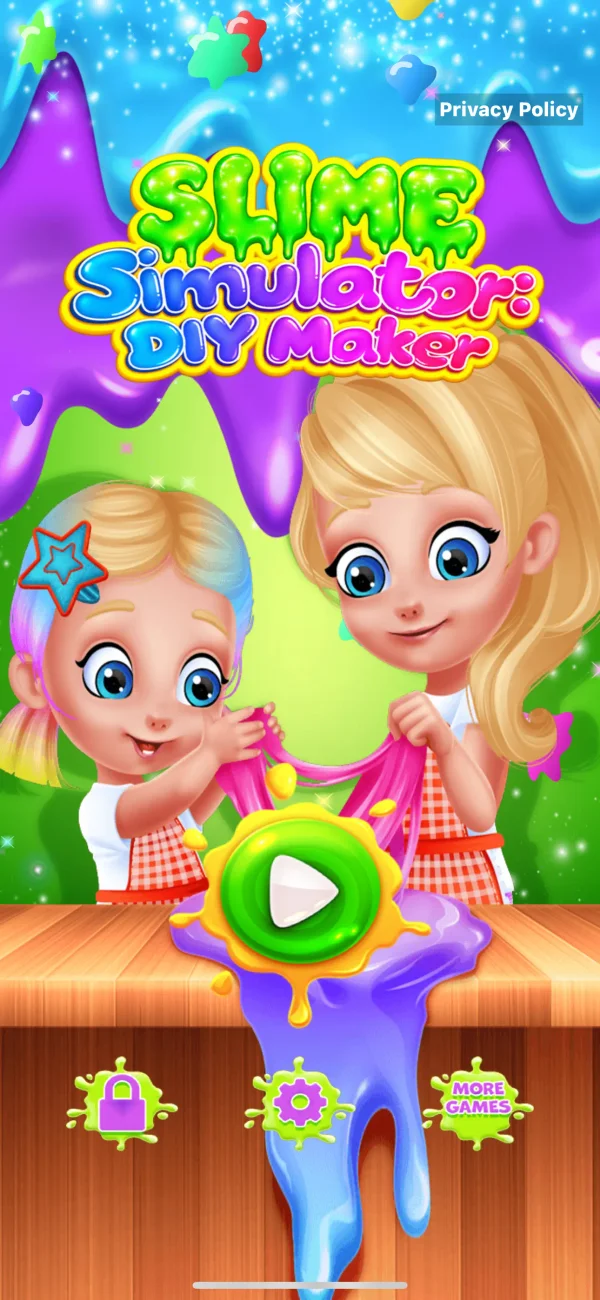
Slime Simulator: DIY Maker
Squishy ASMR & Fidget Games
Designed for iPhone, iPad, iPod touch
Free · In-app purchases
- Age rating4+
- CategoryFamily
- DeveloperKids Games Studios LLC
- LanguagesEnglish
- Size137.1 MB
Links to the official App Store page
Download.org hosts no file of Slime Simulator: DIY Maker. The button opens its official App Store page, published by Kids Games Studios LLC. Listing last checked on Nov 17, 2026.
Screenshots

About
Make, decorate and play with your own squishy slime in Slime Simulator: DIY Maker! Mix the ingredients, stretch your creation and add glitter, unicorns and rainbow decorations. Enjoy relaxing slime play with squishy sounds as you poke, press and design.
Pick Slime Type
Choose from sparkly pink slime, rainbow unicorn fluffy slime or classic green
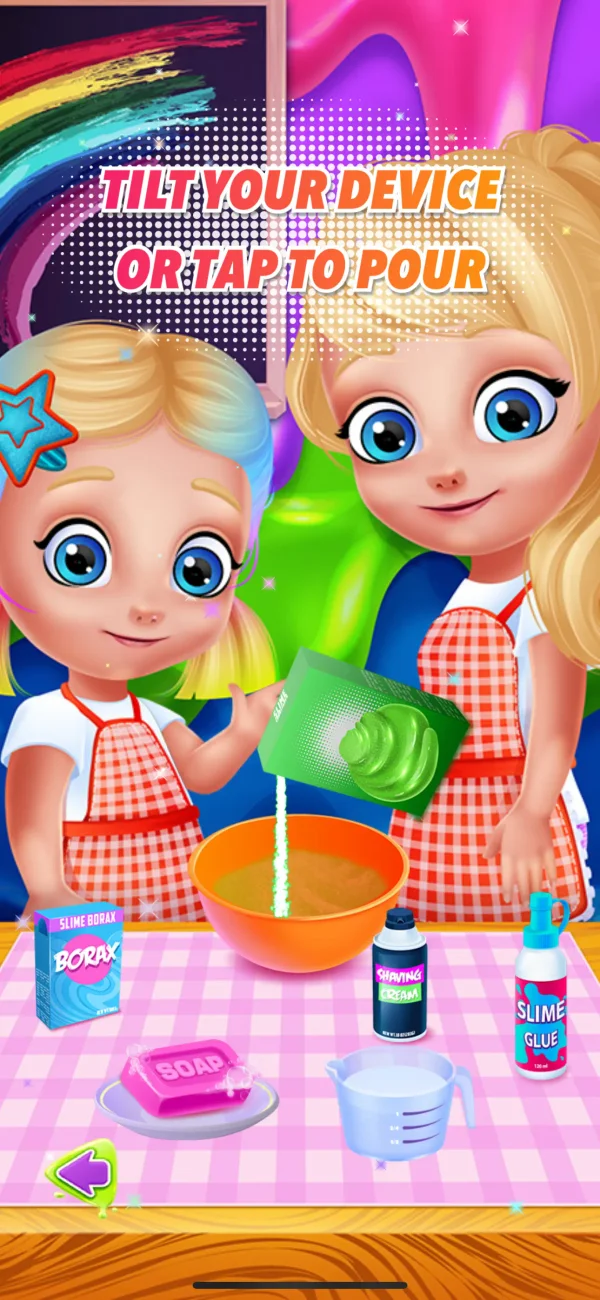
Mix Your Slime
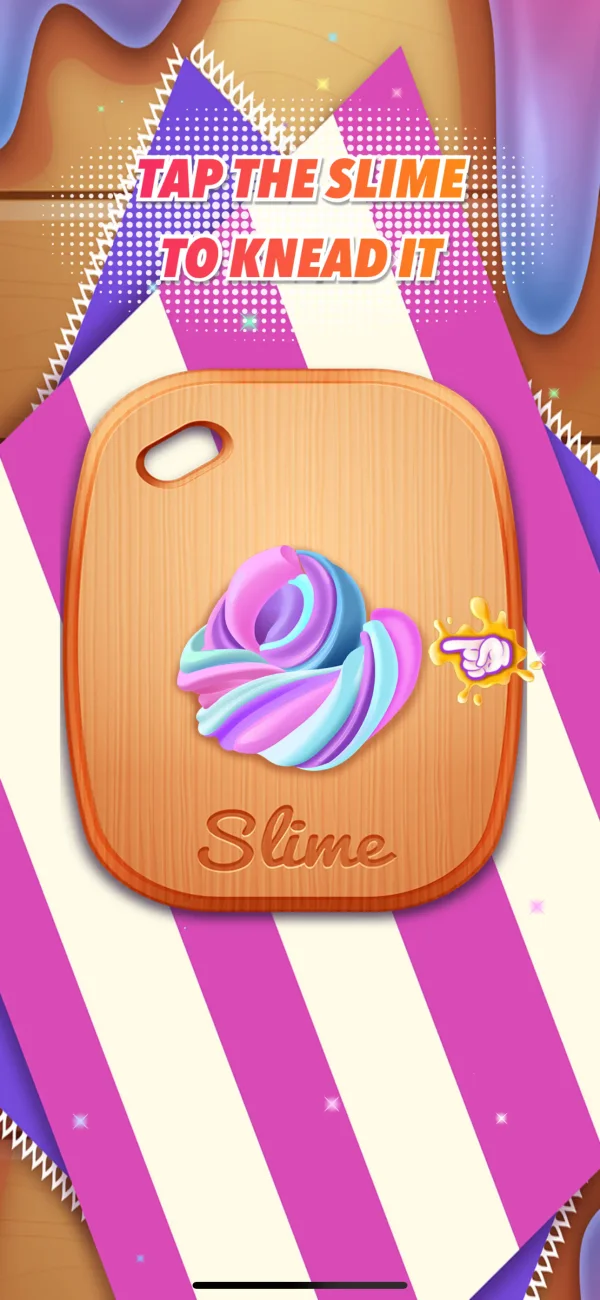
Add slime mix, shaving cream, bubbles and more to the mixing bowl. Turn on the mixer and stir the ingredients together to create gooey slime.
Stretch & Shape
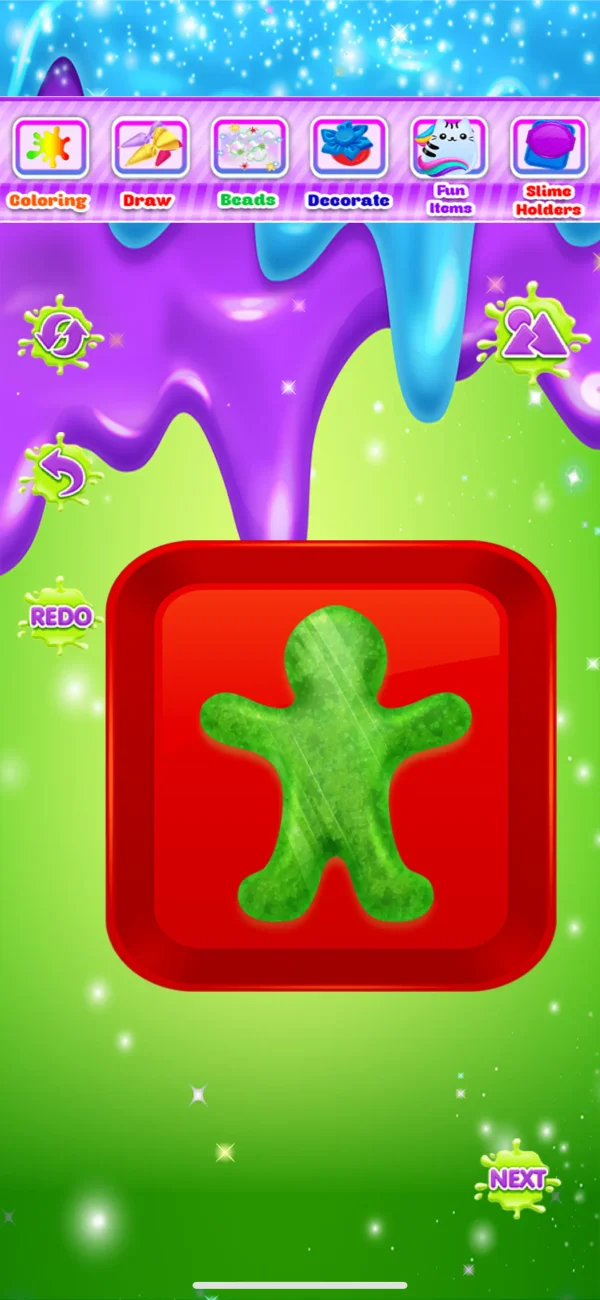
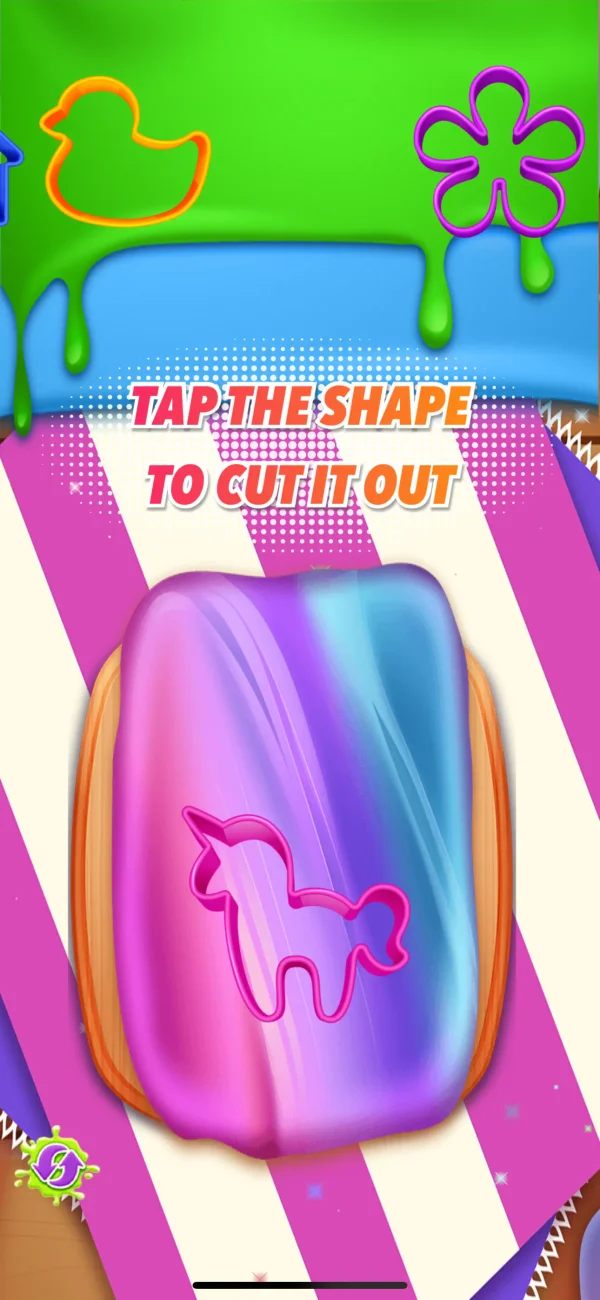
Pull and stretch your slime as it grows, jiggles and shakes. Use a mold to cut it out with a pop! for fun new shapes including hearts, cats, unicorns, flowers and so much more!
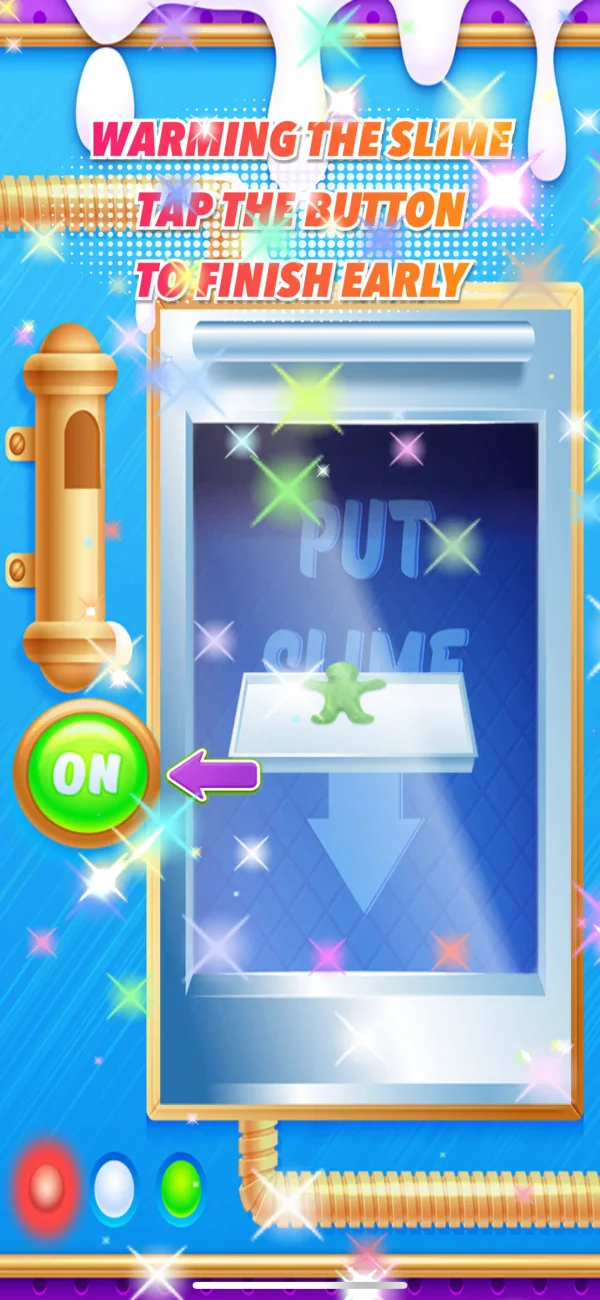
Visit the Slime Factory
Place your shape tray into the magic slime machine and watch it cook & create special, sparkly slime.
Poke, Press & Squish
Tap, poke, press and squish your creation. Watch your slime jiggle, bounce and move around the screen as you play.
Decorate, Draw & Color
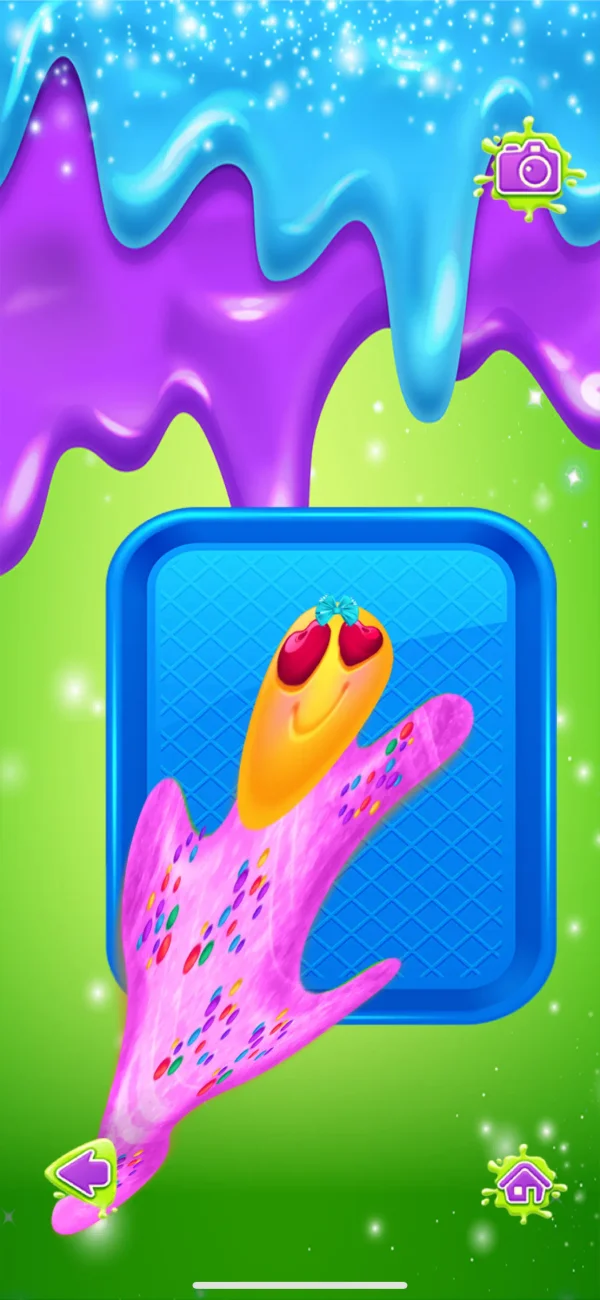
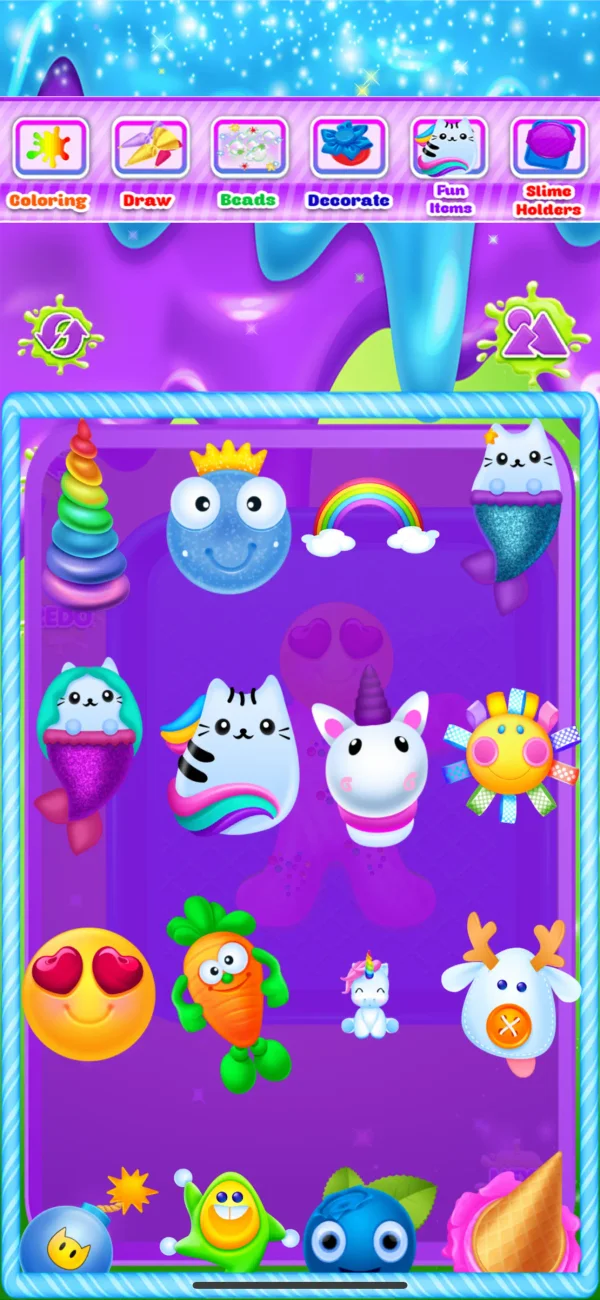
Mix and match foam beads, glitter, unicorns, rainbows, sparkles and other decorations. Add colors and draw directly on your slime with your finger to create your own designs.
Customize Your Creation
Change the backgrounds and slime holders to give each design a different look.
Play With Your Slime!
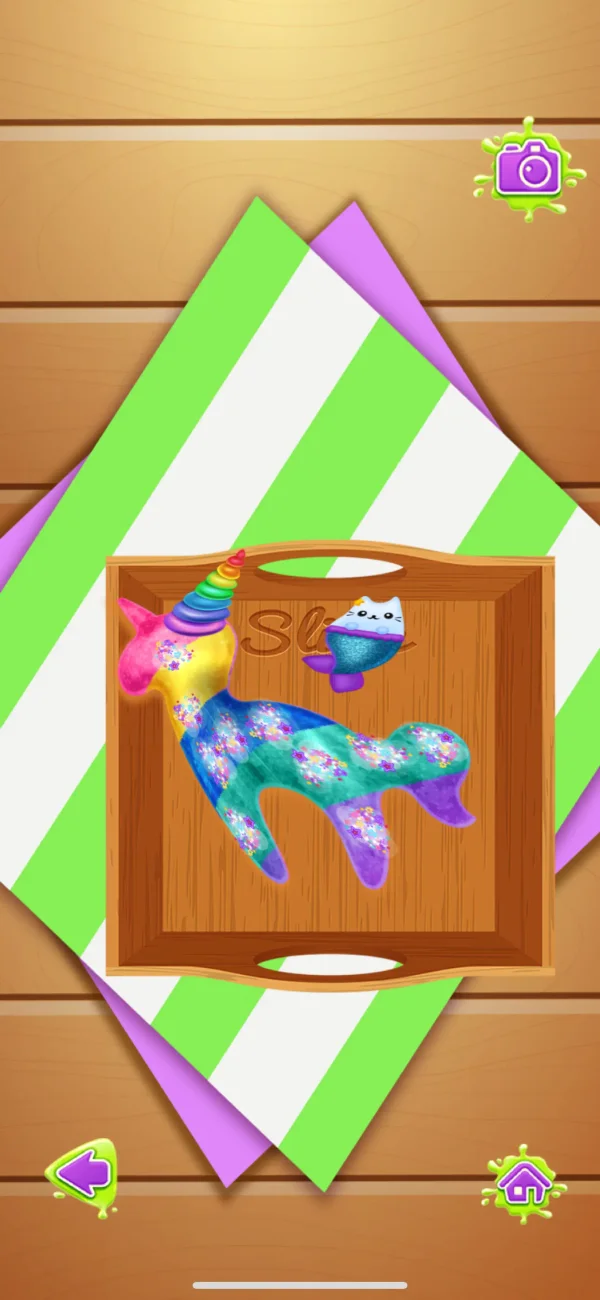
Time for more fun! Play with your slime by using your finger to stretch, squeeze and move the decorated slime creation!
Save & Play Again
Save your favorite designs or reset to poke and play again. Try new shapes, colors and decoration combinations each time!
Kids Games Studio takes our users' privacy seriously. Please read our Terms Of Use and Privacy Policy carefully to understand our policies and obligations.
Terms Of Use: http://www.kidsgamesstudio.com/terms
Privacy Policy: http://www.kidsgamesstudio.com/pp
What’s new
Version 3.0 · Oct 31, 2026
New Slime update is here with new creative shapes, fun colors, squishy toys, the best beads and so much more! Update now to play with slime!
App privacy
What Kids Games Studios LLC declares on the App Store about how this app handles data.
-
Data linked to you
May be collected and linked to your identity.
- Identifiers
-
Data not linked to you
May be collected but is not linked to your identity.
- Purchases
- Identifiers
- Usage data
- Diagnostics
Privacy practices may vary, for example with the features you use or your age.
Information
- Seller
- Kids Games Studio LLC
- Category
- Family
- Version
- 3.0
- Updated
- Oct 31, 2026
- Released
- Sep 3, 2018
- Size
- 137.1 MB
- Requires
- iOS 15.6 or later
- Age rating
- 4+
- Price
- Free
- In-app purchases
- Yes
- Languages
- English
- Copyright
- © Kids Games Studio LLC
You might also like
-
 Ice Queen Mommy Baby PrincessSalon Care & Makeover Games
-
 Unicorn Slime - Glitter SlimeSuper Fluffy Slime Fun
-
 Makeup Slime Games! SimulatorSuper Fashion Teen Girl Games
-
 Fluffy Slime DIY MakerSuper Slime Simulator
-
 Princess Play House Doll GameGirls Dress Up Salon Games
-
 Balloon Glitter SlimeNew ways to play with slime
-
 Makeup Slime: Glitter DumplingViral Glitter Dumpling Squishy
-
 Slimeatory - Fix Stinky SlimeFun Slimeatory Challenge Games
-
 Movie Star Makeover & SalonMakeup, Dress Up & Spa Games
-
 Creative Watermelon Slime FunNew trendy ways playing slime