Slip: App Blocker
Privacy for selected apps
Designed for iPhone
Free · In-app purchases
- Age rating4+
- CategoryUtilities
- DeveloperThiago Nogueira
- LanguagesEnglish+ 1 more
- Size3.8 MB
Links to the official App Store page
Download.org hosts no file of Slip: App Blocker. The button opens its official App Store page, published by Thiago Nogueira. Listing last checked on Nov 18, 2026.
Screenshots



About
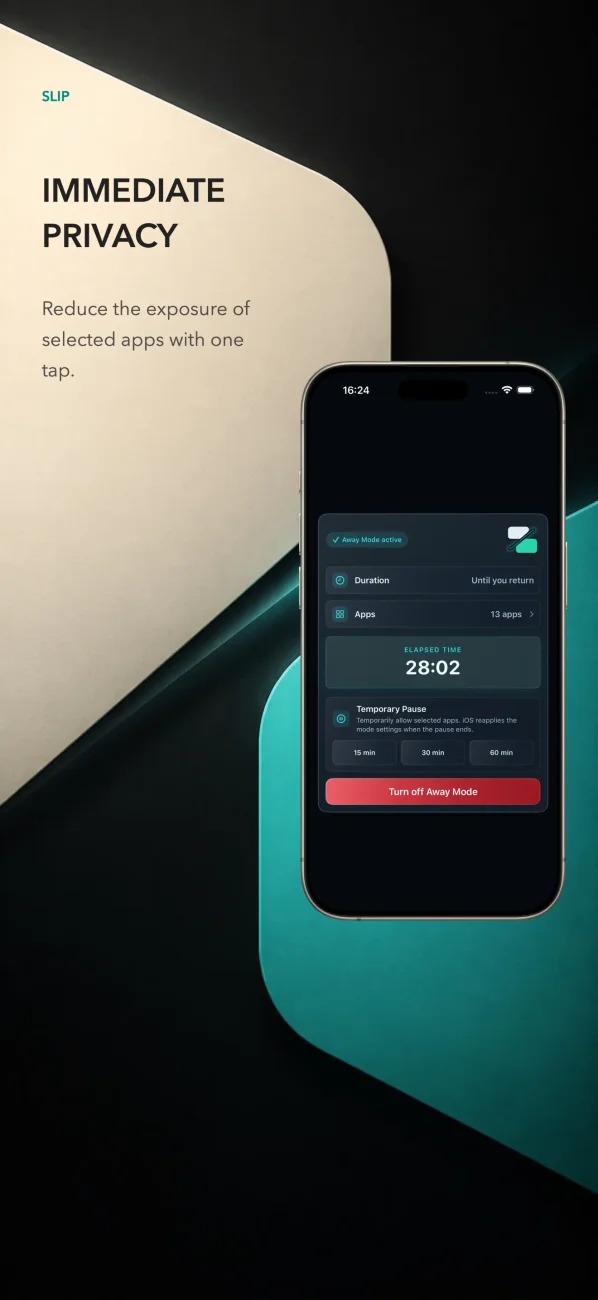
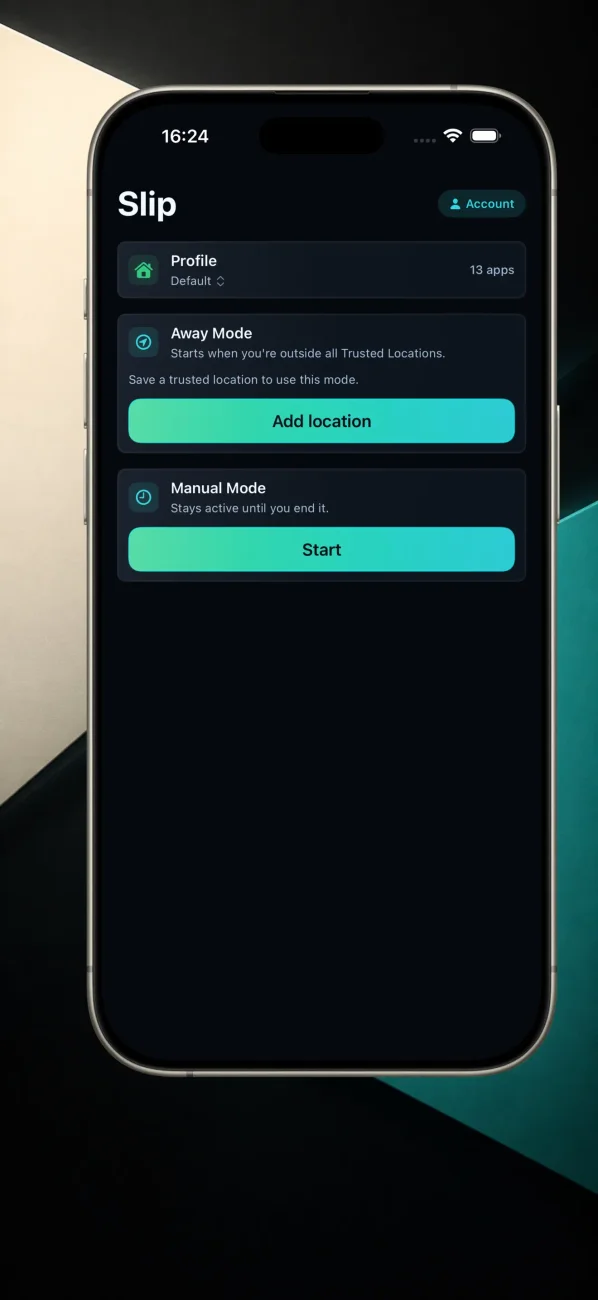
Slip helps reduce the exposure of selected apps when you use your iPhone in public places.
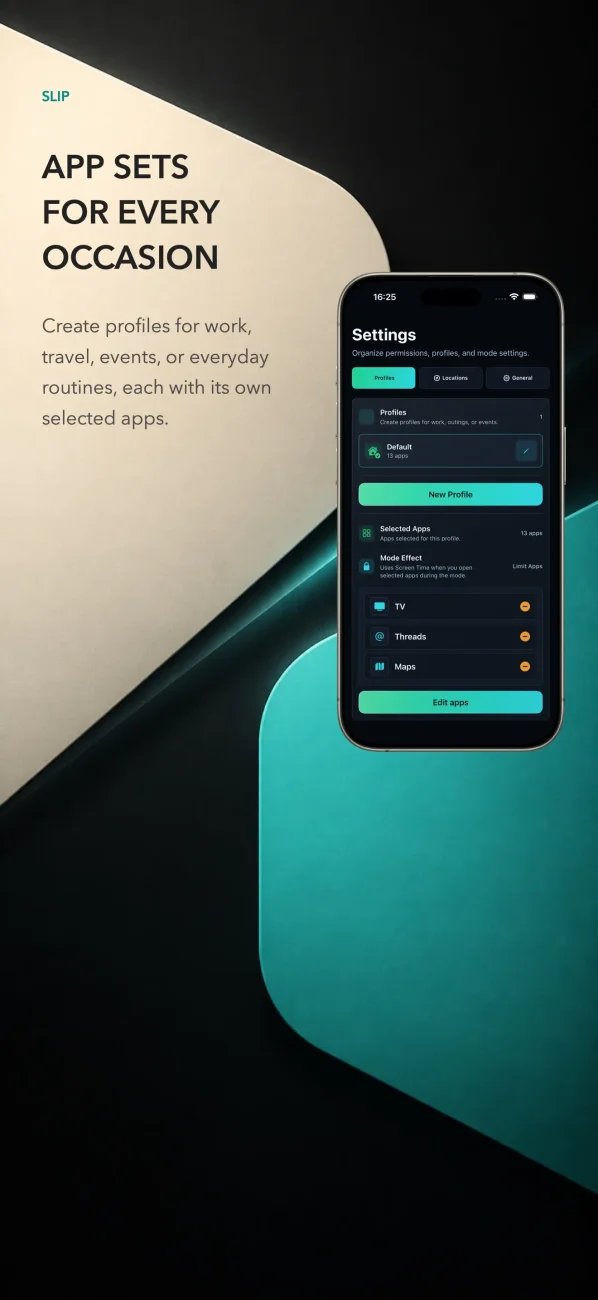
Choose apps with Apple's Screen Time picker, then start Away Mode or Manual Mode. Each profile has its own name, icon, and app selection, so you can prepare different sets for work, travel, events, or everyday routines.
Key features:
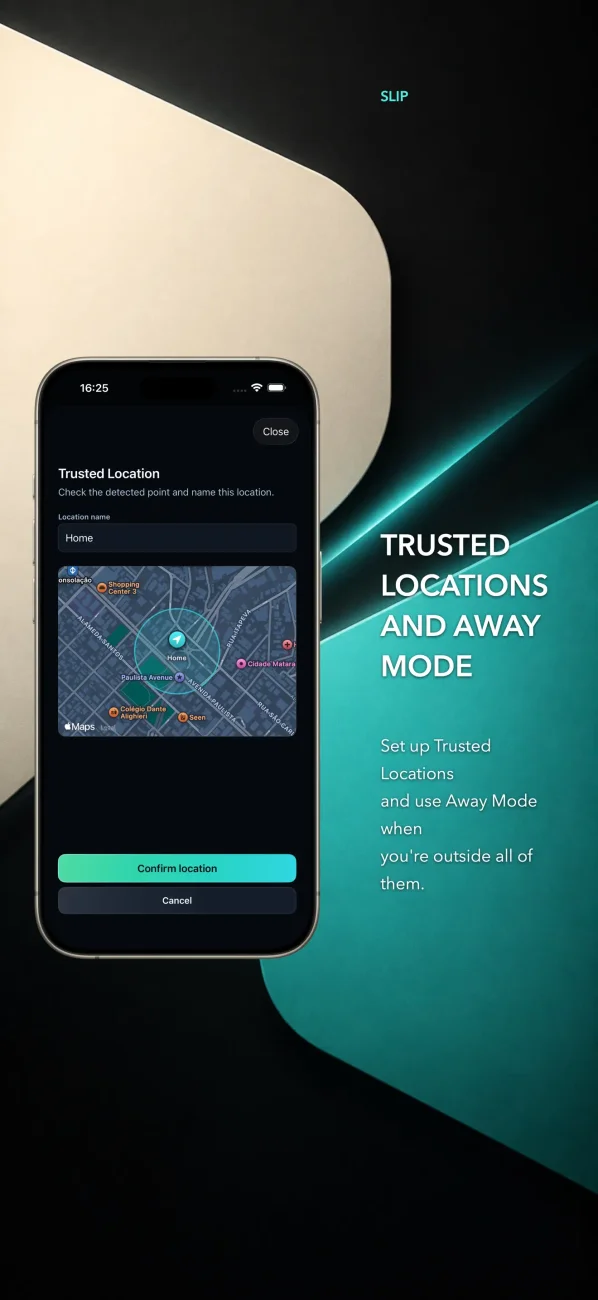
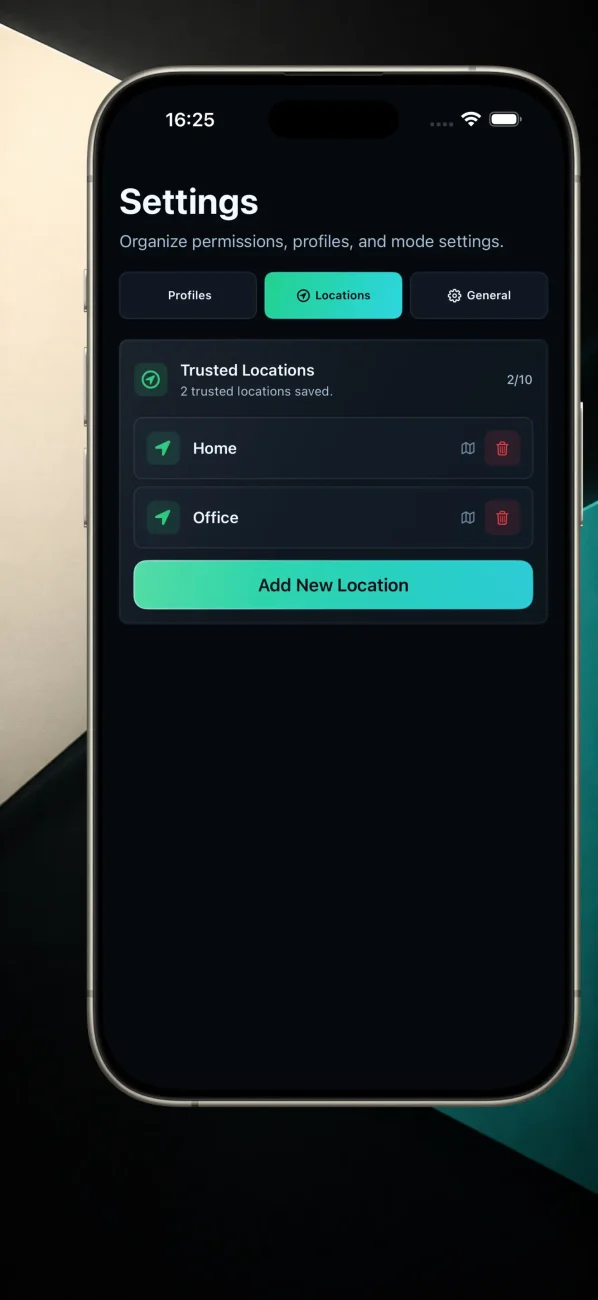
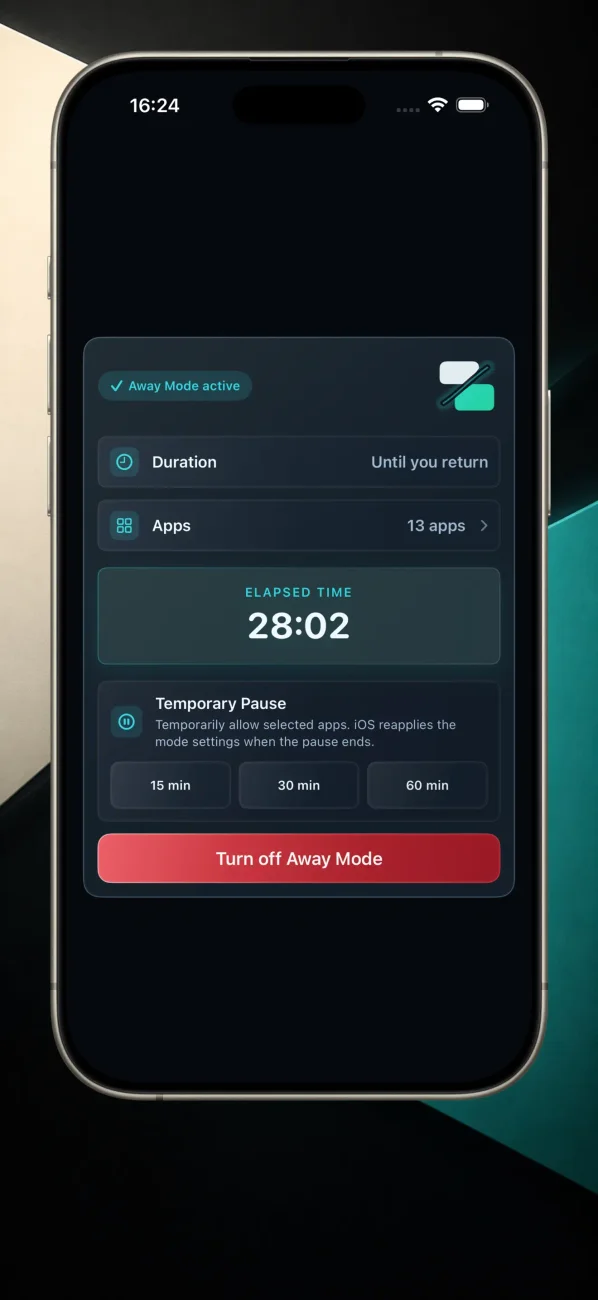
- Away Mode can start when you are outside all saved Trusted Locations and pause when you return to one.
- Manual Mode stays active until you end it.
- Profiles organize different sets of selected apps.
- iOS shows the Screen Time restriction screen when you open a selected app.
- Take a 15, 30, or 60-minute Temporary Pause when needed.
- Use Face ID, Touch ID, or your device passcode to confirm when you pause or end a mode.
- Optionally show a discreet Pause Notice on the Lock Screen and Dynamic Island.
Slip Pro:
Start with a 3-day trial. After the trial, an annual Slip Pro subscription is required to use the modes. Purchase and restore options are available in the app.
Privacy:
- No Slip account.
- No tracking.
- No servers operated by Slip and no cloud sync.
- Your profiles, app selections, and Trusted Locations stay on your iPhone.
- Trusted Locations are optional; location data is not sent to Slip or third parties.
Slip uses iOS permissions that you control. App selection and mode settings require Screen Time authorization. Trusted Locations require Location permission.
Slip does not lock the entire iPhone, recover a device, change system settings, or replace the iPhone passcode, Face ID, Find My, Stolen Device Protection, or official services.
Terms of Use (EULA): https://www.apple.com/legal/internet-services/itunes/dev/stdeula/
What’s new
Version 1.1 · Aug 19, 2026
Slip is now available in English. This update also refines the wording across Away Mode, Manual Mode, profiles, Trusted Locations, and the Slip Pro subscription flow.
App privacy
What Thiago Nogueira declares on the App Store about how this app handles data.
-
Data not collected
The developer does not collect any data from this app.
Privacy practices may vary, for example with the features you use or your age.
Information
- Seller
- Thiago Nogueira
- Category
- Utilities
- Version
- 1.1
- Updated
- Aug 19, 2026
- Released
- Aug 14, 2026
- Size
- 3.8 MB
- Requires
- iOS 18.0 or later
- Age rating
- 4+
- Price
- Free
- In-app purchases
- Yes
- Languages
- English, Portuguese
- Copyright
- © 2026 Thiago Nogueira
You might also like
-
 Signal CatcheeUtilities
-
 AppAware: Privacy ScannerAI-Powered Privacy Insights
-
 Panoptes -- App PrivacyUnderstand your app privacy
-
 Router MonitorRouter Traffic at a Glance
-
 PulseDeck - Device MonitorDevice Monitor & Utility Lab
-
 CayzBox - App FinderCompare Apps by Features
-
 IE Device ManagerConfigure & control IE devices
-
 PhoneScreen - AI Call ScreenerUtilities
-
 QuietCheck Privacy ScannerDetect glasses, tags, cameras
-
 Phone AnalyzerDevice Specs & Hardware Info