
- Age rating4+
- CategoryFinance
- DeveloperDANKOSPARK (PTY) LTD
- LanguagesEnglish
- Size52.8 MB
Links to the official App Store page
Download.org hosts no file of SLIPZ. The button opens its official App Store page, published by DANKOSPARK (PTY) LTD. Listing last checked on Nov 12, 2026.
Screenshots



About
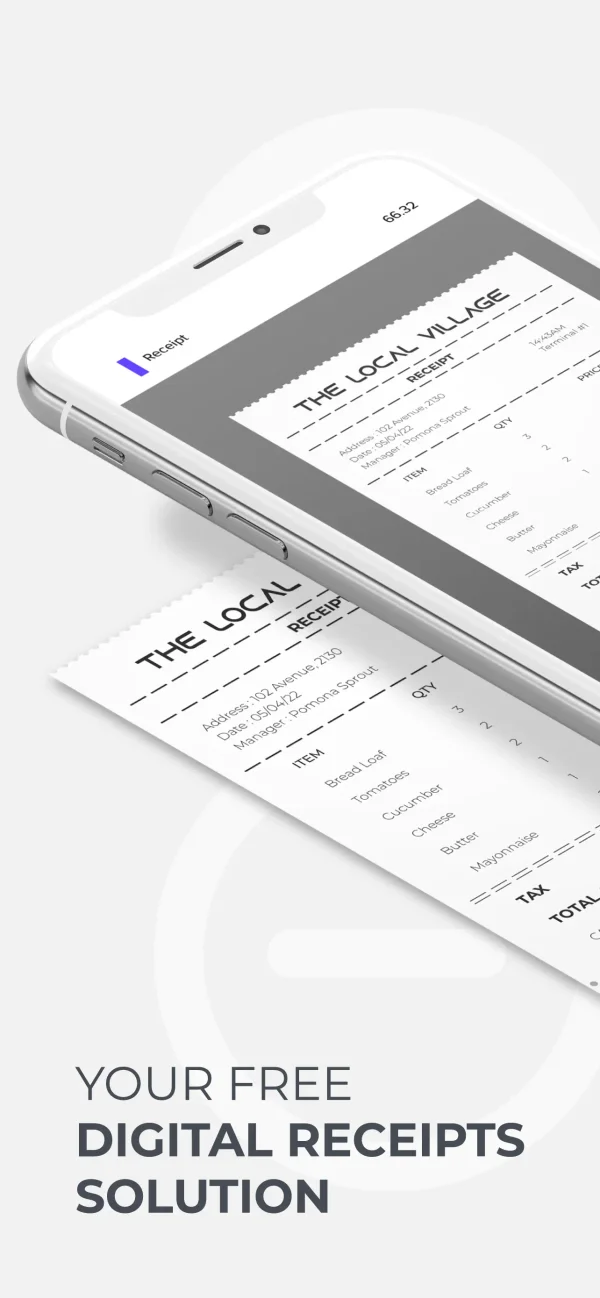
SLIPZ powered by AI technology scan and save receipts data turn your phone into a personal accounting finance tool, submit work related expenses for claims or tax purposes. SLIPZ is the best free tool that will help you manage all your expenses in one space. Its like an accountant that lives in your phone.
SLIPZ digital receipts and personal accounting solutions app with built-in scanner automatically scans paper receipts, crop and extract data helping you organize your personal or business receipts and expenses in a more efficient way. Users can import PDF's from their email inbox directly to the app and allocate according to expense categories. Spending data can be viewed through charts and graphs and exported by email for personal or accounting purposes in Excel or CSV with images of receipts scanned, attached in JPEG format.
ALL YOUR RECEIPTS IN ONE SPACE
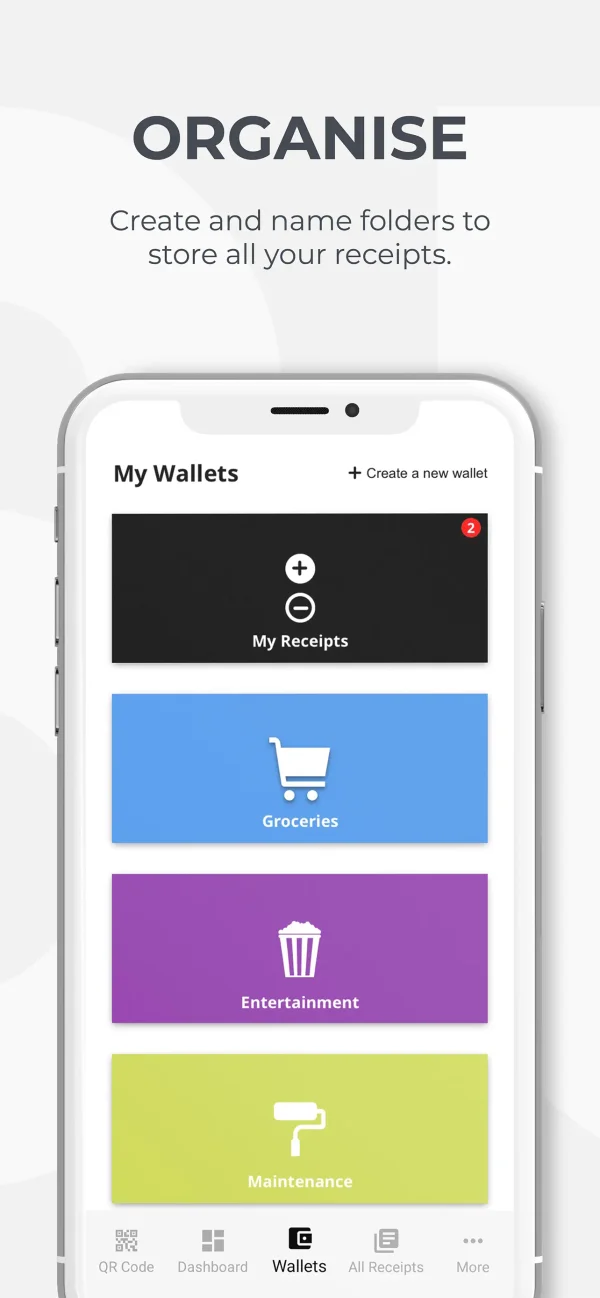
SLIPZ allows users to create unlimited customizable Wallets, where users can allocate receipts. You can upload or assign receipts to wallets by selecting an upload option from the drop down menu, option include:
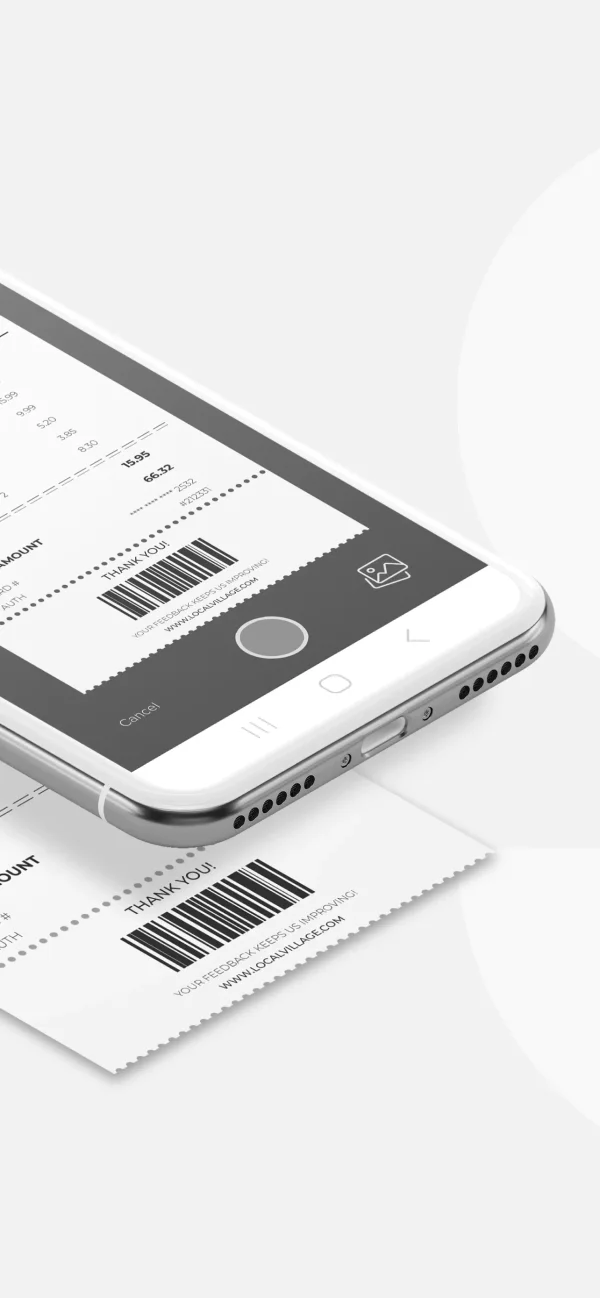
SCAN - will allow a user to scan paper receipts from the app using the latest AI scanning technology which detect and crop images.
FILES - prompts user to select and access files saved on their mobile device, cloud or downloads.
GALLERY - enable users to select images saved on their mobile device or in albums.
PDF receipts can be imported to SLIPZ from your email inbox by selecting the PDF and sending it to SLIPZ from your mobile devices send to apps option. PDF receipts sent to SLIPZ will automatically be forwarded to the BLACK My SLIPZ wallet in your MY Wallets tab in the app - users can select the PDF receipt and allocate it to a predetermined wallet according to a spending category of choice.
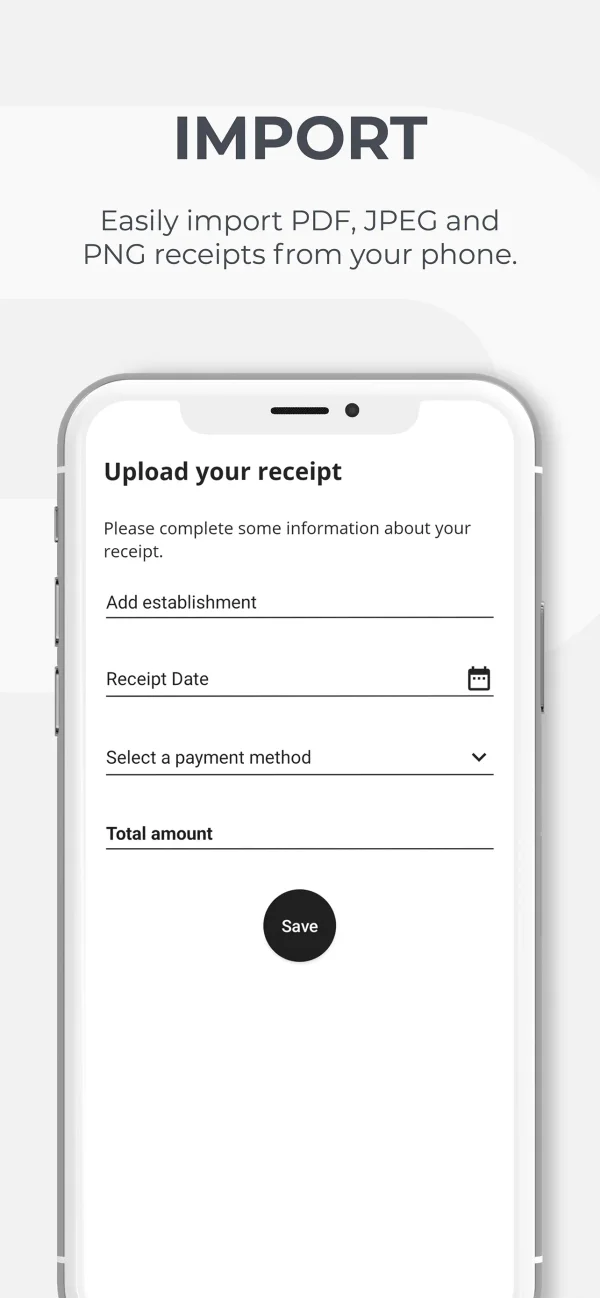
Upload a receipt by inputting data related to a receipt that will be converted to excel XLXS and CSV format to assist you with your personal accounting and financial management.
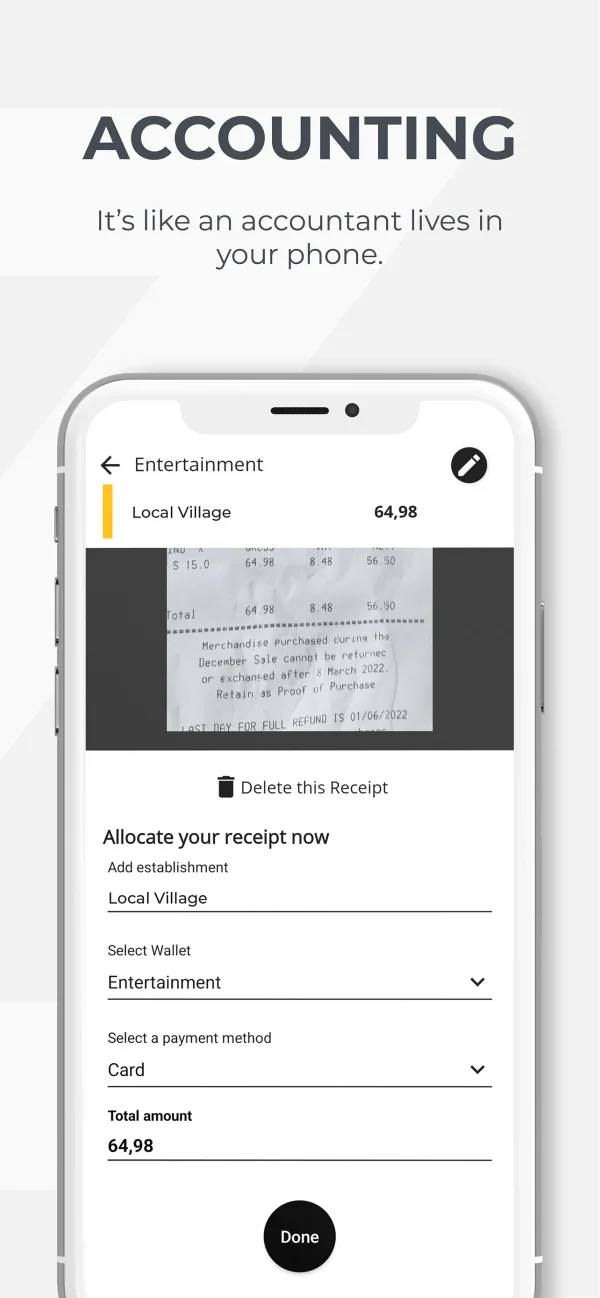
Add establishment - where the purchase / receipt originated this allows users to find receipts when needed for returns, guarantees and excel data.
Payment method - feature help create spending Graphs and Charts by selecting the Payment Type from the drop down menu options:
Credit Card, Cash, EFT or DEBIT Card and Purchase or Receipt amount.
CREATE A NEW WALLET
We created a few wallets to get users started eg. TRAVEL, HOME, FOOD, users can customize these wallet to suits their own individual style by selecting the edit option in the top left corner of eg. Travel wallet. Assign a different name, color or wallet icon to the wallet, users can also create their own wallets by selecting the option in the top left corner of the app in the wallets menu.
EXPORT RECEIPTS
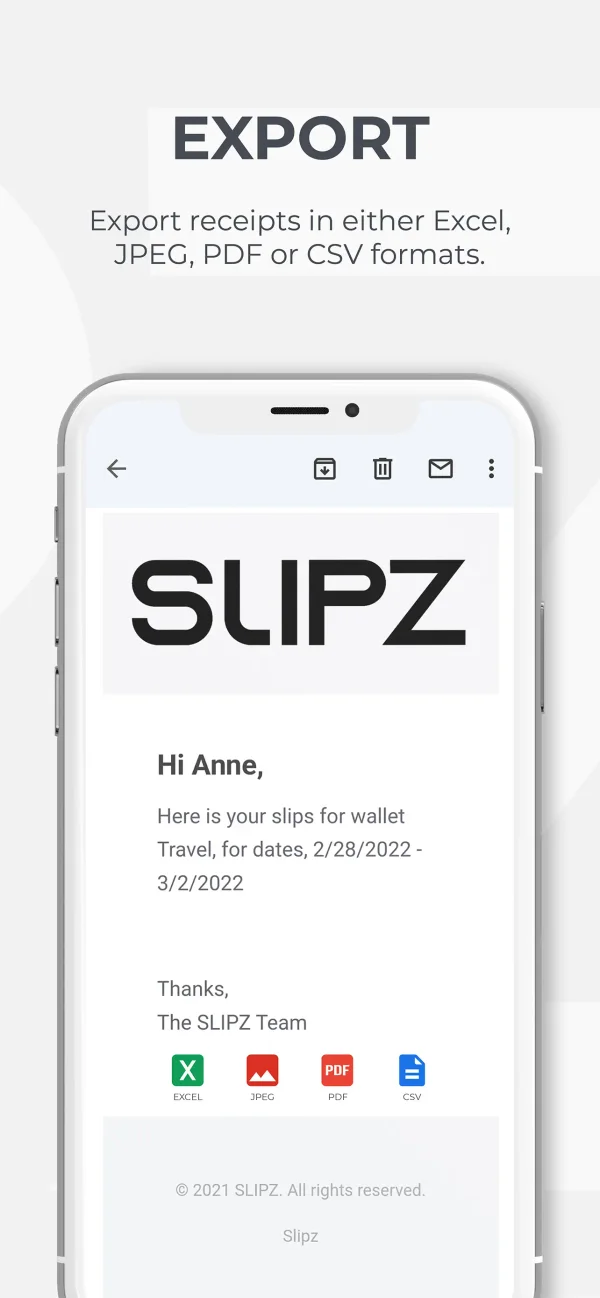
This function enable users to email or export their expense reports data in excel, XLXS and CSV spreadsheets and images in JPEG format attached to an email detailing their expenses. Users can either select a single wallet eg. for work travel expense claims by selecting the wallet and date range to export or email.
Alternatively for full financial reporting SLIPZ automatically saves a duplicate of all the receipts a user upload under the, All Receipts - button located on the bottom menu bar in the app. Users can export expenses in chronological order by selecting this feature and selecting the date range they wish to export or email.
FEATURES
Create "wallets" or spending category folders according to categories
Scan paper receipts
Import images from your phones albums or files from your mobile device or cloud
Import PDF receipts
Export Data in Excel, XLXS or CSV
Track spending through Charts, Graphs.
Submit expenses for work claims, personal accounting or tax submissions.
SLIPZ software API integrate seamlessly with retailers and Point of Sales service providers - allowing digital receipts to be sent from a POS after a purchase has been completed to a customers SLIPZ mobile app by QR CODE scanning.
What’s new
Version 2.64 · Sep 11, 2025
SLIPZ now has the ability to generate invoices and quotes on the app and to share with any of your clients.
App privacy
What DANKOSPARK (PTY) LTD declares on the App Store about how this app handles data.
-
Data used to track you
May be used to track you across apps and websites owned by other companies.
- Contact info
-
Data linked to you
May be collected and linked to your identity.
- Contact info
Privacy practices may vary, for example with the features you use or your age.
Information
- Seller
- DANKOSPARK (PTY) LTD
- Category
- Finance
- Version
- 2.64
- Updated
- Sep 11, 2025
- Released
- Apr 13, 2021
- Size
- 52.8 MB
- Requires
- iOS 15.6 or later
- Age rating
- 4+
- Price
- Free
- Languages
- English
- Copyright
- © SLIPZ
You might also like
-
 TaxScanZA: eFiling Tax ScannerSARS Supporting Documents
-
 FlashCrypto - AlertsFast Crypto Prices & Alerts
-
 Efficient ConnectFinance
-
 FNINCFinance
-
 Receipt Scanner: Fast Pro ScanSelf Employed Expense Tracker
-
 Receipt Scanner Money TrackerReceipt Scanner Money Tracker
-
 Deutsche Wealth Online UKFinance
-
 Snap N TrackTrack your healthy spending
-
 Momentum SecuritiesYour ultimate trading mate
-
 Receipt Maker:Sign Send, PrintReceipt Generator with QR Code