SlotClass - Study Planner
Plan your day. See progress.
Designed for iPhone, iPad
In-app purchases
- Age rating4+
- CategoryEducation
- DeveloperMUSTAFA CAN ERDEM
- LanguagesEnglish+ 1 more
- Size39.8 MB
Links to the official App Store page
Download.org hosts no file of SlotClass - Study Planner. The button opens its official App Store page, published by MUSTAFA CAN ERDEM. Listing last checked on Nov 23, 2026.
Screenshots



About
SlotClass is also available on iPad, with layouts designed for portrait and landscape. In landscape, you can see the calendar and your study slots side by side.
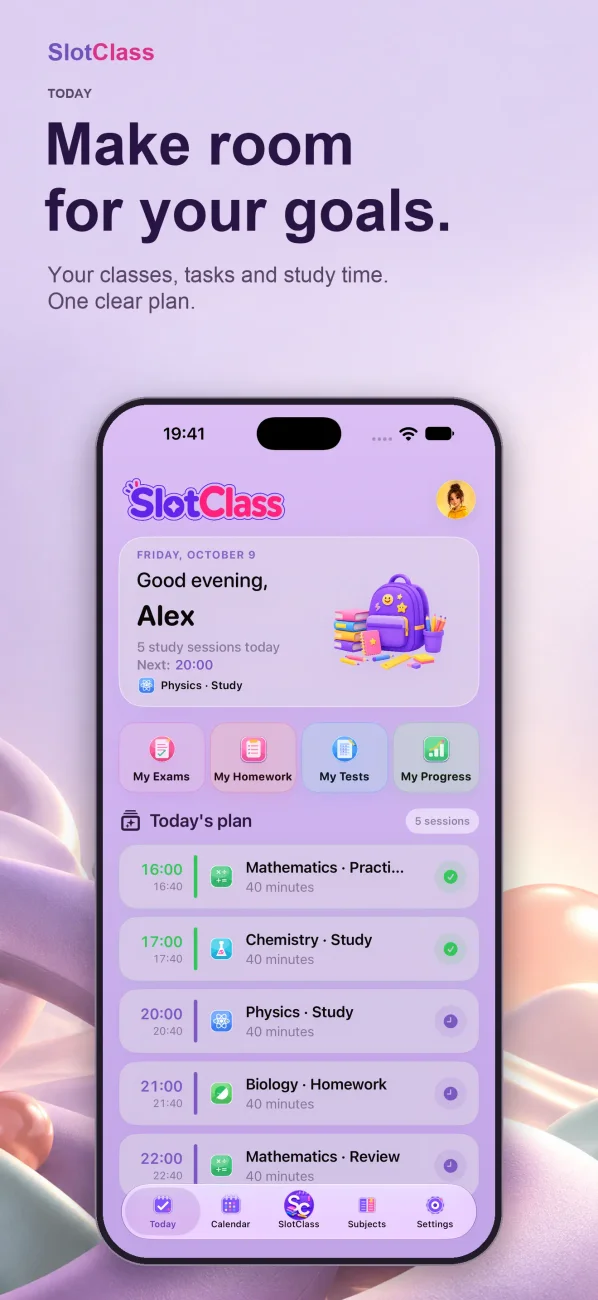
Make room for your goals, one study session at a time.
SlotClass helps you turn classes, exams, homework, practice tests and revision into a clear personal study plan. Set your study hours and breaks, choose your subjects, and give each task a place in your day.
PLAN AROUND YOUR LIFE
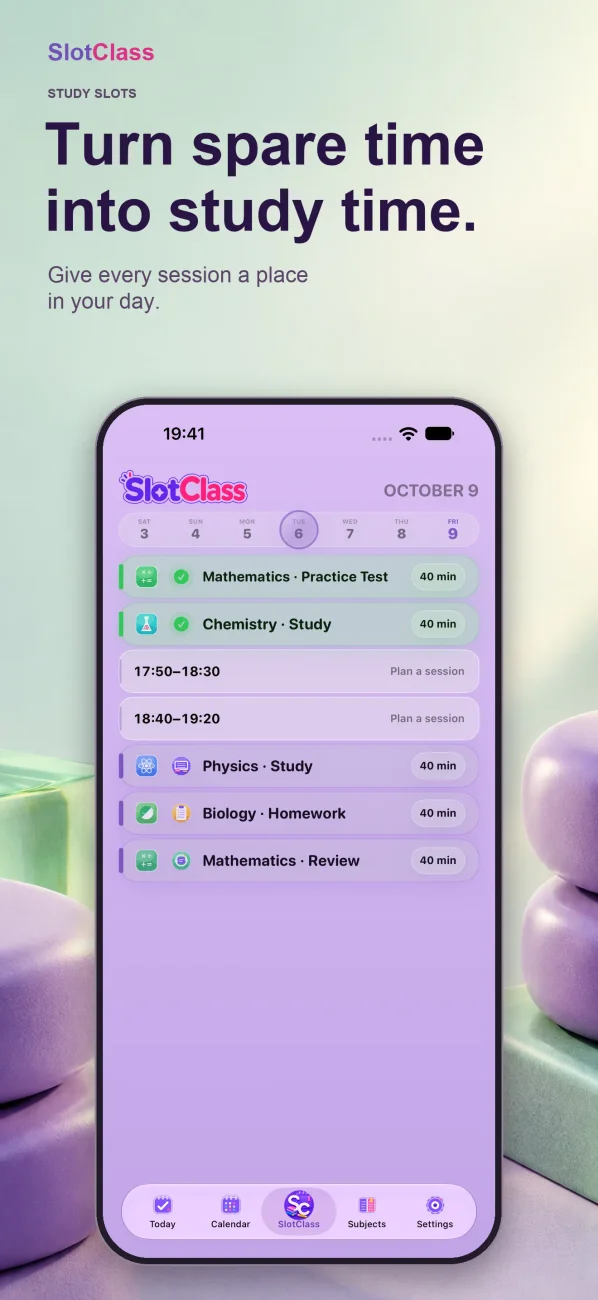
Build one-off sessions or a repeating routine. Use daily study slots to decide what to work on next, then switch to the weekly or monthly calendar for the bigger picture.
KEEP YOUR WORK TOGETHER
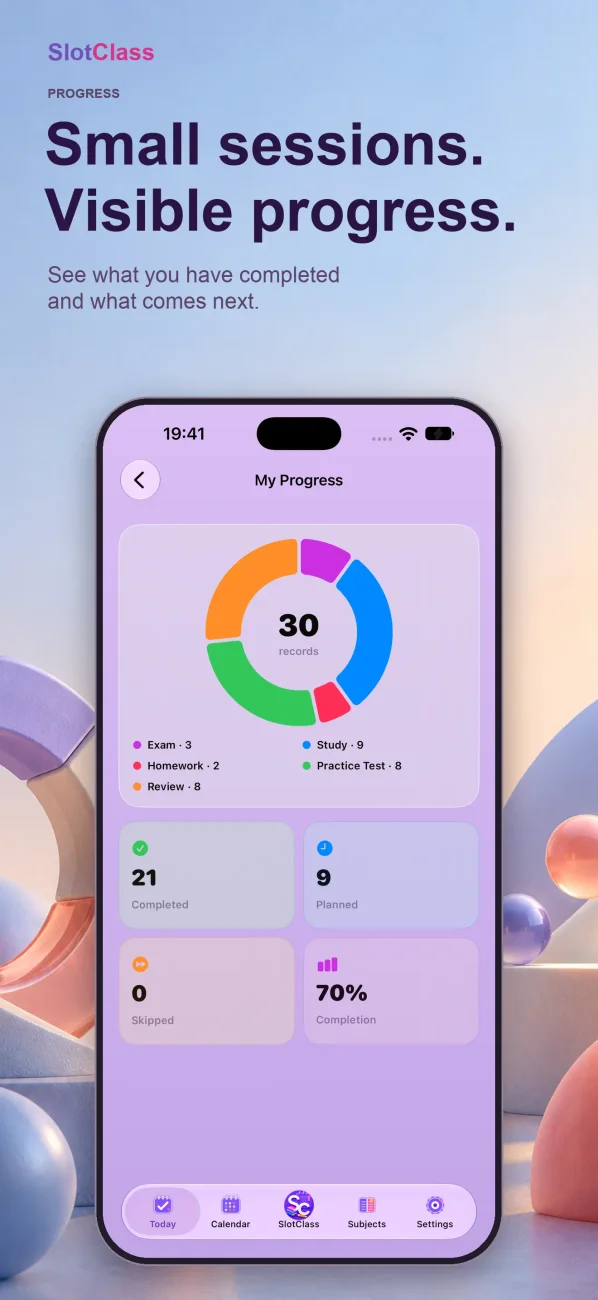
Save subject notes and homework topics alongside your sessions. Record exam scores and the number of correct, incorrect and unanswered questions in practice tests. Mark sessions as complete and see your progress from the Today screen.
CHOOSE YOUR SUBJECTS
Start with familiar subjects such as Mathematics, Physics, Chemistry and Biology, or add your own. The English starter list uses general subjects rather than a country-specific curriculum.
MAKE IT YOURS
Choose your theme, background color and text size. Stay on track with reminders and daily or weekly summaries. On iPhone Duo, spacious side-by-side views keep your plan and session details within reach.
START FREE
Create your first five new plan entries for free. A monthly SlotClass Pro subscription is required to create additional new entries and delete entries. Your existing entries remain accessible, including their results, notes, completion status and statistics.
Eligible new subscribers can try SlotClass Pro free for two weeks. After the trial, the subscription automatically renews at the monthly price shown in the App Store. Manage or cancel your subscription at any time in your account settings.
SlotClass has no ads and uses no third-party analytics. Your records can be stored on your device and in your private iCloud database.
Terms of Use (EULA): https://www.apple.com/legal/internet-services/itunes/dev/stdeula/
What’s new
Version 1.2 · Nov 20, 2026
SlotClass is now on iPad.
Use it in portrait or landscape. In landscape, Today shows your study plan next to your quick shortcuts, and the SlotClass screen puts the calendar right beside your time slots.
App privacy
What MUSTAFA CAN ERDEM declares on the App Store about how this app handles data.
-
Data not collected
The developer does not collect any data from this app.
Privacy practices may vary, for example with the features you use or your age.
Information
- Seller
- MUSTAFA CAN ERDEM
- Category
- Education
- Version
- 1.2
- Updated
- Nov 20, 2026
- Released
- Aug 28, 2026
- Size
- 39.8 MB
- Requires
- iOS 18.0 or later
- Age rating
- 4+
- In-app purchases
- Yes
- Languages
- English, Turkish
- Copyright
- © 2026 Mustafa Can Erdem
You might also like
-
 Çarpım Tablosu: Ezber & TestTimes tables 1-10: learn & tes
-
 PengulyEducation
-
 Ders Defterim: Özel Ders TakipEducation
-
 Ders Koçum: Çalışma PlanıEducation
-
 Study Coach: AI Homework HelpGrades 5–12 tutor & math drill
-
 WriteAndSpeakEducation
-
 TURANGE CLASSEducation
-
 Ders Programı TakipEducation
-
 Deutsch Lernen – Almanca KartEducation
-
 Ders Notları: Not FotoğrafıEducation