Slow Ink Clock
Chinese ink clock & widgets
Designed for iPhone, iPad
Free · In-app purchases
- Age rating4+
- CategoryLifestyle
- DeveloperAndrew Li
- LanguagesEnglish+ 2 more
- Size375.8 MB
Links to the official App Store page
Download.org hosts no file of Slow Ink Clock. The button opens its official App Store page, published by Andrew Li. Listing last checked on Nov 18, 2026.
Screenshots
About
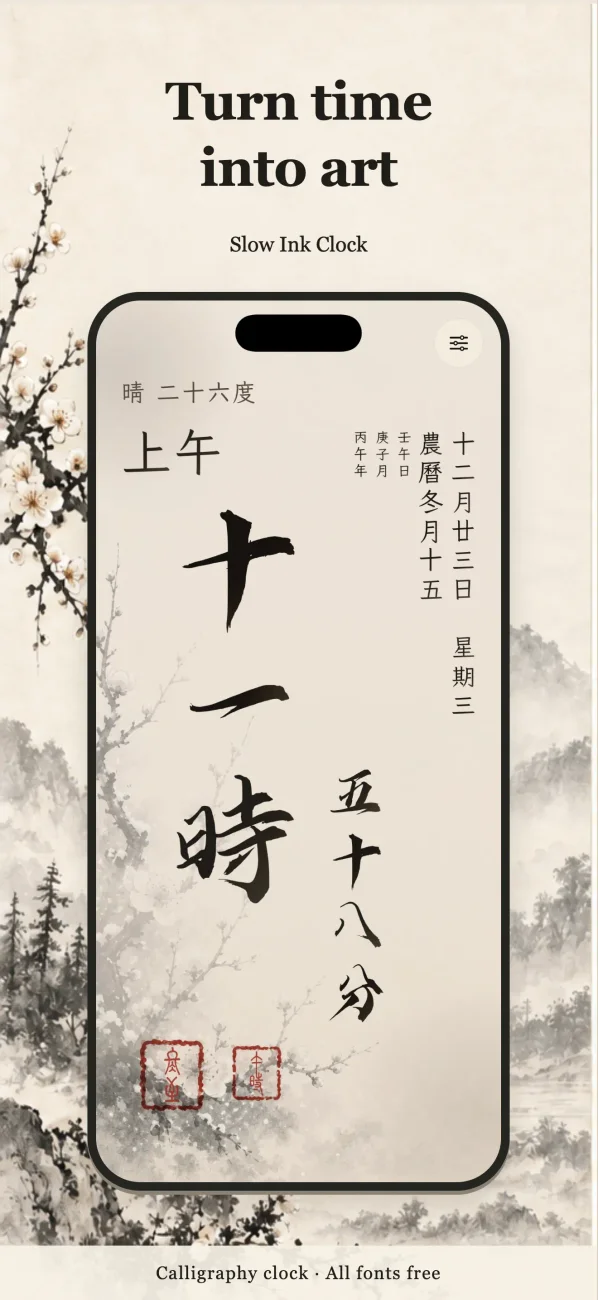
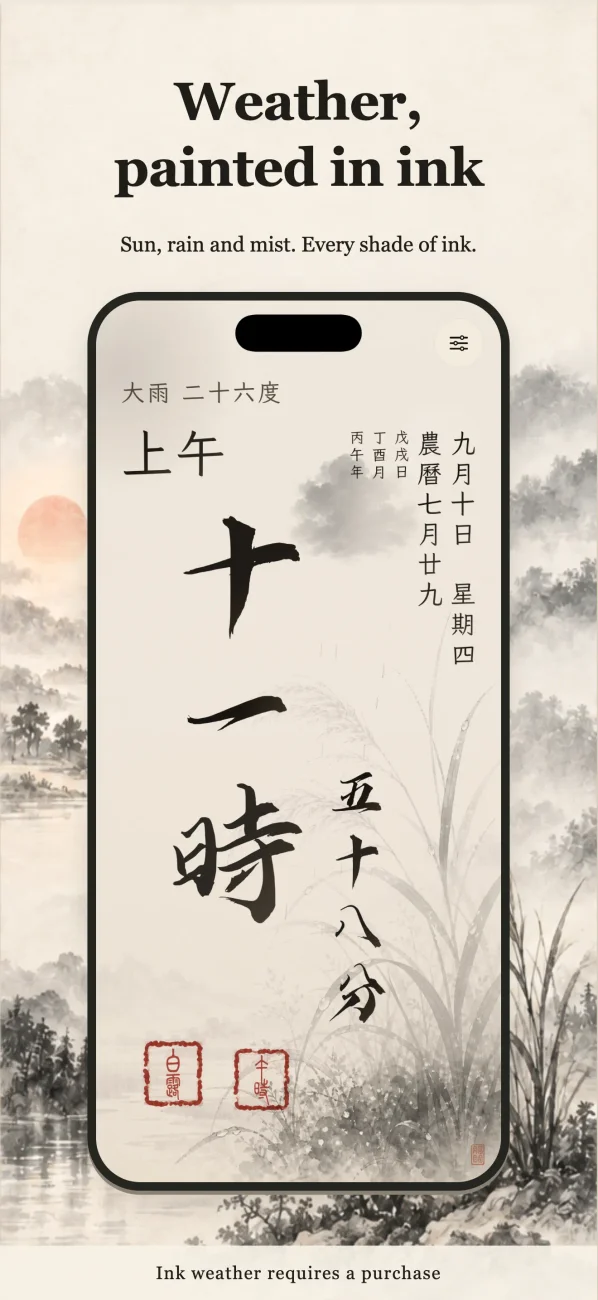
Slow Ink Clock turns time into a flowing Chinese ink-wash painting.
It does more than show the hour and minute. It brings traditional time periods, the lunar calendar, the 24 solar terms, day and night, moon phases, and live weather into a quiet, atmospheric iOS clock experience.
By day, the ink opens like morning light.
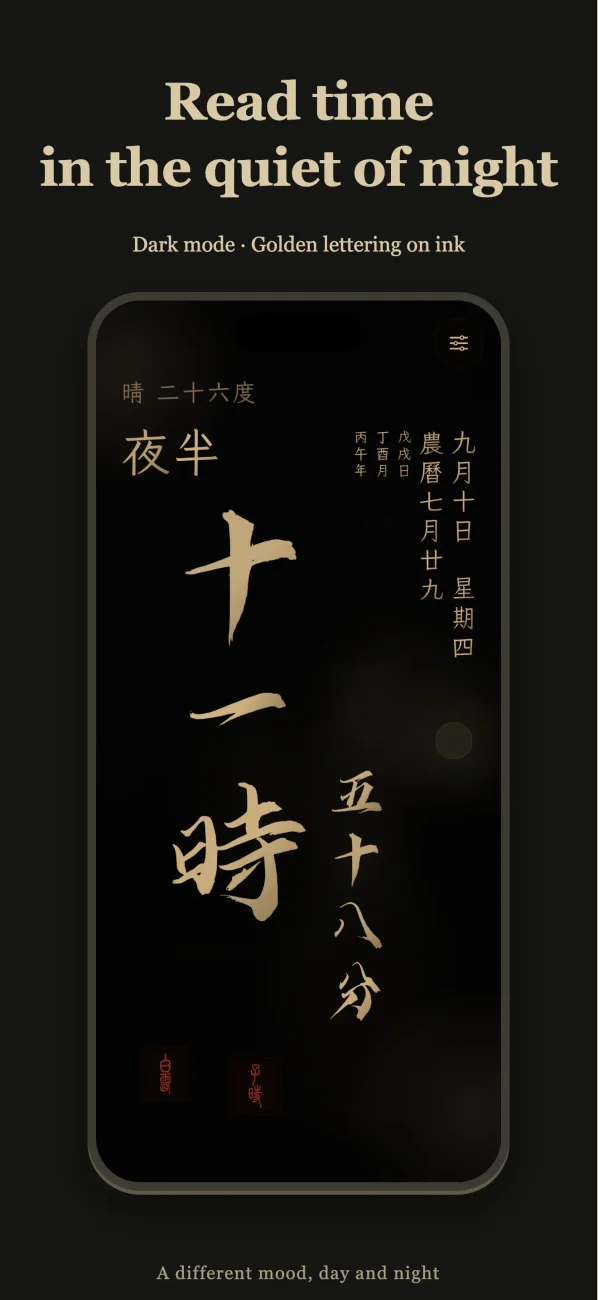
At night, the screen settles into moonlight and deep ink.
When the weather changes, sunlight, clouds, mist, rain, thunderstorms, and wind move through the scene in an ink-wash style.
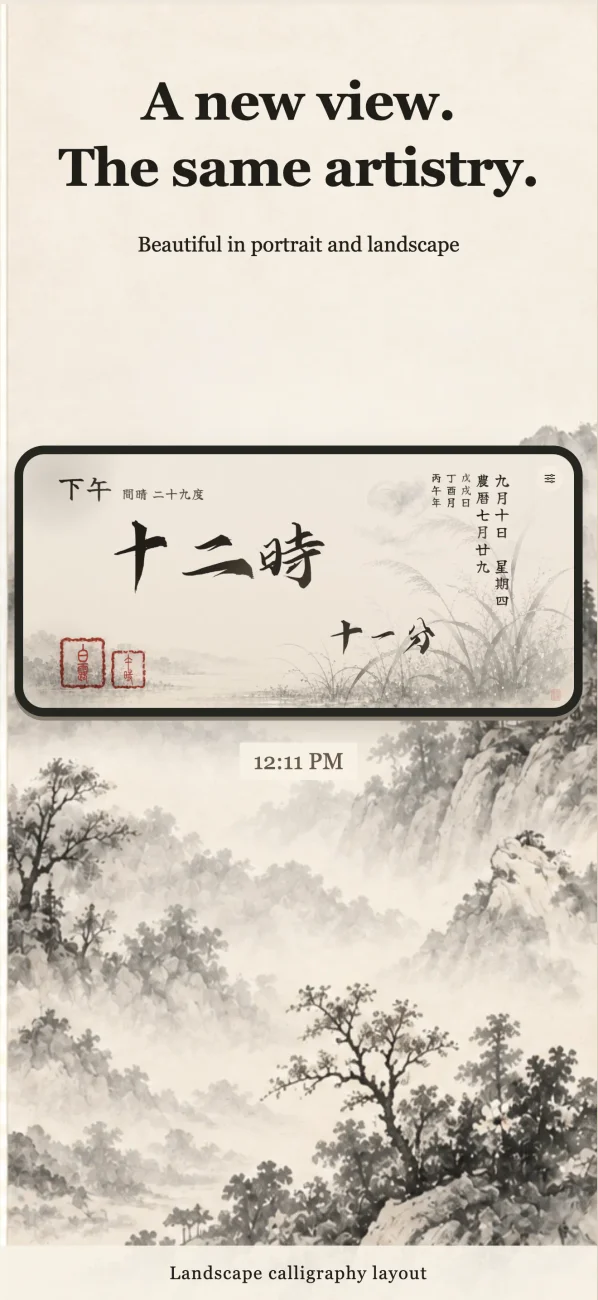
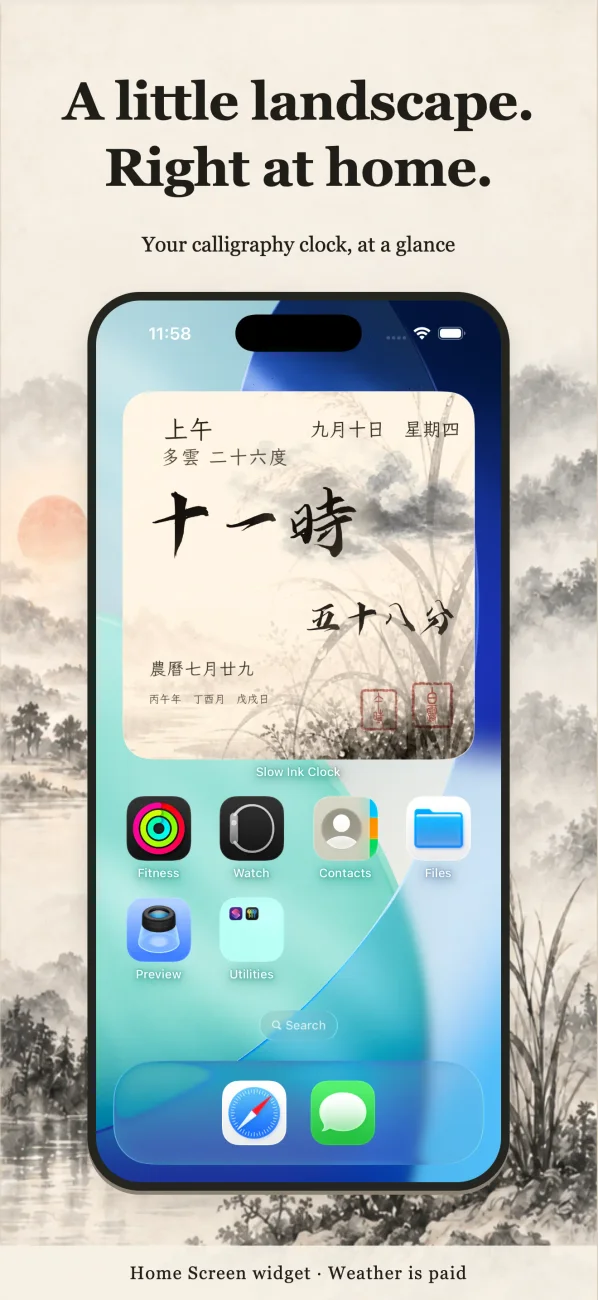
Slow Ink Clock uses Apple Weather data so weather becomes part of the artwork, not just a line of text. Place iPhone horizontally in StandBy and it becomes an ink-wash clock for your bedside or desk. Add it to your Home Screen as a Widget, and time and weather can stay with you in a calmer, more poetic way.
Main features:
• Ink-wash clock: xuan paper, ink tones, white space, and red seals create an Eastern time painting
• Apple Weather: live weather affects clouds, rain, mist, thunder, and wind in the scene
• StandBy experience: place iPhone horizontally to create a bedside or desk ink clock
• Widget support: view calligraphy time and weather summaries directly on the Home Screen
• 24 solar terms: the visual atmosphere changes with the traditional seasonal calendar
• Lunar calendar and stems/branches: Chinese date and time culture shown in a clear visual form
• Day, night, and moon phases: the mood shifts with time of day and lunar phase
• Calligraphy fonts: choose different Chinese type styles to change the character of the clock
The free version includes every calligraphy font and the basic clock experience.
All calligraphy fonts are free for the main time and details.
Ink Weather is an auto-renewable subscription that unlocks weather text and ink-wash weather animations. Monthly and yearly plans include a 7-day free trial. After the trial, the subscription renews automatically at the price shown by the App Store. You can cancel in Apple ID subscription settings.
Lifetime Unlock is a one-time purchase that unlocks Ink Weather forever. All fonts are free.
Apple Weather legal attribution: https://weatherkit.apple.com/legal-attribution.html
Privacy Policy: https://www.cactalyst.com/slow-ink-clock/privacy
Terms of Use: https://www.apple.com/legal/internet-services/itunes/dev/stdeula/
What’s new
Version 1.4 · Sep 19, 2026
Watch the time come to life with stroke-by-stroke calligraphy and organic ink effects across all clock fonts.
Time changes now rewrite only the affected portion, finishing each character before the next, including the hour and minute labels.
Improved VoiceOver time and weather reading, Reduce Motion support, and animation power and memory handling.
App privacy
What Andrew Li declares on the App Store about how this app handles data.
-
Data not collected
The developer does not collect any data from this app.
Privacy practices may vary, for example with the features you use or your age.
Information
- Seller
- Andrew Li
- Category
- Lifestyle
- Version
- 1.4
- Updated
- Sep 19, 2026
- Released
- Jun 4, 2026
- Size
- 375.8 MB
- Requires
- iOS 17.0 or later
- Age rating
- 4+
- Price
- Free
- In-app purchases
- Yes
- Languages
- English, Simplified Chinese, Traditional Chinese
- Copyright
- © 2026 Cactalyst