
Slumba
Sleep Sounds, Mixed Your Way
Designed for iPhone, iPad, Mac
Free · In-app purchases
- Age rating4+
- CategoryHealth & Fitness
- DeveloperIan Goudie
- LanguagesEnglish+ 32 more
- Size38.5 MB
Links to the official App Store page
Download.org hosts no file of Slumba. The button opens its official App Store page, published by Ian Goudie. Listing last checked on Nov 22, 2026.
Screenshots


About
Sleep shouldn't be complicated. Slumba gives you a beautiful, handcrafted soundscape — and lets you blend it exactly the way you want.
THE MIXER
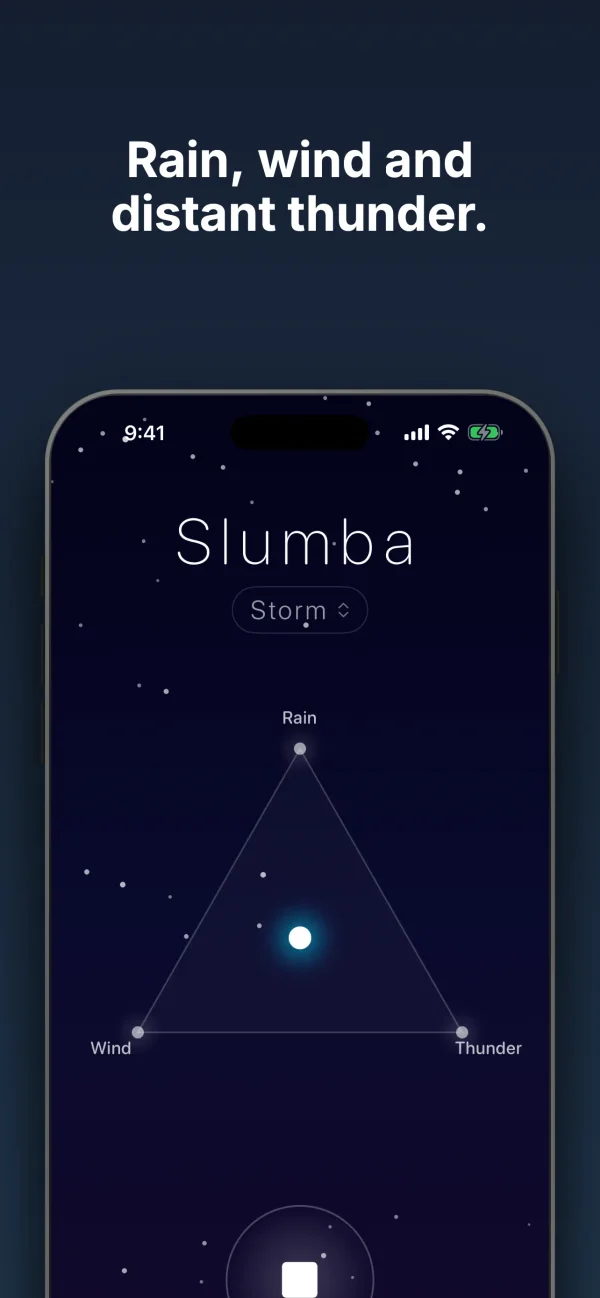
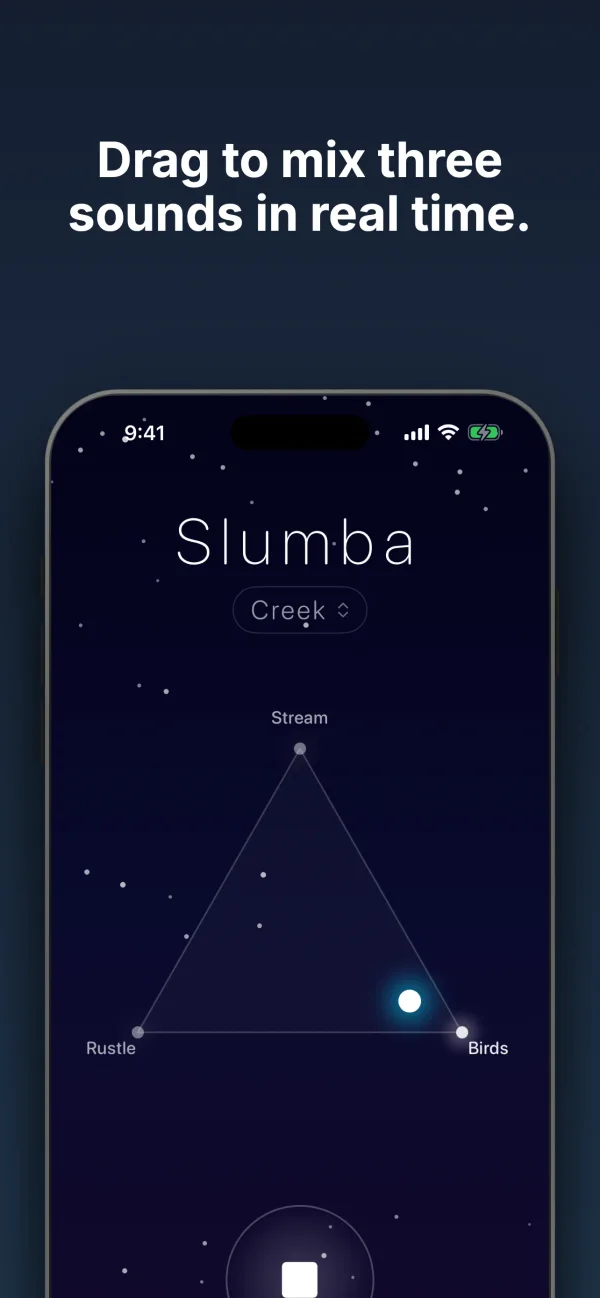
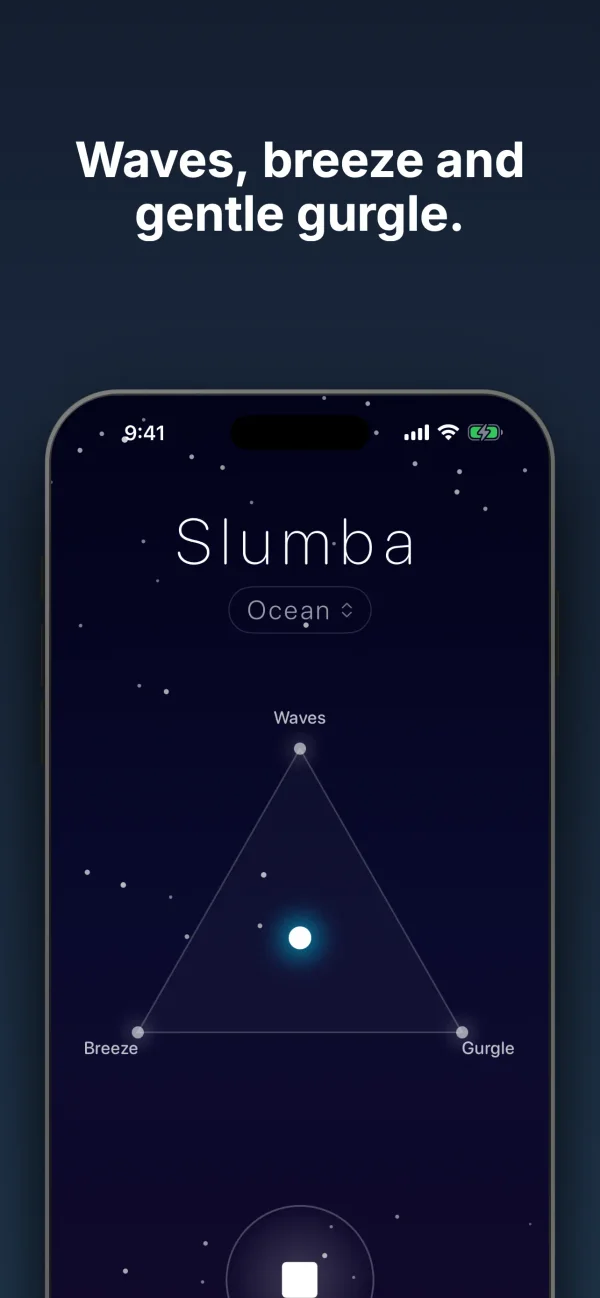
Most sleep apps give you a volume slider. Slumba gives you something more intuitive. Each soundscape layers three sounds together, and you blend them by dragging a single glowing point across a soft triangle. Ease it toward rain and the storm deepens. Nudge it to the center and everything balances. Find what feels right tonight, set your phone down, and let it carry you off.
FIVE SOUNDSCAPES
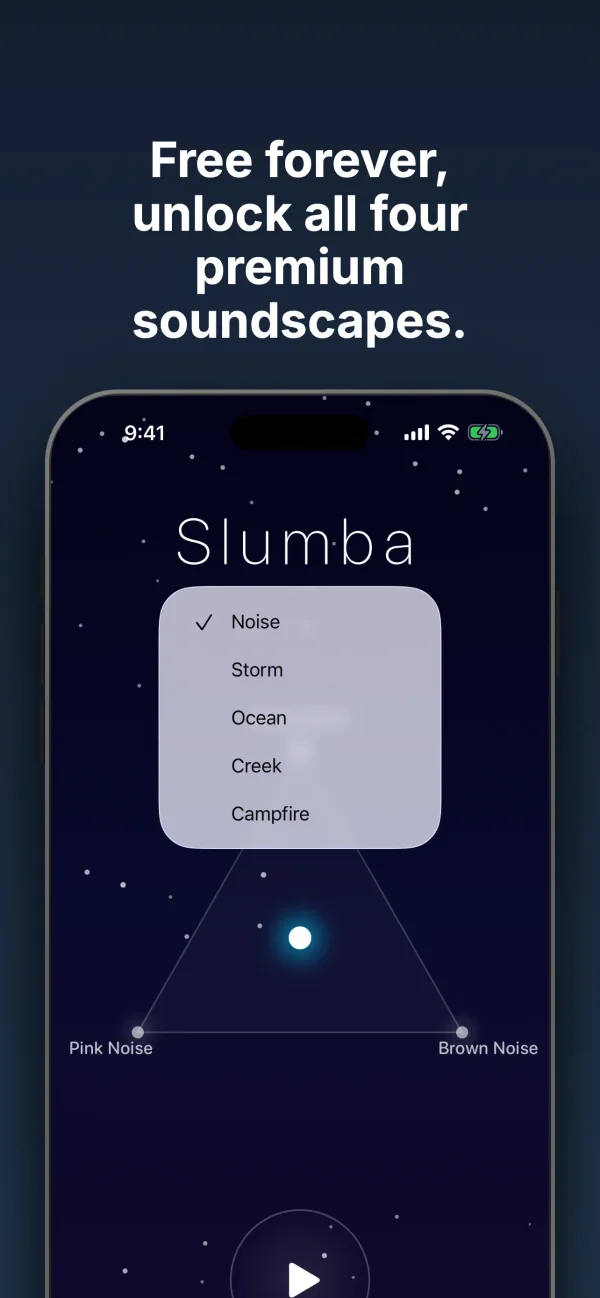
Noise — White, Pink & Brown Noise
Storm — Rain, Wind & Thunder
Ocean — Waves, Breeze & Gurgle
Creek — Stream, Rustle & Birds
Campfire — Fire, Night Air & Crickets
Noise is always free. Try the rest free for 5 minutes — one small purchase unlocks everything. Forever.
SLEEP TIMER
Set a timer for 15, 30, 45, 60, or 120 minutes and Slumba fades your sounds gently to silence. No sudden cutoffs. Just a slow, peaceful fade — and then sleep.
YOUR PHONE CAN STAY FACE-DOWN
Once you're in bed, you shouldn't need to touch your phone. Slumba makes that easy. The Apple Watch app lets you start a soundscape, switch presets, and set a timer from your wrist. The Lock Screen widget shows your timer counting down without unlocking. Add the toggle to Control Center and starting Slumba becomes a single tap before you set your phone down for the night. On iPhone 14 and later, the Live Activity keeps your timer visible in the Dynamic Island while you do your bedtime routine.
ON YOUR HOME SCREEN
The small home screen widget shows what's playing at a glance. The medium widget goes further — when nothing is playing, it shows all five soundscapes as soft buttons you can tap to start one directly, without opening the app.
SLUMBA KNOWS WHEN IT'S BEDTIME
Connect Slumba to your Sleep Focus and it can start your chosen soundscape automatically when your bedtime routine begins — without you having to remember. Ask Siri to play a specific soundscape, or set a timer hands-free. "Play Ocean on Slumba." That's all it takes.
BUILT FOR SLEEP
No accounts. No subscriptions. No ads. No tracking. Just sounds that help you sleep.
APPLE WATCH
The best thing about the Apple Watch app is what it saves you from doing — reaching for your phone when you're already comfortable.
From your wrist you can start any soundscape, switch between Noise, Storm, Ocean, Creek, and Campfire, and set a sleep timer for exactly as long as you need. The countdown rests softly on screen. When the time comes, Slumba fades out on its own.
Your phone can stay face-down. The room can stay dark. You don't have to move.
App privacy
What Ian Goudie declares on the App Store about how this app handles data.
-
Data not collected
The developer does not collect any data from this app.
Privacy practices may vary, for example with the features you use or your age.
Information
- Seller
- Ian Goudie
- Category
- Health & Fitness
- Version
- 1.1
- Updated
- Apr 12, 2026
- Released
- Apr 12, 2026
- Size
- 38.5 MB
- Requires
- iOS 26.2 or later
- Age rating
- 4+
- Price
- Free
- In-app purchases
- Yes
- Languages
- English, Arabic, Catalan, Croatian, Czech, Danish, Dutch, Finnish, French, German, Greek, Hebrew + 21 more
- Copyright
- © 2026 Ian Goudie
You might also like
-
 GLP-1 Tracker - LumiTrack weight, doses & meals
-
 GymLogger X: Workout TrackerStrength Training & Gym Log
-
 BreatheBall-Breathing ExerciseInhale Exhale Master Your Calm
-
 Sunny: Mind & Body CoachBuild healthier daily rhythms
-
 FlexiAlarm: Watch AlarmSmart Alarm for Apple Watch
-
 WhitenOral Care Habit Tracker
-
 SleepHack - Hack Your SleepAI White Noise & Sleep Tracker
-
 SleepGlow - Sleep & RelaxMystic Sounds & Zen Sleep
-
 Medication Reminder: CadencePill, refill tracker, pay once
-
 FitBlok: Screen Time BlockerPush Up to Unlock Your Phone