- Age rating4+
- CategoryFinance
- DeveloperUniCredit Bank Czech Republic and Slovakia, a.s.
- LanguagesEnglish+ 1 more
- Size738.5 MB
Links to the official App Store page
Download.org hosts no file of Smart Banking. The button opens its official App Store page, published by UniCredit Bank Czech Republic and Slovakia, a.s. Listing last checked on Nov 17, 2026.
Screenshots

About
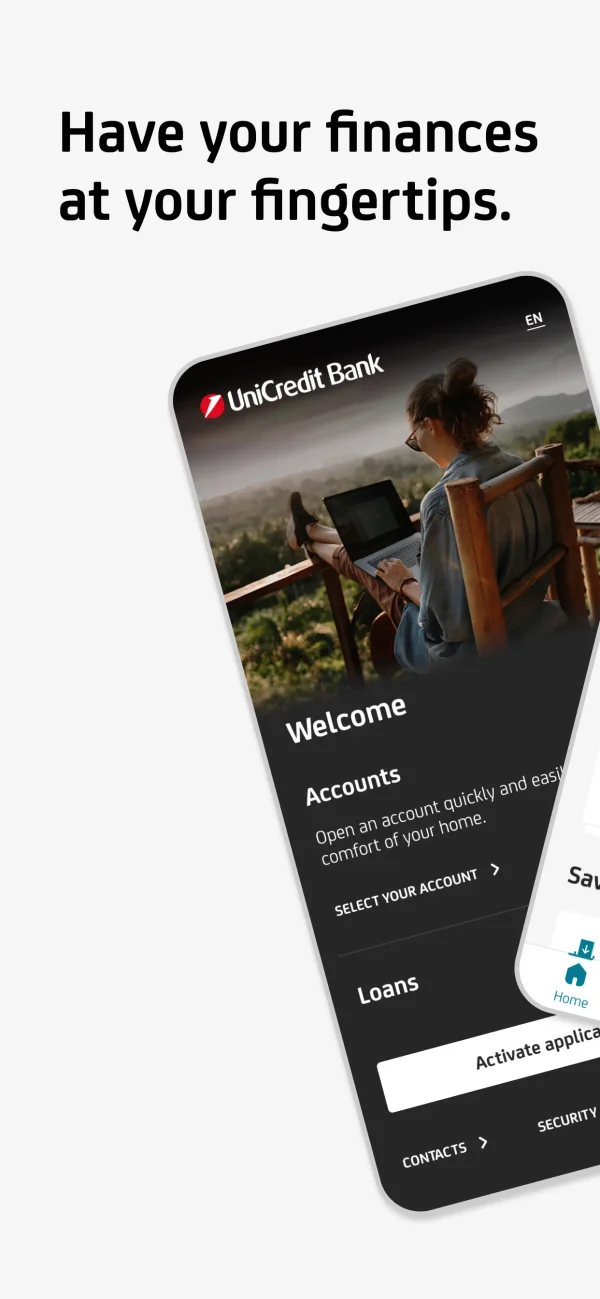
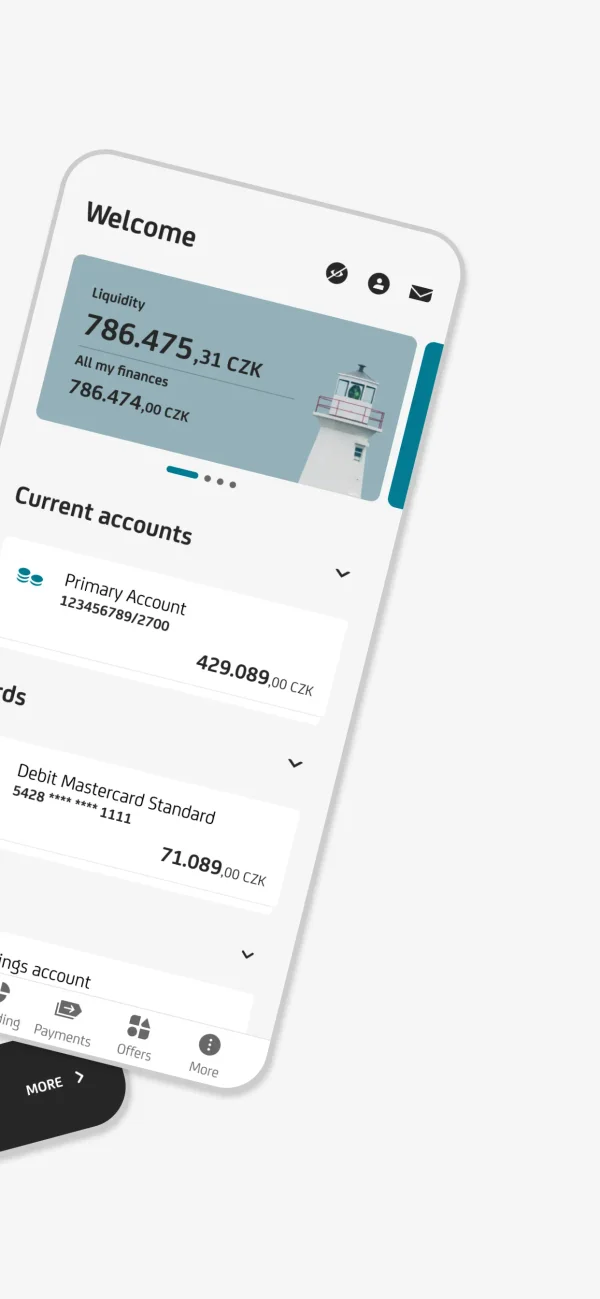
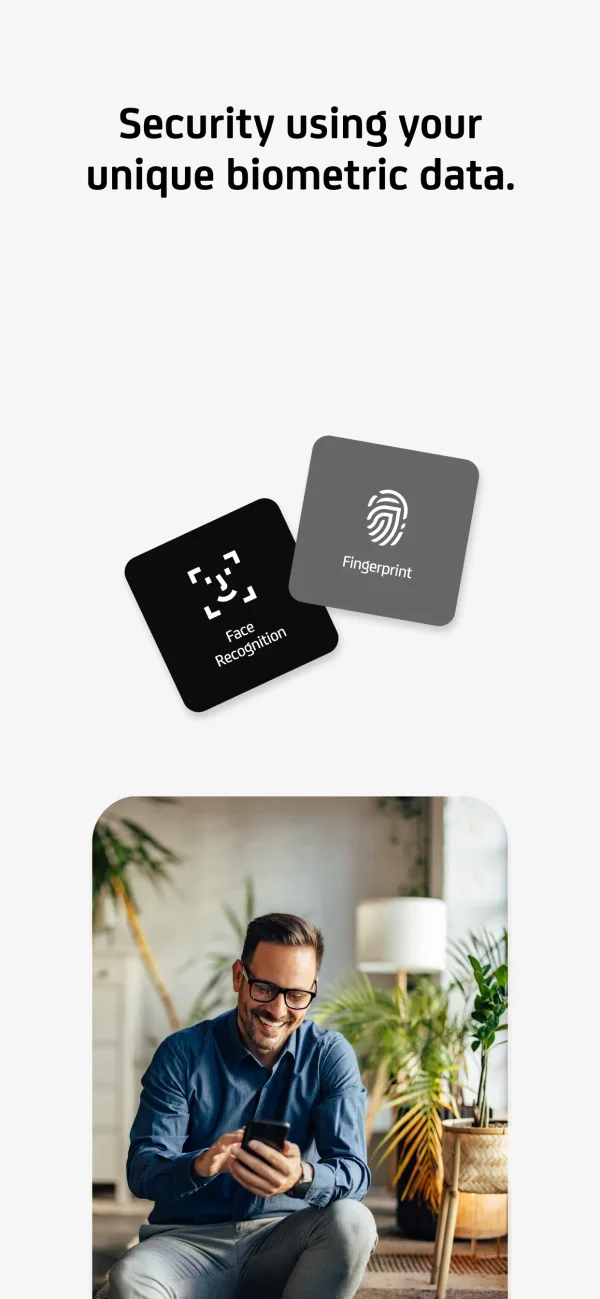
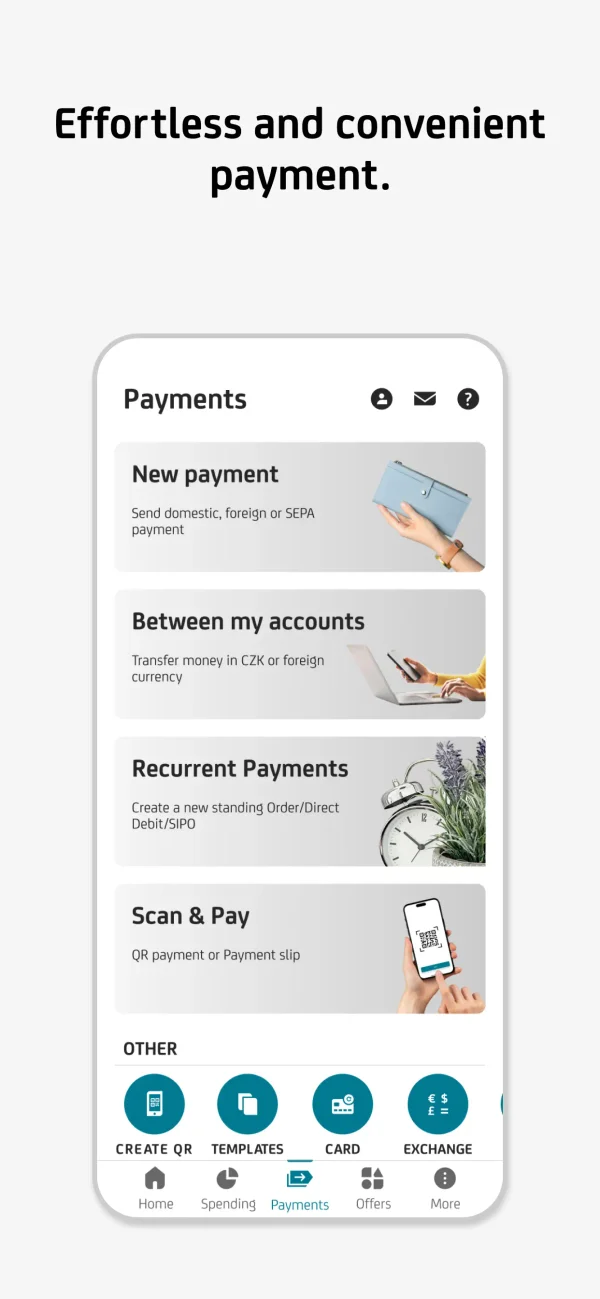
With Smart Banking you always have your bank at your fingertips. The application is user-friendly and most of all secure. It enables you to enter payments, create and edit standing orders, pay a credit card, or activate a debit card. Access to the application as well as payment signatures are protected by your PIN code or biometric data (Touch ID / Face ID).
Smart Banking also includes Smart Key, which you can use to authorize payments and other orders entered in Online Banking, both online and offline. In online mode using push notifications and in offline mode by scanning QR codes. You can also easily change your credentials. In case you forget your credentials, you can reset them using a photo of your ID and a selfie video. The application itself will guide you through the reset.
But the application can do many more things!
• Learn about what’s going on in your account after you turn on Push Notifications.
• Have you lost a credit or debit card? You can simply temporarily block and unblock the card for free in the app.
• You can adjust the daily limit for credit and debit card according to your needs.
• Add credit to your mobile phone with a few clicks.
• Check your account balance even without signing into the app with the Widget
• You can also make a payment by scanning a QR code (QR payment).
• In Online Banking you can use the Payment templates and stored Beneficiaries in the Smart Banking application.
• Account statements, statements for credit cards and other documents can be found in Documents.
• Get an instant overview of currency rates.
• Are you searching for an ATM or UniCredit Bank branch? You can quickly find them in the application.
How to activate the app?
We have prepared a simple and unified activation process for you. Simply download the application and activate the application by using your Username and PIN. If you do not have this data, but you are a Client of UniCredit Bank, you can obtain it directly in the application.
What’s new
Version 26.5.60 · Oct 21, 2026
What have we prepared for you in the new version?
• Easier payment search
• Option to view the password for communication
• Option to cancel future dated domestic payment
• We have made a series of improvements
App privacy
What UniCredit Bank Czech Republic and Slovakia, a.s. declares on the App Store about how this app handles data.
-
Data linked to you
May be collected and linked to your identity.
- Purchases
- Financial info
- Contact info
- Identifiers
-
Data not linked to you
May be collected but is not linked to your identity.
- Location
- Usage data
- Diagnostics
Privacy practices may vary, for example with the features you use or your age.
Information
- Seller
- UniCredit Bank Czech Republic and Slovakia, a.s.
- Category
- Finance
- Version
- 26.5.60
- Updated
- Oct 21, 2026
- Released
- Oct 7, 2011
- Size
- 738.5 MB
- Requires
- iOS 15.0 or later
- Age rating
- 4+
- Price
- Free
- Languages
- English, Czech
- Copyright
- © 2013 UniCredit Bank Czech Republic and Slovakia, a.s.