Smart Dice: Dice Roller
Share rolls with friends
Designed for iPhone, iPad, iPod touch
Free · In-app purchases
- Age rating4+
- CategoryBoard
- DeveloperTakeKApp
- LanguagesEnglish+ 26 more
- Size60.1 MB
Links to the official App Store page
Download.org hosts no file of Smart Dice: Dice Roller. The button opens its official App Store page, published by TakeKApp. Listing last checked on Nov 24, 2026.
Screenshots

About
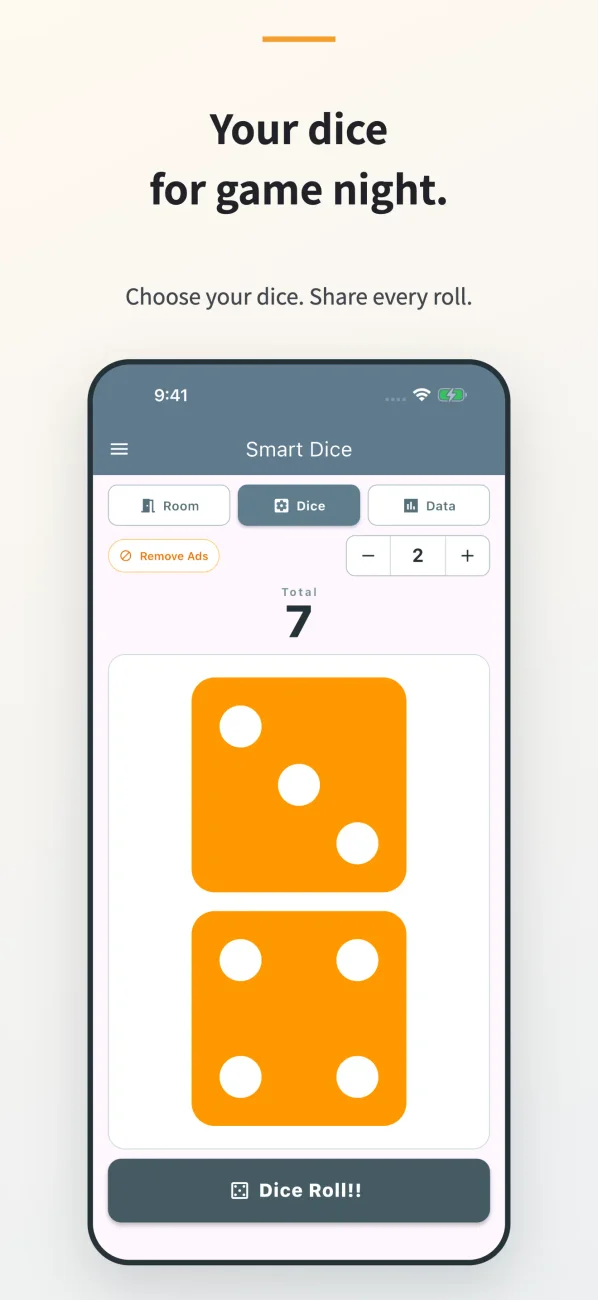
Use Smart Dice when a board game needs dice, for a tabletop RPG session or to choose who goes first. Tap to roll and check the total on screen.
Choose your dice
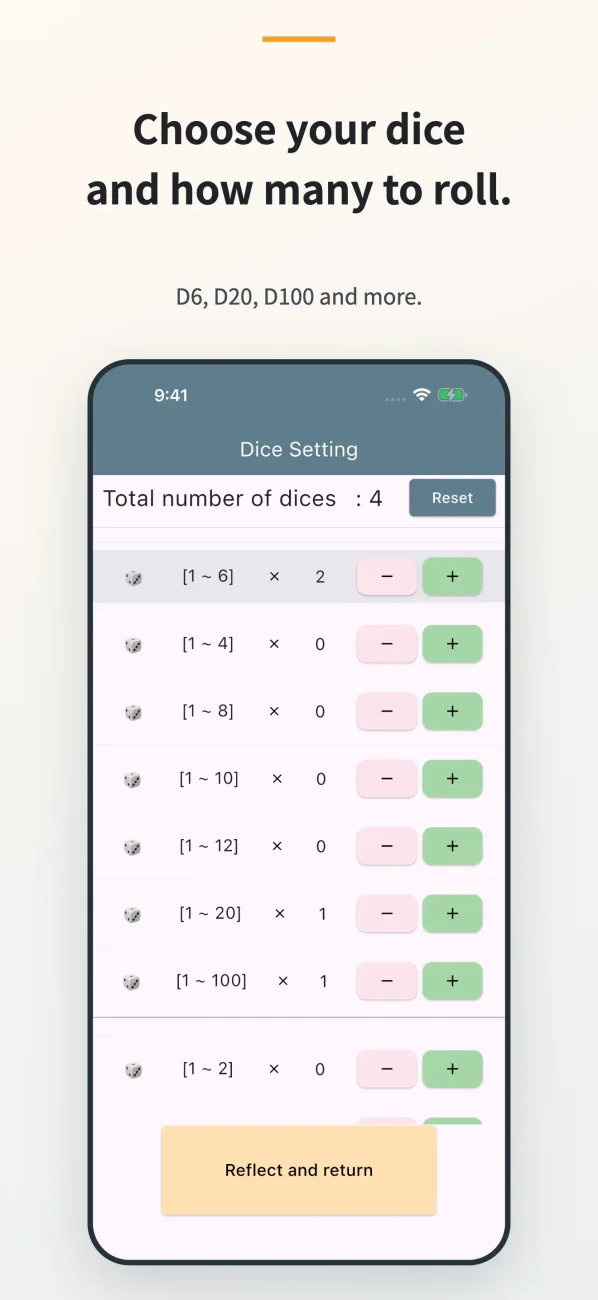
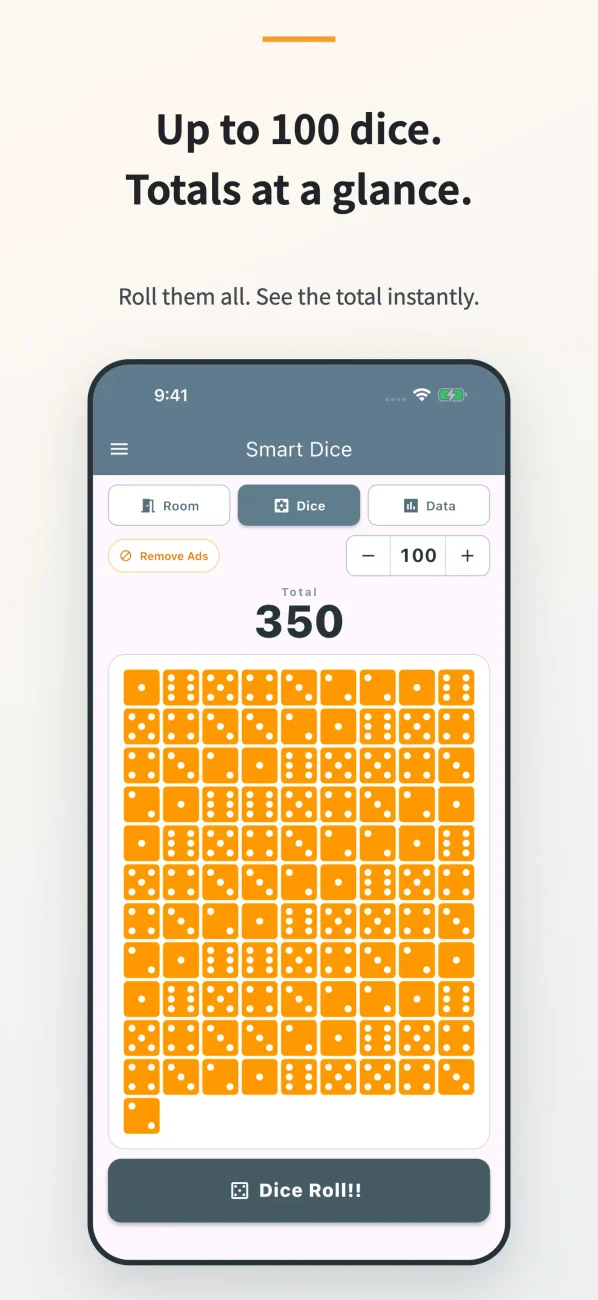
Roll up to 100 dice at once. Choose D4, D6, D8, D10, D12, D20, D100 and other dice, and combine different types in one roll. The reset button in dice settings restores the starting dice setup.
Share rolls with friends
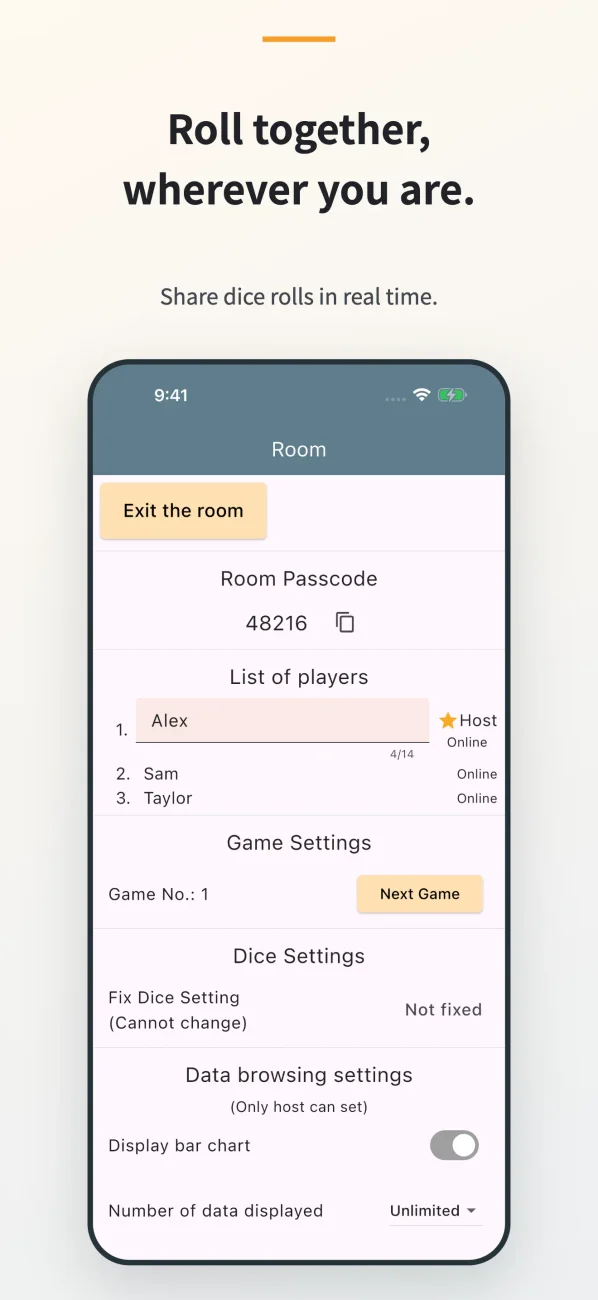
Create a room and share its PIN. Everyone in the room can see each other's rolls in real time, even when playing from different places. Room sharing needs an internet connection.
Review the results
Look back through your roll history and use graphs to see how often each result appeared. Turn on spoken results to hear the total read aloud. Graphs are hidden for dice setups with a wide range of possible totals.
Change the display
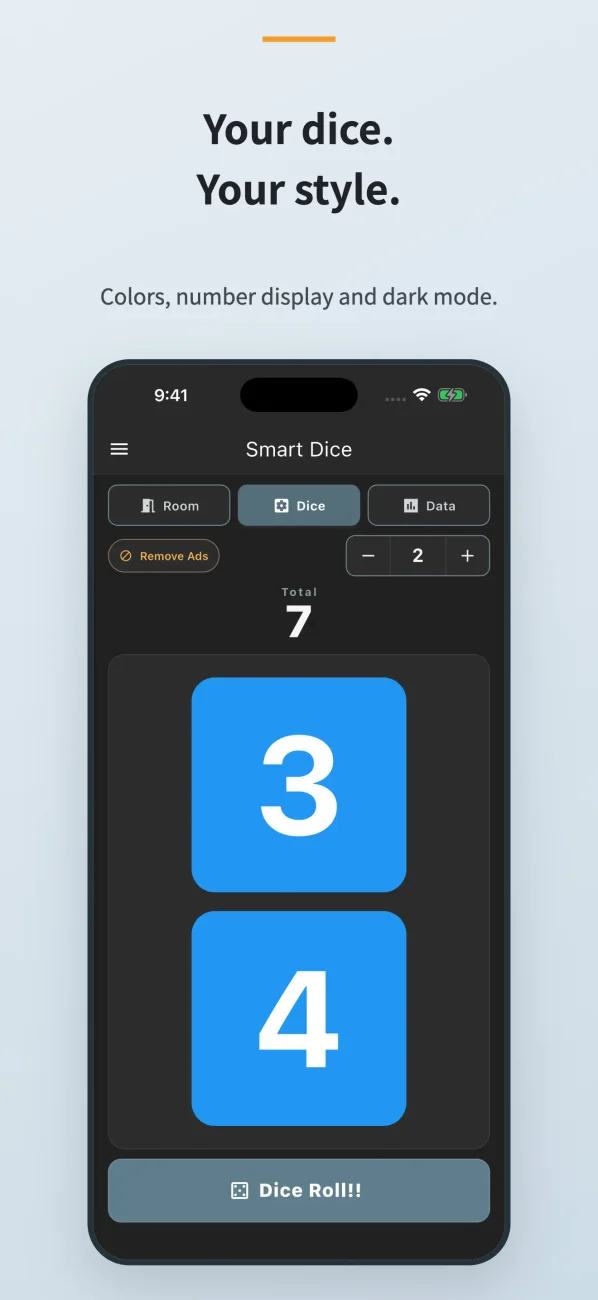
Choose dice colors, switch between dots and numbers, and use dark mode.
When to use it
Use it for board games such as Catan or Monopoly, tabletop RPGs and choosing turns at a party. In class, roll repeatedly and count the results to explore probability.
Offline use and ads
Rolling dice, changing their types and number, and viewing history are free to use. You can roll dice on your own without an internet connection. The app contains ads and offers an in-app purchase to remove them.
What’s new
Version 1.1.34 · Nov 24, 2026
When a banner ad is unavailable, existing banner slots on more screens can now show recommendations for other TakeKApp apps.
App privacy
What TakeKApp declares on the App Store about how this app handles data.
-
Data used to track you
May be used to track you across apps and websites owned by other companies.
- Location
- Identifiers
- Usage data
-
Data linked to you
May be collected and linked to your identity.
- Purchases
- Identifiers
- Usage data
- Diagnostics
- Other data
-
Data not linked to you
May be collected but is not linked to your identity.
- Location
- User content
- Usage data
- Diagnostics
Privacy practices may vary, for example with the features you use or your age.
Information
- Seller
- TakeKApp
- Category
- Board
- Version
- 1.1.34
- Updated
- Nov 24, 2026
- Released
- Sep 4, 2021
- Size
- 60.1 MB
- Requires
- iOS 15.0 or later
- Age rating
- 4+
- Price
- Free
- In-app purchases
- Yes
- Languages
- English, Arabic, Czech, Danish, Dutch, Finnish, French, German, Greek, Hindi, Hungarian, Indonesian + 15 more
- Copyright
- © 2026 TakeKApp
You might also like
-
 Hangman Words - Guess WordFind the hidden word games
-
 ArtLoop: How to Draw TogetherSimple Art Games with Friends
-
 Fashion Games-Makeup, Dress UpBe a fashion makeover stylist!
-
 Color Maze AdventureGuide ball through mazes!
-
 Idol Live: Mini Games ShowSimulation
-
 Draw One Puzzle GamesSmart Line Puzzle Challenge
-
 CoPlay: 2 Player Games OfflineTwo players,One device,No Wifi
-
 Dreamy TownMaster the art of fishing
-
 Line Drawing: No Lift PuzzleDraw shapes with single line
-
 My Shopping MallShopping Mall Simulator