- Age rating4+
- CategoryUtilities
- DeveloperAmila Rathnayake
- LanguagesEnglish
- Size23.5 MB
Links to the official App Store page
Download.org hosts no file of Smart File Converter. The button opens its official App Store page, published by Amila Rathnayake. Listing last checked on Nov 12, 2026.
Screenshots
About
Smart File Converter is a powerful, secure, and native iOS utility designed to handle all of your media and document conversions locally on your device. By leveraging advanced on-device processing, the app eliminates the need to
upload files to external servers, providing unmatched speed and complete data privacy.
Whether you need to compress media, combine documents, or change file formats for cross-platform compatibility, Smart File Converter offers a unified toolkit that works entirely offline.
Key Features:
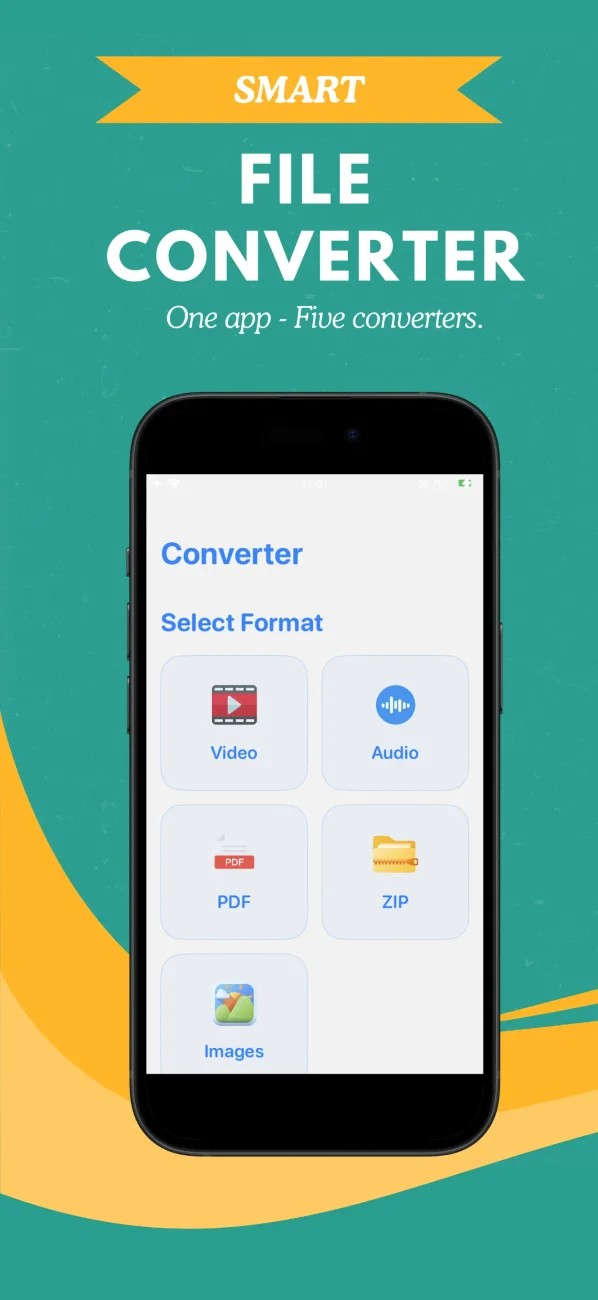
• Image Converter: Easily transform your photos and graphics into the format you need.
• Supported Formats: JPG, PNG, WEBP, BMP, GIF, and TIFF.
• Quickly convert high-resolution images or adjust formats for web compatibility.
• Video Converter: Process and convert video files directly from your photo library.
• Supported Formats: MP4, MOV, AVI, MKV, FLV, and WEBM.
• Optimize and share videos without compromising visual quality.
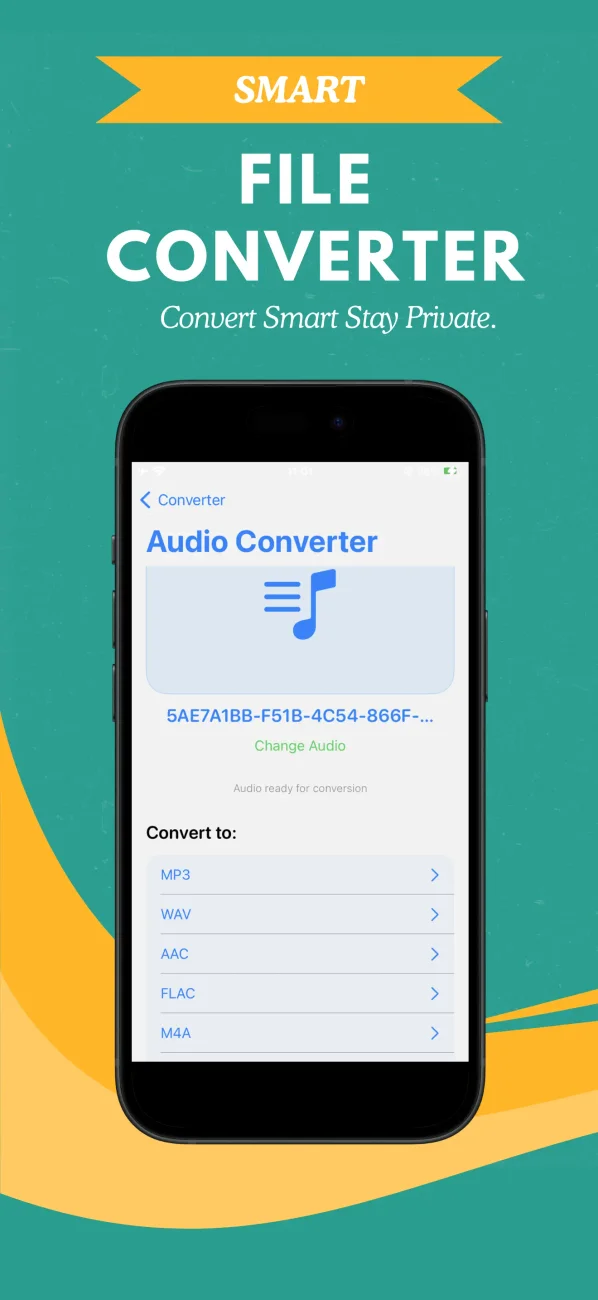
• Audio Converter: Convert voice memos, music tracks, and audio assets on the go.
• Supported Formats: MP3, WAV, AAC, FLAC, M4A, OGG, and WMA.
• Transition between high-fidelity and compressed formats seamlessly.
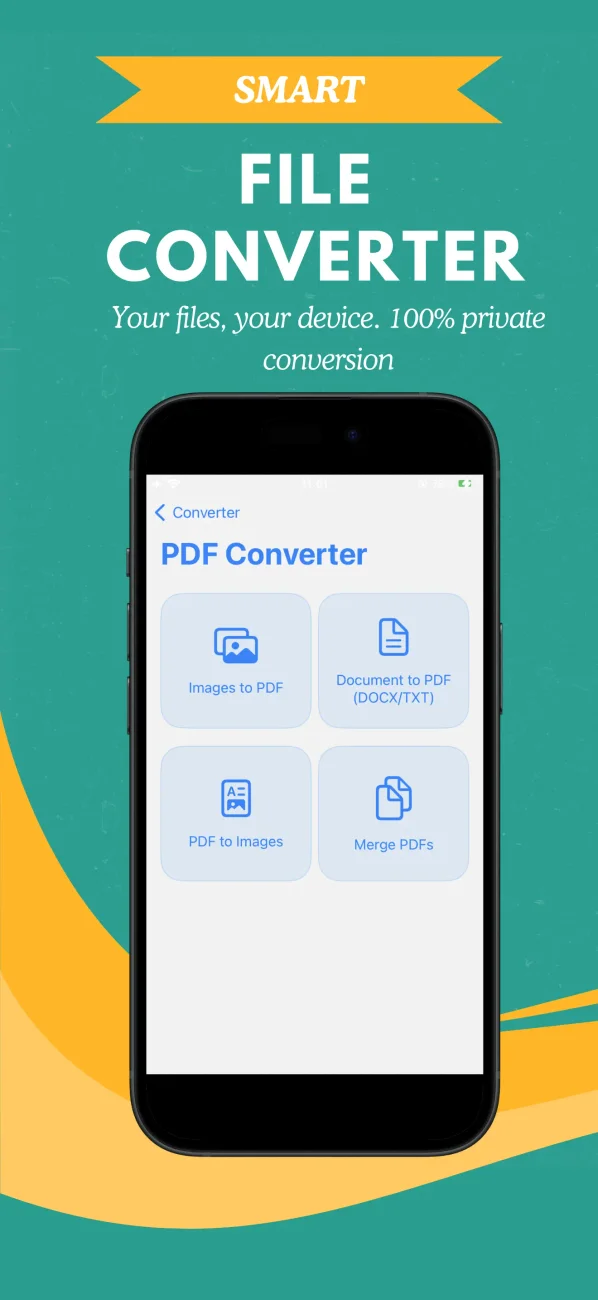
• PDF Utilities: Manage documents with a suite of professional PDF tools.
• Convert images and scanned files into a single PDF.
• Turn text and Office documents (DOCX,, TXT) into PDF format.
• Extract pages from any PDF document and save them as individual images.
• Combine and merge multiple PDF files into a single document.
• ZIP Archiving and Extraction: Compress and organize files in seconds.
• Package multiple files and directories into compressed ZIP archives for easy sharing.
• Extract and unpack content from ZIP files.
Why Choose Smart File Converter?
• Uncompromising Privacy: Your personal files, photos, and documents never leave your device. All processing occurs locally, ensuring your information remains completely secure.
• Local Speed: Avoid the wait times, queues, and transfer delays of cloud-based converters. Local rendering means files are processed immediately.
• Full Offline Capability: Convert files anytime and anywhere, without requiring a cellular network or Wi-Fi connection.
• Clean iOS Design: A streamlined user interface built specifically for iOS, offering an intuitive experience with zero learning curve.
App privacy
What Amila Rathnayake declares on the App Store about how this app handles data.
-
Data not collected
The developer does not collect any data from this app.
Privacy practices may vary, for example with the features you use or your age.
Information
- Seller
- Amila Rathnayake
- Category
- Utilities
- Version
- 1.0.2
- Updated
- Jun 12, 2026
- Released
- Jun 11, 2026
- Size
- 23.5 MB
- Requires
- iOS 16.6 or later
- Age rating
- 4+
- Price
- Free
- Languages
- English
- Copyright
- © Amila Rathnayake@2026
You might also like
-
 The Converter: Files & PDFConvert, scan, merge & zip
-
 Verto — File ConverterUtilities
-
 PureZip: ZIP File ExtractorFast ZIP Preview & Extract
-
 BMC File ConverterConvert Files Locally & Fast
-
 FrankenTTSPrivate voices, on device
-
 ZOUIUtilities
-
 Video Watermark Maker Add TextProtect Logo Watermark Editor
-
 All File ConverterUtilities
-
 Pluck: Audio EditorSimple Trim, Cut, and Fade
-
 Files - Documents ManagerAll Files Browser & Reader