Flashcard Study Widgets: Mnemo
Maker, Multiple Choice & Cloze
Designed for iPhone, iPad, Mac
Free · In-app purchases
- Age rating4+
- CategoryEducation
- DeveloperMax Lottermoser
- LanguagesEnglish+ 13 more
- Size237.9 MB
Links to the official App Store page
Download.org hosts no file of Flashcard Study Widgets: Mnemo. The button opens its official App Store page, published by Max Lottermoser. Listing last checked on Nov 25, 2026.
Screenshots
About
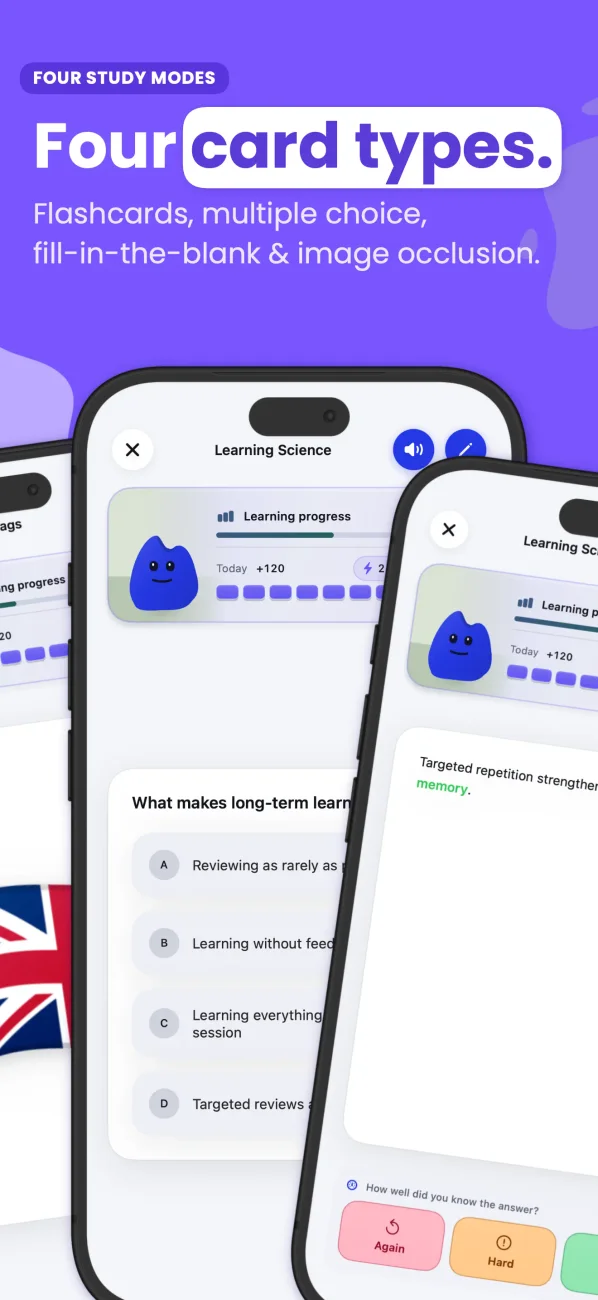
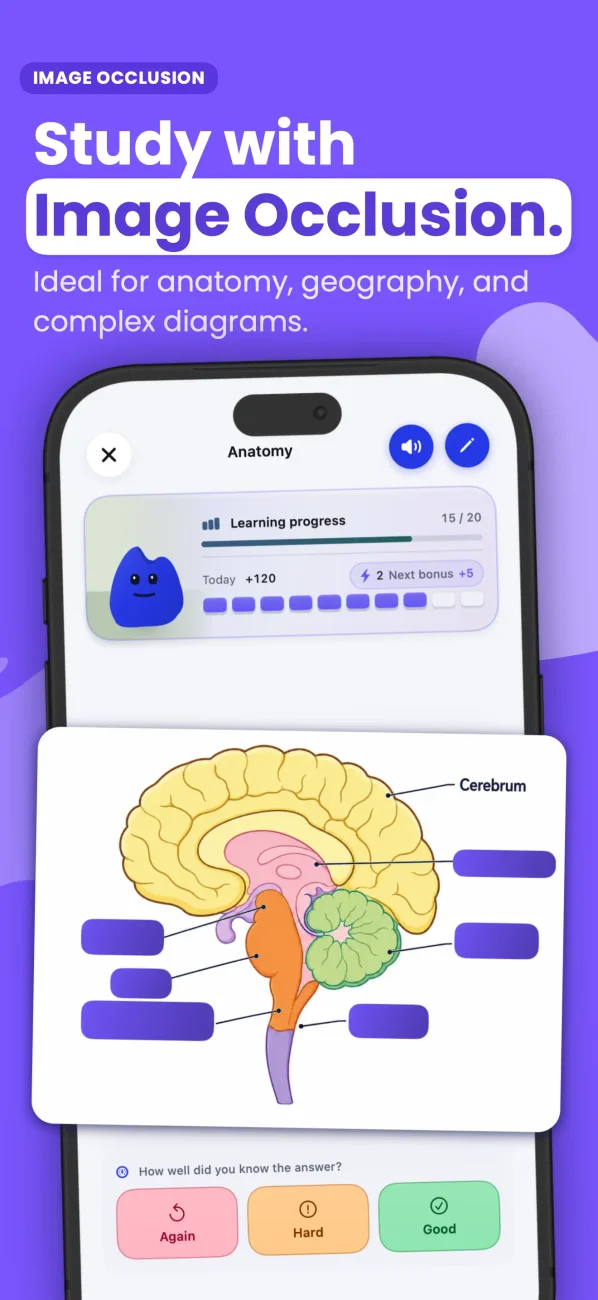
Create your own flashcards and review them directly in a widget. Mnemo brings together multiple choice, cloze cards and image occlusion for vocabulary, medical diagrams, formulas and the subjects you want to remember.
YOUR MATERIAL, YOUR STUDY ROUTINE
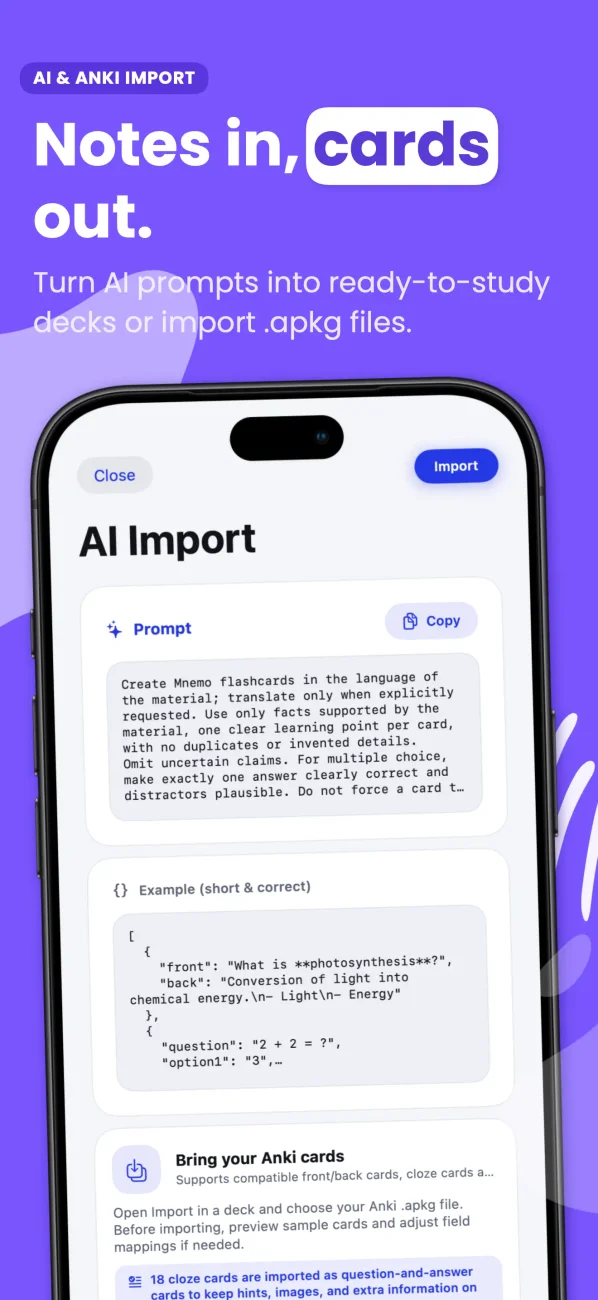
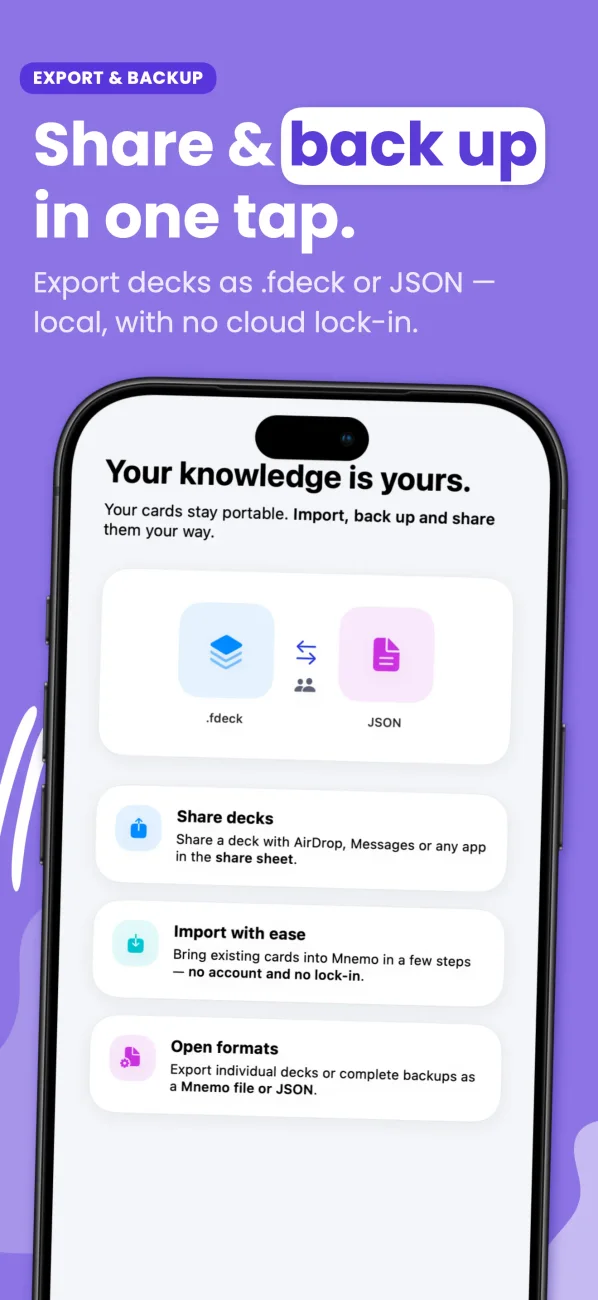
Write your own questions and answers or import structured cards with CSV or JSON. Organize your material into decks and use classic, multiple-choice, cloze or image-occlusion cards. Mnemo is a tool for your own learning content, rather than a complete exam question bank or medical atlas.
REVIEW FROM A WIDGET
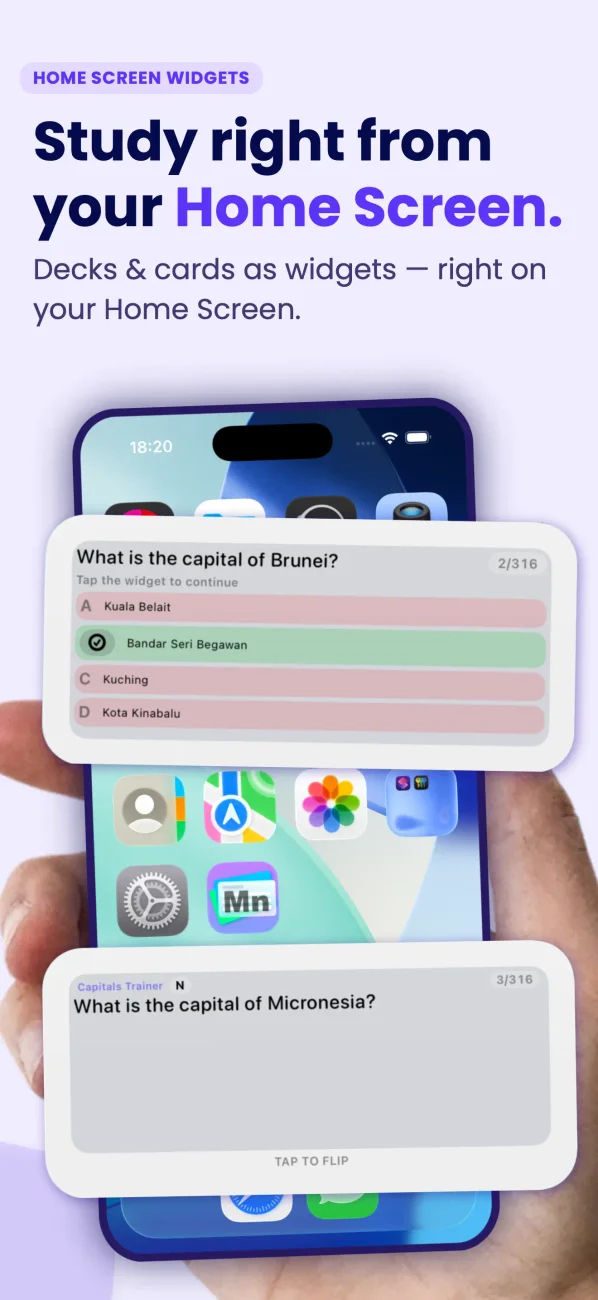
Flip cards, answer multiple-choice questions and record your recall without opening the app. Passive widgets rotate questions and answers. Use Home Screen widgets to keep your material close between study sessions.
MAKE RICH LEARNING CARDS
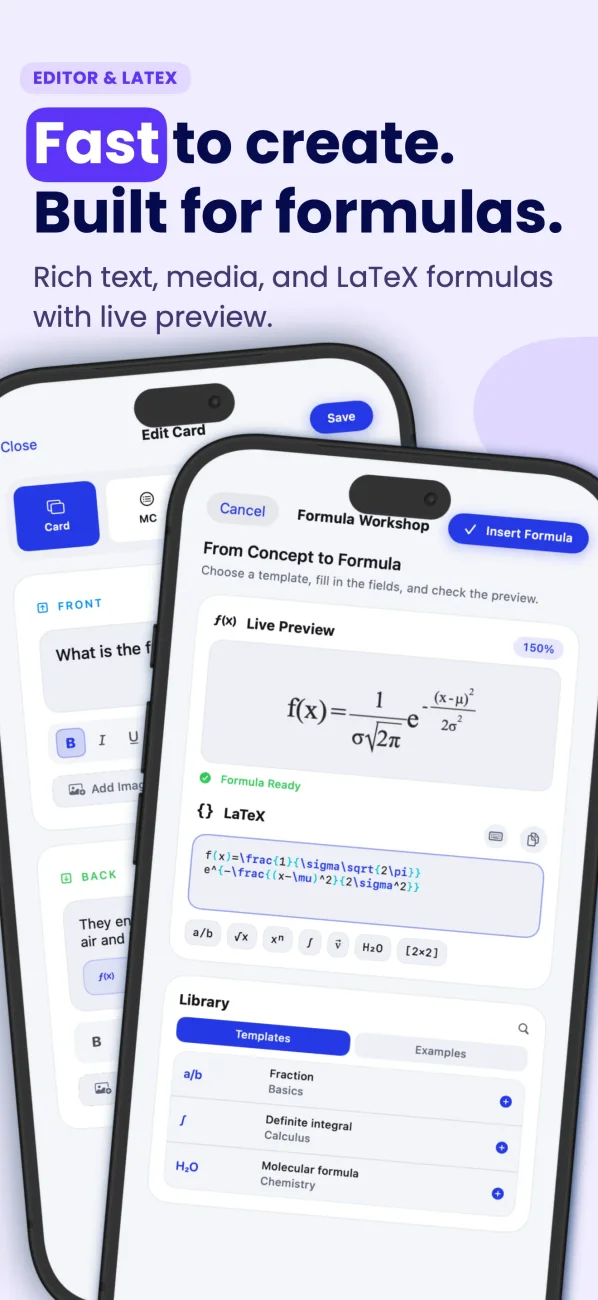
Combine formatted text, images and LaTeX formulas. Use code highlighting for technical material and text-to-speech for vocabulary and pronunciation.
BUILD A LASTING HABIT
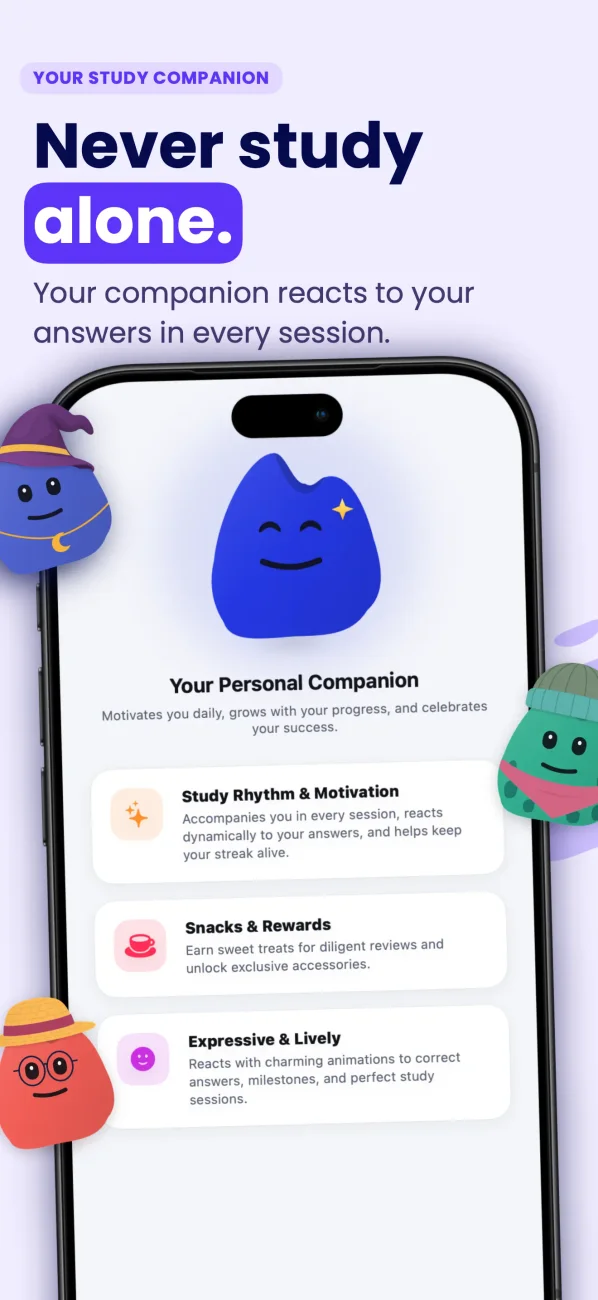
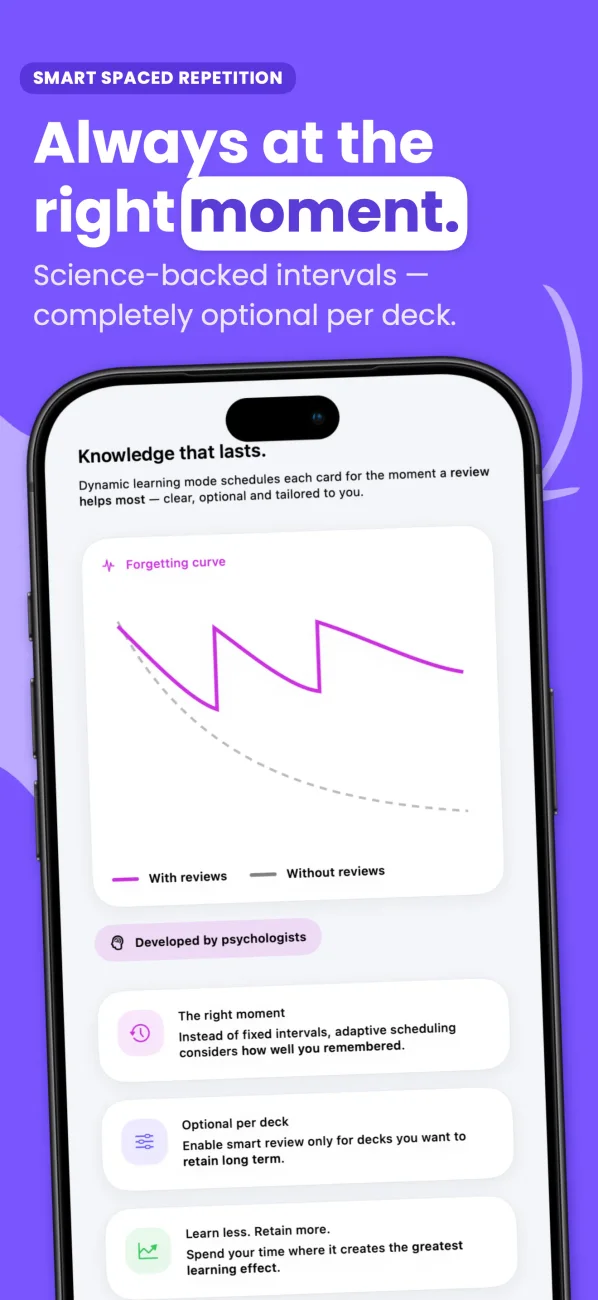
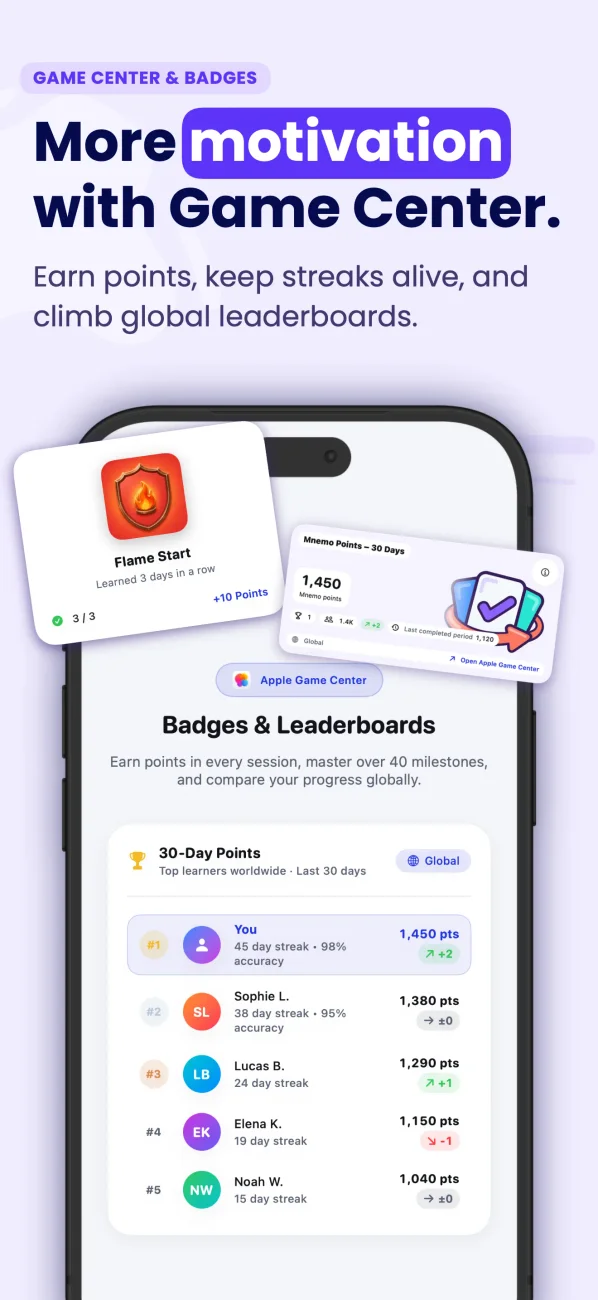
Spaced repetition in Mnemo Pro schedules your reviews. Heatmaps, streaks and a study companion help you see your progress and keep practising.
PRIVATE, EVEN OFFLINE
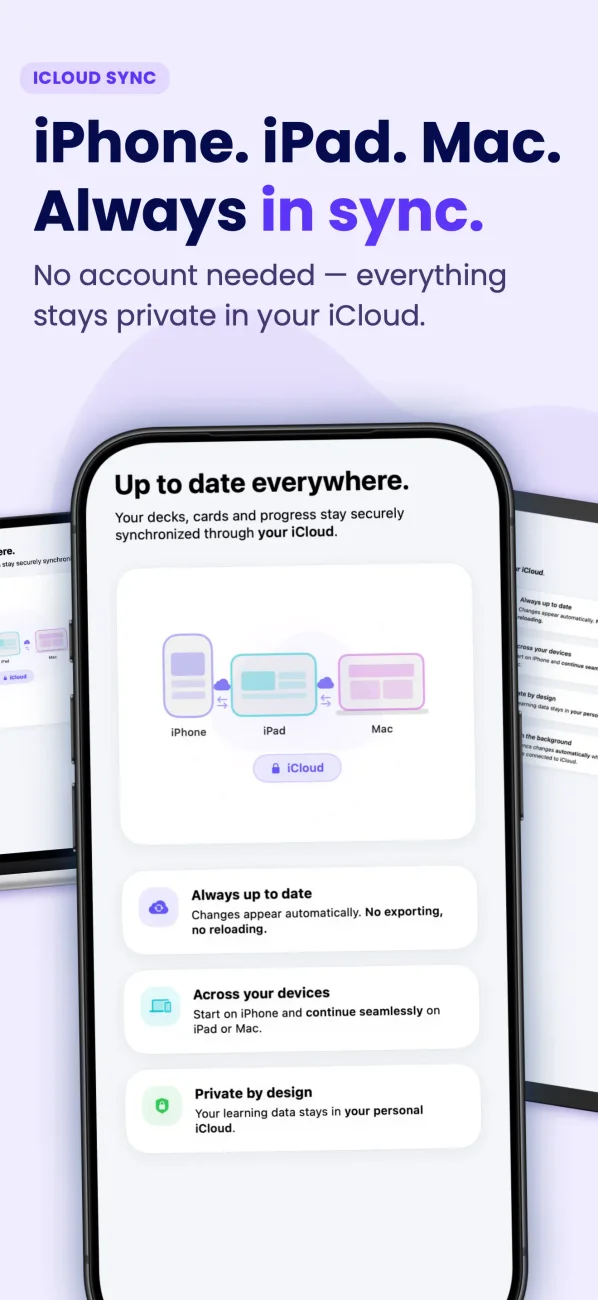
Study without an internet connection. Your library syncs through your personal iCloud. No account, advertising or subscription is required.
Try the core features with the starter experience. Mnemo Pro unlocks unlimited decks and cards with a one-time purchase.
Developed by a psychologist for students and lifelong learners.
What’s new
Version 6.7 · Nov 23, 2026
Find cards faster, add a touch of color to Mnemo, and choose the study view that suits you.
• Your study view, your choice: Use the sliders icon at the top to choose from four views: with your companion, a progress bar only, a compact card count, or no display. In Learning settings, you can have your companion appear just at the end.
• A fun way to finish: With your companion on the completion screen, you can see your progress toward the next crate and celebrate with a surprise snack. You earn collection points in every study view.
• Your cards at a glance: Questions are easier to scan, and previews show gaps and covered parts of images. Search shows how many cards match.
• Make Mnemo yours: Preview light and dark mode and choose one of four accent colors for buttons and selections in Appearance & Language.
• More natural swiping on iPhone: The swipe gesture when studying on iPhone feels noticeably more natural and responsive. Cards follow your finger with a gentle tilt, preview your rating live as you drag, and spring smoothly back if you cancel.
Mnemo keeps evolving. Have feedback, questions, or ideas? Reach out anytime!
App privacy
What Max Lottermoser declares on the App Store about how this app handles data.
-
Data not collected
The developer does not collect any data from this app.
Privacy practices may vary, for example with the features you use or your age.
Information
- Seller
- Max Lottermoser
- Category
- Education
- Version
- 6.7
- Updated
- Nov 23, 2026
- Released
- May 14, 2026
- Size
- 237.9 MB
- Requires
- iOS 26.0 or later
- Age rating
- 4+
- Price
- Free
- In-app purchases
- Yes
- Languages
- English, Arabic, Danish, Dutch, Finnish, French, German, Japanese, Korean, Norwegian Bokmål, Portuguese, Simplified Chinese + 2 more
- Copyright
- © 2026 Max Lottermoser
You might also like
-
 NurseAIEducation
-
 Flashcards: Learn AnythingStudy languages, ace exams
-
 FlashCard By AI: Smart StudyLearn via Home screen widgets!
-
 Deckstreak: FSRS FlashcardsReview Daily, Remember More
-
 WidgetCardsFlashcards on your Home Screen
-
 FlashStacks - Flashcard studyMemorize - exam prep - widget
-
 Mnemo: Flashcards & VocabularyEducation
-
 Revizy - Flashcard & StudyMemorize Vocabulary & Exams
-
 Glimpse - Study & FlashcardsStudy Smarter from Home Screen
-
 CRPE Concours QCM 2026Education