Smart Invoice & Estimate Maker
Quotes & Paid Receipts to PDF
Designed for iPhone, iPad
Free · In-app purchases
- Age rating4+
- CategoryBusiness
- Developer可 吴
- LanguagesEnglish+ 10 more
- Size25.1 MB
Links to the official App Store page
Download.org hosts no file of Smart Invoice & Estimate Maker. The button opens its official App Store page, published by 可 吴. Listing last checked on Nov 23, 2026.
Screenshots
About
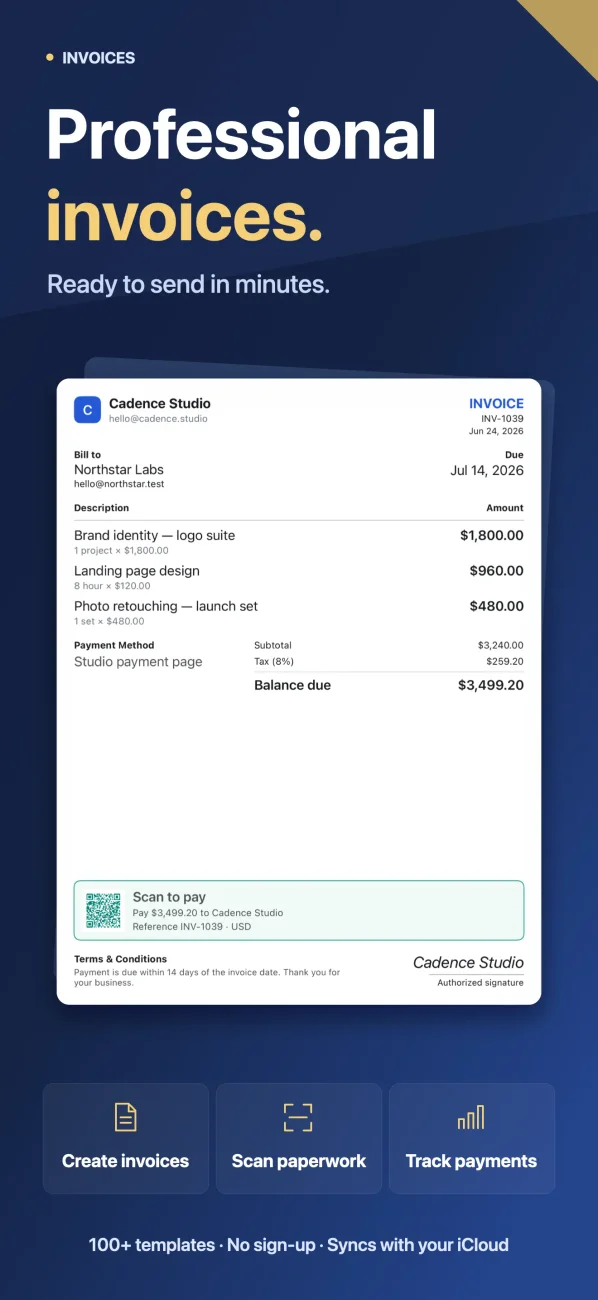
The fastest way for freelancers and small businesses to send professional invoices, estimates and quotes — and get paid faster with built-in payment QR codes.
CREATE INVOICES IN MINUTES
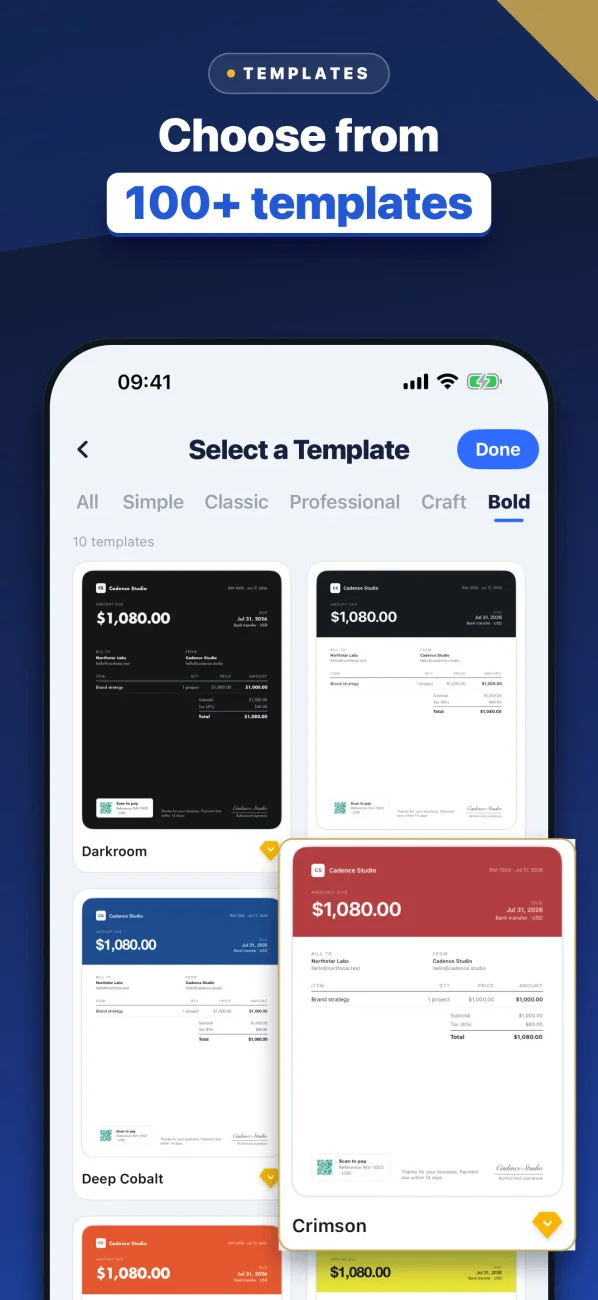
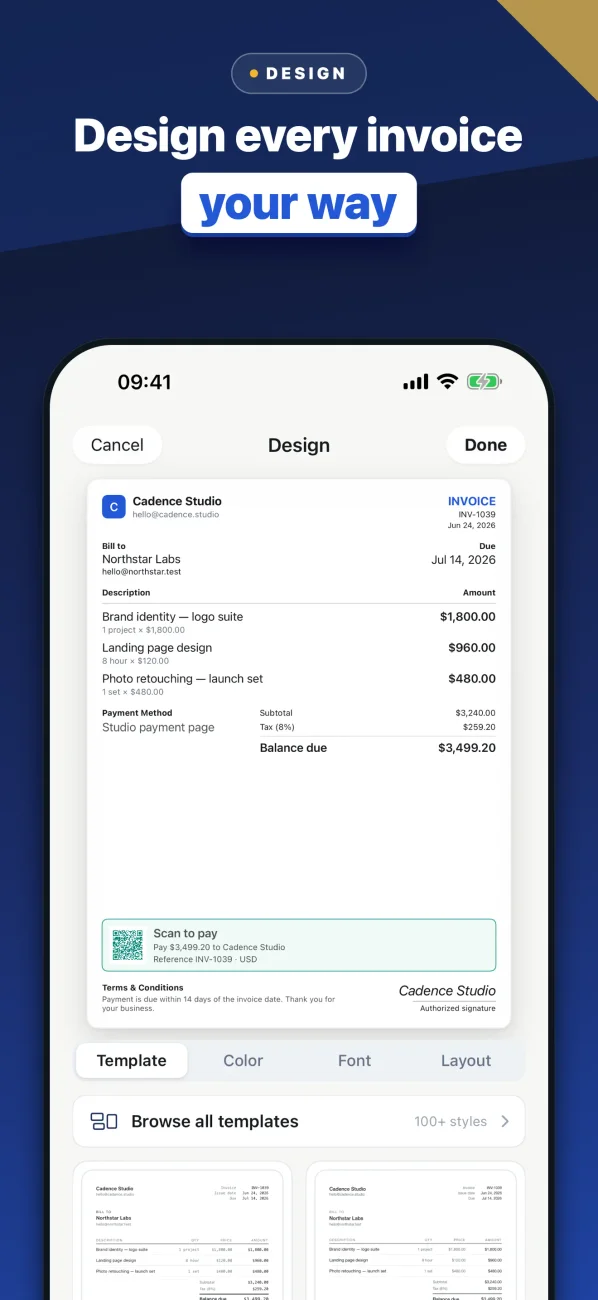
• Pick one of 100+ templates, add your client and items, and share a polished PDF
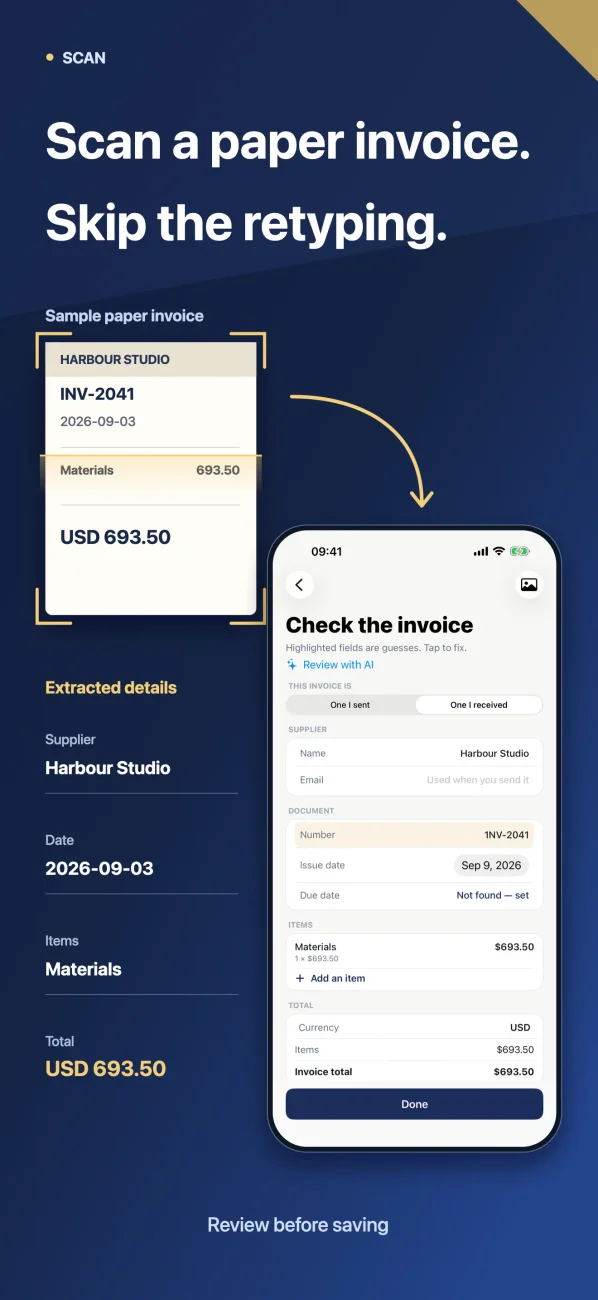
• Scan a paper invoice — or pick a photo — and it becomes an editable draft; the page is read on your device — the optional AI review sends it to Google only when you ask
• Start with an estimate or quote, then turn it into an invoice with one tap
• Save clients, items and tax rates for one-tap reuse
• Discounts, shipping, payment methods and reusable terms
• Sign off with a handwritten signature drawn right on your iPhone
GET PAID WITH A SCAN
• Every invoice can carry a payment QR code your clients scan to pay
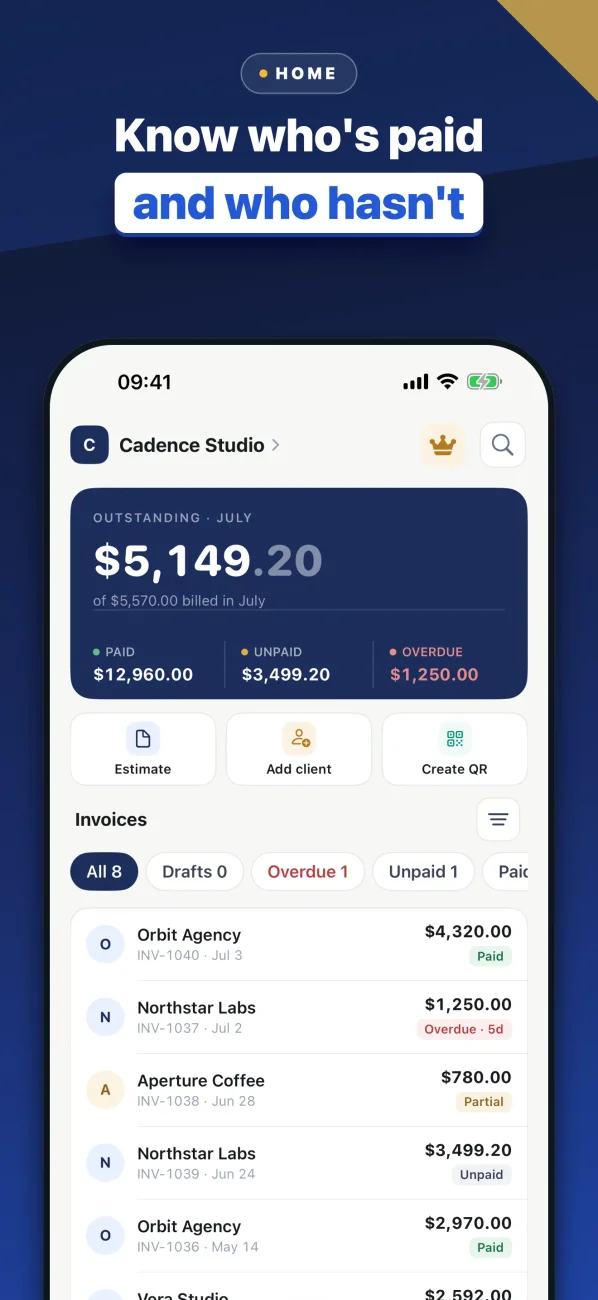
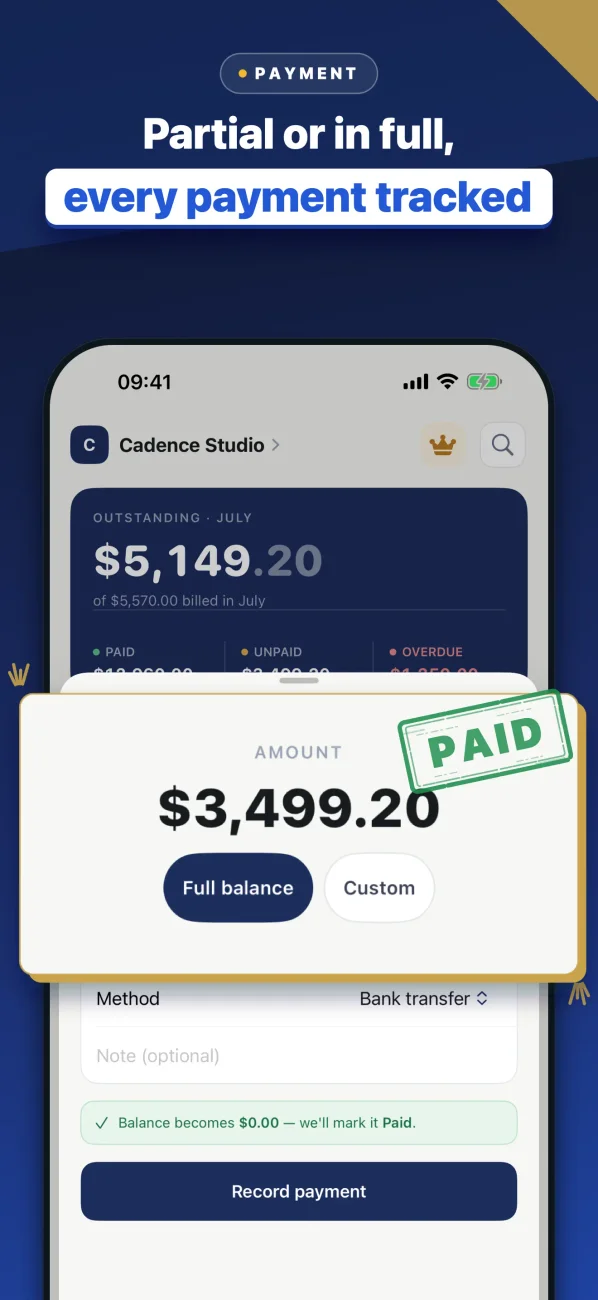
• Track status at a glance: paid, unpaid, partial and overdue
• Record payments and keep an accurate outstanding balance
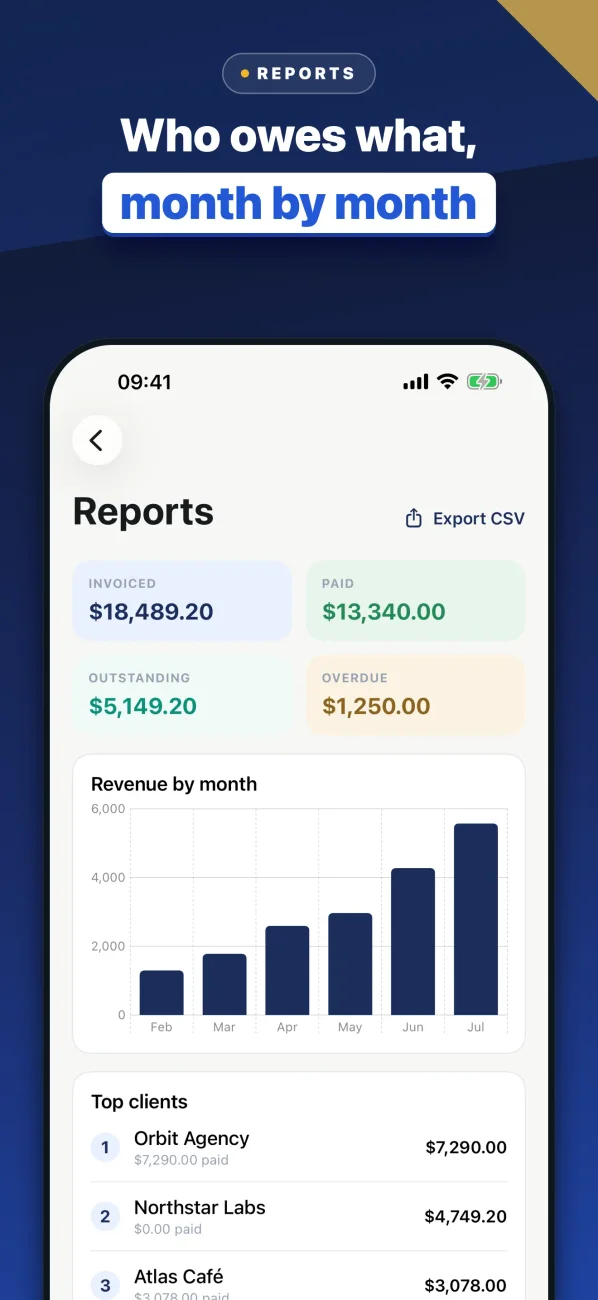
• Sales reports show income by month, your top clients and what is still outstanding
• Paid in full? Share the invoice as a receipt — the same document, marked paid, with the date it was settled
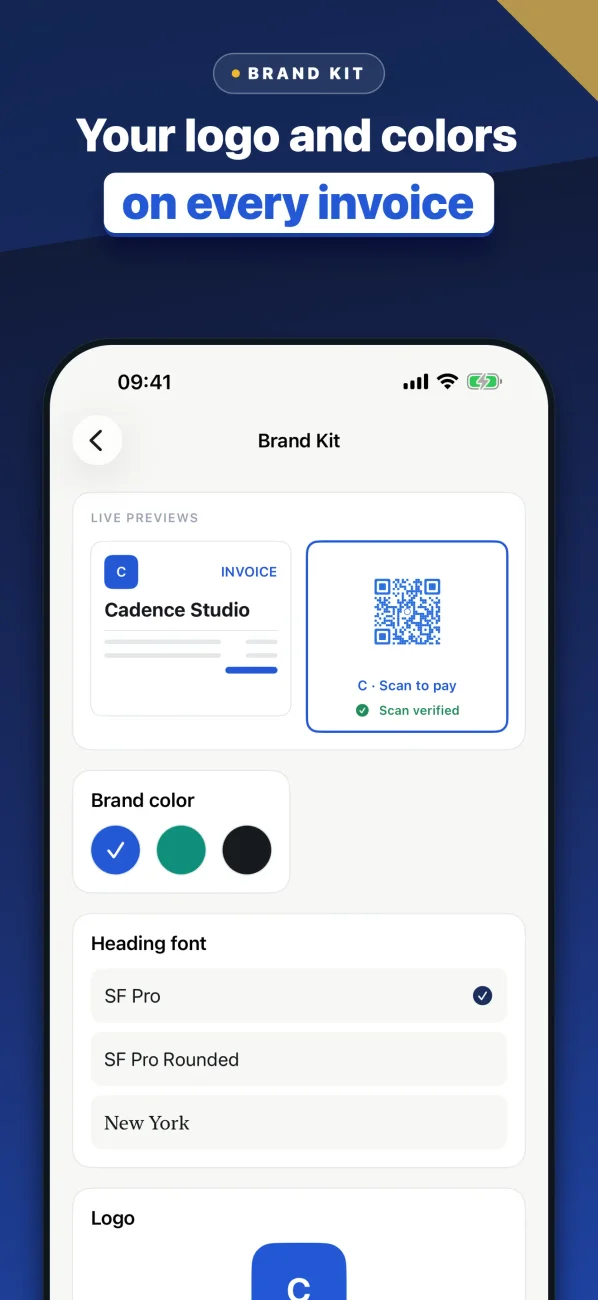
YOUR BRAND ON EVERYTHING
• Set your logo, brand color and fonts once
• Invoices, templates and QR designs pick up your brand automatically
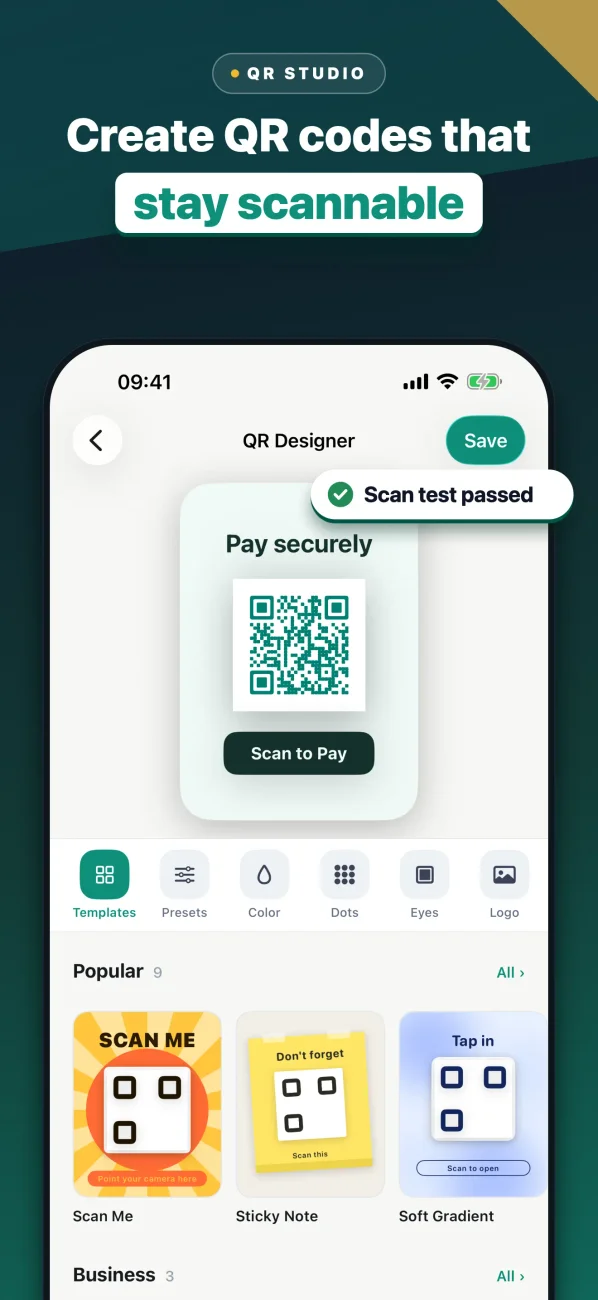
A QR CODE STUDIO TOO
• 12 QR types: link, Wi-Fi, contact card, email, phone, SMS, chat, location, calendar, text, payment and Pix
• 16 ready-made designs — poster, menu card, sale tag, neon, business card and more — plus your own colors, dots, frames and gradients
• Contrast and quiet zone are checked, so it always scans — export as an image to share, print or put on a sign
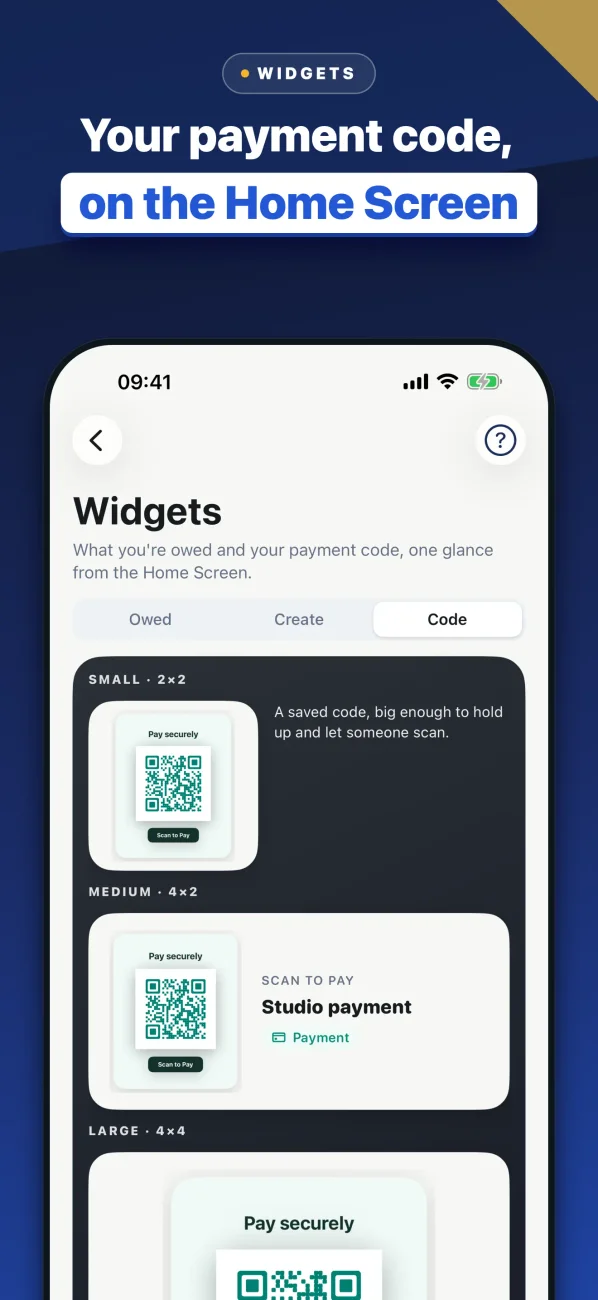
ON YOUR HOME SCREEN
• Three widgets: what you’re owed, quick create shortcuts, and a payment QR ready to scan
• The code is drawn large enough to hold up — no need to open the app
• 50 backgrounds, plus your choice of font and text color
SAFE AND IN SYNC
• Invoices, clients and QR codes sync privately through your own iCloud
• Move to a new iPhone and your work is already there
• Recently Deleted keeps invoices for 30 days, so one wrong tap is never final
• No account and no sign-up — the app works offline
• 13 app languages, light and dark appearance
FREE TO START
• Your first document is free — no account, no sign-up
• That's one in total, not one a month, whether it's an invoice, an estimate or a quote
• A document counts when you create it, and only once — editing it or sending it again later is free
• 4 of the ready-made QR designs are free — no Pro needed
• Exports carry a small line at the foot of the page naming the app — Pro switches it off
PRO
Go Pro to unlock everything:
• Unlimited invoices & QR exports
• 100+ invoice templates, 12+ QR styles & 16+ ready-made designs
• Full brand kit — color, font & logo
• Custom QR colors, dots & frames
• Remove the app’s line from the foot of exports
Questions or feedback? We read everything — reach us via the support link on this page.
Privacy Policy: https://dyljqq.github.io/invoiceqr/privacy-policy/
Terms of Use: https://dyljqq.github.io/invoiceqr/terms-of-service/
What’s new
Version 1.1.28 · Nov 19, 2026
• Minor improvements.
App privacy
What 可 吴 declares on the App Store about how this app handles data.
-
Data not linked to you
May be collected but is not linked to your identity.
- Purchases
- Location
- Identifiers
- Usage data
- Diagnostics
Privacy practices may vary, for example with the features you use or your age.
Information
- Seller
- 可 吴
- Category
- Business
- Version
- 1.1.28
- Updated
- Nov 19, 2026
- Released
- Jul 29, 2026
- Size
- 25.1 MB
- Requires
- iOS 17.0 or later
- Age rating
- 4+
- Price
- Free
- In-app purchases
- Yes
- Languages
- English, French, German, Italian, Japanese, Korean, Portuguese, Simplified Chinese, Spanish, Thai, Traditional Chinese
- Copyright
- © 2026 呉可
You might also like
-
 Sales Notes · Notas de VentaSales records, IOUs & payments
-
 Tearoff: AI Receipt MakerReceipt Scanner, Invoice, Bill
-
 Invoice Maker - Bill & TrackReceipt Maker & PDF Scanner
-
 Invoice Maker: Estimate, QuoteCreate PDF Receipts & Bills
-
 Estimate Maker - DuebeamCreate Quotations for Business
-
 Receipt Maker - Generate BillsCreate Business Payment PDFs
-
 Recifab: Thermal Receipt MakerThermal Printer, Sale Receipt
-
 Invoice Maker & Receipt App・Estimate & Invoice Generator
-
 Invoice Estimate MakerBill Book - SpeedInvoice
-
 Receipts, Invoices & PaymentsTrack payments and sales