Smart Print: Printer & Scanner
Print PDFs, Documents & Photos
Designed for iPhone, iPad, iPod touch
Free · In-app purchases
- Age rating17+
- CategoryUtilities
- DeveloperSon Nguyen Minh
- LanguagesEnglish+ 6 more
- Size85.6 MB
Links to the official App Store page
Download.org hosts no file of Smart Print: Printer & Scanner. The button opens its official App Store page, published by Son Nguyen Minh. Listing last checked on Nov 12, 2026.
Screenshots
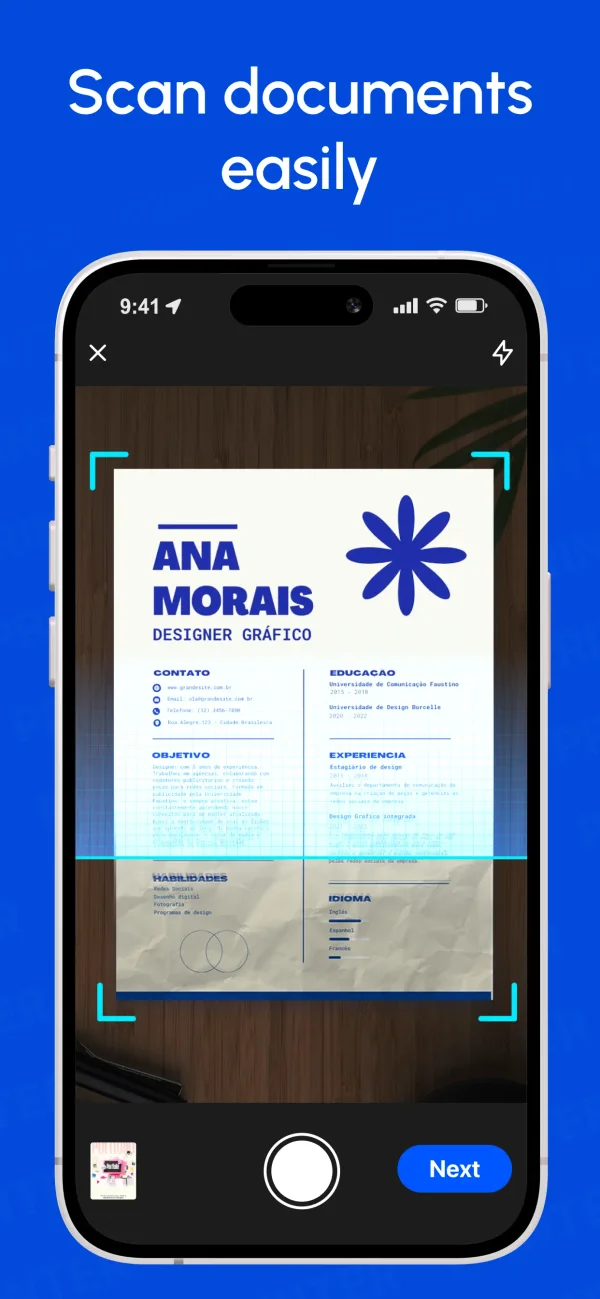
About
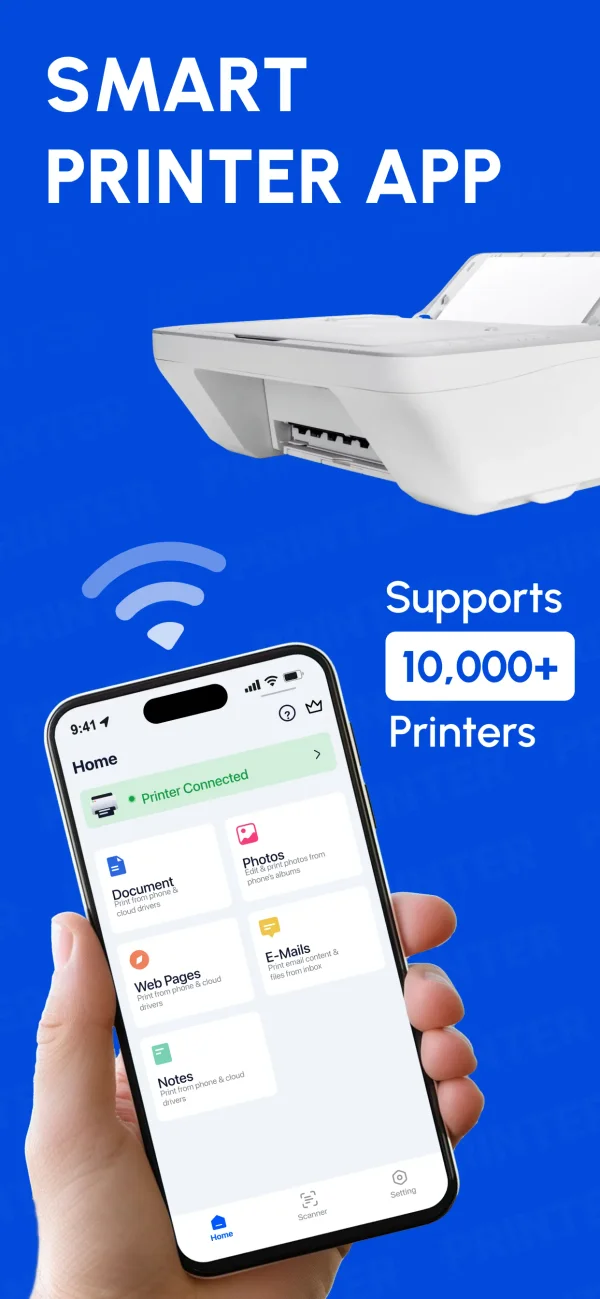
Printing from your iPhone or iPad should be simple and reliable. Smart Printer helps you wirelessly print documents and photos in just a few taps—no drivers, no complicated setup. Whether you need to print PDFs for work, documents for school, or photos at home, Smart Printer makes mobile printing fast and convenient using AirPrint and Wi-Fi printers.
KEY FEATURES:
WIRELESS PRINTING
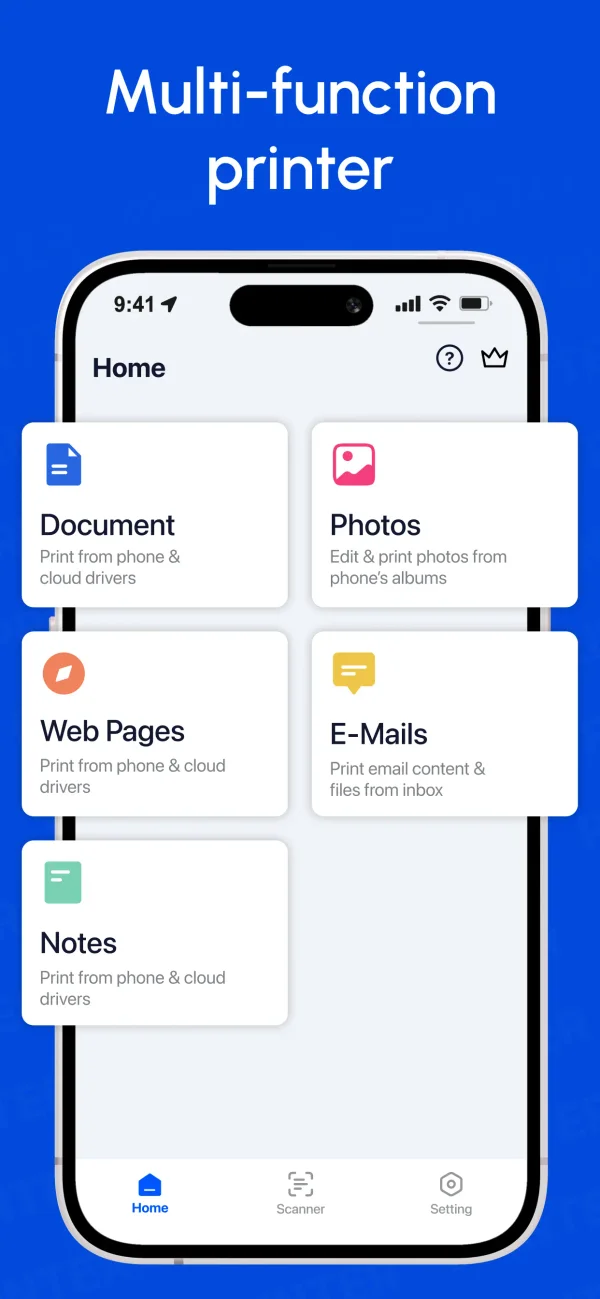
- Print PDFs, documents, and photos directly from your iPhone or iPad
- Print from Files, Photos, iCloud, email, and supported cloud services
- Print web pages and online documents
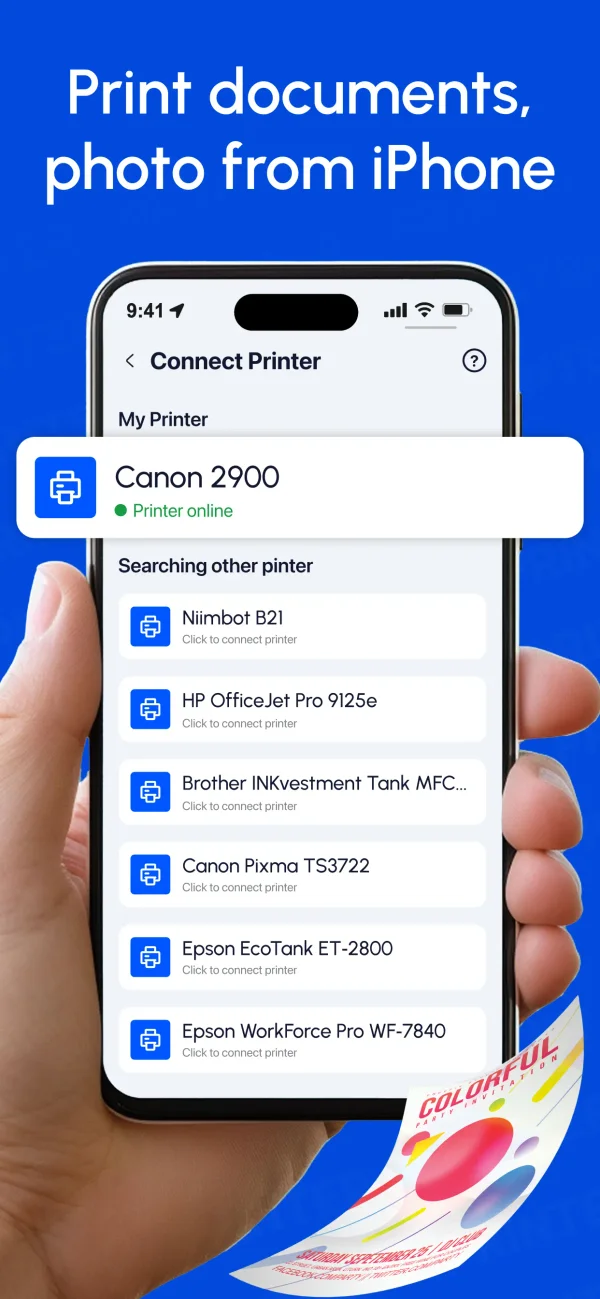
- Works with AirPrint-enabled and Wi-Fi printers
DOCUMENT SCANNING
- Scan documents using your device camera
- Save scans as PDF files
- Print or share scanned documents instantly
PRINT OPTIONS
- Select page range and number of copies
- Choose paper size and page orientation
- Print in color or black & white
PHOTO PRINTING
- Print photos from your gallery
- Resize and adjust photos before printing
SUPPORTED FILE TYPES
Print common file formats directly from your device, including:
- PDF documents
- Word files (DOC, DOCX)
- PowerPoint presentations (PPT, PPTX)
- Apple Pages, Numbers, and Keynote
- Images and photos (JPG, PNG)
- Web pages and online content
PRINTER COMPATIBILITY
- Smart Printer supports a wide range of wireless printers, including models from popular manufacturers such as Rollo, Pantum, Nimbot, HP, Canon, Epson, Brother, and Samsung, as well as many other AirPrint and Wi-Fi printers.
- Brand names are used for compatibility identification only and do not indicate endorsement or affiliation.
- For best performance, make sure your iPhone or iPad is connected to the same Wi-Fi network as your printer.
SUBSCRIPTIONS
Some features require a subscription. Subscriptions are billed automatically unless canceled at least 24 hours before the end of the current billing period. You can manage or cancel your subscription anytime in your App Store account settings.
Privacy Policy: https://sites.google.com/unisoftstudio.com/privacypolicy/home
Terms of Use: https://sites.google.com/unisoftstudio.com/tearmsandcondition/home
What’s new
Version 1.5 · May 6, 2026
fix bug + performance
App privacy
What Son Nguyen Minh declares on the App Store about how this app handles data.
-
Data used to track you
May be used to track you across apps and websites owned by other companies.
- Purchases
- Search history
- Browsing history
- Usage data
- Sensitive info
- Diagnostics
- Other data
-
Data linked to you
May be collected and linked to your identity.
- Purchases
- Search history
- Browsing history
- Usage data
- Sensitive info
- Diagnostics
- Other data
-
Data not linked to you
May be collected but is not linked to your identity.
- User content
Privacy practices may vary, for example with the features you use or your age.
Information
- Seller
- Son Nguyen Minh
- Category
- Utilities
- Version
- 1.5
- Updated
- May 6, 2026
- Released
- Jan 14, 2026
- Size
- 85.6 MB
- Requires
- iOS 15.0 or later
- Age rating
- 17+
- Price
- Free
- In-app purchases
- Yes
- Languages
- English, French, German, Japanese, Portuguese, Spanish, Thai
- Copyright
- © 2024 Unisoft Studio
You might also like
-
 Smart Air Printer App For HpSmart Printer For Hp
-
 Smart Printer app & Scan PDFPhoto, Scan, Docs, Print PDF
-
 Epson Printer AppPrint from Your Device
-
 Printify: Smart Scan & PrintSmart Air Printer & Scan Docs
-
 Smart Printer App | Air PrintPrint Documents and Photos
-
 Smart Printer: Scan & PrintScanner, Edit, PDF, Printing
-
 HP Smart Printer app FREEAll-in-one wireless printing
-
 Air Printer: Smart Print ProAny File, PDF, Photo Printing
-
 Printer App: Smart Printer AppPrint Photos & PDF, Scan Docs