
Smart Print Studio
Print, Scan & PDF Tools
Designed for iPhone, iPad
Free · In-app purchases
- Age rating17+
- CategoryUtilities
- DeveloperLAMMA TECH COMPANY LIMITED
- LanguagesEnglish+ 9 more
- Size125.1 MB
Links to the official App Store page
Download.org hosts no file of Smart Print Studio. The button opens its official App Store page, published by LAMMA TECH COMPANY LIMITED. Listing last checked on Nov 18, 2026.
Screenshots
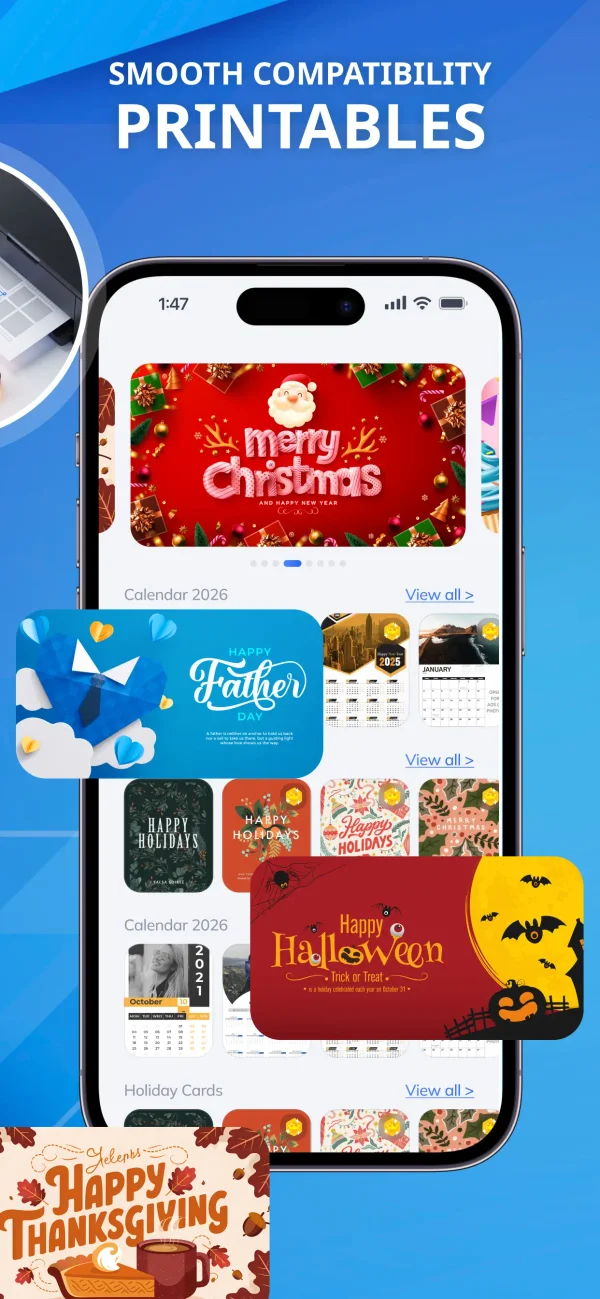
About
Print, scan, and organize documents from your iPhone in a few taps. Smart Print Studio is an all-in-one wireless printer app and PDF scanner for documents, photos, labels, templates, and everyday paper tasks.
Whether you want to print a PDF, scan paperwork into a clean file, prepare pages before printing, or create ready-to-use printable content, Smart Print Studio helps you do it faster and with less friction.
KEY FEATURES
• Print Documents and PDFs
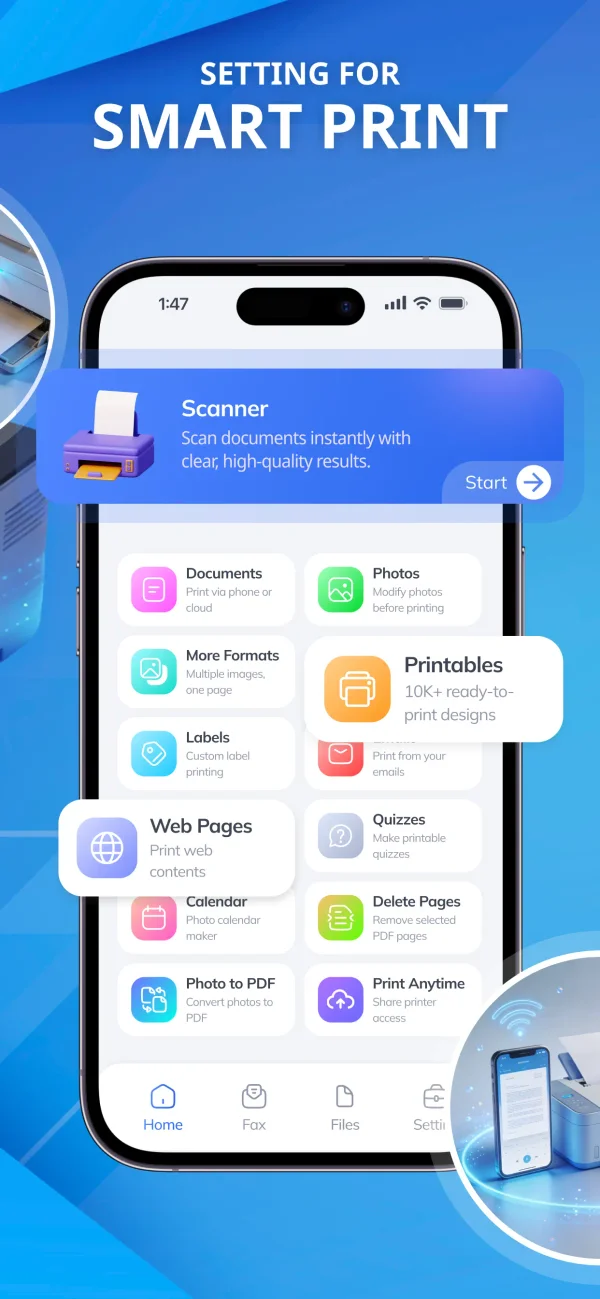
Print study materials, notes, forms, contracts, worksheets, and PDF files with a simple mobile workflow.
• Print Photos
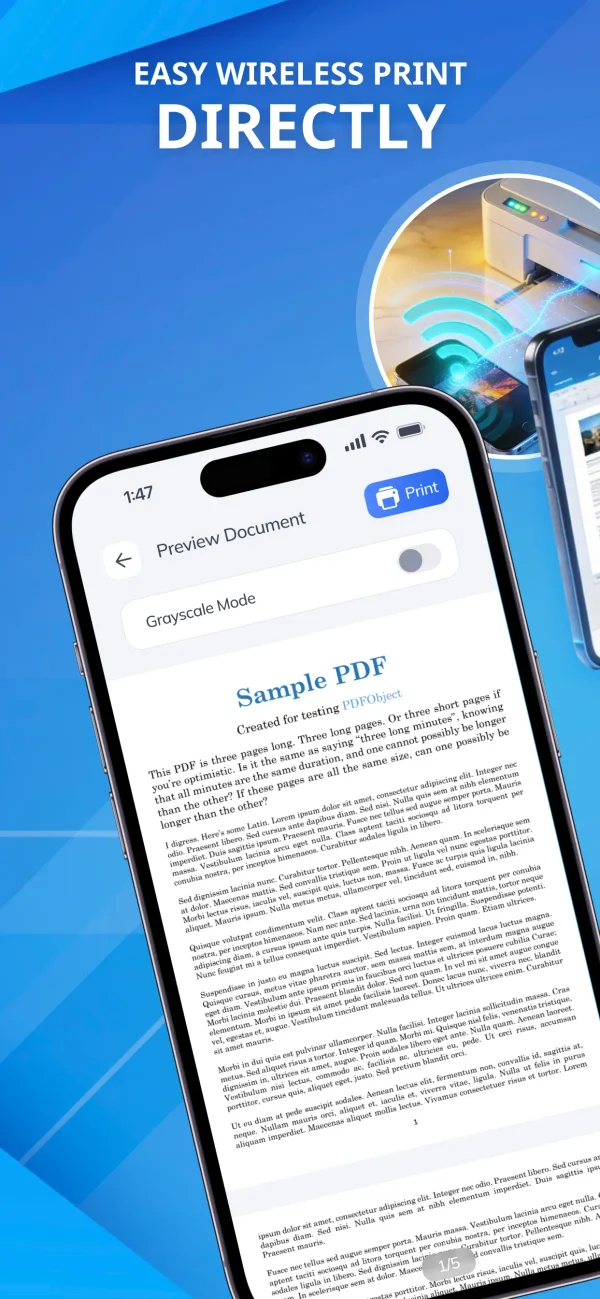
Choose images from your library and print them with a clean preview flow. Great for family photos, creative projects, planners, and home printing.
• Scan to PDF
Turn paper documents into digital PDF files using your iPhone camera. Capture receipts, letters, notes, and study pages for sharing, saving, or printing.
• PDF Tools in One Place
Compress large PDF files, remove unwanted pages, rearrange page order, and make documents easier to manage before printing.
• Photo to PDF
Convert photos into PDF files for sharing, storage, or printing.
• Remove Background
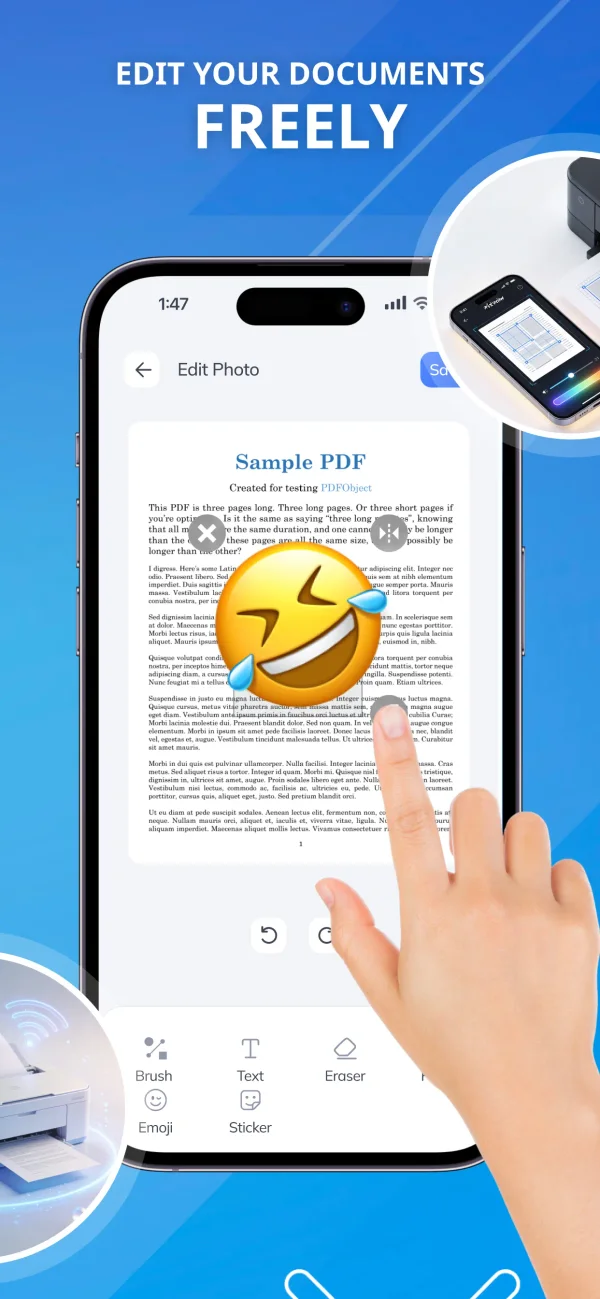
Clean up selected images before printing or exporting. Useful for labels, cards, product visuals, and creative paper projects.
• Web and Email Printing
Open web content and email-based information, then prepare them for printing when needed.
• Labels, Templates, and Printables
Explore printable content for labels, calendars, quizzes, greeting-style layouts, photo projects, and more.
• File Transfer Over Wi-Fi
Move files from your computer to your phone over Wi-Fi so they are ready to review, organize, and print in one place.
• Print Preview Workflow
Check your content before printing and reduce mistakes with a cleaner preview step.
SMART PRINTING FOR EVERYDAY NEEDS
• Students and Teachers: Print assignments, worksheets, handouts, quizzes, and study materials. Scan written notes into PDF and keep files organized.
• Work and Business: Print forms, letters, contracts, and organized PDFs. Use scan and PDF tools to handle paperwork more efficiently.
• Home and Daily Use: Print photos, labels, planners, checklists, cards, and family materials.
WHY SMART PRINT STUDIO
Smart Print Studio combines printing, scanning, PDF preparation, and printable content tools in one app, so you do not need separate utilities for scan, PDF cleanup, photo conversion, and print prep.
People use Smart Print Studio as:
- a printer app for iPhone
- a PDF scanner for iPhone
- a document printer app
- a photo printer app
- a wireless print app
- an app to compress PDF files
- an app to convert photos to PDF
PRIVACY-FIRST TOOLS
Your files matter. Smart Print Studio is designed to support a privacy-conscious workflow for personal and work documents.
FAQ
Q: What can I print with Smart Print Studio?
A: Documents, PDFs, photos, and supported printable content.
Q: Can I scan documents to PDF?
A: Yes. You can capture paper documents and turn them into digital PDF files.
Q: Does the app include PDF tools?
A: Yes. You can compress PDF files, remove pages, rearrange pages, and prepare documents before printing.
Q: Can I convert photos into PDFs?
A: Yes. You can turn selected images into PDF files for sharing, storage, or printing.
Download Smart Print Studio and turn your iPhone into a practical mobile hub for printing, scanning, PDF preparation, and printable creativity.
Support: admin@lammatechnology.com
Terms: https://lammatechnology.com/term-and-condition.php
Privacy: https://lammatechnology.com/privacy-policy.php
What’s new
Version 1.0.1 · May 4, 2026
Latest Update: Custom Quizzes & Enhanced Stability!
We’re excited to bring more creativity and reliability to your printing experience. This version introduces one of our most requested features for educators and students!
[NEW] Custom Quizzes: You can now create and customize your own quizzes directly within the app! Perfect for teachers creating classroom materials or students practicing for exams. Design, preview, and print in seconds.
[FIX] Large File Handling: We’ve optimized our engine to prevent crashes when processing extra-large PDF files or high-resolution images.
[IMPROVED] UI Polishing: Refined several interface elements for a smoother, more intuitive navigation experience.
Performance Fixes: Squashed minor bugs to ensure the app runs faster and more reliably.
Upgrade now to start creating your custom printables!
App privacy
What LAMMA TECH COMPANY LIMITED declares on the App Store about how this app handles data.
-
Data used to track you
May be used to track you across apps and websites owned by other companies.
- Identifiers
- Usage data
- Diagnostics
-
Data linked to you
May be collected and linked to your identity.
- Identifiers
- Usage data
- Diagnostics
Privacy practices may vary, for example with the features you use or your age.
Information
- Seller
- LAMMA TECH COMPANY LIMITED
- Category
- Utilities
- Version
- 1.0.1
- Updated
- May 4, 2026
- Released
- Apr 20, 2026
- Size
- 125.1 MB
- Requires
- iOS 16.0 or later
- Age rating
- 17+
- Price
- Free
- In-app purchases
- Yes
- Languages
- English, French, German, Hindi, Japanese, Korean, Portuguese, Simplified Chinese, Spanish, Vietnamese
- Copyright
- © Lamma Technology Inc 2024
You might also like
-
 ShotMind : Screenshot ScannerAI notes, offline OCR
-
 Printo: Smart Print AnywherePrint to Any Printer, Anywhere
-
 Smart Printer:Print & Scan.Print Documents,PDF and Photos
-
 Stud Finder Metal DetectorWall Scanner Depth Tool
-
 DysLexa - Synthèse VocaleUtilities
-
 طابعة تك | Printer TechUtilities
-
 NFC Expert+Write, Scan & Manage NFC Tags
-
 QRsuite: Barcode GeneratorQR Code Maker & Label Printing
-
 EXA GPSTrack your vehicle anytime.
-
 Qr Code plus+Create Read QR & Barcode