Smart Printer : iPrint Scan
For Epson Printer & Brother
Designed for iPhone, iPad
Free · In-app purchases
- Age rating17+
- CategoryBusiness
- DeveloperHassan Bilal Manzoor Ahmad
- LanguagesEnglish+ 32 more
- Size22.0 MB
Links to the official App Store page
Download.org hosts no file of Smart Printer : iPrint Scan. The button opens its official App Store page, published by Hassan Bilal Manzoor Ahmad. Listing last checked on Nov 20, 2026.
Screenshots


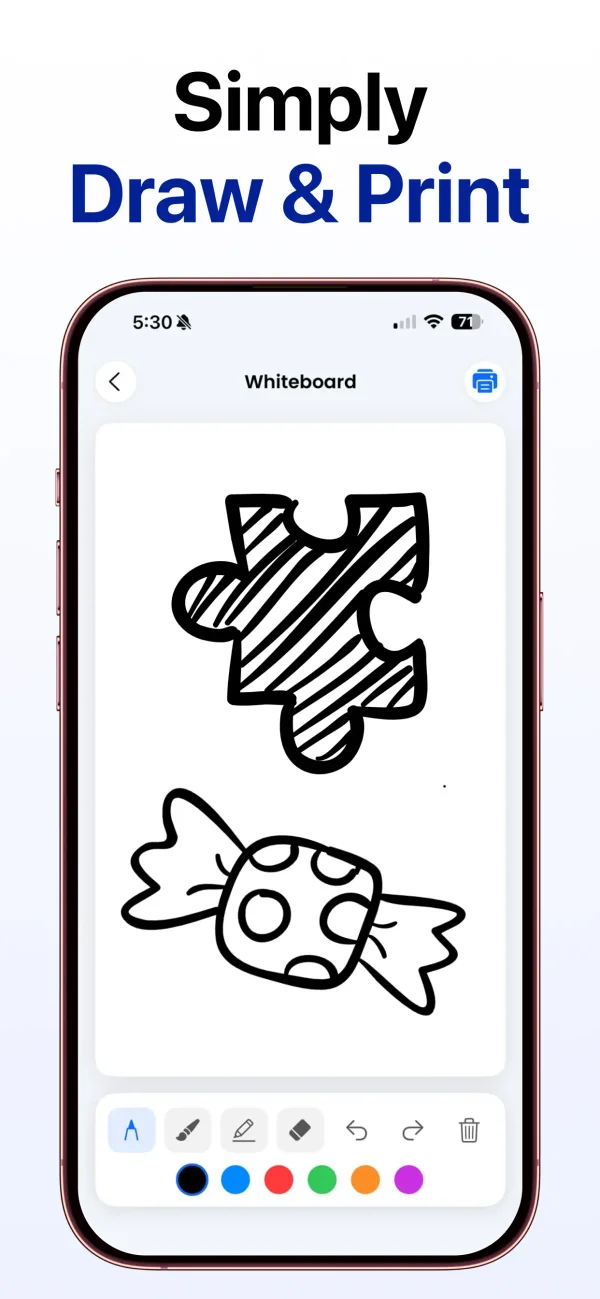
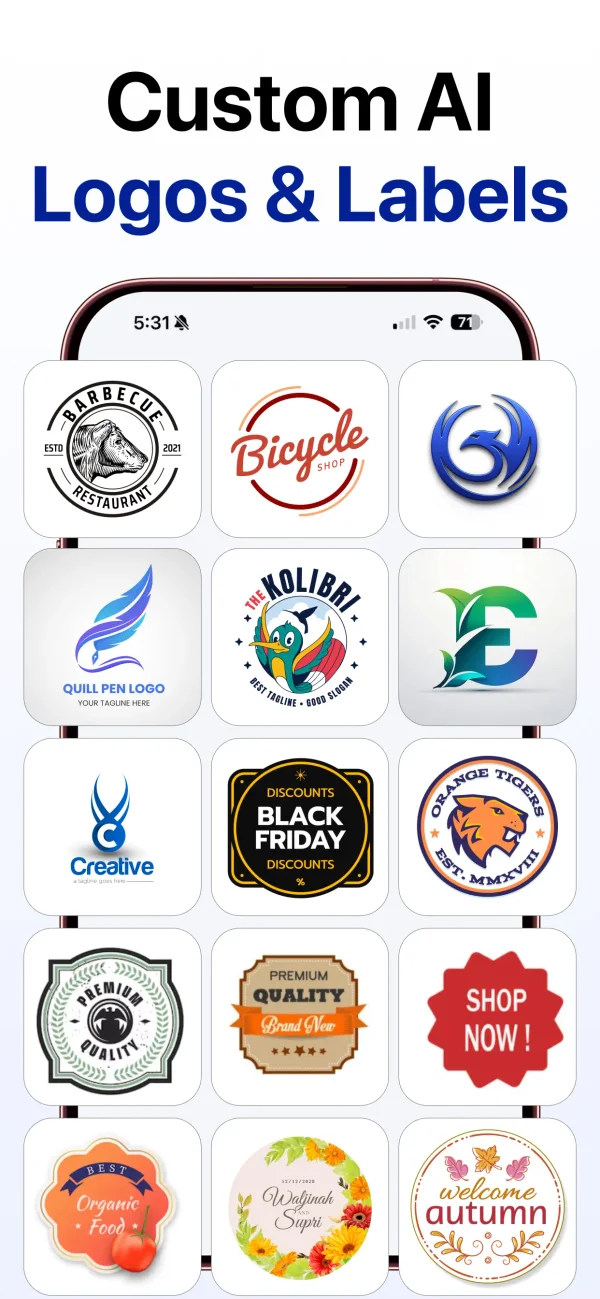
About
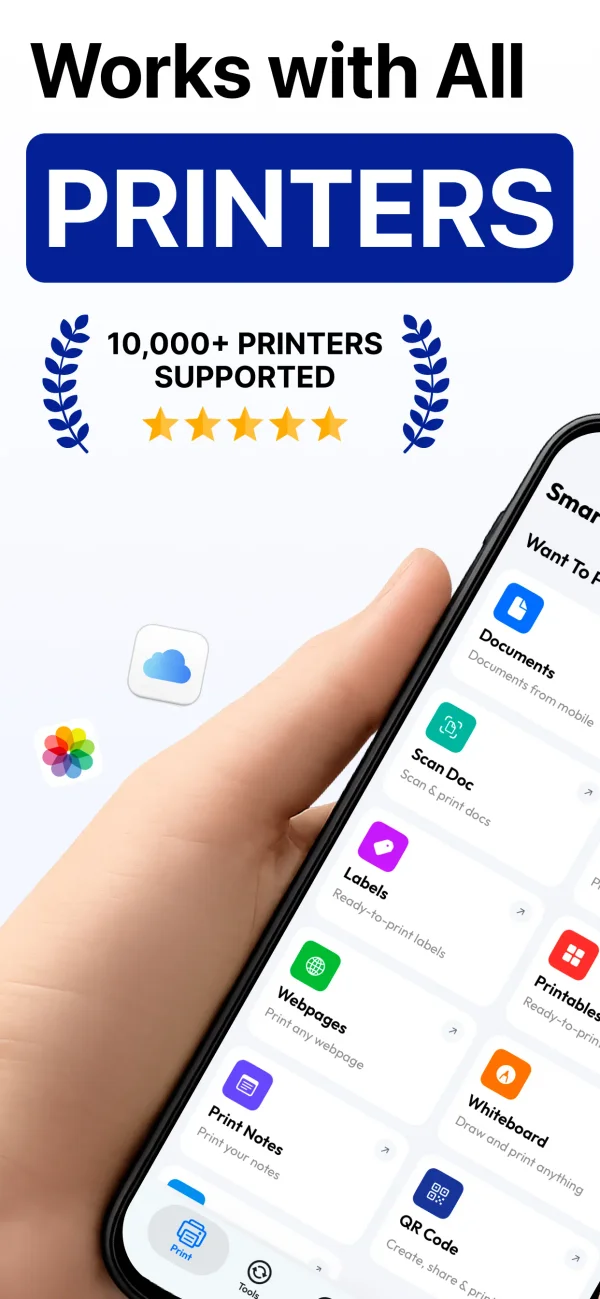
Smart Printer is an all-in-one printing and PDF utility app designed to make printing fast, simple, and powerful directly from your iPhone or iPad.
Print documents, photos, notes, webpages, labels, QR codes, and more with just a few taps. Whether you need a personal printing assistant, PDF manager, or creative design tool, Smart Printer has everything in one place.
KEY FEATURES
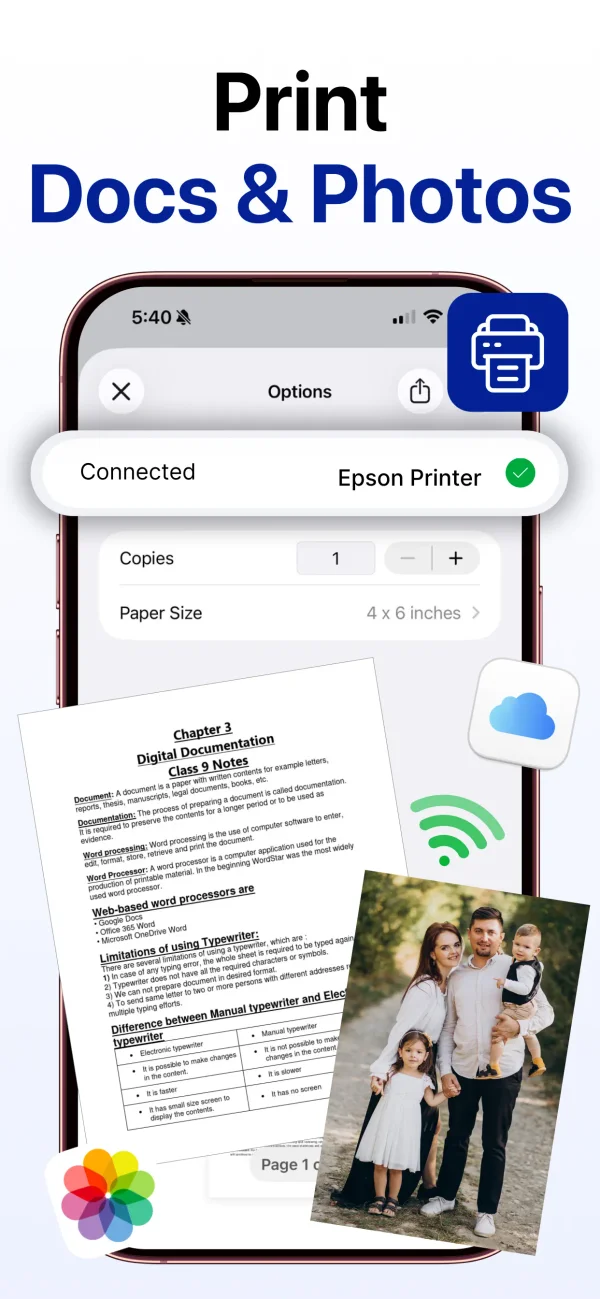
* Print Photos & Documents
Print high-quality photos, PDFs, Word files, Excel sheets, presentations, text files, and more directly from your device.
* Print Notes & Webpages
Quickly print notes, articles, receipts, emails, webpages, and important content anytime.
* AI Designer Tools
Create stunning AI-generated:
- Logos
- Posters
- Labels
- T-Shirt Designs
- Creative Artwork
Generate designs instantly and print them directly from the app.
* QR & Barcode Tools
- Scan QR codes instantly
- Generate custom QR codes
- Print QR labels and codes easily
* Premade Labels & Printables
Access a collection of ready-to-use:
- Labels
- Templates
- Printables
- Stickers
- Business designs
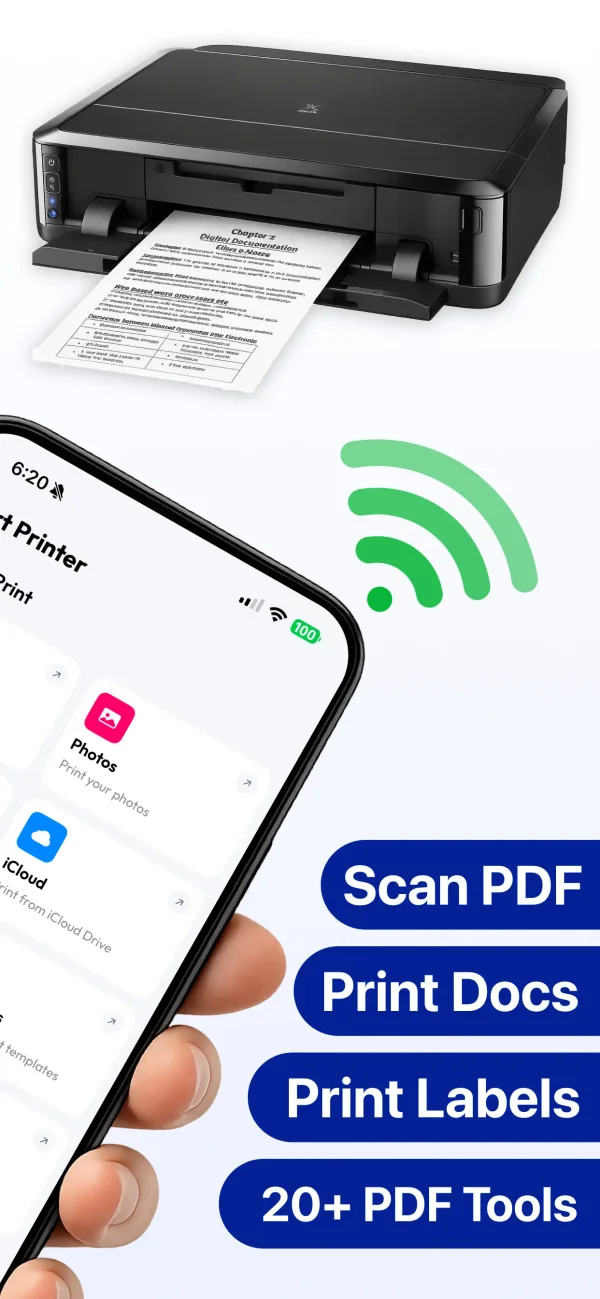
* Powerful PDF Tools
Manage PDFs with advanced tools including:
- Merge PDF
- Split PDF
- Delete PDF Pages
- Edit PDF
- Organize PDF pages
* PDF Converter
Convert files easily:
- Photos to PDF
- Word to PDF
- Excel to PDF
- PowerPoint to PDF
- Text to PDF
* Document History Manager
Keep track of your recent prints, PDFs, and documents with built-in history management.
* Easy Wireless Printing
Connect and print to compatible wireless printers quickly and securely.
WHY SMART PRINTER?
- Fast & easy printing
- All-in-one PDF toolkit
- AI-powered creative generator
- Clean and user-friendly interface
- Perfect for home, office, school, and business use
Download Smart Printer today and turn your iPhone into a complete printing and document management solution.
Note:
Payment will be charged to iTunes Account at confirmation of purchase. Subscription automatically renews unless auto-renew is turned off at least 24-hours before the end of the current period. The account will be charged for renewal within 24-hours prior to the end of the current period, and identify the cost of the renewal. The cost depends on the selected plan. Subscriptions may be managed by the user and auto-renewal may be turned off by going to the user's Account Settings after purchase. Any unused portion of the free trial will be forfeited when the user purchases a subscription.
Privacy Policy
https://sites.google.com/view/appsprivacypolicyy
Terms and Conditions
https://sites.google.com/view/appsterms
What’s new
Version 3.7 · Aug 20, 2026
- Whiteboard Bug Fixed
App privacy
What Hassan Bilal Manzoor Ahmad declares on the App Store about how this app handles data.
-
Data not collected
The developer does not collect any data from this app.
Privacy practices may vary, for example with the features you use or your age.
Information
- Seller
- Hassan Bilal Manzoor Ahmad
- Category
- Business
- Version
- 3.7
- Updated
- Aug 20, 2026
- Released
- Jan 3, 2023
- Size
- 22.0 MB
- Requires
- iOS 17.6 or later
- Age rating
- 17+
- Price
- Free
- In-app purchases
- Yes
- Languages
- English, Arabic, Catalan, Croatian, Czech, Danish, Dutch, Finnish, French, German, Greek, Hebrew + 21 more
- Copyright
- © hassanapps. All right reserved.
You might also like
-
 PDF Converter - Pdf to WordConvert Doc, Photo, Png & JPG
-
 PDF Converter PDF to Word docxConvert pdf to word tool .docx
-
 PDF Converter, Word to PdfImage to PDF Converter, Reader
-
 Word to PDF Converter - ReaderConvert PDF to Word,JPG to PDF
-
 Smart Printer : Print Photos 'Print from Cannon Print Inkjet
-
 PDF to WordPDF to Office, File Converter
-
 PDF Converter: Photo to PDF !Convert to JPG, JPEG Image
-
 PDF Converter• Convert to WordPDF Merger, Compressor & OCR
-
 Photo to PDF - Image ConverterConvert JPG & PNG Pic to PDF
-
 Smart Printer App - iPrint.Print Photos,Labels,Printables