Smart Printer: Mobile Printing
Print, Scan & Share Documents
Designed for iPhone, iPad
Free · In-app purchases
- Age rating4+
- CategoryUtilities
- DeveloperASIAN MOBILE SOFTWARE COMPANY LIMITED
- LanguagesEnglish+ 19 more
- Size138.8 MB
Links to the official App Store page
Download.org hosts no file of Smart Printer: Mobile Printing. The button opens its official App Store page, published by ASIAN MOBILE SOFTWARE COMPANY LIMITED. Listing last checked on Nov 17, 2026.
Screenshots

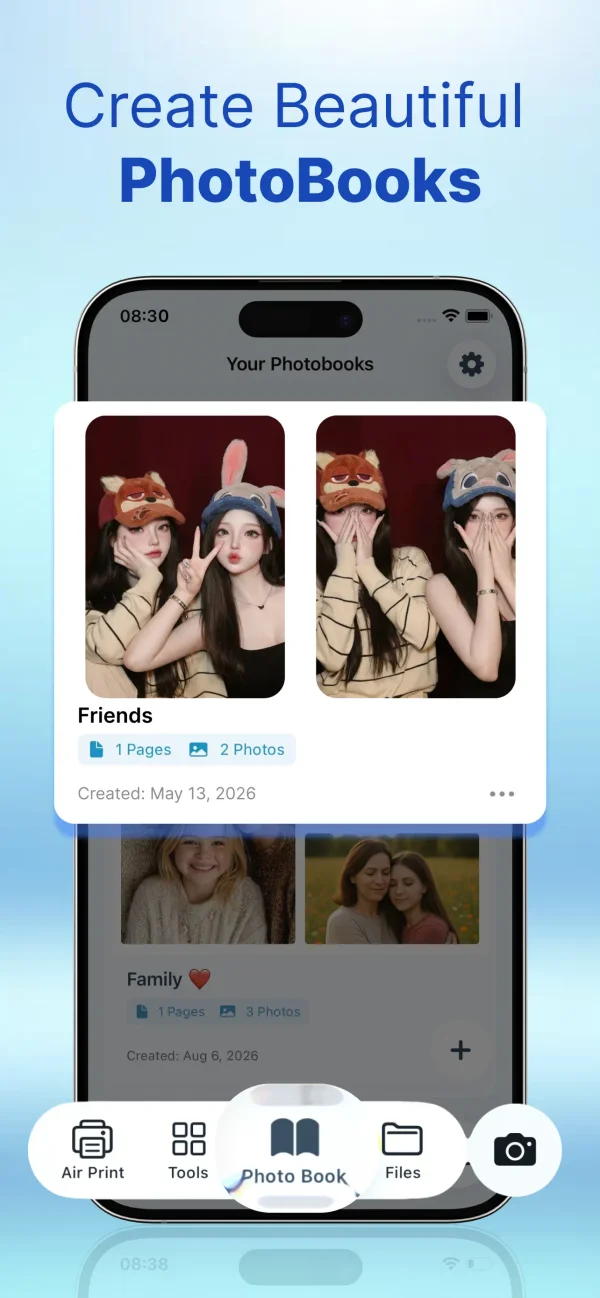
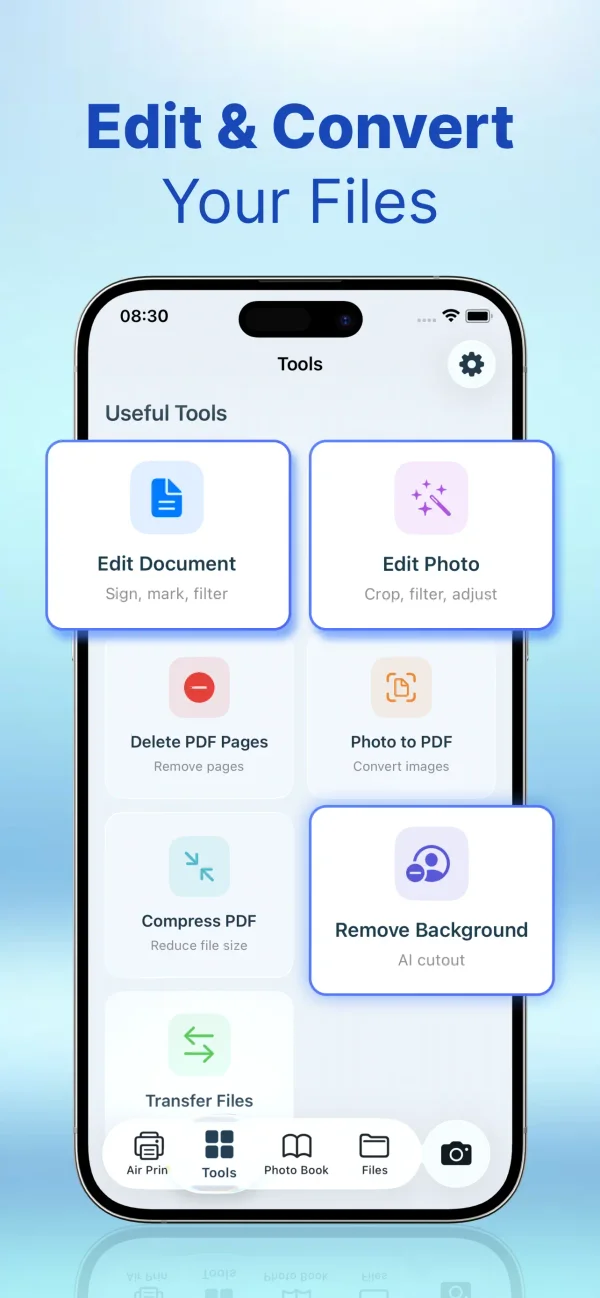
About
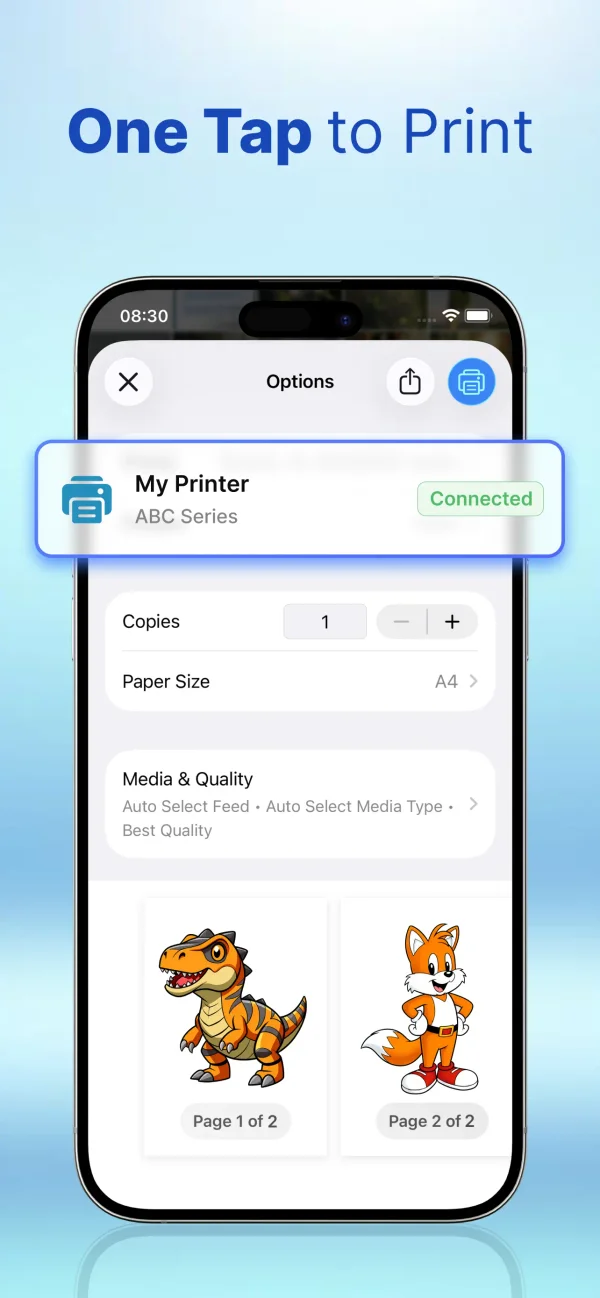
With the Smart Printer: Mobile Printing App, you can print images, web pages, and PDF documents directly from your device—no extra software, drivers, or tools needed.
Compatible with almost any wireless printer, it delivers fast, seamless, and reliable mobile printing anytime, anywhere.
Key Features
PRINT BY PHONE WITH SMART PRINTER APP
Print photos and documents: print family photos, travel pictures, invoices, contracts, reports, and school assignments.
Print multiple photos on the same sheet: create photo collages, passport photo sheets, stickers, or mini photo prints on one page.
Print a photo as a poster: turn your favorite image into a large poster for walls, events, decorations, or presentations.
Print emails, webpages: print receipts, booking confirmations, articles, recipes, tickets, and important emails instantly.
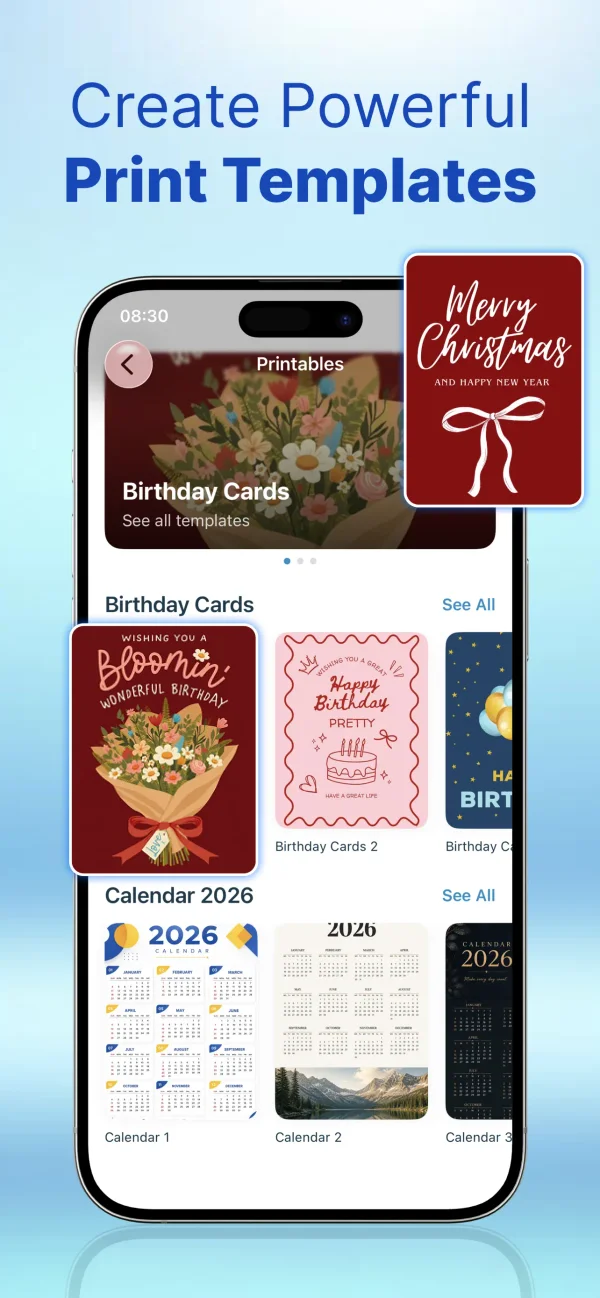
Print printables: print greeting cards, coloring pages, kids learning worksheets, planners, to-do lists, and paper crafts.
Print labels: print product labels, price tags, shipping labels, QR codes, and barcodes for home or business use.
Print calendar: create and print personalized calendars with your own photos, events, and reminders.
Print quizzes: choose learning topics and print quizzes, practice tests, flashcards, and educational worksheets for kids or students.
SCAN DOCUMENTS
Take a photo of any bank payment receipt or transaction receipt, and print it on your thermal printer with maximum accuracy.
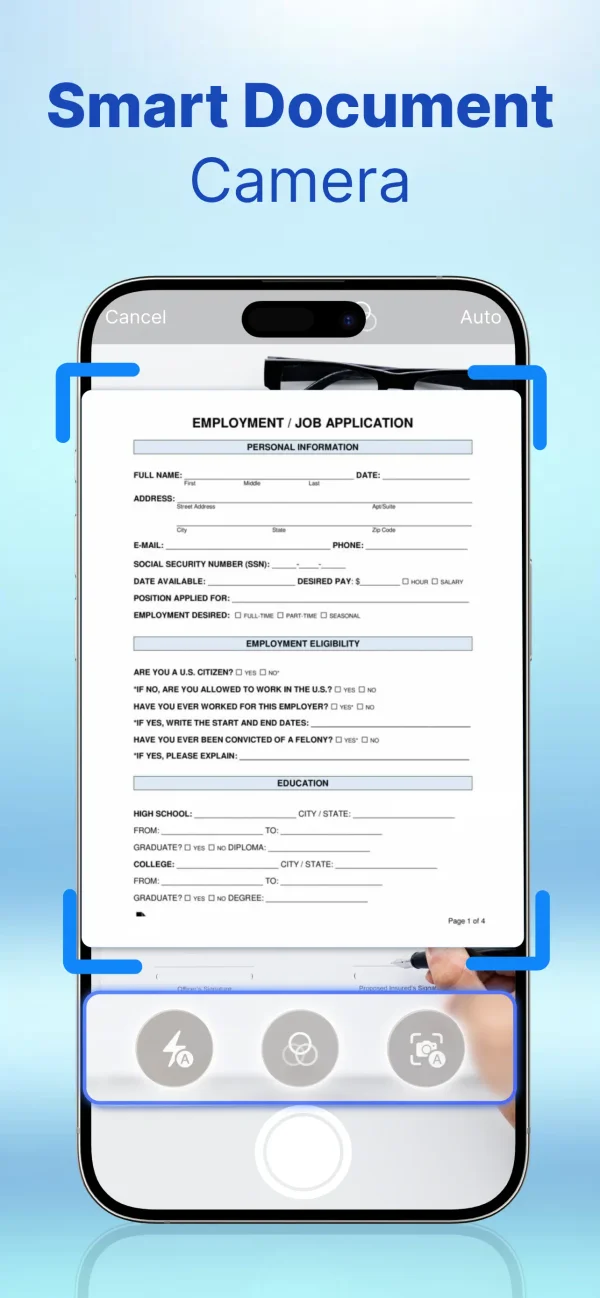
Scan, edit and print documents: scan receipts, contracts, notes, IDs, and documents, then crop, adjust, edit, and print in seconds.
OFFICE TOOLS
Convert photos to PDF: turn images, screenshots, notes, and documents into high-quality PDF files instantly.
Delete PDF pages: remove unwanted pages from PDFs quickly and organize documents with ease.
Compress PDF: reduce PDF file size for faster sharing, storage, and uploads without losing quality.
Delete background: erase image backgrounds automatically and create clean transparent photos in seconds.
Edit Image: crop, resize, rotate, add filters, adjust colors, and enhance photos with easy editing tools.
Edit Document: view, modify, sign, and organize PDF or document files directly from your phone.
Simplify your everyday printing, scanning, and document tasks with Smart Printer’s easy-to-use interface and powerful tools designed for fast, effortless productivity.
Download Smart Printer: Mobile Printing today to print, scan, share documents, create PDFs, and connect seamlessly with almost any Wi-Fi printer anytime, anywhere.
Terms of Use: https://sites.google.com/view/asian-mobile-software-terms
Privacy Policy: https://sites.google.com/view/asianmobilesoftware/home
Thank you for choosing our app!
What’s new
Version 6.0 · Sep 29, 2026
- Update invitation maker, card maker
App privacy
What ASIAN MOBILE SOFTWARE COMPANY LIMITED declares on the App Store about how this app handles data.
-
Data used to track you
May be used to track you across apps and websites owned by other companies.
- Identifiers
- Usage data
- Diagnostics
-
Data linked to you
May be collected and linked to your identity.
- Identifiers
- Usage data
- Diagnostics
Privacy practices may vary, for example with the features you use or your age.
Information
- Seller
- ASIAN MOBILE SOFTWARE COMPANY LIMITED
- Category
- Utilities
- Version
- 6.0
- Updated
- Sep 29, 2026
- Released
- May 26, 2026
- Size
- 138.8 MB
- Requires
- iOS 16.0 or later
- Age rating
- 4+
- Price
- Free
- In-app purchases
- Yes
- Languages
- English, Arabic, Dutch, French, German, Hebrew, Hindi, Indonesian, Italian, Japanese, Korean, Nigerian Pidgin + 8 more
- Copyright
- © ASIAN MOBILE SOFTWARE COMPANY LIMITED
You might also like
-
 PhoneVetUsed Phone Hardware Tester
-
 AnyKeyboard Fancy Fonts EmojisChange Text Style In Any App
-
 TV Remote: Universal All TVsRemote & Screen Mirroring
-
 ToneLiftSpeaker cleaning & diagnostics
-
 AudioWeaver: Audio CleanerAI Real-Time Noise Reduction
-
 ContactableScan, Backup & Tidy Contacts
-
 AppSaver: App CollectionsSave Apps Research Competitors
-
 ScreenHound: OCR & TranslationExtract Text, Scan Documents
-
 Block Ads: Adblocker VPNBlock ads and trackers