Smart Printer · Printluma
Print, Scan & Edit PDF
Designed for iPhone, iPad
Free · In-app purchases
- Age rating17+
- CategoryProductivity
- Developer雅倩 李
- LanguagesEnglish+ 9 more
- Size11.3 MB
Links to the official App Store page
Download.org hosts no file of Smart Printer · Printluma. The button opens its official App Store page, published by 雅倩 李. Listing last checked on Nov 12, 2026.
Screenshots

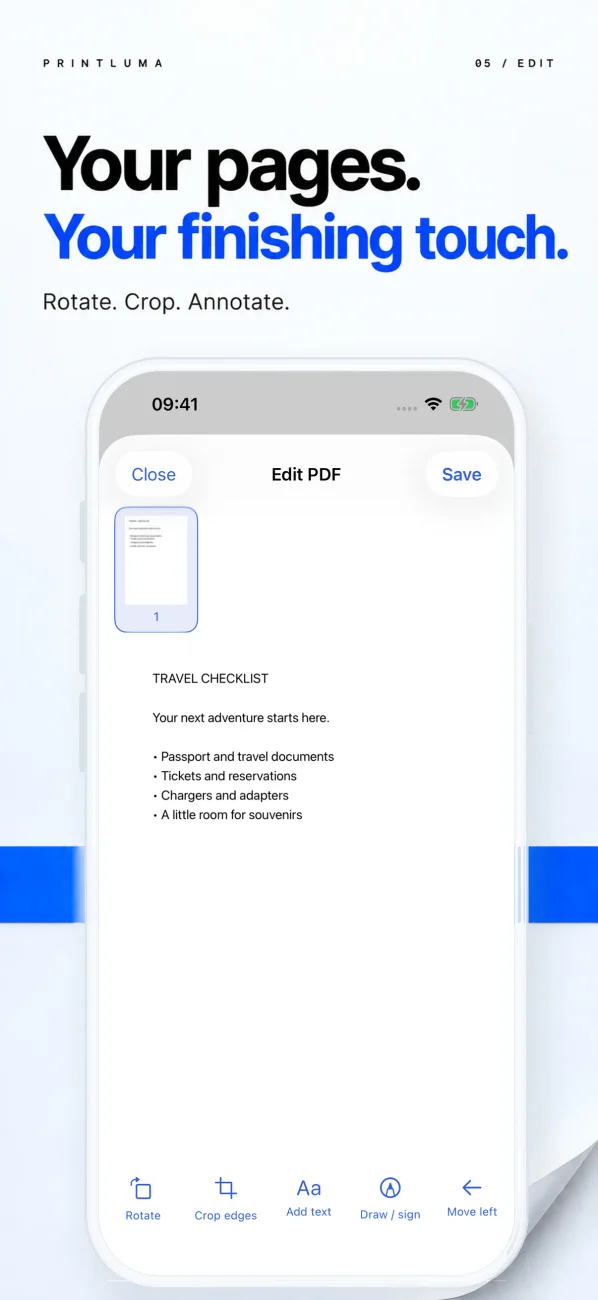
About
Good things deserve a page.
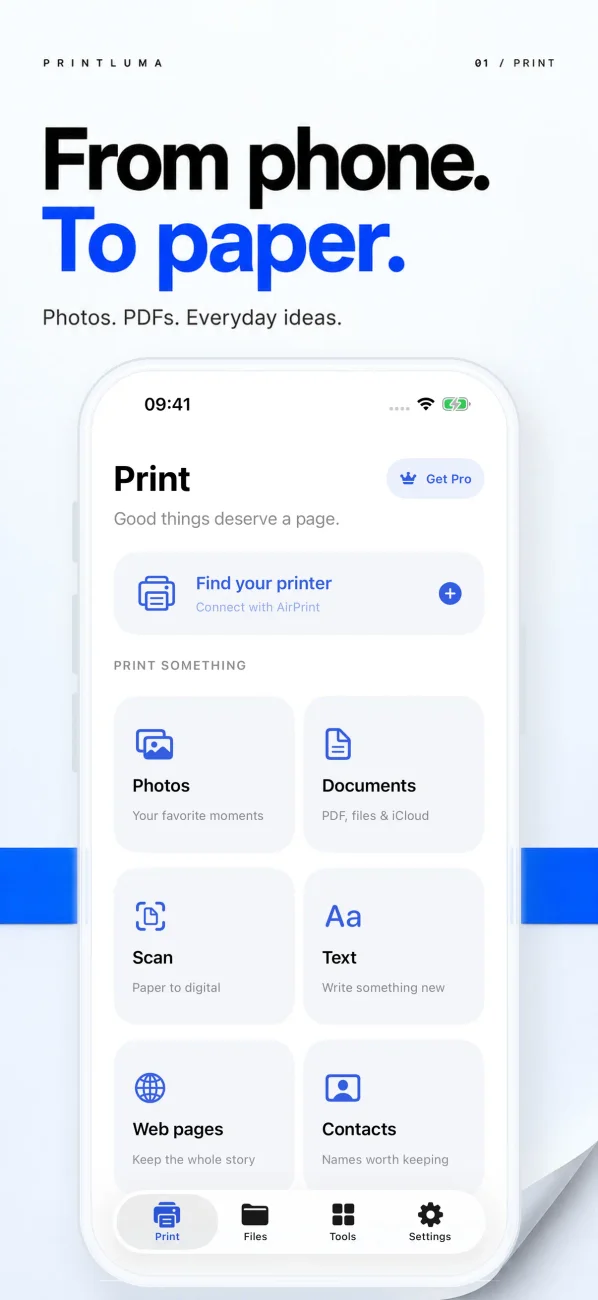
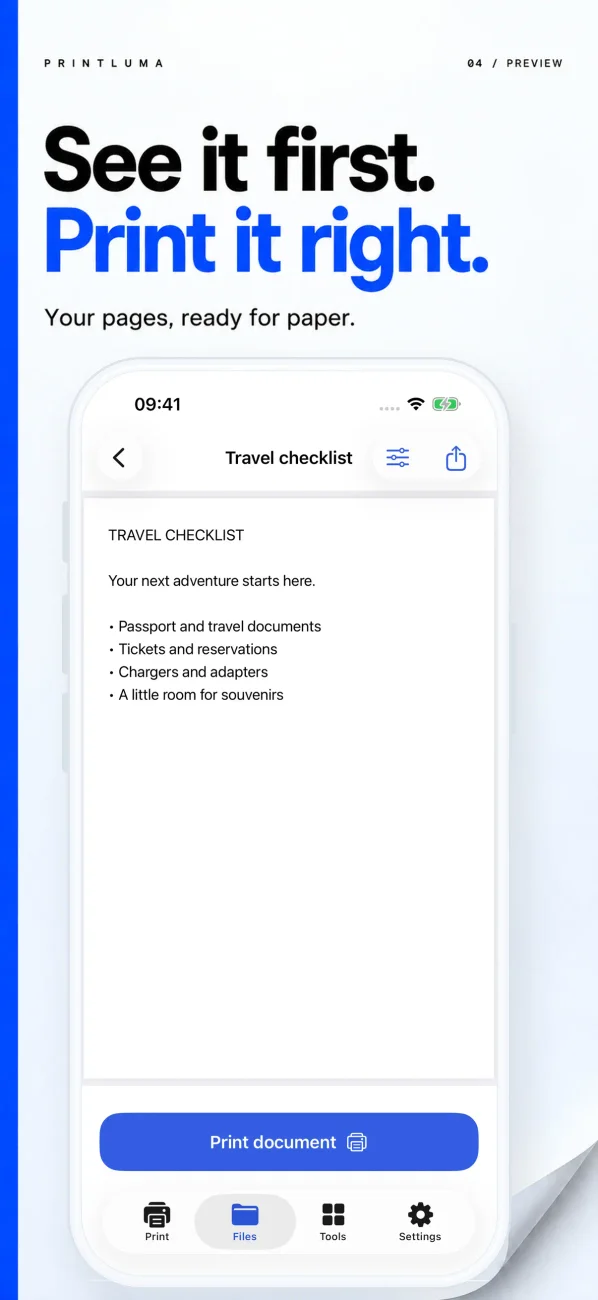
Printluma brings documents, photos and everyday ideas into one simple printing workspace. Import a file, scan a page or write something new. Preview your work and send it to an AirPrint-enabled printer.
PRINT YOUR WAY
Print PDFs and photos, prepare webpages for paper, and create printable contact sheets. Choose your printer and available print options in the familiar iOS printing panel. Your printer and iPhone or iPad need a compatible network connection.
SCAN AND PREPARE DOCUMENTS
Scan paper documents with your camera. Merge PDFs, extract selected pages, reorder and rotate pages, crop edges, and add text or handwritten marks. Save, share or print the result.
MAKE PHOTOS READY
Adjust brightness, contrast and saturation. Rotate, flip, crop, draw and add a caption. Create printable collages, compress photos, convert JPEG, PNG and PDF, recognize text, or remove a detected subject’s background on your device.
KEEP EVERYTHING ORGANIZED
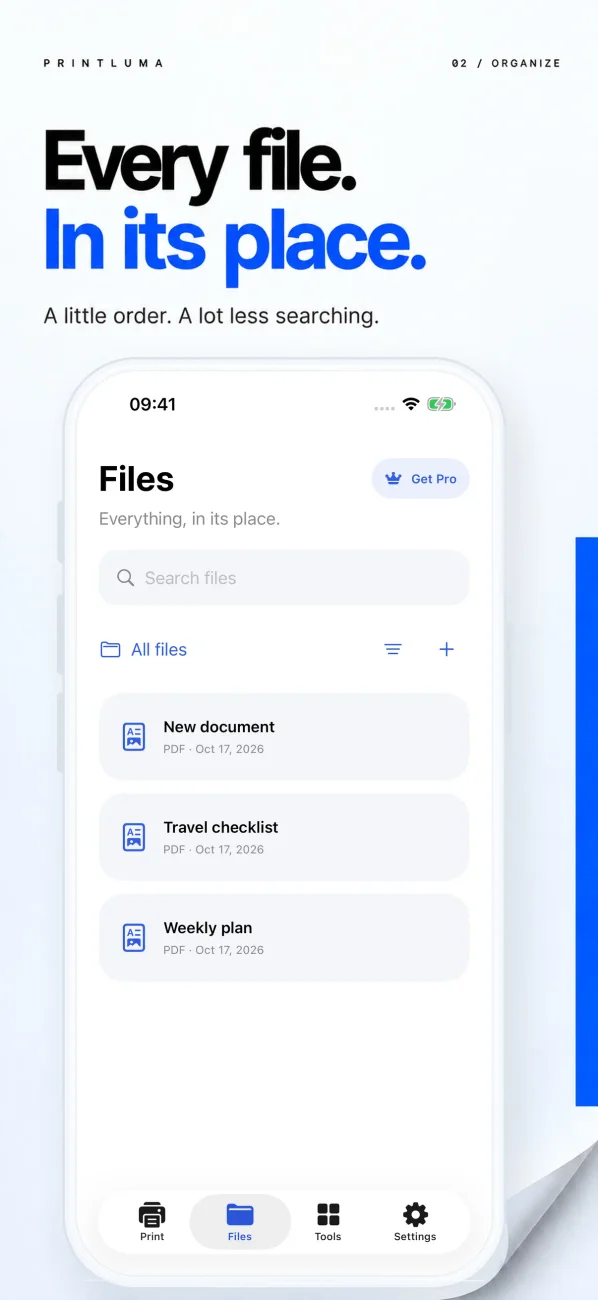
Search and sort files, switch between list and grid, organize documents into folders, and create or extract ZIP archives. Restore recently deleted files for up to 30 days. Optional app lock uses your device’s authentication.
MADE FOR YOUR DEVICE
Document editing and text recognition run on your device. Printluma does not upload document contents to its servers. Websites, printing and sharing involve the destinations you choose.
PRINTLUMA PRO
Try three print jobs free. A Pro subscription unlocks unlimited printing. Editing, saving and sharing remain available without a subscription. Plans and localized prices appear in the app. Payment is charged to your Apple Account. Subscriptions renew automatically unless canceled at least 24 hours before the current period ends. Manage or cancel through App Store account settings. Restore purchases in the app.
Compatibility: AirPrint-enabled printers. Printluma does not provide universal Bluetooth or USB printer drivers. Office files open in the system preview; export to PDF in the original app when precise pagination is required.
Privacy: https://nances.github.io/app-support/printluma/privacy.html
Support: https://nances.github.io/app-support/printluma/
Terms: https://www.apple.com/legal/internet-services/itunes/dev/stdeula/
App privacy
What 雅倩 李 declares on the App Store about how this app handles data.
-
Data linked to you
May be collected and linked to your identity.
- Purchases
- Identifiers
- Usage data
- Diagnostics
Privacy practices may vary, for example with the features you use or your age.
Information
- Seller
- 雅倩 李
- Category
- Productivity
- Version
- 1.0
- Updated
- Nov 6, 2026
- Released
- Nov 5, 2026
- Size
- 11.3 MB
- Requires
- iOS 18.0 or later
- Age rating
- 17+
- Price
- Free
- In-app purchases
- Yes
- Languages
- English, French, German, Italian, Japanese, Korean, Portuguese, Simplified Chinese, Spanish, Traditional Chinese
- Copyright
- © 2026 Printluma
You might also like
-
 SmartDokProductivity
-
 Merlin AI: AI Chat AssistantWith ChatGPT, Gemini & Claude
-
 ZWCAD Mobile - Mobile CADDWG viewer and editor
-
 Ocean AI: Chatbot & Ask AIFree Answers, Writing & Study
-
 Yandex Disk secure storageFiles & media cloud storage
-
 Gemini NotebookUnderstand anything
-
 VPN - Super Unlimited ProxyWiFi Security & Privacy VPN