
Smart Scanner: OCR Text & PDF
Scan ID Card, Book to Document
Designed for iPhone, iPad, iPod touch
Free · In-app purchases
- Age rating4+
- CategoryProductivity
- DeveloperHung Duong
- LanguagesEnglish+ 7 more
- Size112.3 MB
Links to the official App Store page
Download.org hosts no file of Smart Scanner: OCR Text & PDF. The button opens its official App Store page, published by Hung Duong. Listing last checked on Nov 13, 2026.
Screenshots
About
Turn paper into clean, searchable digital files — privately, on your iPhone.
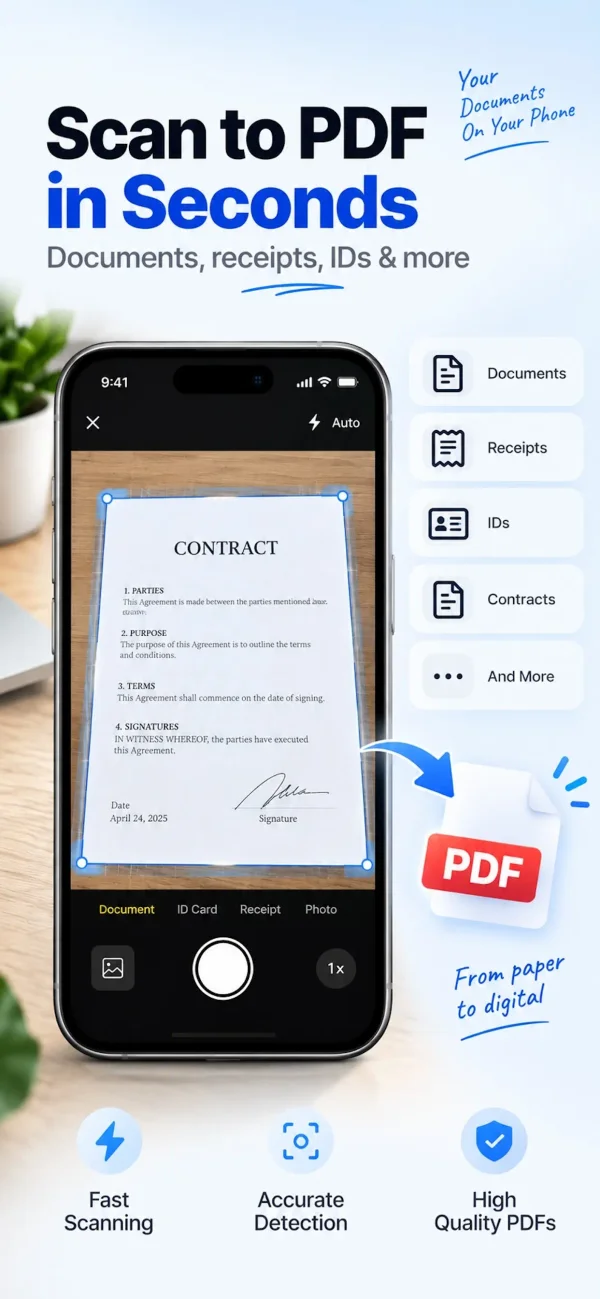
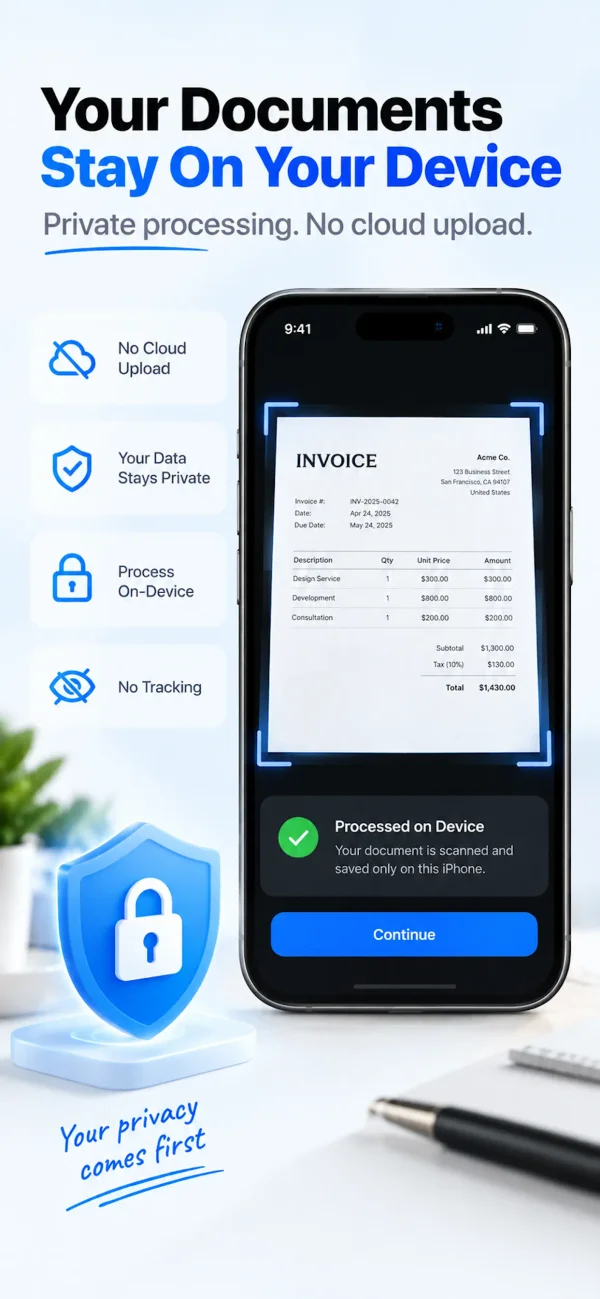
Smart Scanner digitizes paperwork, receipts, contracts, ID cards and notes in seconds. Scan with your camera, auto-correct the page, export a crisp PDF, and extract text with OCR. Everything is processed on your device, so your documents never leave your phone.
WHY SMART SCANNER
• On-device scanning and OCR — no account, no cloud upload
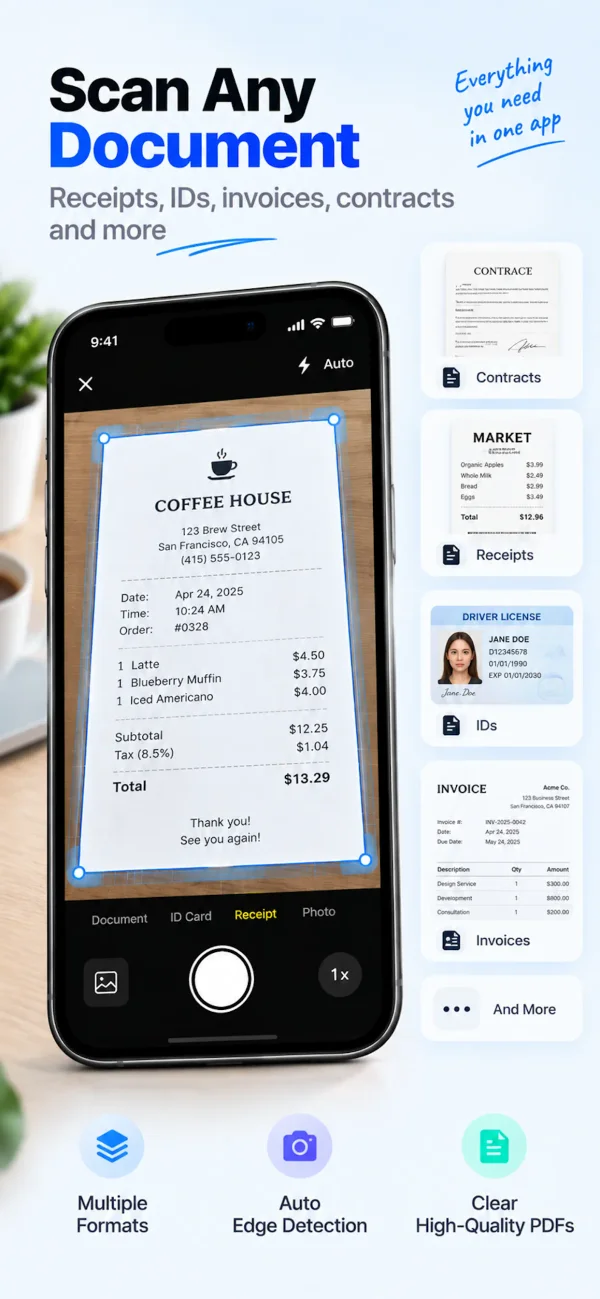
• Automatic edge detection, perspective correction and straightening
• Grayscale, monochrome and low-light modes for clean pages
• Batch scanning, page reordering and duplex support
• A3, A4 and Letter paper sizes
DIGITIZE PAPERWORK
Scan invoices, receipts, contracts, certificates, notes, business cards and ID documents. Keep every page organized in binders and folders you can search later.
SCAN TO PDF & EXPORT
Create multi-page PDFs, then export to PDF, DOCX, RTF or TXT for editing and reuse. Compress large files before you email them.
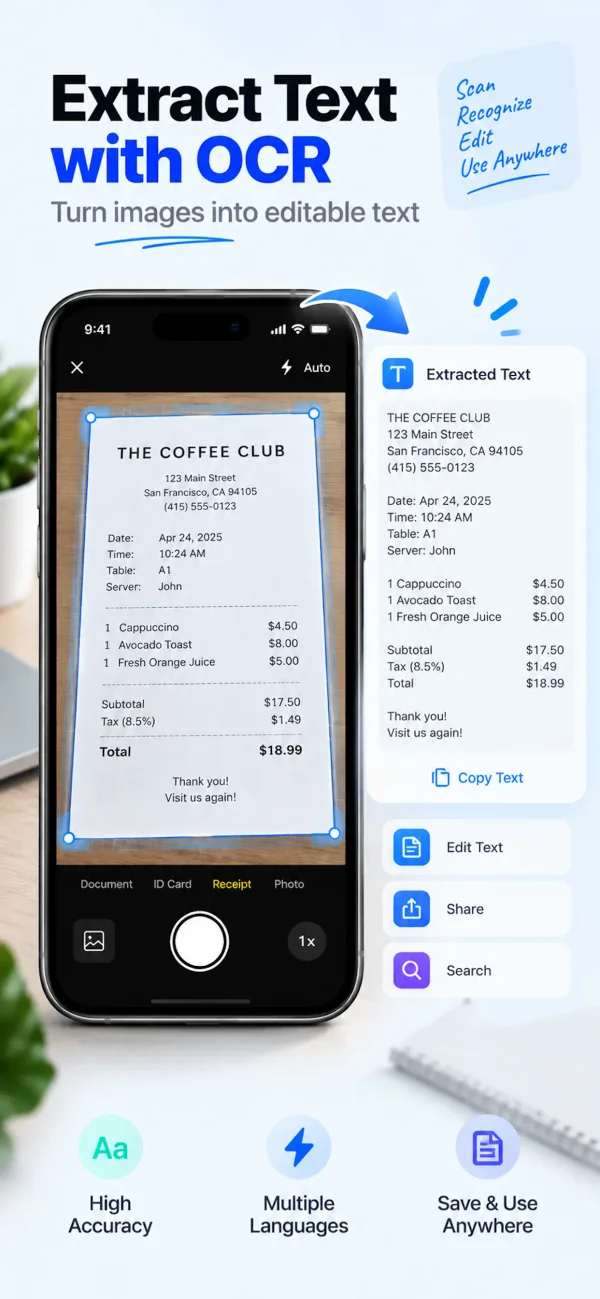
OCR & TEXT EXTRACTION
Recognize printed text in multiple languages and copy, edit or export it in a tap.
QR CODES & BARCODES
Read QR codes and barcodes — QR Code, EAN, UPC, ISBN, Aztec, PDF417 and Data Matrix.
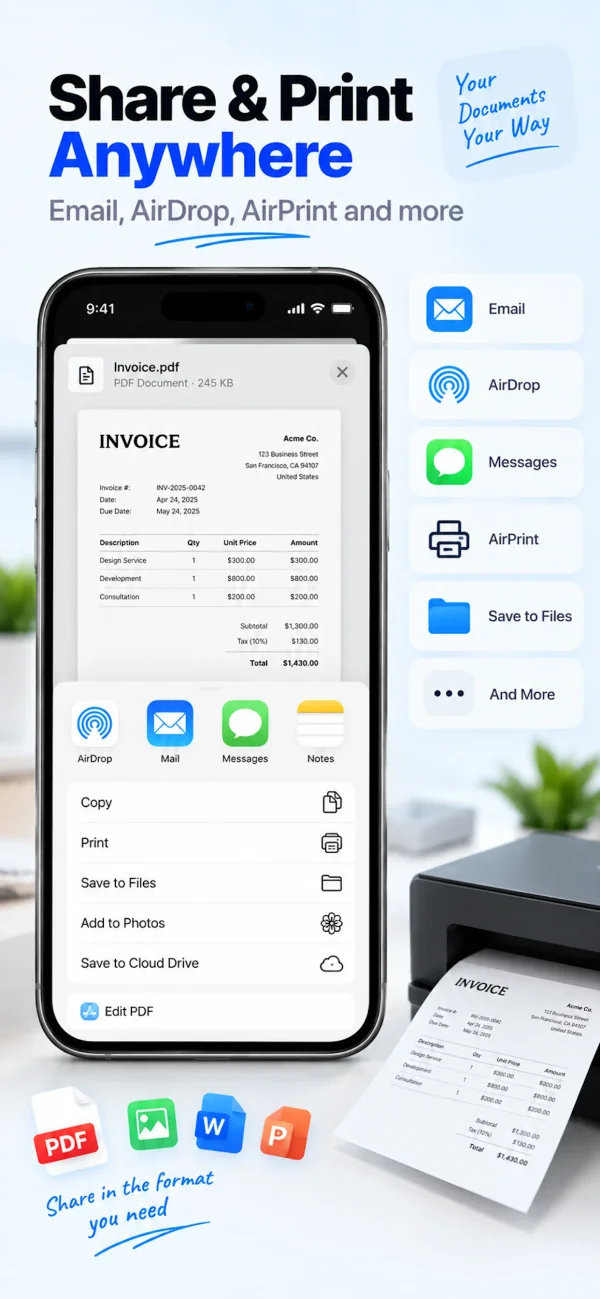
PRINT & SHARE
Print to any AirPrint printer, or send files with AirDrop, email and your other favorite apps.
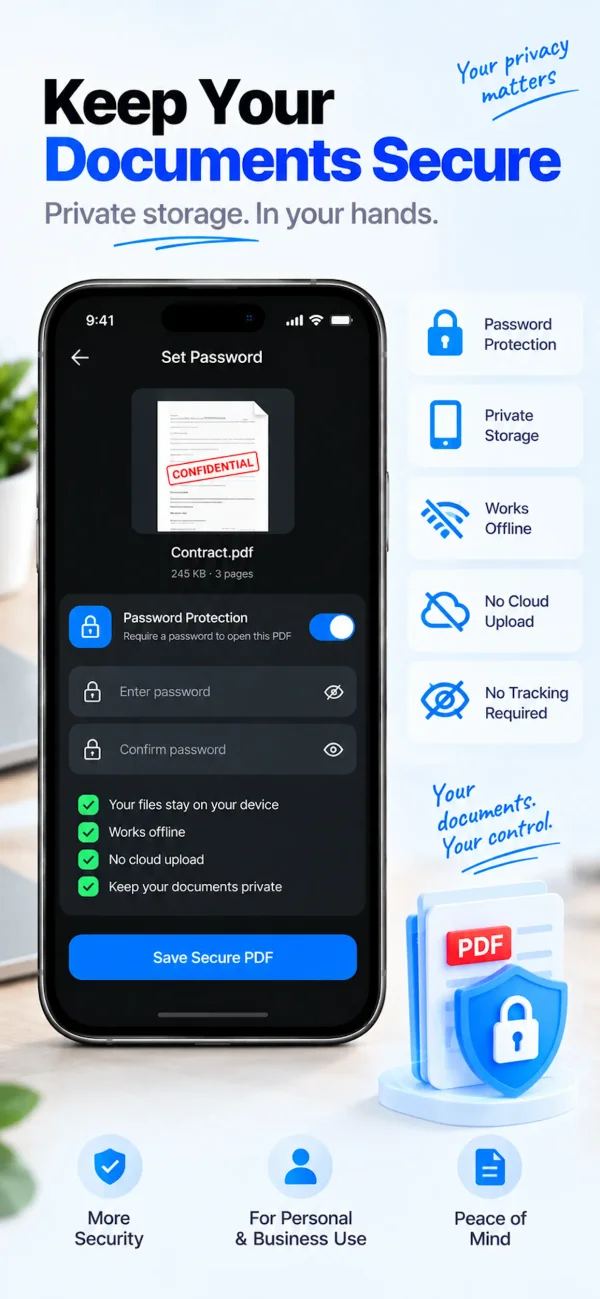
REDACT, ANNOTATE & PROTECT
Hide sensitive details with redaction, highlight and annotate pages, and lock private PDFs with a password.
Terms of Use: https://smartscanner.tipai.tech/api/v1/terms-of-service.html
Privacy Policy: https://smartscanner.tipai.tech/api/v1/privacy-policy.html
What’s new
Version 3.0.1 · Oct 21, 2026
Faster, sharper scans.
• Documents come out crisper — improved image processing sharpens text and edges.
• Scanning is quicker, especially on long, multi-page documents.
• A smoother experience with fewer interruptions while you work.
• Bug fixes and stability improvements.
App privacy
What Hung Duong declares on the App Store about how this app handles data.
-
Data not collected
The developer does not collect any data from this app.
Privacy practices may vary, for example with the features you use or your age.
Information
- Seller
- Hung Duong
- Category
- Productivity
- Version
- 3.0.1
- Updated
- Oct 21, 2026
- Released
- Jan 9, 2021
- Size
- 112.3 MB
- Requires
- iOS 15.0 or later
- Age rating
- 4+
- Price
- Free
- In-app purchases
- Yes
- Languages
- English, French, German, Hungarian, Italian, Portuguese, Simplified Chinese, Traditional Chinese
- Copyright
- © Hung Duong
You might also like
-
 Scanner - convert photo to pdfSign jpg image, ai chat pdf
-
 PDF Scanner: Photo & DocumentScan & convert to Word, Excel
-
 FuelinkProductivity
-
 Daewoo FastexProductivity
-
 Excise SindhProductivity
-
 My NayatelManage Nayatel Account
-
 Dastak AppServices on your finger tips
-
 PDF Scan - MAX ScannerPDF Scanner, Scan to PDF
-
 Digital Youth HubPM Youth Programme , Youth
-
 PAKISTAN Online E-ServicesProductivity