
Smart Subscription
Scan invoices, track renewals
Designed for iPhone
Free · In-app purchases
- Age rating4+
- CategoryFinance
- DeveloperPhong Tran
- LanguagesEnglish+ 8 more
- Size12.3 MB
Links to the official App Store page
Download.org hosts no file of Smart Subscription. The button opens its official App Store page, published by Phong Tran. Listing last checked on Nov 18, 2026.
Screenshots
About
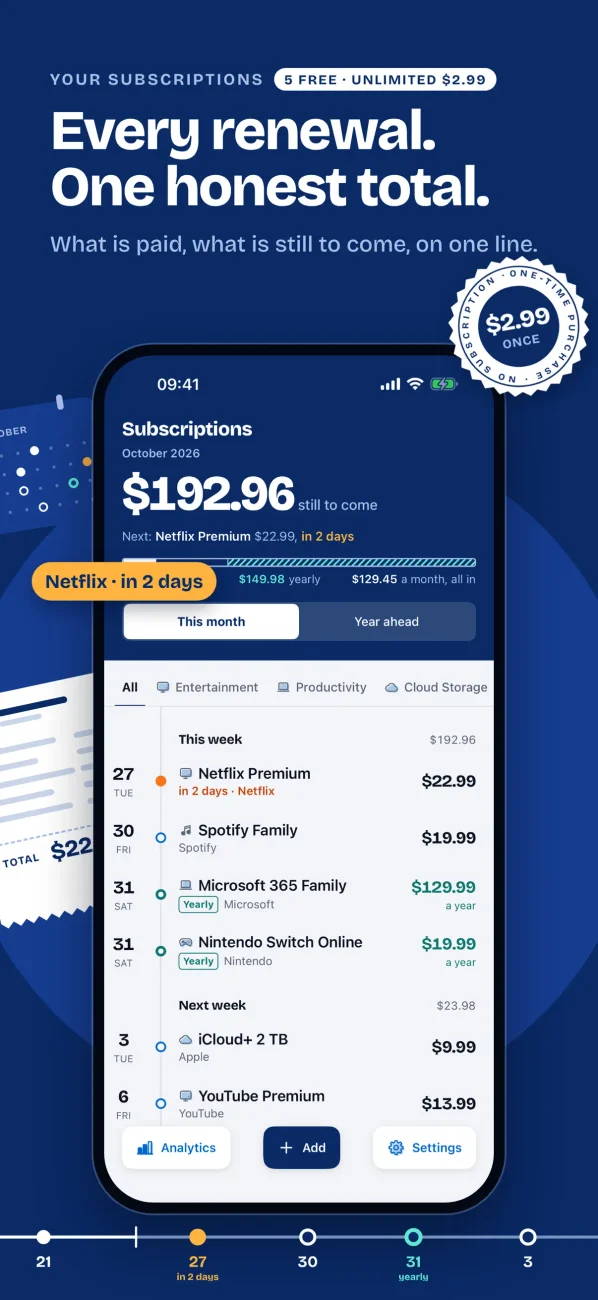
Smart Subscription keeps every subscription you pay for in one list, and shows what this month still has to charge before it happens.
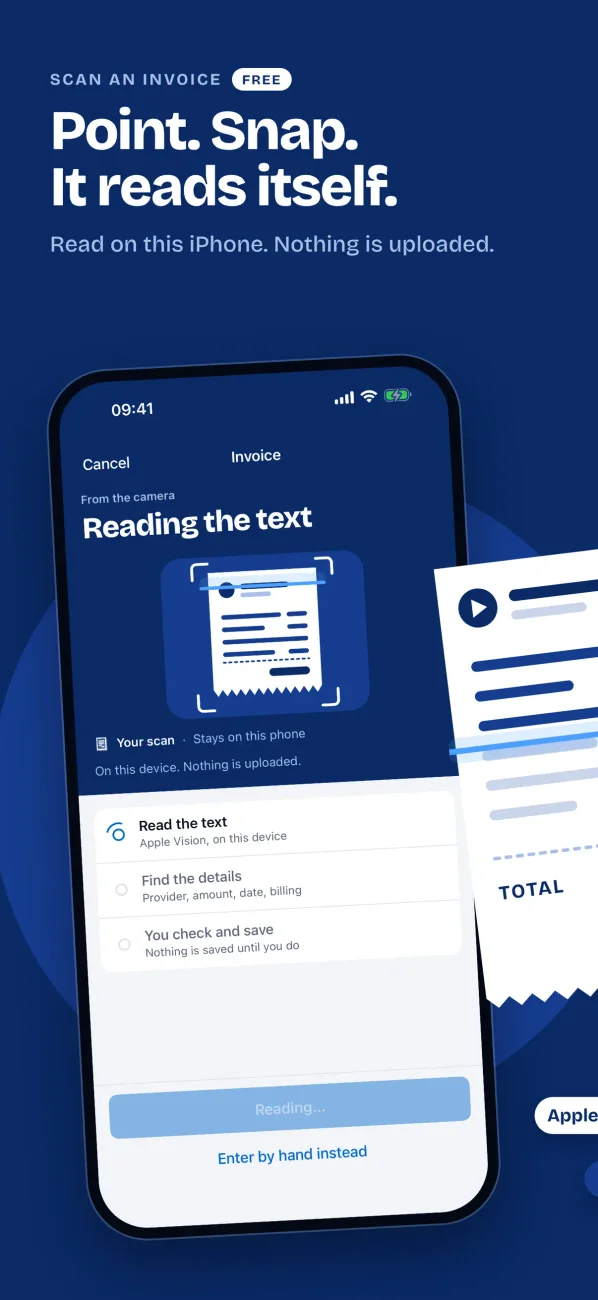
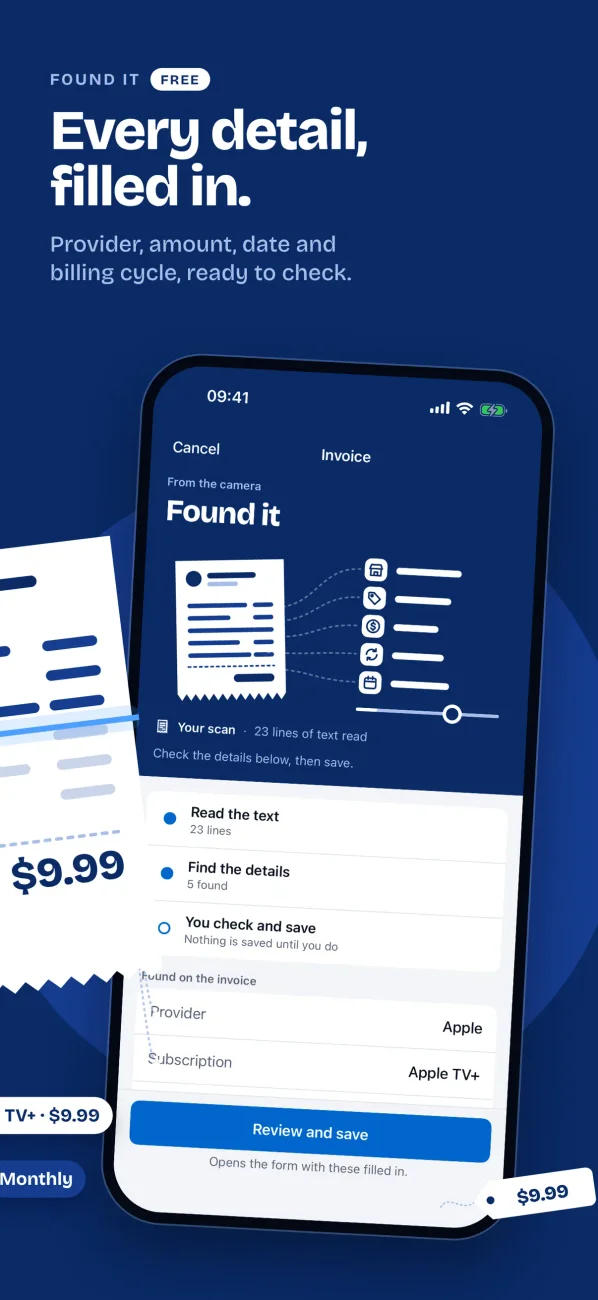
Point the camera at an invoice, or pick a photo of one, and the app reads the name, amount, billing cycle and date for you. The reading happens on your iPhone with Apple Intelligence, and the image is never uploaded. You check the details, then save. No invoice at hand? Add a subscription by hand in a few taps.
WHAT YOU GET
• Home shows what is still to come this month, what has already been charged, and your monthly total.
• A timeline groups renewals by week, or looks a year ahead.
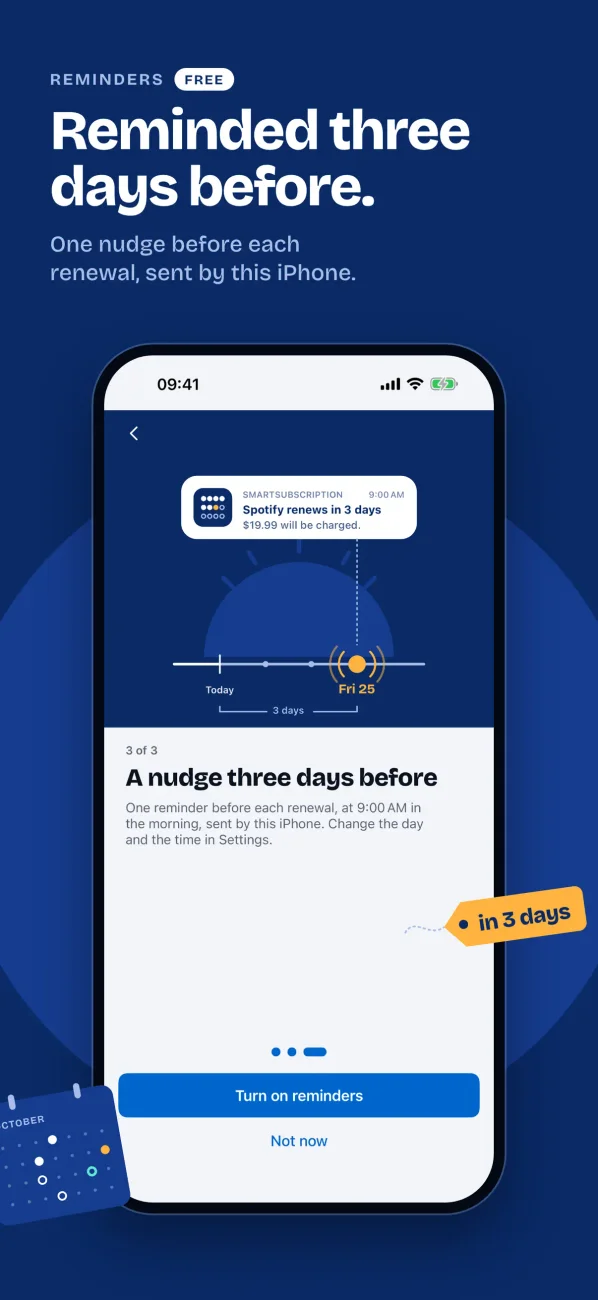
• Renewal reminders arrive 1 to 7 days before a charge, at the time you choose.
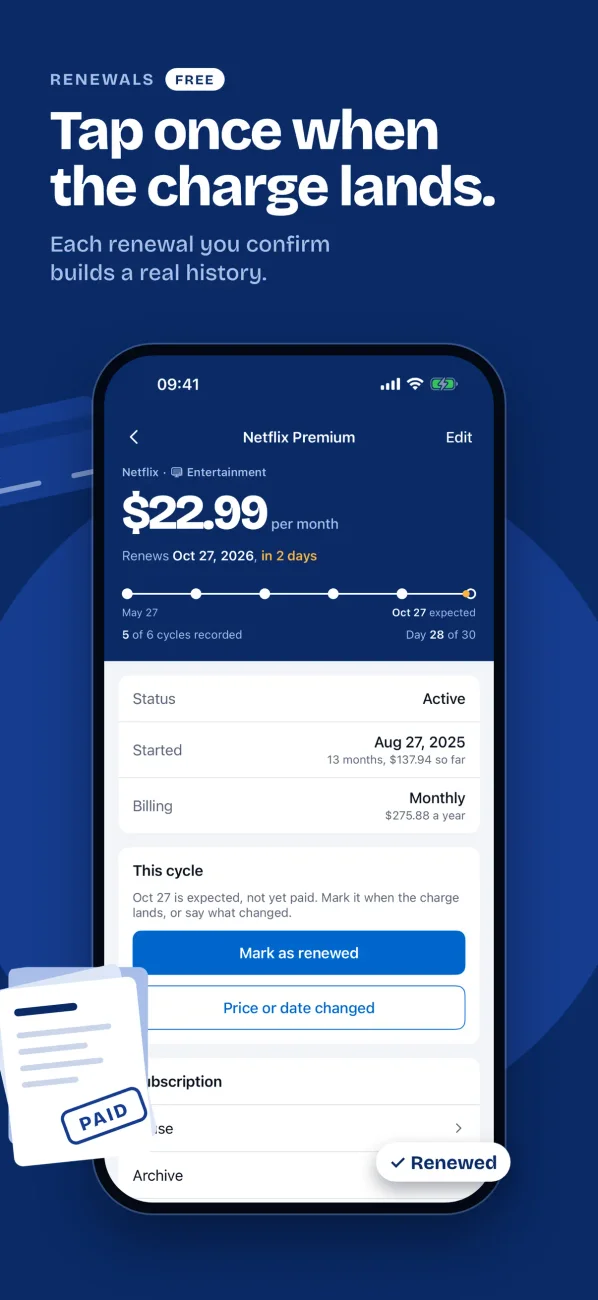
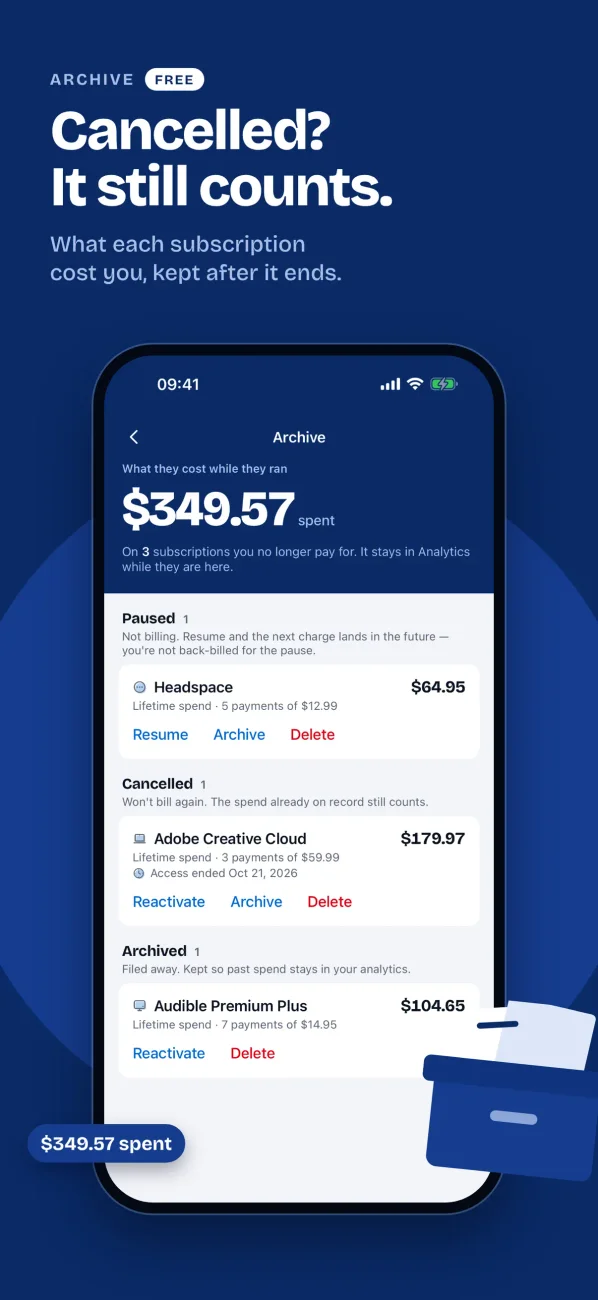
• Swipe to mark a renewal as paid. Pause, cancel or archive the ones you stop using; the archive keeps what each one cost you.
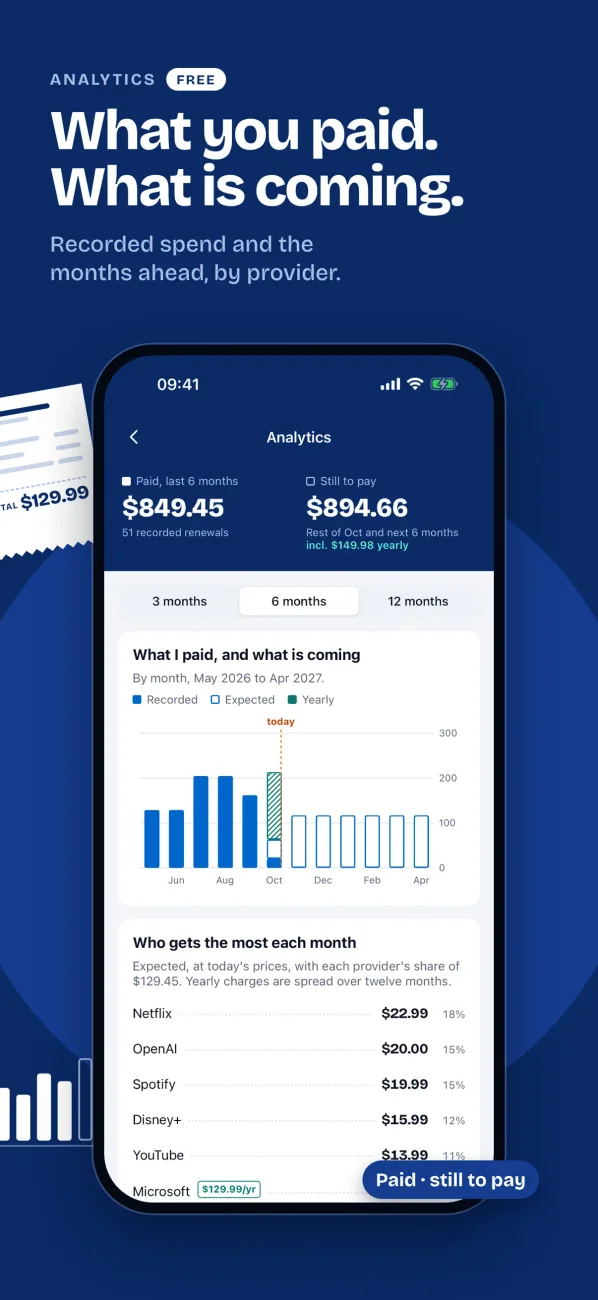
• Analytics charts what you paid and what is coming over 3, 6 or 12 months, and who gets the most each month.
• Categories you can rename, reorder and filter Home by.
• Subscriptions in different currencies, with totals in your default currency.
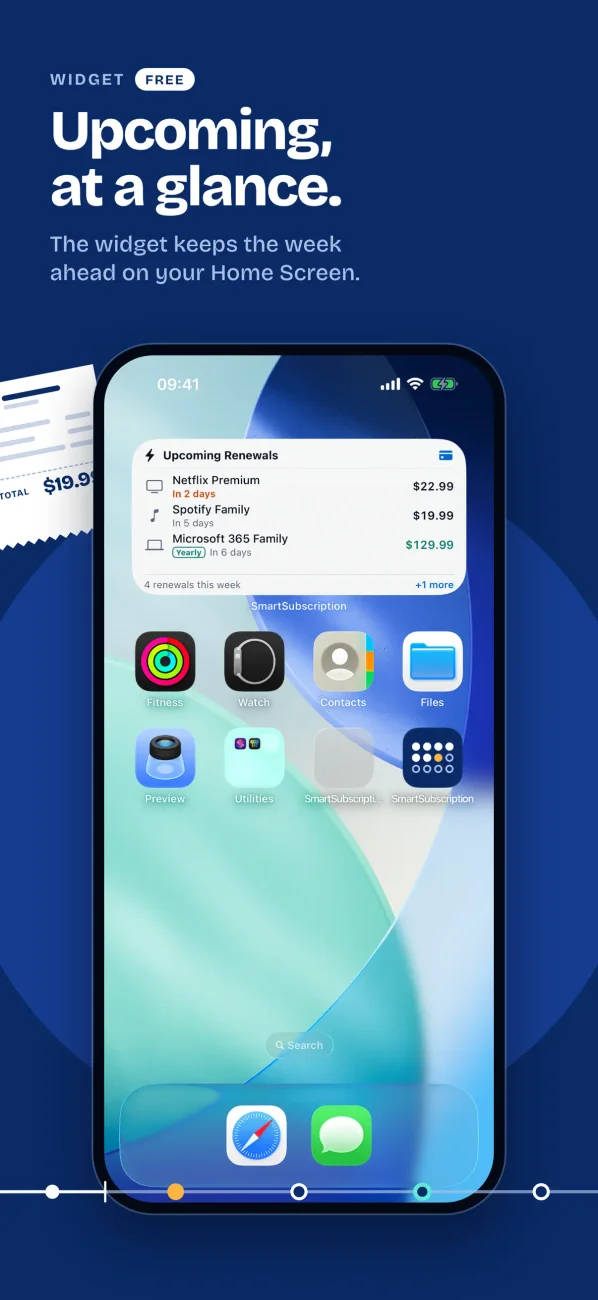
• A Home Screen widget with your upcoming renewals.
• Optional iCloud sync between your devices, and CSV export.
• Light and dark mode, in English, Vietnamese, Chinese (Simplified and Traditional), Japanese, Korean, Spanish, French and German.
FREE, WITH A ONE-TIME UNLOCK
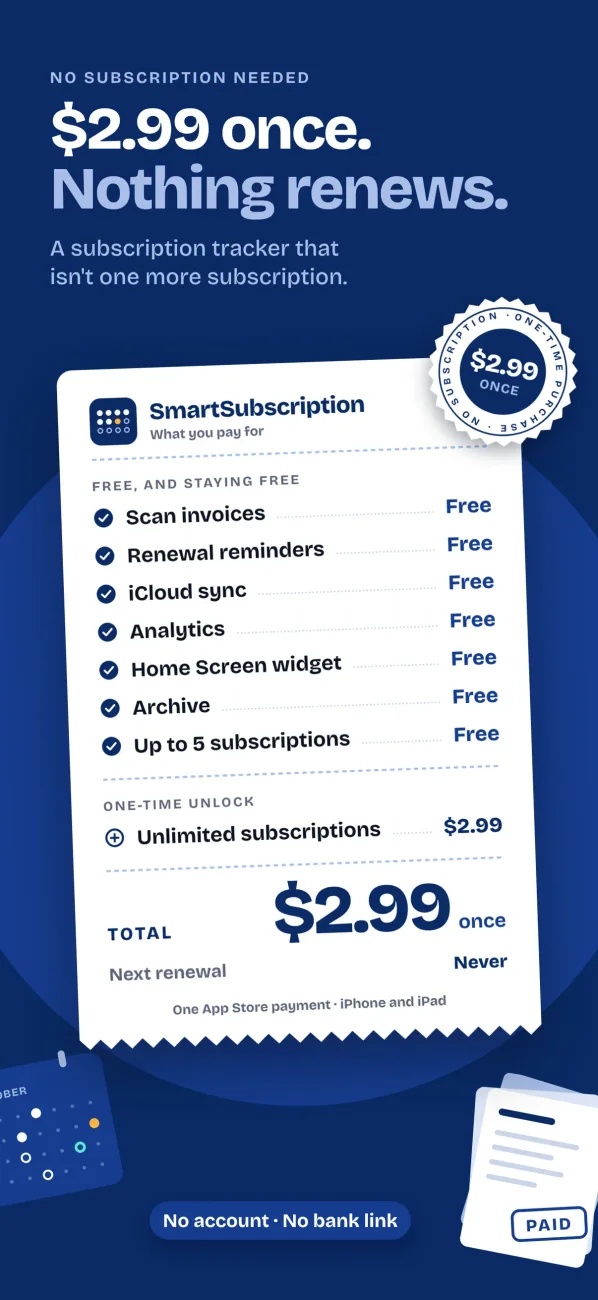
Smart Subscription is free for up to 5 subscriptions, with every feature included. A one-time purchase removes the limit. It is not a subscription: you pay once.
PRIVACY
There is no account to create. Your subscriptions stay on your device, and in your own iCloud if you turn on sync. The app sends anonymous usage counts and crash reports so problems get fixed. They never include your subscriptions, amounts or invoices, and you can turn them off in Settings.
Invoice scanning needs an iPhone that supports Apple Intelligence, on iOS 26 or later, with Apple Intelligence turned on. On other iPhones everything else works and you add subscriptions by hand.
What’s new
Version 1.1.0 · Oct 31, 2026
- Bug and crash fixes
- Include onboarding to guide user
App privacy
What Phong Tran declares on the App Store about how this app handles data.
-
Data not linked to you
May be collected but is not linked to your identity.
- Purchases
- Location
- Identifiers
- Usage data
- Diagnostics
Privacy practices may vary, for example with the features you use or your age.
Information
- Seller
- Phong Tran
- Category
- Finance
- Version
- 1.1.0
- Updated
- Oct 31, 2026
- Released
- Oct 24, 2026
- Size
- 12.3 MB
- Requires
- iOS 16.0 or later
- Age rating
- 4+
- Price
- Free
- In-app purchases
- Yes
- Languages
- English, French, German, Japanese, Korean, Simplified Chinese, Spanish, Traditional Chinese, Vietnamese
- Copyright
- © 2026 Timeskip
You might also like
-
 VeexYour Minimal Expense Tracker
-
 FinTools: Financial CalculatorSavings, Loans & Retirement
-
 Net Worth Tracker - NetvoWealth Tracker & AI Insights
-
 Wealth Tracker – Net WorthTrack Assets, Debts & Goals
-
 FIRE Financial IndependenceFI - Retire Early
-
 ReScribe Subscription ManagerTrack and manage subscriptions
-
 COINMAP - PLATFORMFinance
-
 Eggu: Budget & Expense TrackerFinance & Money Manager
-
 Finny: AI Money ManagerScan, Speak, Tap & Shortcut
-
 Subscription Manager: OrbitSpending & Expense Tracker