Smart Tasks: Simple To Do List
Reminders, Checklist & Widget
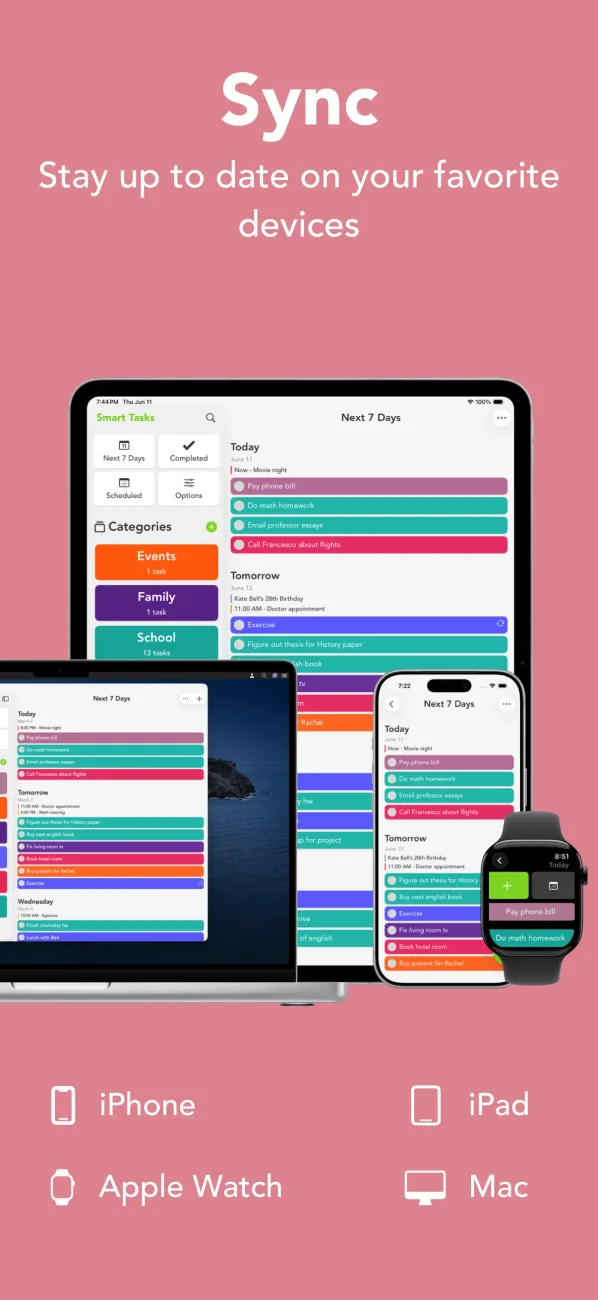
Designed for iPhone, iPad, Mac
Free · In-app purchases
- Age rating4+
- CategoryProductivity
- DeveloperFrancesco Prospato
- LanguagesEnglish+ 3 more
- Size77.9 MB
Links to the official App Store page
Download.org hosts no file of Smart Tasks: Simple To Do List. The button opens its official App Store page, published by Francesco Prospato. Listing last checked on Nov 24, 2026.
Screenshots
About
Featured in App Store's "Hot This Week" for multiple weeks.
Welcome to Smart Tasks: a simple, yet powerful way to get things done!
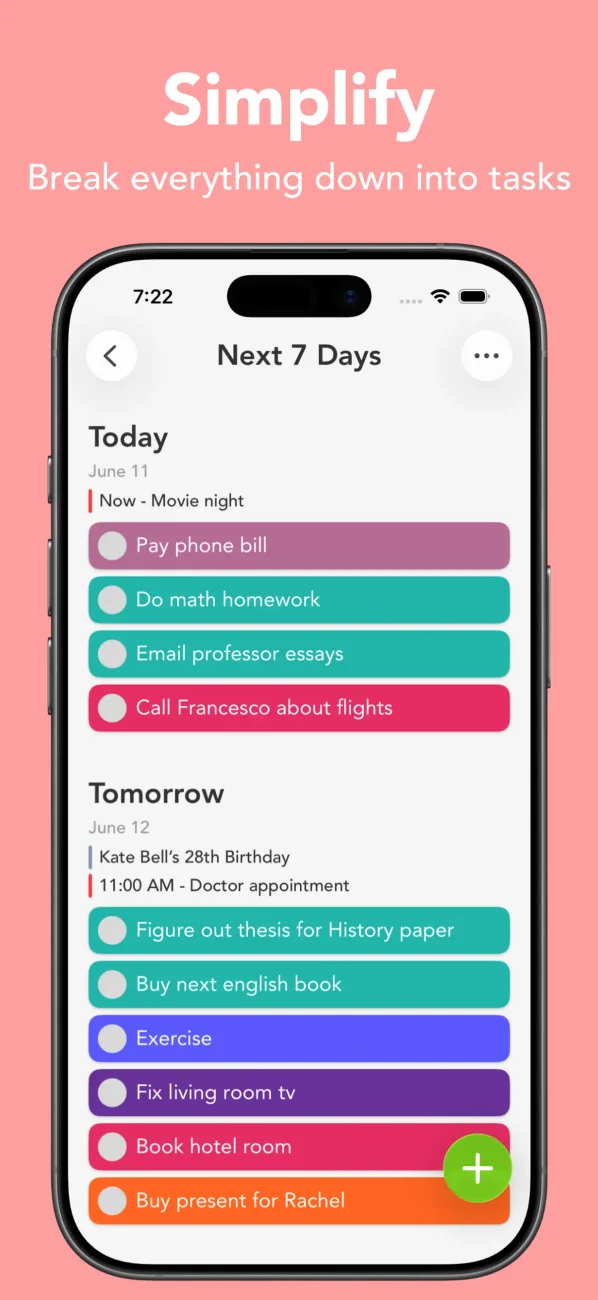
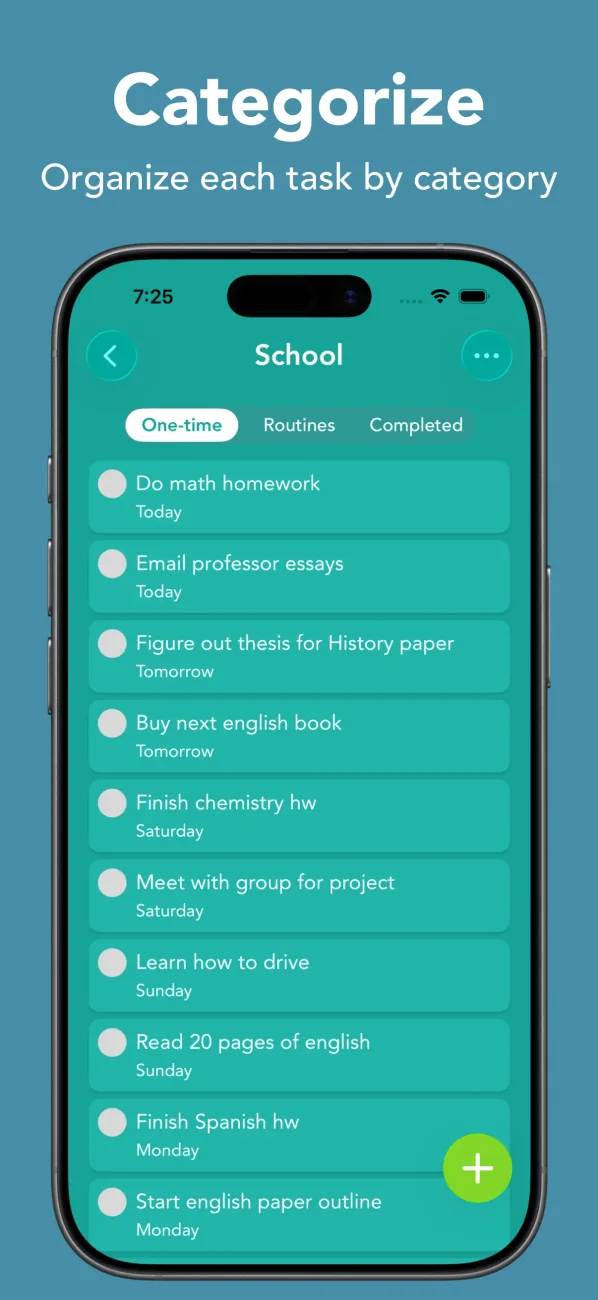
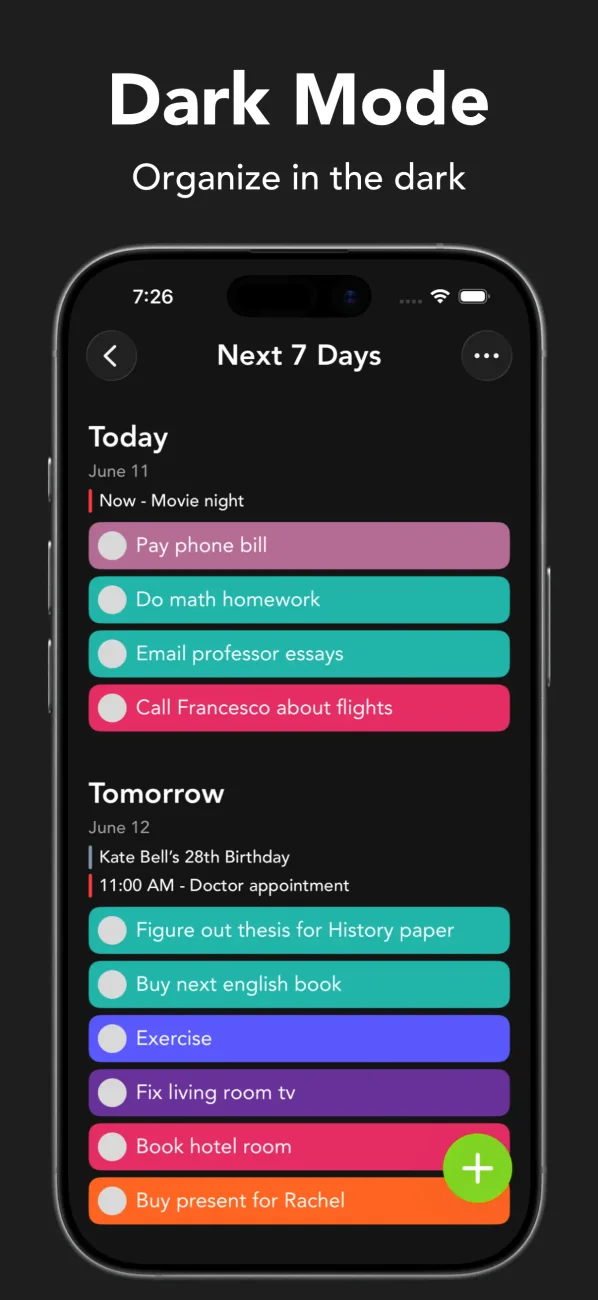
See your whole week in a minimalistic and interactive design. Write down everything from your time-sensitive work to things you just don’t want to forget about. Keep yourself from worrying about what you have to do and start getting things done.
Simple. Fast. Intuitive. Built for you!
FEATURES
• Simple and highly interactive design
• Drag and drop to quickly add, reorder, delete, and import tasks
• Swipe on any task, category, or date to access quick actions to get things done quicker
• Choose between 42 aesthetically pleasing colors for categories
• Home screen quick actions
• Export/import tasks and categories
APPLE SPECIFIC FEATURES
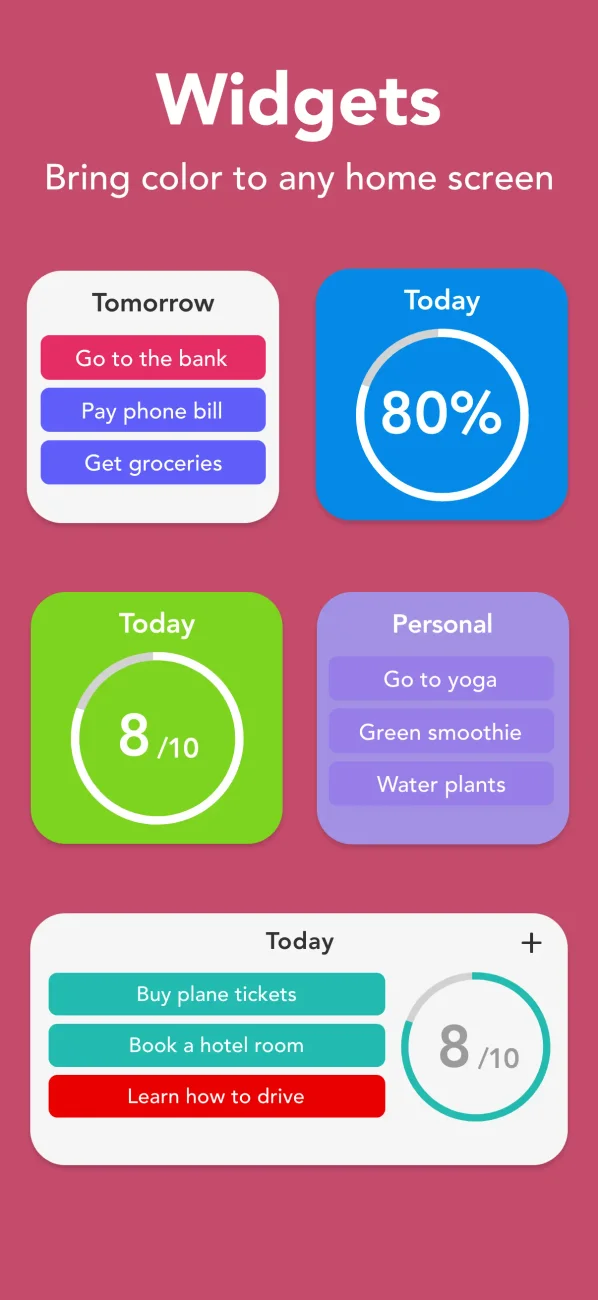
• Widgets
• Siri AI
• Dark mode
• Notification quick actions
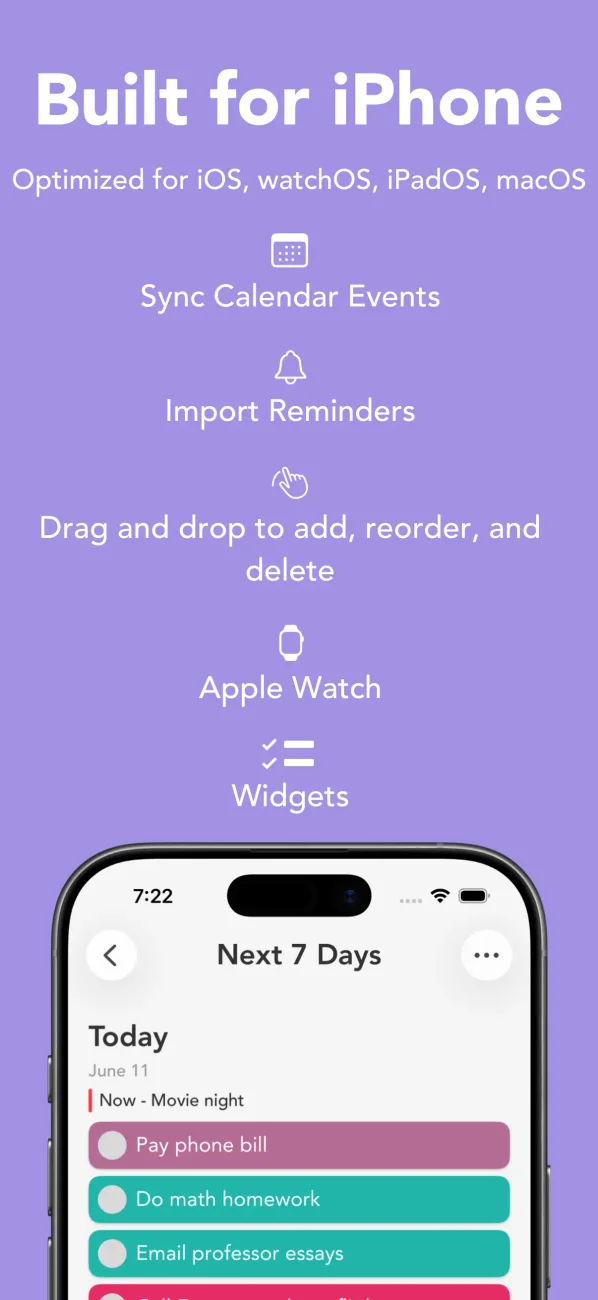
• Add, edit, delete, and view Apple Calendar events
• Import reminders from the Apple Reminders app
• Control Center and Action Button controls support
• Device Handoff when adding tasks and categories
• Full VoiceOver support
• Smart Notifications
• Dynamic font support
• App Shortcuts
PREMIUM FEATURES
• iCloud sync
• Reminders in tasks
• Daily, weekly, monthly, and after completion routines
• Notes in tasks
• Week layout
• Unlimited categories
• Change app’s icon color
• Special configuration options
• Custom swipe actions
• Duplicating tasks
• Prioritize today
• Link, email, and phone number detection in titles and notes
iPad SPECIFIC FEATURES
• Multiple window support for categories and tasks
• Keyboard Shortcuts
• Right-click for quick actions
• Drag and drop task files for quick importing
• Drag and drop multiple task files
SUBSCRIPTION
Smart Tasks has a subscription service for premium features. No sign-up needed. Upgrade anytime to Smart Tasks +.
Without Smart Tasks +, users will only have access to a limited amount of features.
Subscriptions from Smart Tasks + will be charged to your card connected to your iTunes account. Your subscription will automatically renew unless canceled at least 24 hours before the end of the current period. You can manage your subscription in your account settings after purchase. Any unused time left in a given free trial will be forfeited when purchasing a subscription.
For more details please look at:
Privacy Policy: https://smarttasksapp.com/privacy/
Terms of Service: https://smarttasksapp.com/terms/
Thank you for using Smart Tasks! I'm constantly updating the app to make it better.
What’s new
Version 3.7.5 · Nov 24, 2026
Thank you for using Smart Tasks! This update brings calendar layouts to your categories and makes it quicker to get a reminder at a task's time.
*** What's New in 3.7.5 ***
General Improvements
- Smoother animations when you add reminders, notes, or a routine in New Task, delete a task with a swipe, or switch tabs in a category
- New Task now adapts to your text size
- Improved VoiceOver support in your task lists, New Task, and a task's details
- Deleting a custom color that one of your categories uses now asks you first
*** What's New in 3.7 ***
Calendar Layouts
- Switch between Month, Week, and List with the layout button at the top of any category
- Drag tasks between days in the week layout to reschedule them
- Every category opens in the layout you picked last
Reminders at Task Time
- The bell sets an “At task time” reminder, which moves with the task if you change its date or time
- Leave the bell on, and every task you give a time after that gets the reminder too
- When Siri or Shortcuts give a task a time, it now comes with a reminder at that time
- Tasks imported from the Reminders app automatically get a reminder at their due time too
iPhone Duo and Landscape
- Smart Tasks now supports iPhone Duo, closed or open
- On iPhone Duo, the + button now joins the controls on the side of the screen
- Turn your iPhone sideways to use Smart Tasks in landscape
- Month and Week layouts in your categories now use the whole screen when your iPhone is sideways or your iPhone Duo is open
General Improvements
- Redesigned routine screen, with the whole schedule in one place
- Buttons like Add, Save, and Continue now have a Liquid Glass look (iOS 26.1 or later)
- In iPhone Mirroring on your Mac, Smart Tasks now adapts to any window size (iOS 27 and macOS 27 or later)
- Reminders now clear from a task once they go off, except “At task time” reminders, which stay with the task
- The iCloud screen in Options now shows a banner when your iCloud storage is full
- Options now opens one screen with all of that screen's settings, grouped in sections
- Improved iCloud syncing between your devices
- The main screen now adapts to your text size
- Spotlight and Siri can now find tasks you finished in the last 30 days (iOS 27 or later)
*** Bug Fixes ***
- Fixes related to routines
- Fixes related to reminders
- Fixes related to dates and times
- Fixes related to iCloud syncing
- General speed/performance improvements
Learn about new features and tips on Instagram @smarttasks
I'm always trying to make Smart Tasks better by updating regularly. Send any new feature suggestions or bugs you may find by going to "Help & Suggestions" in Settings.
If you love Smart Tasks, please leave a 5-star rating and review! Every star really helps a lot!
- Francesco
App privacy
What Francesco Prospato declares on the App Store about how this app handles data.
-
Data linked to you
May be collected and linked to your identity.
- Usage data
-
Data not linked to you
May be collected but is not linked to your identity.
- Purchases
- Diagnostics
Privacy practices may vary, for example with the features you use or your age.
Information
- Seller
- Francesco Prospato
- Category
- Productivity
- Version
- 3.7.5
- Updated
- Nov 24, 2026
- Released
- Mar 20, 2020
- Size
- 77.9 MB
- Requires
- iOS 17.0 or later
- Age rating
- 4+
- Price
- Free
- In-app purchases
- Yes
- Languages
- English, French, German, Spanish
- Copyright
- © Francesco Prospato
You might also like
-
 Do! – Simple To Do ListReminders & widgets, your way
-
 To Do List MinimaList & WidgetPlanner, Reminder & Tasks
-
 To Do List - Reminders & TasksTask Manager with Calendar
-
 Todo List & Reminder - TodoeryTodo list widget, Tasks remind
-
 Mindlist — To Do List & TasksMinimalist Daily Schedule
-
 Planner Pro - Daily PlannerReminders, Calendar & Tasks
-
 List Maker ◎Grocery, Shopping, To Do
-
 Daily Planner, To-Do ListOrganize Your Day, Week, Year
-
 Digital Planner for iPadHourly, Daily, Weekly Calendar
-
 TimeBloc - Daily PlannerTime Block, To-Do & Routines