Smart Things: Universal Remote
Smartthings: TV & Home Control
Designed for iPhone, iPad
Free · In-app purchases
- Age rating4+
- CategoryUtilities
- DeveloperMikita Kharoshka
- LanguagesEnglish+ 32 more
- Size30.9 MB
Links to the official App Store page
Download.org hosts no file of Smart Things: Universal Remote. The button opens its official App Store page, published by Mikita Kharoshka. Listing last checked on Nov 17, 2026.
Screenshots



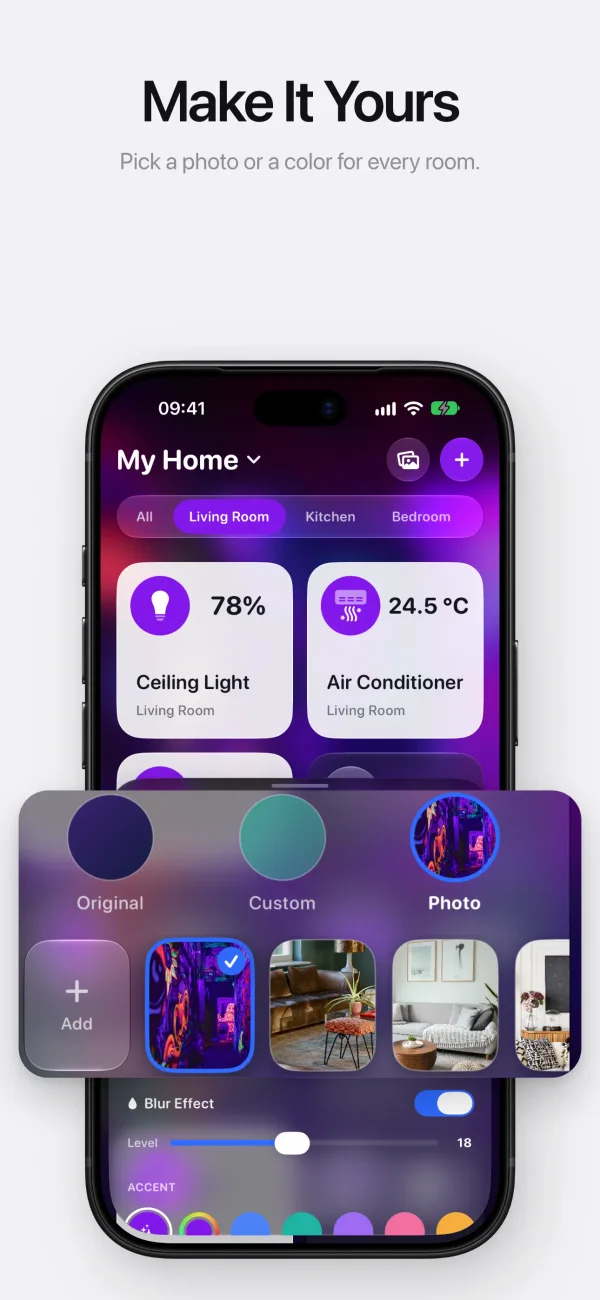
About
Every accessory in your home, and every remote you actually reach for, in one app — on iPhone and iPad.
CONTROL THE WHOLE HOME
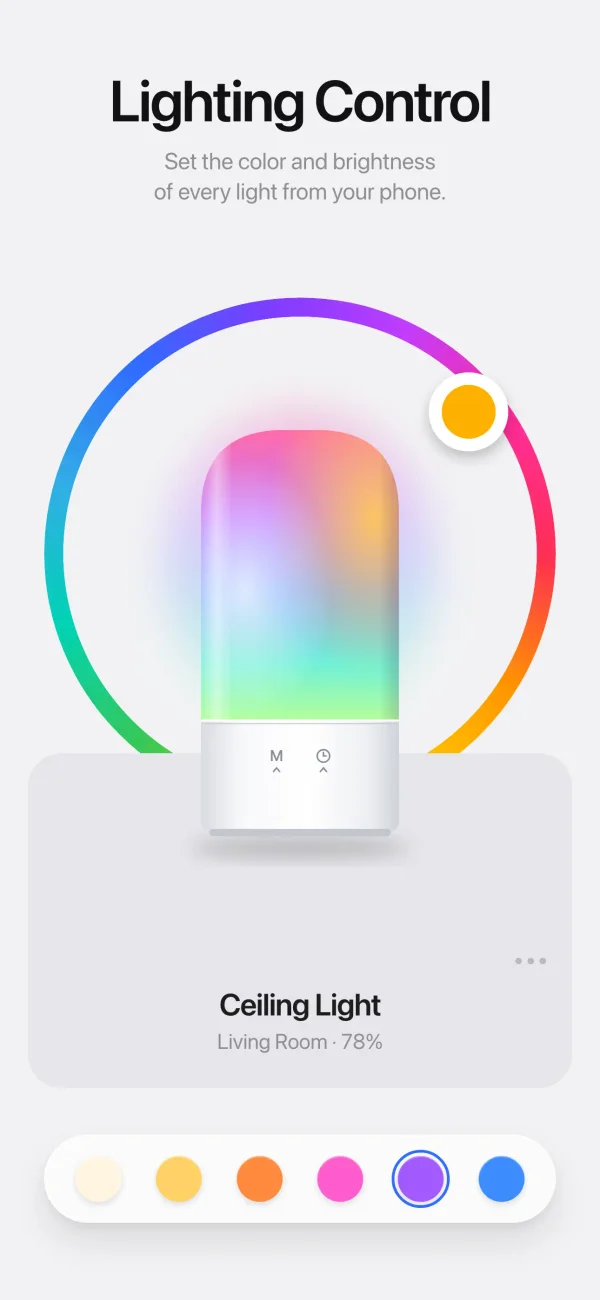
Lights, thermostats, locks, blinds, fans, sensors, purifiers, sprinklers, cameras. If HomeKit reports it, you can see it and set it. Each control is built from what the accessory says about itself, so a dimmer gets a slider, a color lamp gets a wheel, and a lock gets a lock — including accessories released after this app was.
CAMERAS
Watch your HomeKit cameras and doorbells live, with a fresh snapshot on each camera's card.
TELEVISION REMOTES
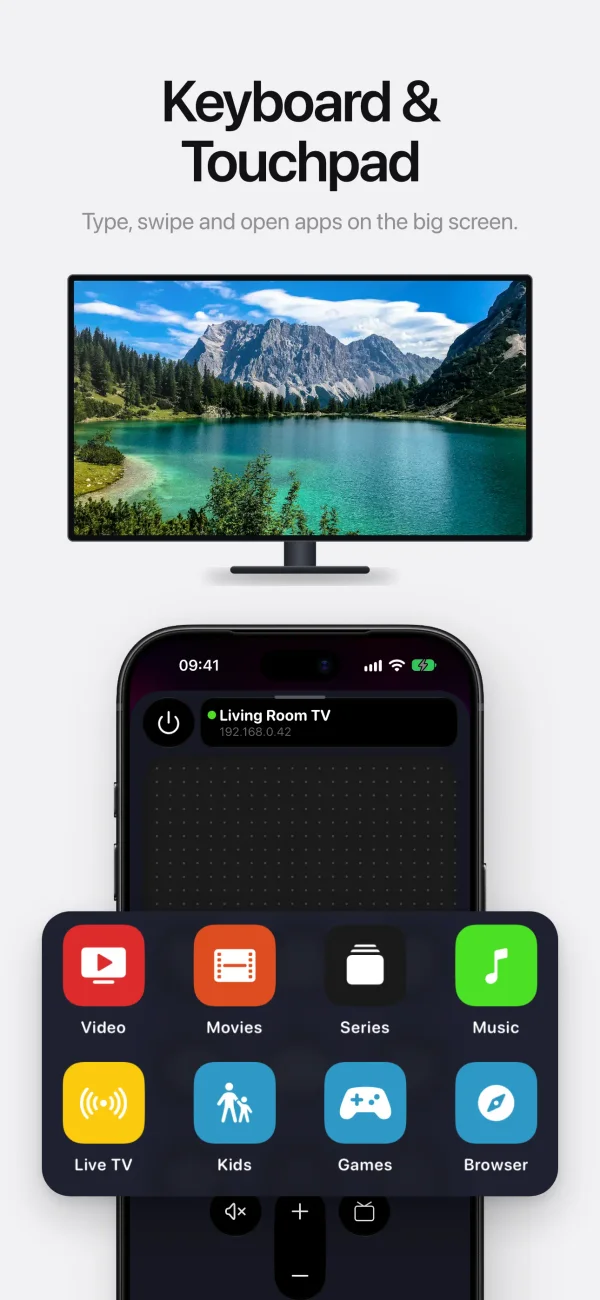
Fire TV, Roku, Samsung, LG and other smart TVs, found on your Wi-Fi and paired in seconds. A full directional pad, playback, volume, a keyboard for typing on the TV, and its apps a tap away. Assign a television to a room and it sits with everything else in that room.
SCENES AND AUTOMATIONS
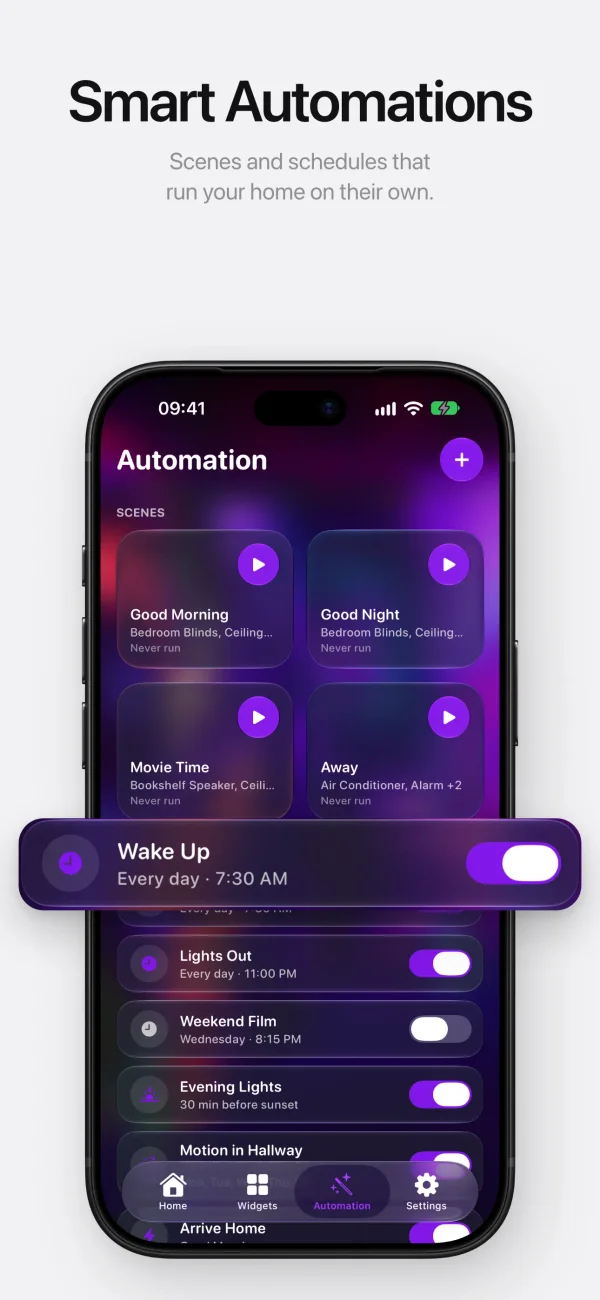
Run a scene from anywhere in the app. Capture how your rooms are set right now and keep it as a scene, or rename, re-record and delete the ones you have. Build automations that run at a time of day, at sunrise or sunset, or when a sensor or accessory changes — motion detected, a door opened, a light switched on.
SIRI AND SHORTCUTS
Run a scene or switch an accessory by voice, from Spotlight, the Shortcuts app or the Action button.
MAKE EVERY ROOM ITS OWN
Give each room a wallpaper — one of ours or a photo of yours — with an adjustable blur. Accent colors can follow the wallpaper automatically, so a room looks like itself rather than like a settings screen.
WIDGETS AND CONTROL CENTER
See how much of the house is on at a glance, switch an accessory or run a scene straight from the home screen, and keep your favorites in Control Center. Choose which room a widget follows and which scenes it shows.
SMART THINGS PRO
Seeing your home — every accessory's state, its readings and your cameras — and building scenes and automations are free. Controlling and adding accessories, running scenes, the TV remote, interactive widgets and your own room photos are part of Smart Things Pro, an auto-renewable subscription.
Smart home control that shows you everything your accessories can do, and asks nothing you should not have to think about.
Privacy Policy: https://docs.google.com/document/d/12voOgya1fD5zQagp2-4iQ6464r8q1ZW9uJ-vONIoucE/edit?usp=sharing
Terms of Use: https://docs.google.com/document/d/1v1fA32bGcq7_uAz0_JcWQ_8VZb_0pWlH8Uq9nDysVwk/edit?usp=sharing
What’s new
Version 1.5.2 · Nov 11, 2026
• New TV Remote widget: power, volume and the d-pad on your Home Screen and Lock Screen
• TV power, mute and volume buttons for Control Center
• A livelier setup that shows what Smart Things can do
• Bug fixes and stability improvements
App privacy
What Mikita Kharoshka declares on the App Store about how this app handles data.
-
Data used to track you
May be used to track you across apps and websites owned by other companies.
- Identifiers
-
Data linked to you
May be collected and linked to your identity.
- Identifiers
-
Data not linked to you
May be collected but is not linked to your identity.
- Purchases
- Identifiers
- Usage data
- Diagnostics
Privacy practices may vary, for example with the features you use or your age.
Information
- Seller
- Mikita Kharoshka
- Category
- Utilities
- Version
- 1.5.2
- Updated
- Nov 11, 2026
- Released
- Sep 10, 2026
- Size
- 30.9 MB
- Requires
- iOS 17.6 or later
- Age rating
- 4+
- Price
- Free
- In-app purchases
- Yes
- Languages
- English, Arabic, Catalan, Croatian, Czech, Danish, Dutch, Finnish, French, German, Greek, Hebrew + 21 more
- Copyright
- © 2026 Mikita Kharoshka
You might also like
-
 Remote Control for HomeKitSmart Home Controller: AC, LED
-
 Smart AC RemoteAny Air Conditioner, IR & WiFi
-
 Smart Things: Remote ControlSmartthings: AC & TV Control
-
 Universal AC remote controlAC Remote - Air Conditioner
-
 TV Remote for SamsungSmart TV Remote control app
-
 TV Remote ManagerUniversal remote for your TV
-
 RGB Smart LED Remote ControlLamp & Strip Light Controller
-
 Universal AC Remote Control +‧Air Conditioner Remote
-
 TV Remote - Remote ControlUniversal Remote - iRemote
-
 Smart AC Remote Controller AppUniversal IR TV Fan Switch