Smart Widget - Standby & Theme
StandBy, Lock & Home Screenkit
Designed for iPhone, iPod touch
Free · In-app purchases
- Age rating4+
- CategoryUtilities
- DeveloperMaple Labs Co., Ltd
- LanguagesEnglish
- Size180.3 MB
Links to the official App Store page
Download.org hosts no file of Smart Widget - Standby & Theme. The button opens its official App Store page, published by Maple Labs Co., Ltd. Listing last checked on Nov 12, 2026.
Screenshots


About
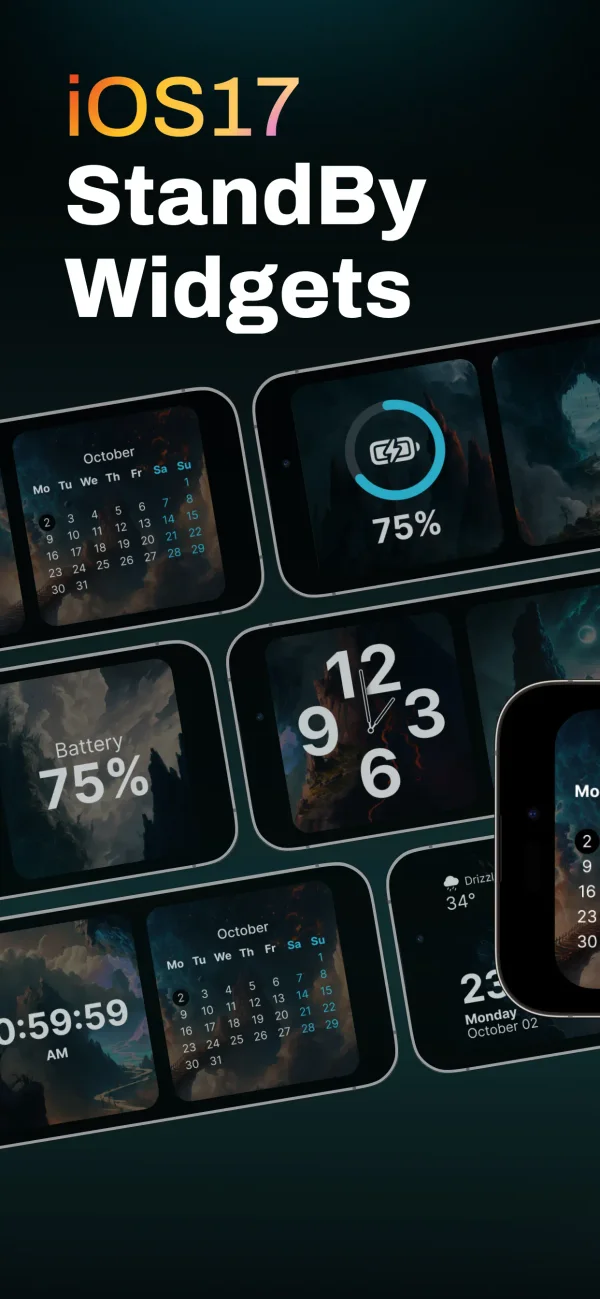
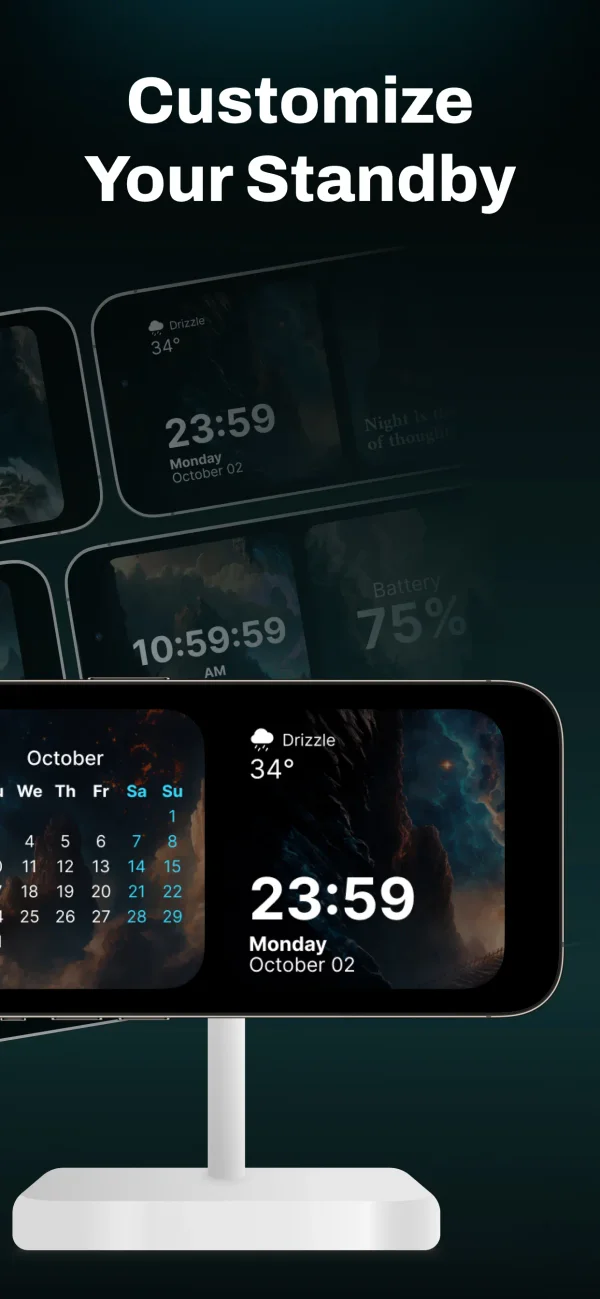
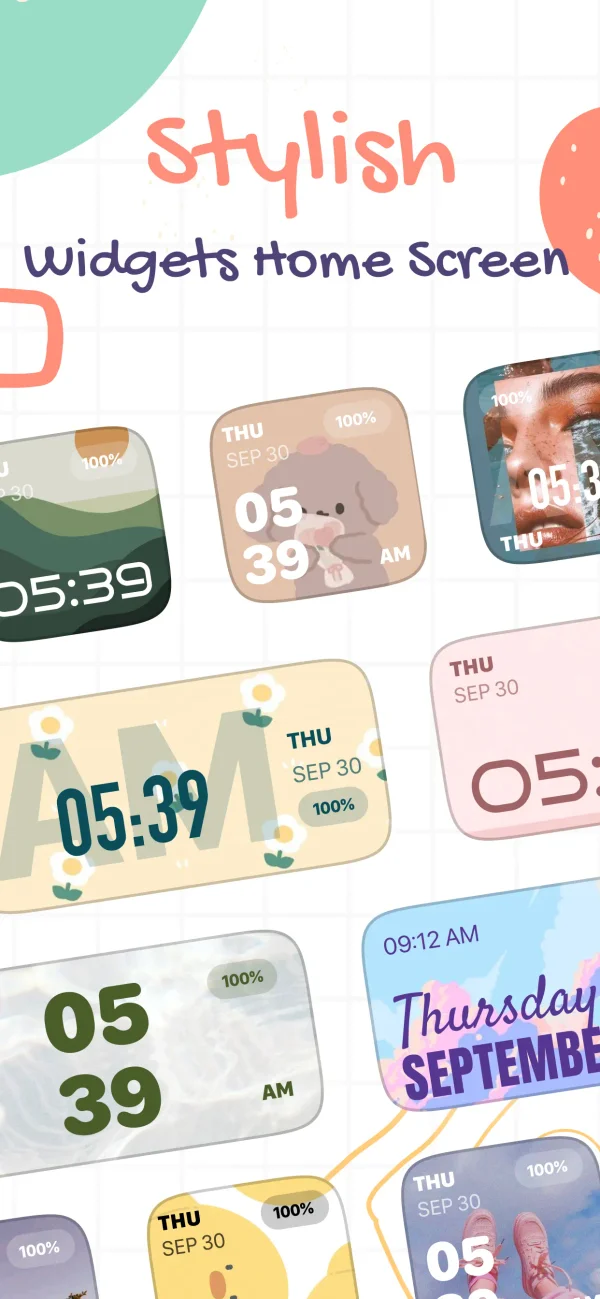
NightStand: StandBy Widget 17 allows you to set a personalized Widgets for Standby Mode.
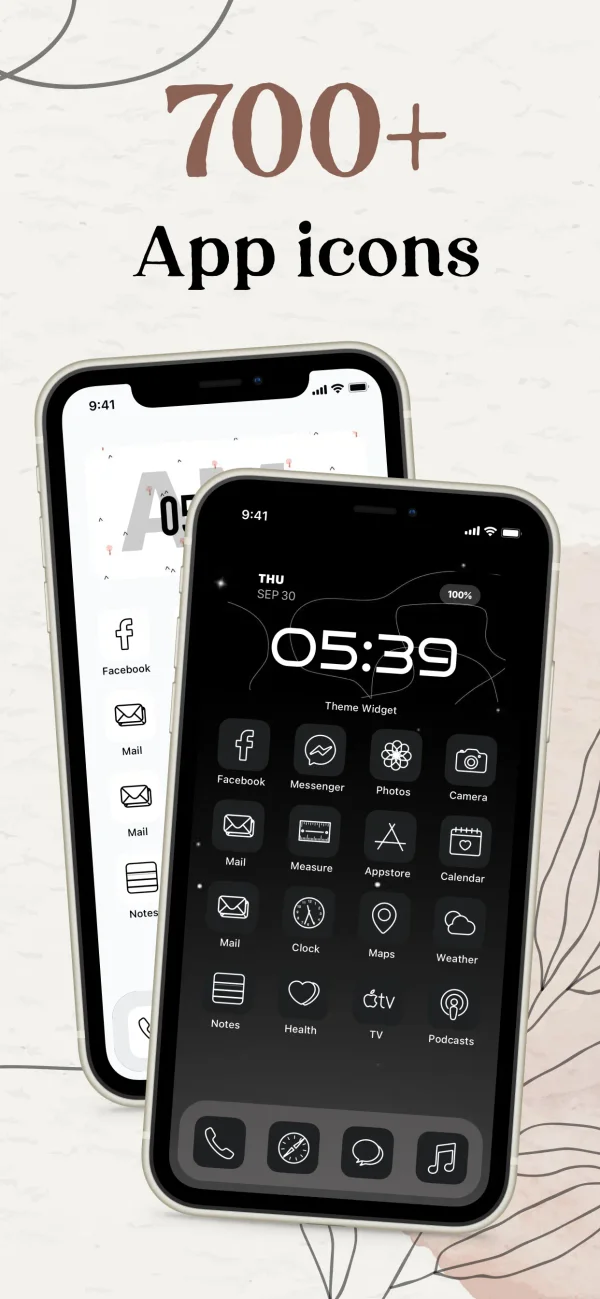
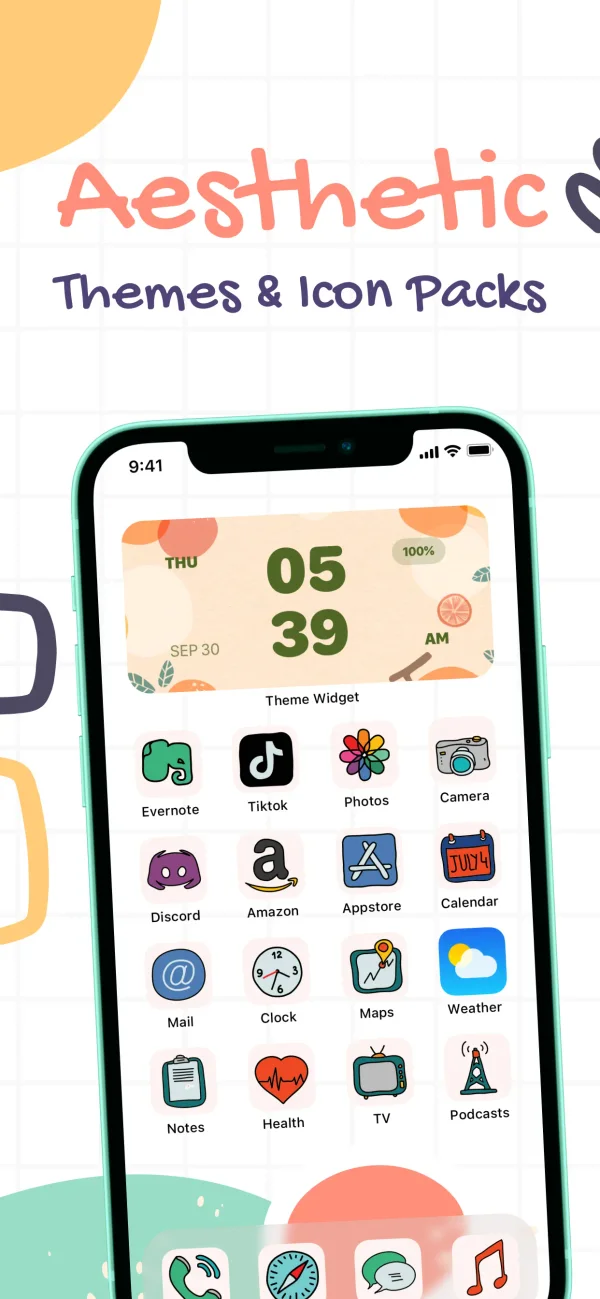
Your home screen will become a one-of-a-kind widget and theme include your own icon packs, wallpaper, clocks and weather. This exclusive feature is available on IOS 17 and later.
This app is perfect for customizing and styling your screen.
Super easy to setup
It works for all devices and all you need is to update your iPhone to IOS 17+.
Design your personal theme
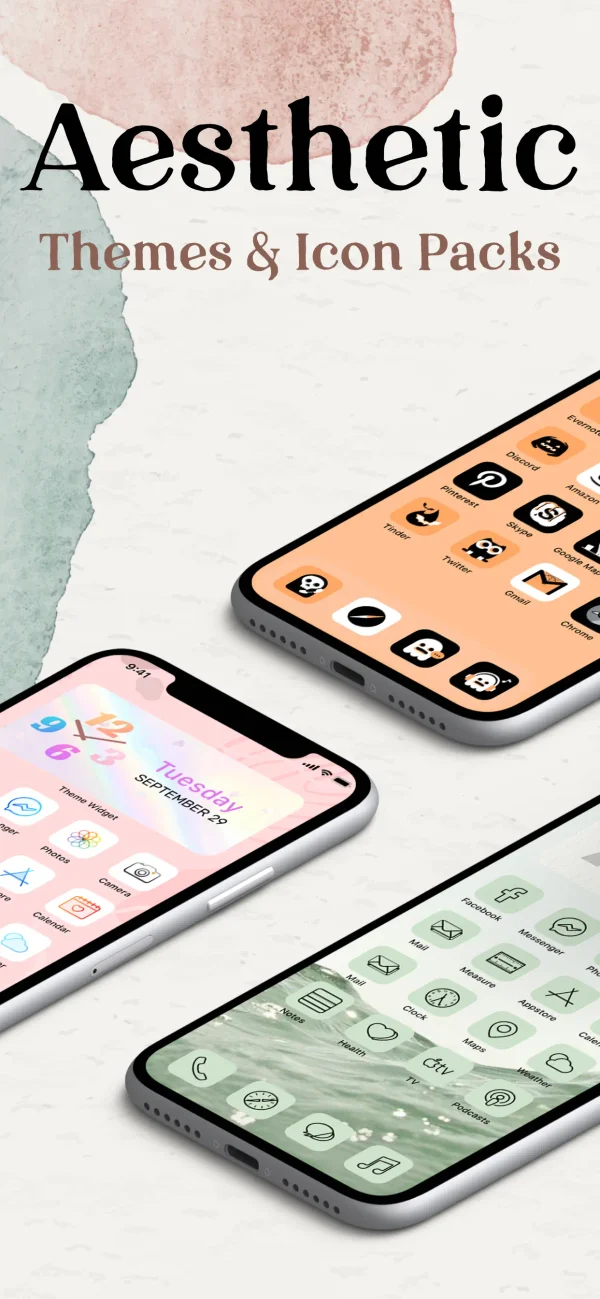
We offer you hundreds of themes which include an icon, background wallpaper, clocks,... You can choose one and directly apply your favorite into home screen design.
But if you want to try some fun experience by releasing your creativity, please select and adjust the widget, theme and icon base on your own taste.
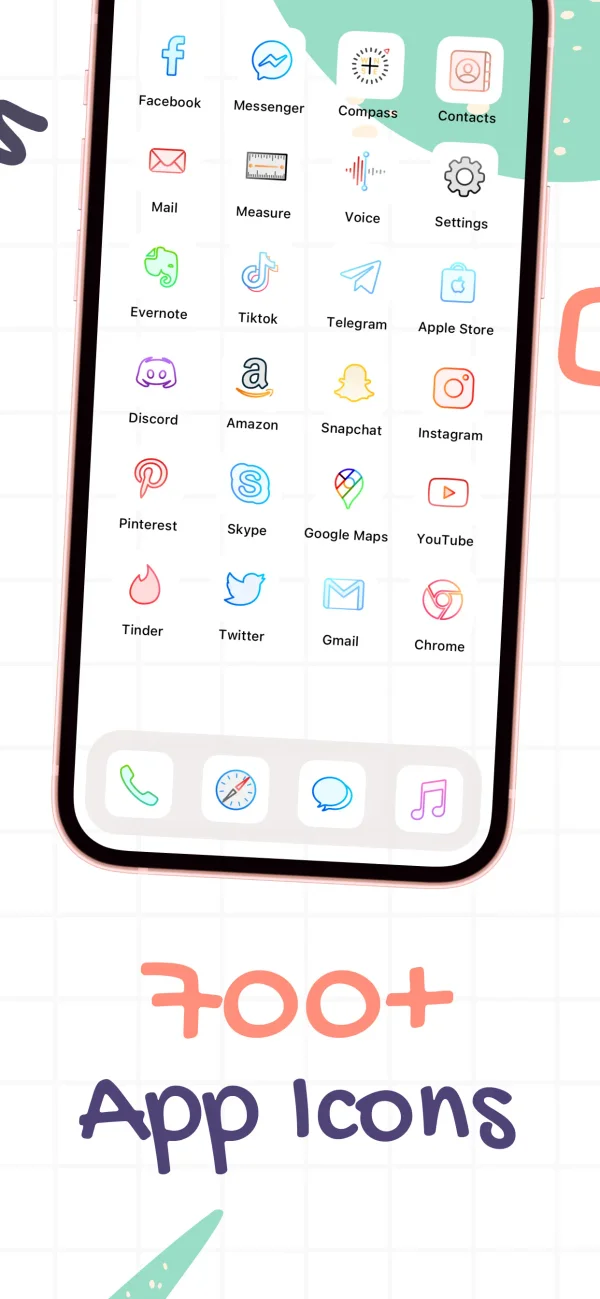
Please note that the icon pack does not change your actual app icons. These are for a custom shortcut using the Shortcut App.
Disclaimer
We are not affiliated with the mentioned companies in any way. We only developed and tested our app with these devices.
- iPhone is trademark of Apple Inc., registered in the U.S. and other countries.
Premium Subscription
Subscription starts from USD 3.99.
- a 1-week subscription
- a 1-year subscription with 3 days free trial
- a 1-lifetime package
• Check in app for exact pricing in your region
• Payment will be charged to your iTunes account at confirmation of purchase and will automatically renew (at the duration/price selected) unless auto-renew is turned off at least 24 hours before the end of the current period.
• Account will be charged for renewal within 24-hours prior to the end of the current period, and identify the cost of the renewal.
• Any unused portion of a free trial period, if offered, will be forfeited when the user purchases a subscription to that publication, where applicable.
• You can manage your subscription and/or turn off auto-renewal by going to your iTunes Account Settings, but refunds will not be given for any unused portion of the term.
Terms of Service: https://www.maplelabs.co/policies/#terms
Privacy: https://www.maplelabs.co/policies/#terms
If you have any feedback, do not hesitate to contact us at support@maplelabs.co
What’s new
Version 2.6.0 · Feb 16, 2024
Hi friends! We update to serve you better:
- Update new themes
- Enhance app performance
- Add more Standby Widgets
& Fix minor bugs
App privacy
What Maple Labs Co., Ltd declares on the App Store about how this app handles data.
-
Data used to track you
May be used to track you across apps and websites owned by other companies.
- Identifiers
- Usage data
- Diagnostics
-
Data not linked to you
May be collected but is not linked to your identity.
- Identifiers
- Usage data
- Diagnostics
Privacy practices may vary, for example with the features you use or your age.
Information
- Seller
- MAPLE LABS COMPANY LIMITED
- Category
- Utilities
- Version
- 2.6.0
- Updated
- Feb 16, 2024
- Released
- Oct 28, 2020
- Size
- 180.3 MB
- Requires
- iOS 14.0 or later
- Age rating
- 4+
- Price
- Free
- In-app purchases
- Yes
- Languages
- English
- Copyright
- © Maple Labs
You might also like
-
 Lock Screen Widgets AppColor Screenkit for iPhone
-
 OLEDXInformation Interface
-
 AOD Clock: Always on DisplayFlip Clock, StandBy & Widgets
-
 WidgetalLock Screen Widgets 16
-
 Clocks - A fun standby modeA time and weather display
-
 Widgets for Dynamic Island •ActivityBuilder Lock Screen 26
-
 Affirmations & Quote WidgetDaily Quotes, Date & Battery
-
 Big Digital Clock WidgetDesigned for iOS 17 StandBy
-
 DIY Widgets: Color Lock ScreenMagic Widget 14 on Home Screen
-
 App Icon Maker & Custom ThemeDesign and Create App Icons