Smartapp.com
Consolidate Connect Configure
Designed for iPhone, iPad, iPod touch
Free
- Age rating4+
- CategoryBusiness
- DeveloperSmartapp.com, Inc.
- LanguagesEnglish
- Size398.0 MB
Links to the official App Store page
Download.org hosts no file of Smartapp.com. The button opens its official App Store page, published by Smartapp.com, Inc. Listing last checked on Nov 20, 2026.
Screenshots


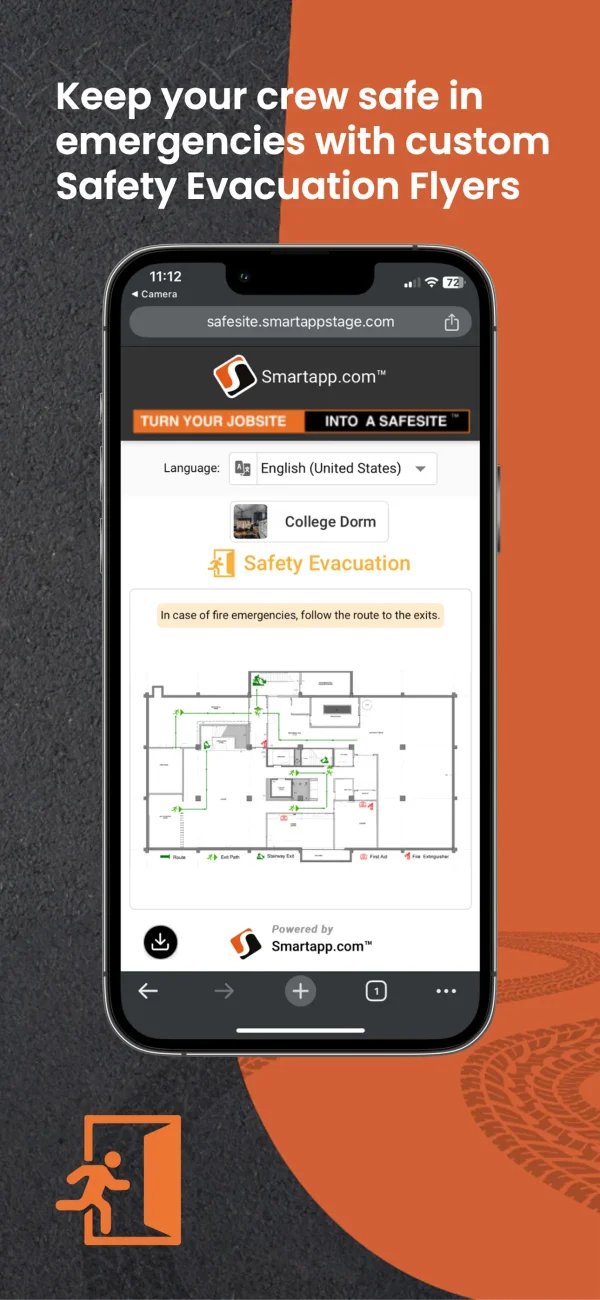
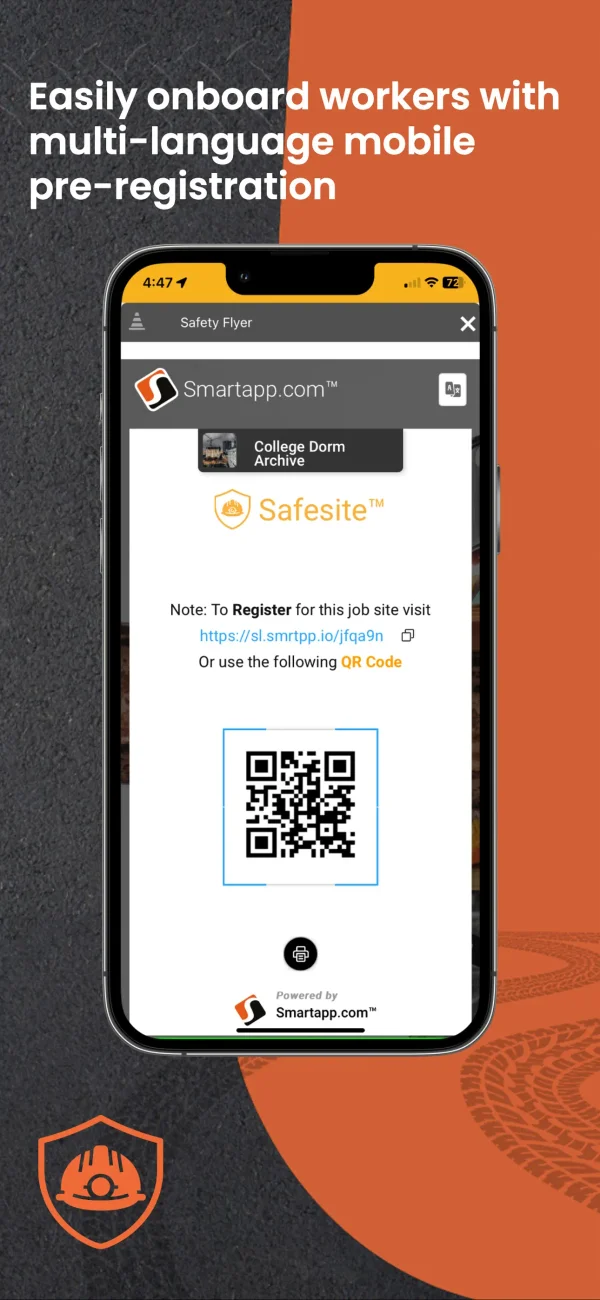
About
For Smartapp.com PLANNER™, FIELD™, SAFETY™ or ONE™ Project users this app provides the best possible mobile experience on your iOS device. Enhanced for mobile device jobsite usage with all the power at your fingertips for complete end-to-end automation of the entire construction project lifecycle.
With this app, you can:
• Access all your Projects from one central hub (ProjectCentral).
Easily access from ProjectCentral every Smartapp Project that you have own or are invited to see will be there automatically, and any updates will happen on their own.
• Plan. Dispatch. Track.
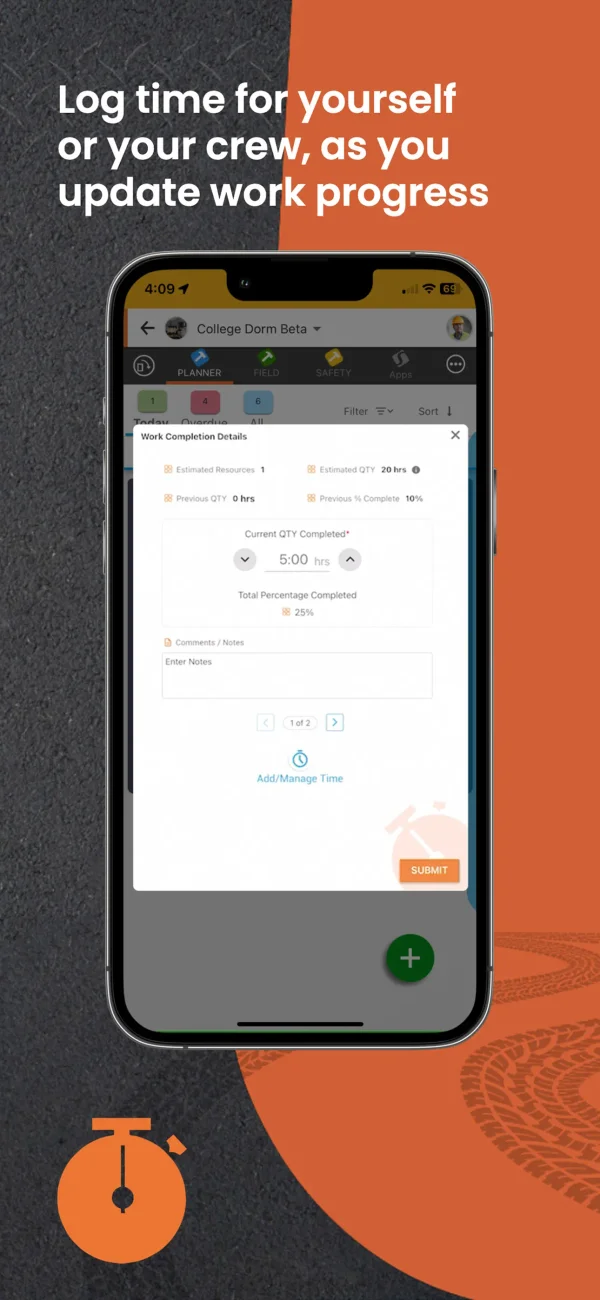
Create and update Plan Boards and CPM Schedules from a multi-party real time interface on your Tablet devices. One Click Auto-Dispatch of work to your field crews and contractors. Get real-time updates from the field on mobile phones or tablets from an easy to use personalized work burndown list back into your Boards & CPM schedules.
• Centralized Project Team DRIVE.
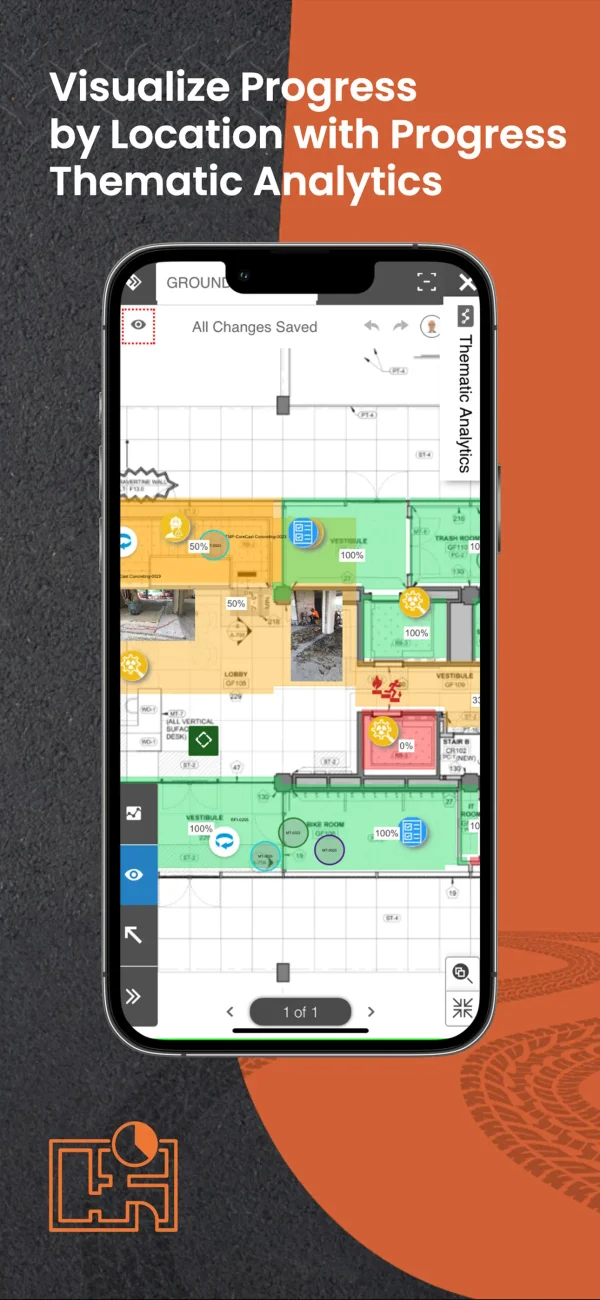
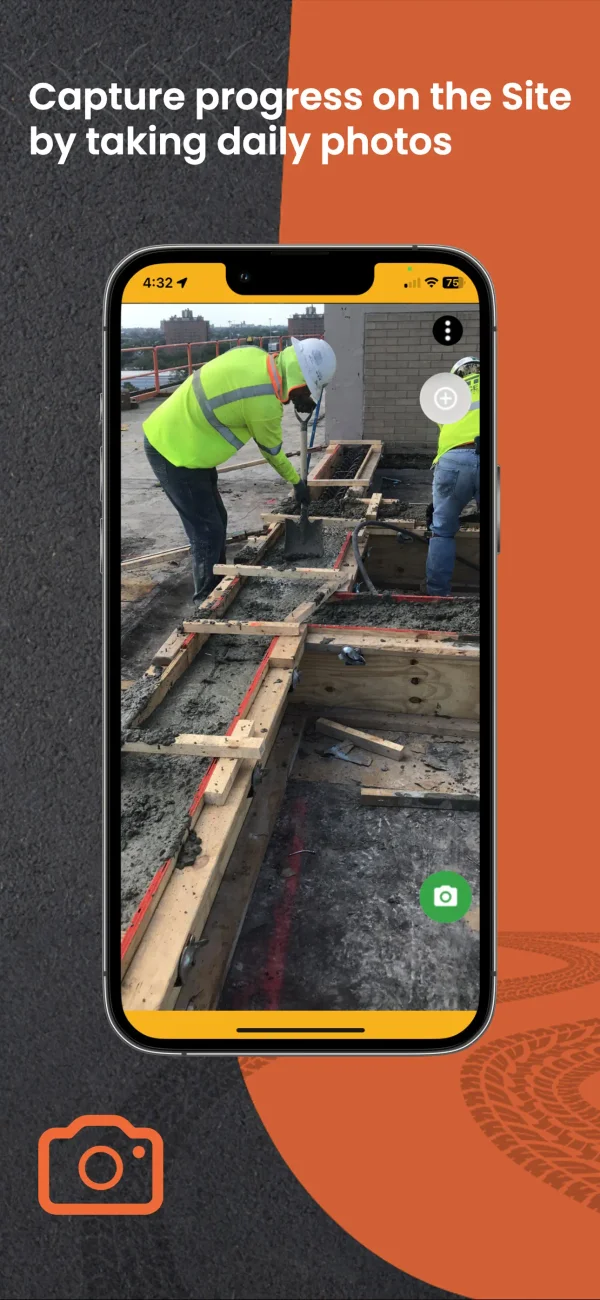
Upload, view, create and markup from your mobile device in a real-time multi party, multi tab Sketching interface all your critical project files such as CAD Drawings, PDF’s, Photos, Videos, BIM models, Schedules and more online or offline.
• SmartPIN items.
Create, Track and /or Pin directly onto drawings or from your app key Jobsite data collection forms such as RFIs, Punchlists, Submittals, Inspections, in Real-time with other project team members.
• Create & edit items even while offline.
With AnyConnect, your mobile device detects your connectivity status at all times. When offline, it allows you full capabilities and stores any items you create or update. Once you’re back online, that data gets synced automatically.
• Spatially capture items with GPS & BLE.
Leverage the power of your mobile devices GPS & BLE features to easily capture and attach locational information to items outdoor or indoor for real-time tracking and locating on many different spatial views including built-in map views, 2D Floor Plans, and even IFC BIM models.
If you want to get the most out of your Smartapp PLANNER™, FIELD™ or PRO™ projects, download this mobile app today.
What’s new
Version 101.0.6313 · Nov 14, 2026
Minor updates and performance improvements
App privacy
What Smartapp.com, Inc. declares on the App Store about how this app handles data.
-
Data linked to you
May be collected and linked to your identity.
- Location
- Contact info
- User content
- Identifiers
- Usage data
- Diagnostics
Privacy practices may vary, for example with the features you use or your age.
Information
- Seller
- Smartapp.com, Inc.
- Category
- Business
- Version
- 101.0.6313
- Updated
- Nov 14, 2026
- Released
- Jun 22, 2017
- Size
- 398.0 MB
- Requires
- iOS 15 or later
- Age rating
- 4+
- Price
- Free
- Languages
- English
- Copyright
- © 2026 Smartapp.com, Inc.