SmartOCR: Image Text Scanner
Extract Text from Images
Designed for iPhone, iPad, iPod touch
Free
- Age rating4+
- CategoryProductivity
- DeveloperRipon Soum
- LanguagesEnglish
- Size30.0 MB
Links to the official App Store page
Download.org hosts no file of SmartOCR: Image Text Scanner. The button opens its official App Store page, published by Ripon Soum. Listing last checked on Nov 17, 2026.
Screenshots

About
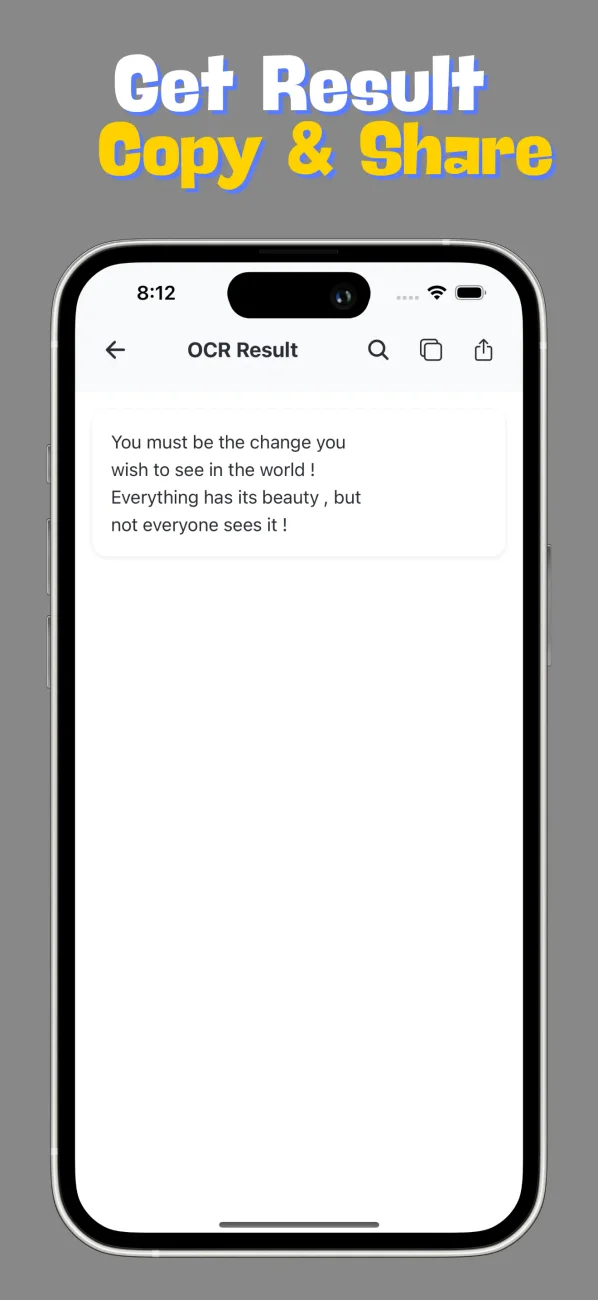
Tired of manually retyping text from images? Smart OCR instantly converts any printed text into digital format, saving you hours of tedious work!
Never waste time retyping text again. Whether you're facing a stack of documents, important receipts, or pages of study materials, Smart OCR transforms them into editable text in seconds.
WHY CHOOSE SMART OCR?
• Save Hours of Time
Turn any printed text into digital format instantly - no more manual retyping or transcribing
• Capture Text Anywhere
From dense documents to hard-to-read receipts, our powerful OCR technology handles it all with exceptional accuracy
• Never Lose Important Information
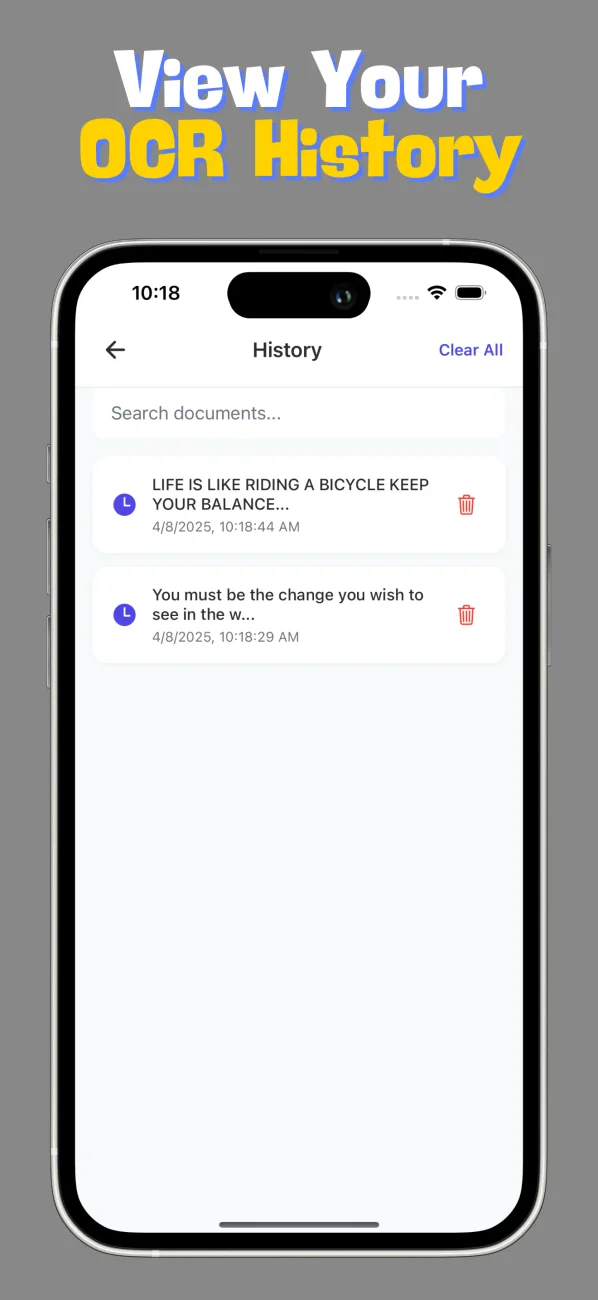
All your scanned text is automatically saved in your history, making it easy to find and reference later
• Effortless to Use
Just point your camera or select an image, and get accurate text recognition with a single tap
PERFECT SOLUTION FOR:
• Business Professionals
- Quickly digitize business cards and contact information
- Convert printed documents into editable text
- Capture important information from contracts and forms
• Students & Researchers
- Extract text from textbooks and study materials
- Digitize research papers and notes
- Convert printed references into digital format
• Personal Organization
- Keep track of receipts and expenses
- Save cooking recipes from books
- Digitize printed instructions and manuals
Smart OCR combines powerful text recognition with an intuitive interface, making it the perfect tool for anyone who needs to quickly convert printed text into digital format.
Start saving time today - let Smart OCR handle your text conversion needs with speed and accuracy!
Note: Smart OCR requires access to your photo library to scan images for text extraction.
App privacy
What Ripon Soum declares on the App Store about how this app handles data.
-
Data not collected
The developer does not collect any data from this app.
Privacy practices may vary, for example with the features you use or your age.
Information
- Seller
- Ripon Soum
- Category
- Productivity
- Version
- 1.0.0
- Updated
- Apr 9, 2025
- Released
- Apr 8, 2025
- Size
- 30.0 MB
- Requires
- iOS 15.1 or later
- Age rating
- 4+
- Price
- Free
- Languages
- English
- Copyright
- © Ripon Soum
You might also like
-
 VoiceNoteX: Audio to NotesAI-Powered Speech to Text
-
 Counter Tracker ProAll in One Activity Tracker
-
 PlanPlan: To Do ListLightweight Reminder
-
 Starrise Contacts: Notes & CRMPersonal CRM & Address Book
-
 ScrumloScrum meeting made easy
-
 ChatAxis: AI Chat AssistantAsk AI, Image Maker & Homework
-
 LocalChatAI: Offline LLM ChatOn Device AI, Private No Cloud
-
 Anim83D Character Animation
-
 BoltPDF: Fill, Sign & Edit PDFScan, Convert, Compress & OCR
-
 Easy QR - QR GeneratorGenerate and scan QR codes