
SmartPaste Clipboard Manager
Smart Clipboard History Tool
Designed for iPhone, iPad
Free · In-app purchases
- Age rating4+
- CategoryUtilities
- Developer东泽 刘
- LanguagesEnglish+ 4 more
- Size4.7 MB
Links to the official App Store page
Download.org hosts no file of SmartPaste Clipboard Manager. The button opens its official App Store page, published by 东泽 刘. Listing last checked on Nov 19, 2026.
Screenshots
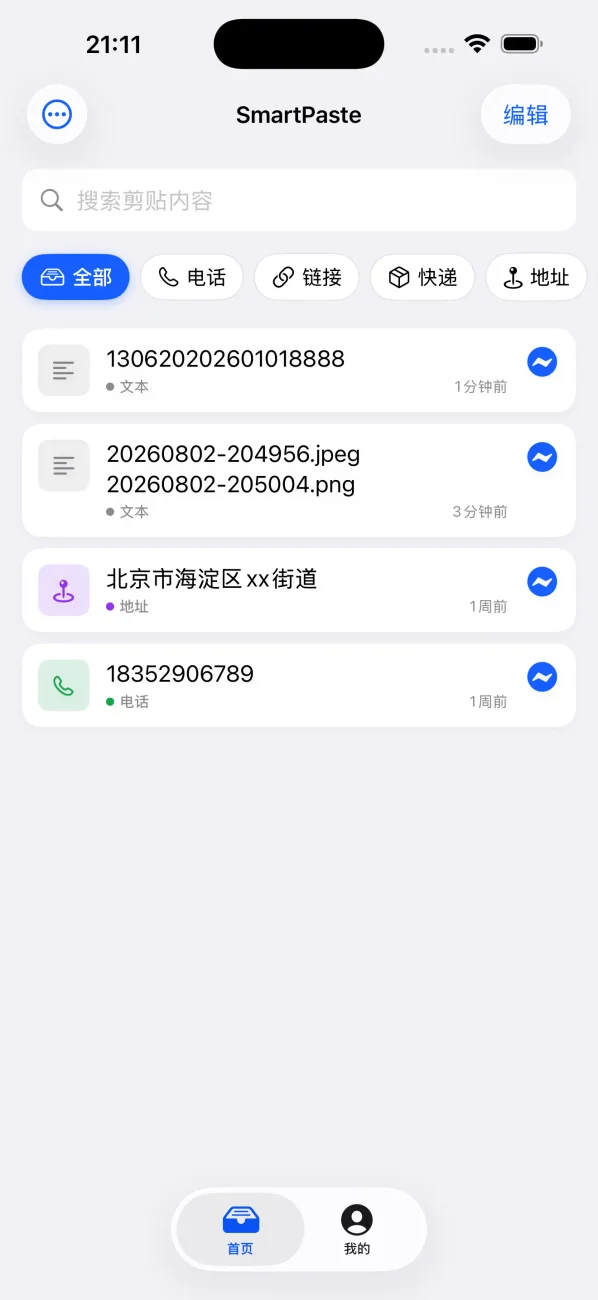
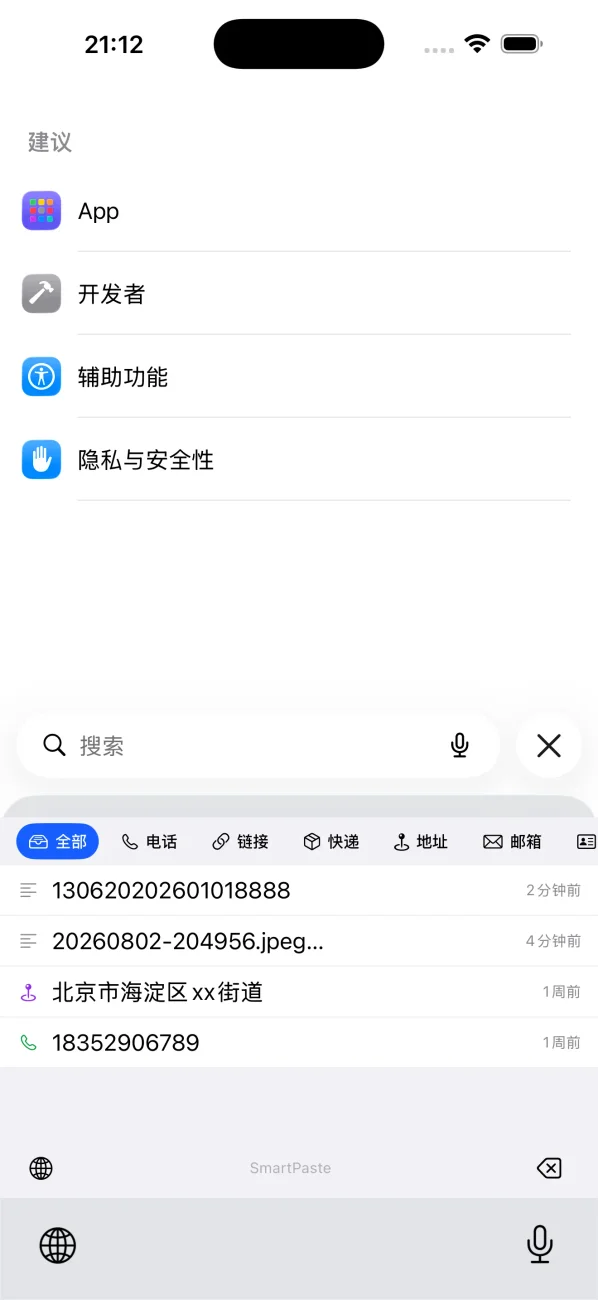
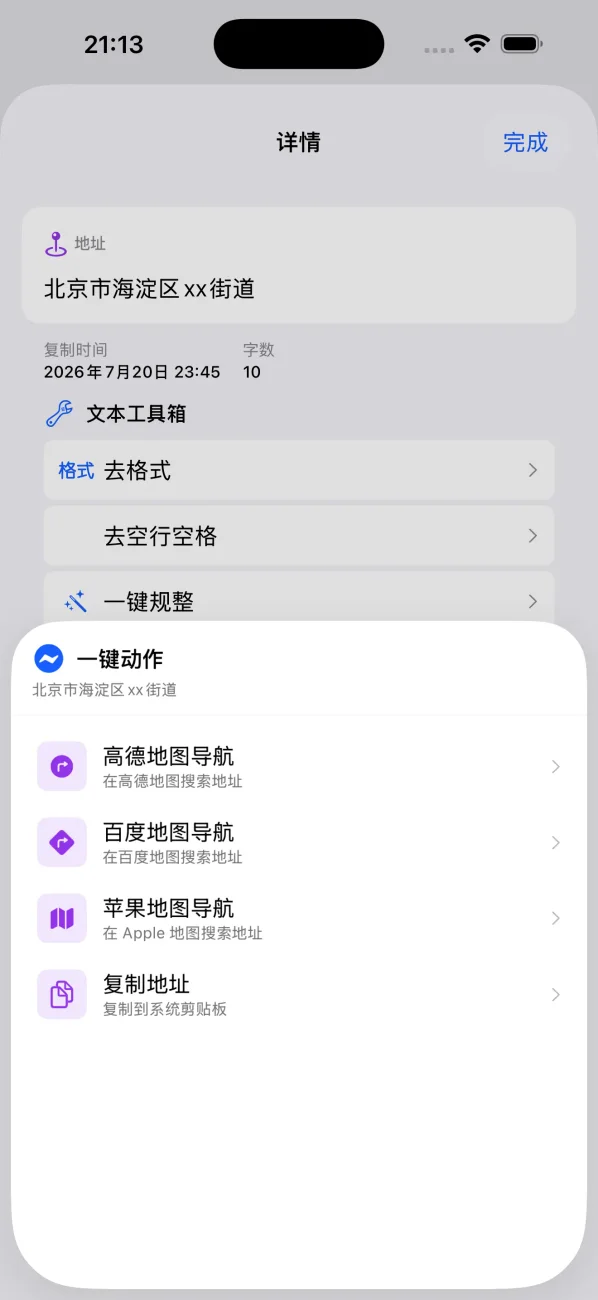

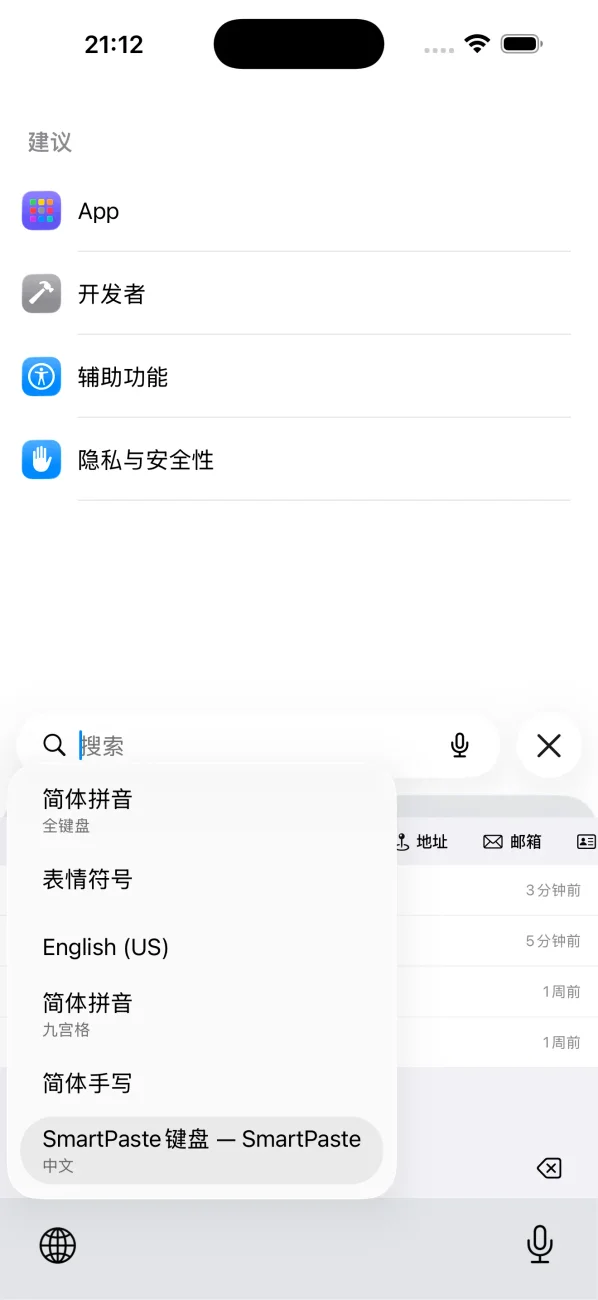
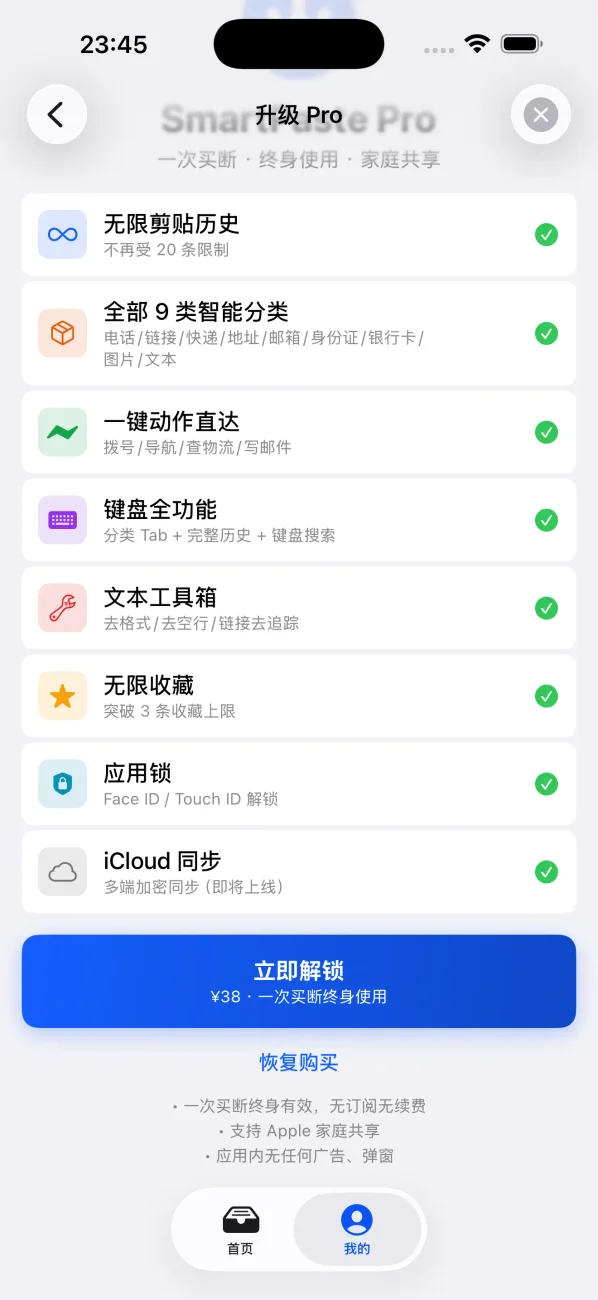
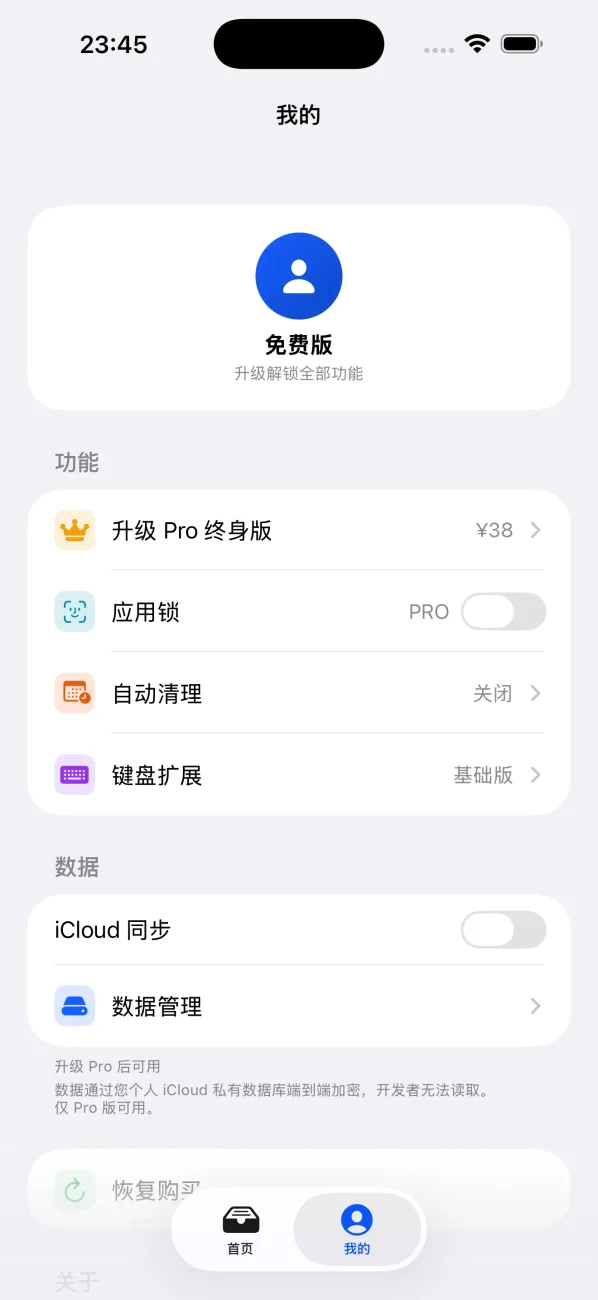
About
SmartPaste is a smart clipboard history manager that ensures you never lose any copied content.
【Core Features】
• Auto Capture: Automatically saves copied text and images
• Smart Categories: Auto-detects phone numbers, links, tracking numbers, addresses, emails, images, and more
• Quick Search: Find any item instantly with keywords
• Favorites: Pin important items for quick access
• iCloud Sync: Seamless sync across devices with end-to-end encryption
【Convenient Extensions】
• Keyboard Extension: Paste history directly in any app
• Share Extension: Save selected content instantly
• Home Widgets: Quick access to recent and favorite items
【Privacy & Security】
• All data stored locally and in your iCloud private database
• Face ID / Touch ID protection support
• No ads, no tracking, no data upload
【Pro Version】
One-time purchase, lifetime use, Family Sharing supported.
Unlock all categories, search, iCloud sync, and more.
Download now for efficient clipboard management!
https://dztech.top/smartpaste/privacy.html
https://dztech.top/smartpaste/terms.html
https://dztech.top/smartpaste/support.html
What’s new
Version 1.1.2 · Sep 30, 2026
Favorites no longer appear pinned in All, and the Favorites category can be reordered.
The keyboard now includes a space key and a Return key that adapts to the current text field.
App privacy
What 东泽 刘 declares on the App Store about how this app handles data.
-
Data not collected
The developer does not collect any data from this app.
Privacy practices may vary, for example with the features you use or your age.
Information
- Seller
- 东泽 刘
- Category
- Utilities
- Version
- 1.1.2
- Updated
- Sep 30, 2026
- Released
- Jul 31, 2026
- Size
- 4.7 MB
- Requires
- iOS 16.0 or later
- Age rating
- 4+
- Price
- Free
- In-app purchases
- Yes
- Languages
- English, German, Japanese, Korean, Simplified Chinese
- Copyright
- © 2026 Dongze Liu
You might also like
-
 一张纸条Utilities
-
 PasteEasyClipboard Management Tool
-
 YoorzVerified Community
-
 开口说 AI 输入法Utilities
-
 ClipMemo - Clipboard HelperAuto-categorise & quick paste
-
 慧多客AI输入法Utilities
-
 ClipNest-Clipboard & KeyboardUtilities
-
 ClipBoard Pro- Text Acc MangerKeyBoard Quick Account Text
-
 极简拨号极简 T9 拨号工具
-
 PasteBox - Paste KeyboardCopy & auto paste text quickly