
Snagger - Snag Lists & Reports
Site Project Management
Designed for iPhone, iPad, iPod touch
Free · In-app purchases
- Age rating4+
- CategoryProductivity
- DeveloperMark Brincat
- LanguagesEnglish
- Size53.2 MB
Links to the official App Store page
Download.org hosts no file of Snagger - Snag Lists & Reports. The button opens its official App Store page, published by Mark Brincat. Listing last checked on Nov 20, 2026.
Screenshots

About
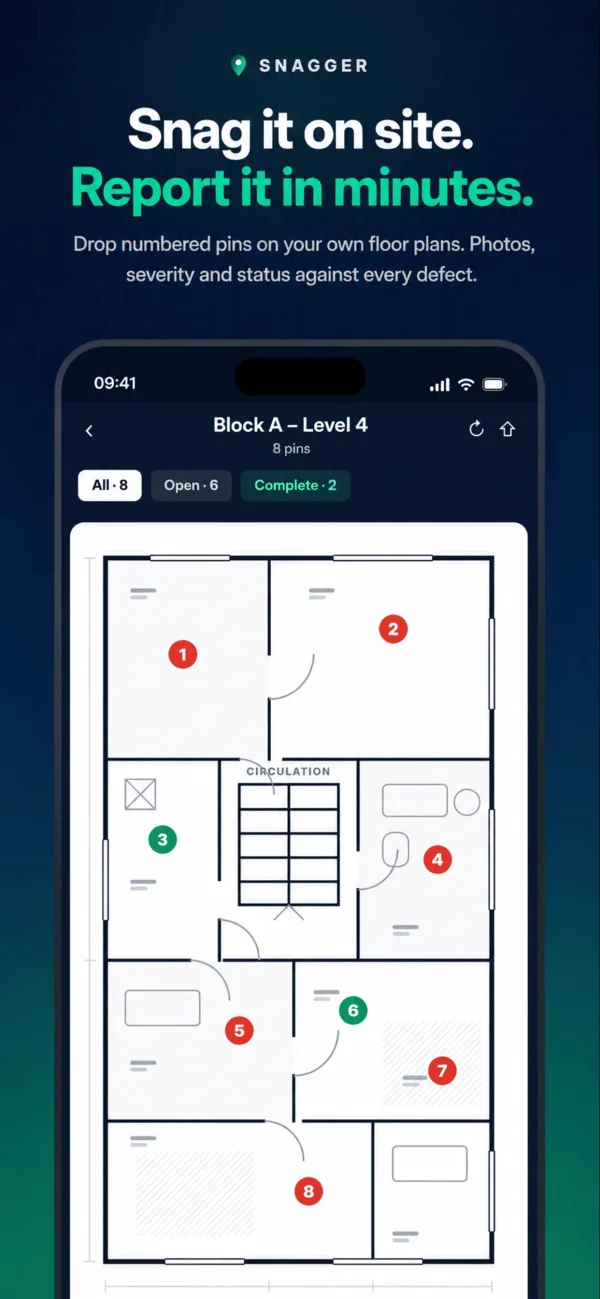
Snagger is the fast way to run snag lists, punch lists, and site inspections — then turn them into professional, branded PDF reports in seconds.
Built for surveyors, architects, contractors, project managers, and property professionals who need to capture defects on site and report them without friction.
CAPTURE ON SITE
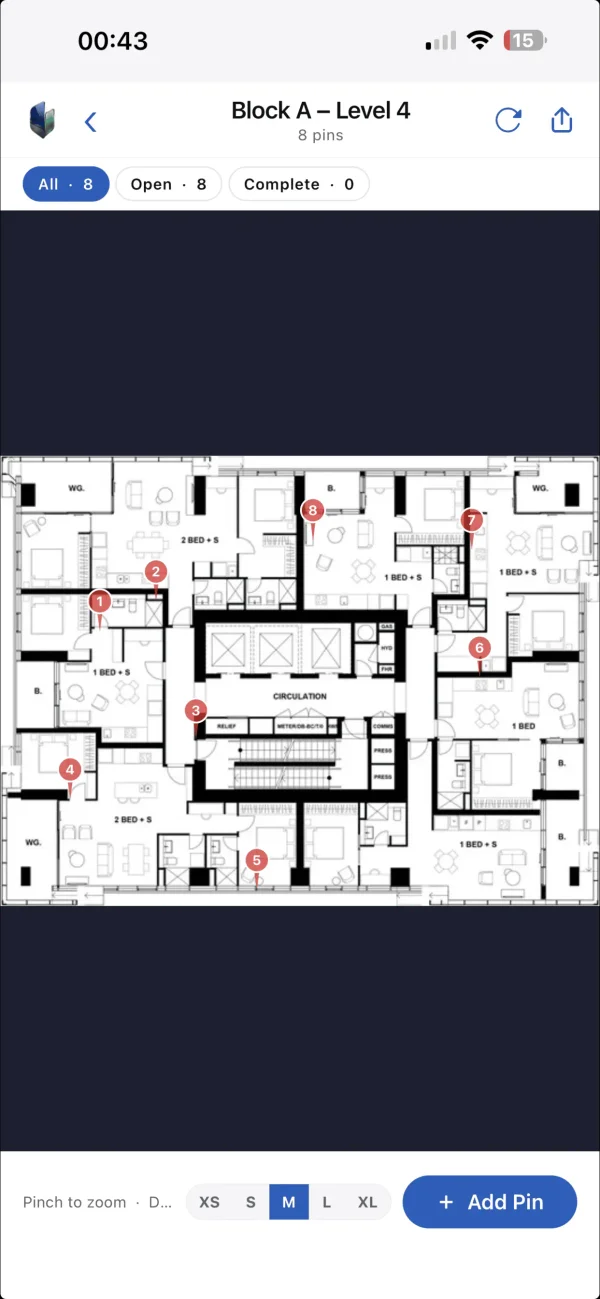
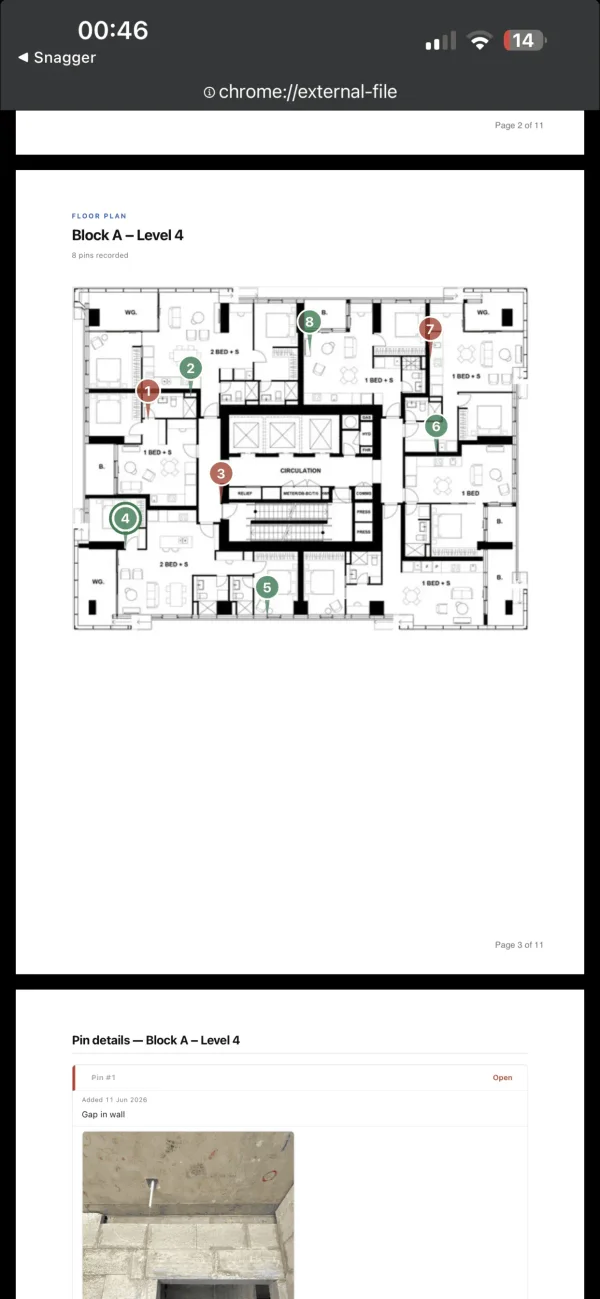
• Drop pins directly onto your floor plans and drawings (PDF or image).
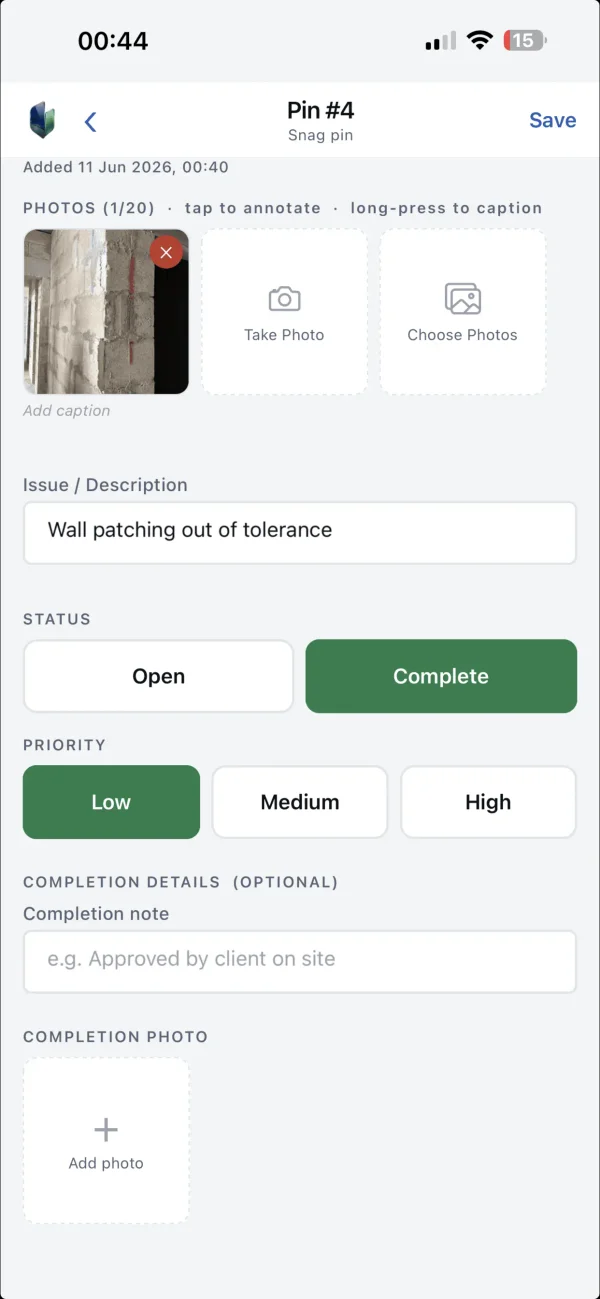
• Attach photos to every pin and red-line annotate them.
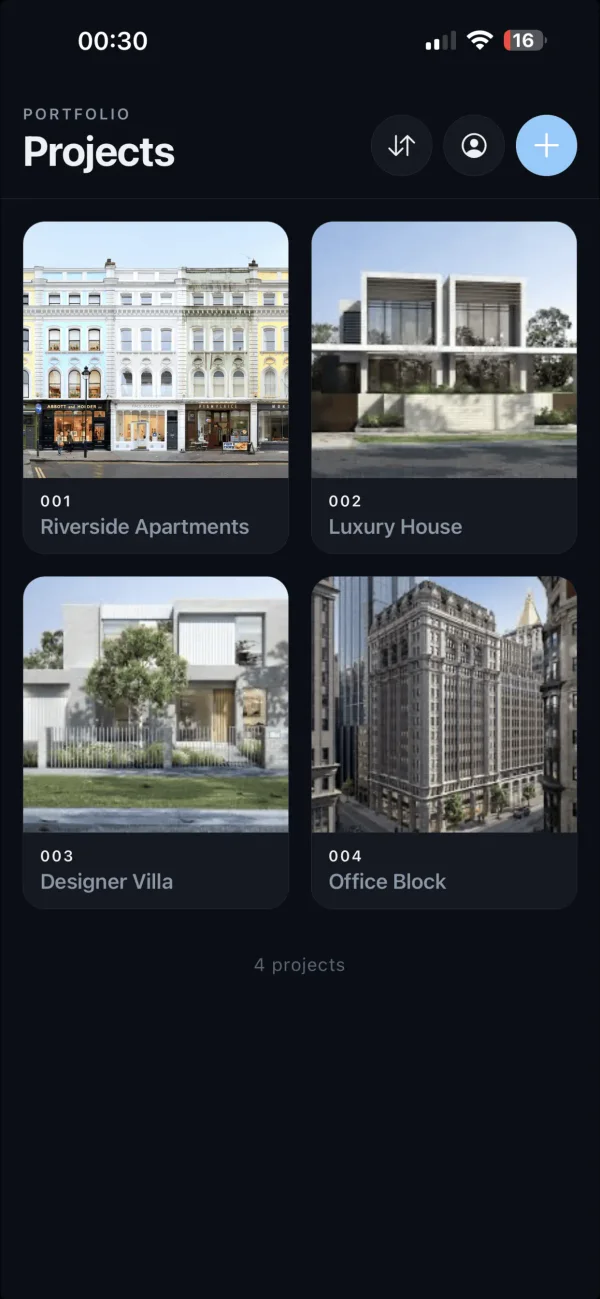
• Organise by project, property, and snag list.
PROFESSIONAL REPORTS
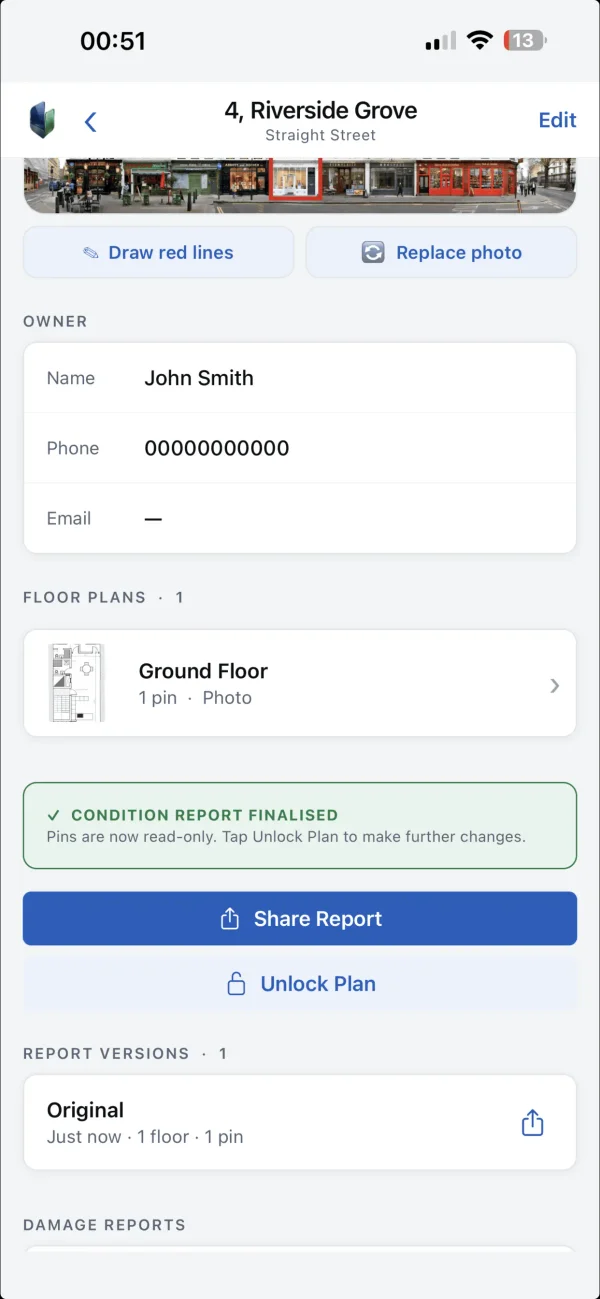
• Generate clean, branded PDF snag lists and condition reports.
• Add your company name, logo, and letterhead.
• Issue revisions and keep a version history.
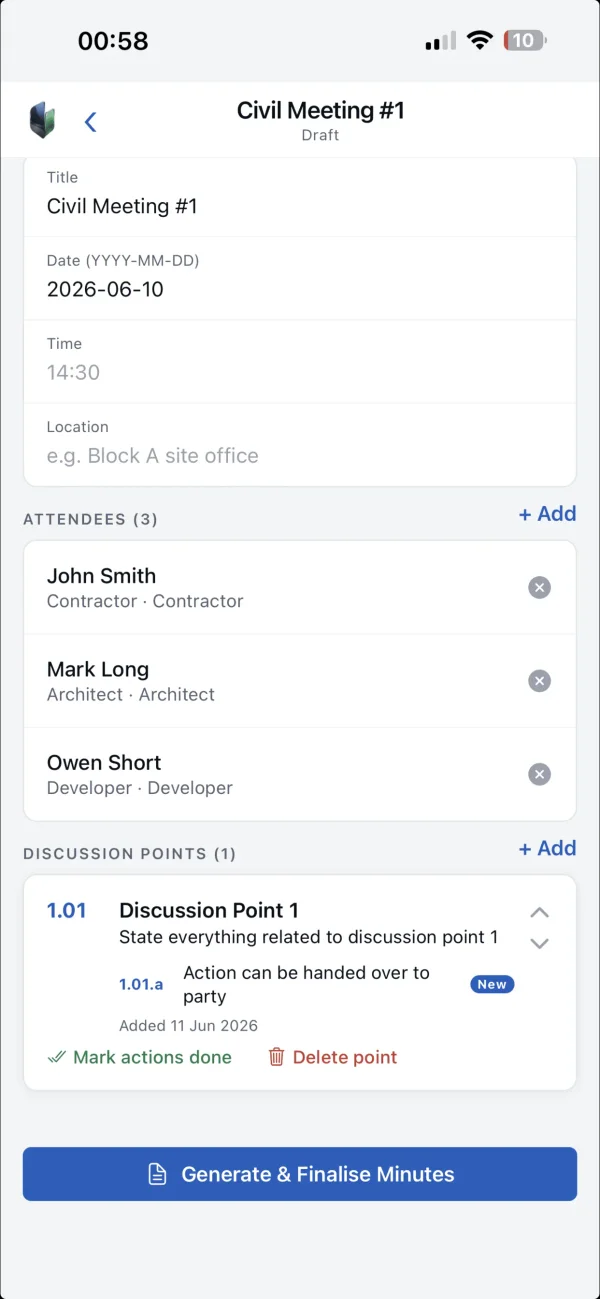
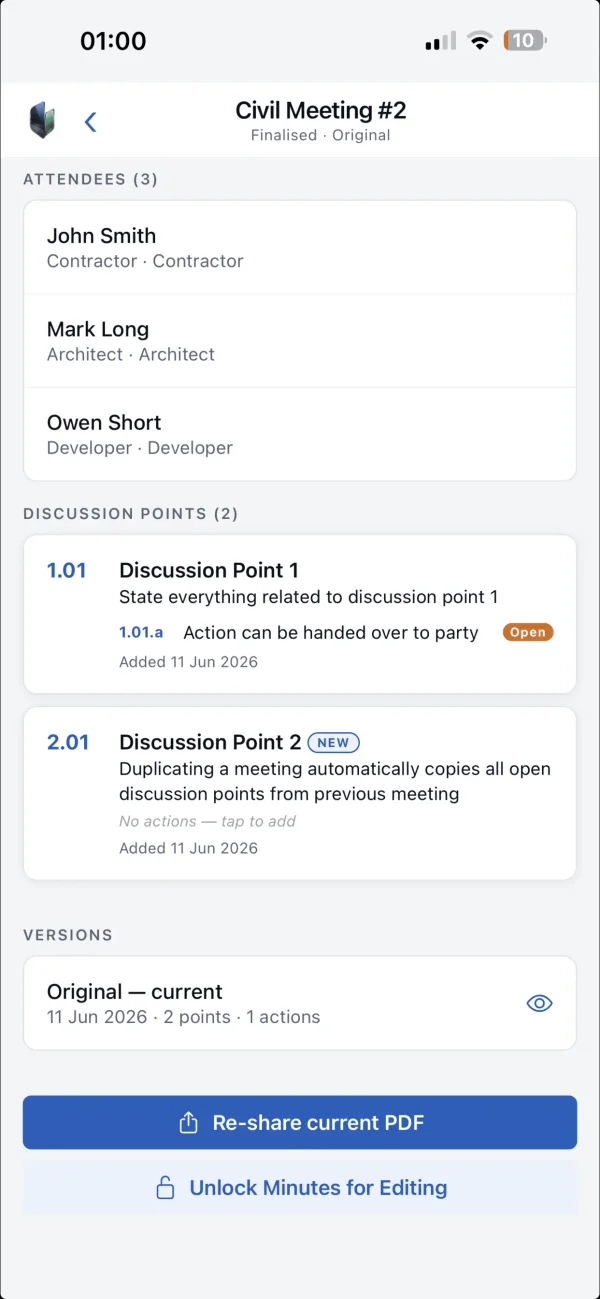
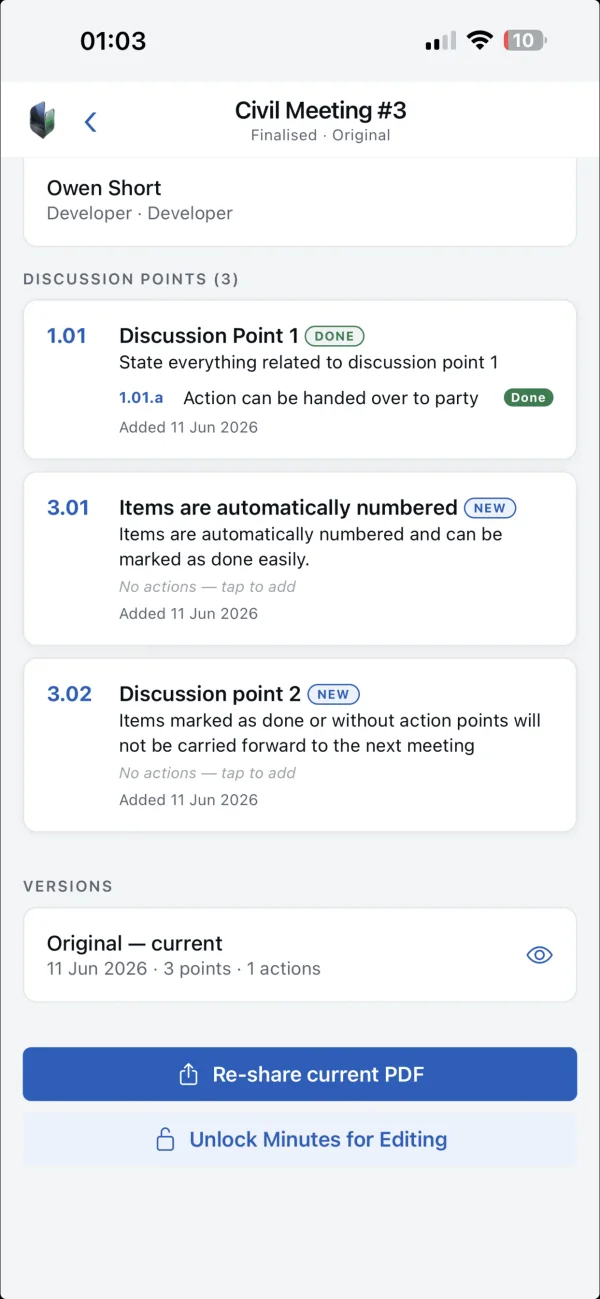
• Minutes-of-Meeting documents for site meetings.
TEAMS & COMPANY (NEW IN 2.0)
• Invite colleagues and share projects and reports across your team.
• Company branding applied automatically to everyone's reports.
• Manage members and roles.
CLOUD SYNC (NEW IN 2.0)
• Secure two-way sync across all your devices, EU-hosted.
• A companion web app, Snagger Studio, for editing and reporting from your desktop.
• Sign in with Apple or Google.
PRIVACY-FIRST
• No advertising, no analytics, no third-party trackers.
SNAGGER PRO
Snagger is free to try. A Snagger Pro subscription unlocks unlimited projects, PDF report generation, and cloud backup & sync.
• Monthly and annual auto-renewing subscriptions.
• Payment is charged to your Apple ID. Your subscription renews automatically unless cancelled at least 24 hours before the end of the current period. Manage or cancel any time in your App Store account settings.
Privacy Policy: https://www.snagger-app.com/privacy.html
Terms of Use: https://www.snagger-app.com/terms.html
Questions? contact.snaggerapp@gmail.com
What’s new
Version 3.3.1 · Oct 22, 2026
Bug fixes and general improvements.
App privacy
What Mark Brincat declares on the App Store about how this app handles data.
-
Data linked to you
May be collected and linked to your identity.
- Purchases
- Contact info
- User content
- Identifiers
Privacy practices may vary, for example with the features you use or your age.
Information
- Seller
- Mark Brincat
- Category
- Productivity
- Version
- 3.3.1
- Updated
- Oct 22, 2026
- Released
- May 31, 2026
- Size
- 53.2 MB
- Requires
- iOS 15.1 or later
- Age rating
- 4+
- Price
- Free
- In-app purchases
- Yes
- Languages
- English
- Copyright
- © 2026 Mark Brincat
You might also like
-
 Punch List & Audit: SnagShotConstruction defects by voice
-
 SnagPal: Punch List & ReportsSnag List & PDF Reports
-
 Plan MeshShop and Travel Together
-
 LLMTodoManagerAppEasier to-dos with AI
-
 Audit by BuildIntelSite Audit & Snag Reports
-
 Estanza: Move-In InspectionRental condition photo report
-
 Property Inspection ChecklistHome, Rental & Snag Reports
-
 My Markups: Plan MarkupPin & markup PDF site plans
-
 Inaxus 2.0Hybrid Software - Construction
-
 Site Report: Site Audit & SnagDaily Snagging List & Diaries